Verfkleuren in je kamer uitproberen
Gegenereerde uitvoer kan variëren; controleer het volledige resultaat vóór publicatie
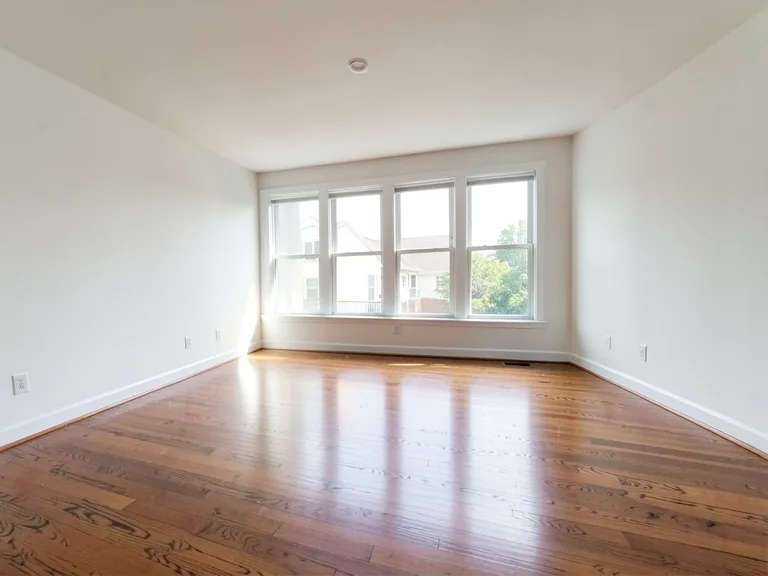
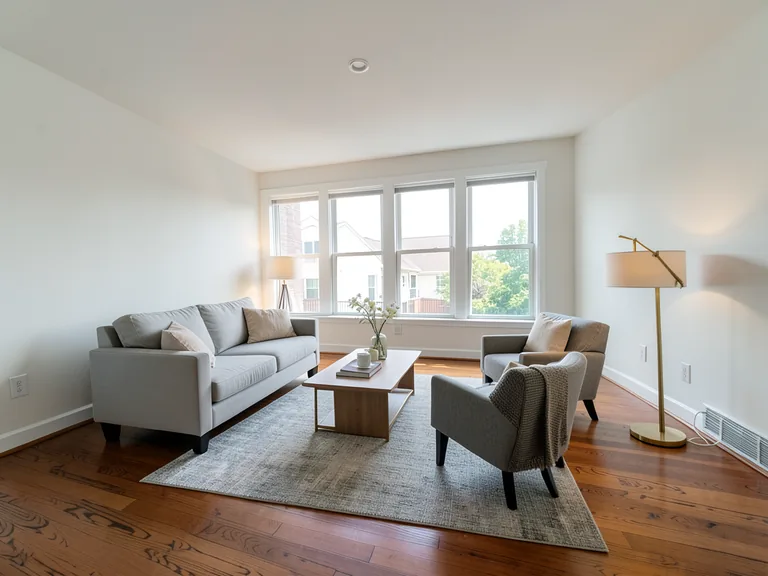
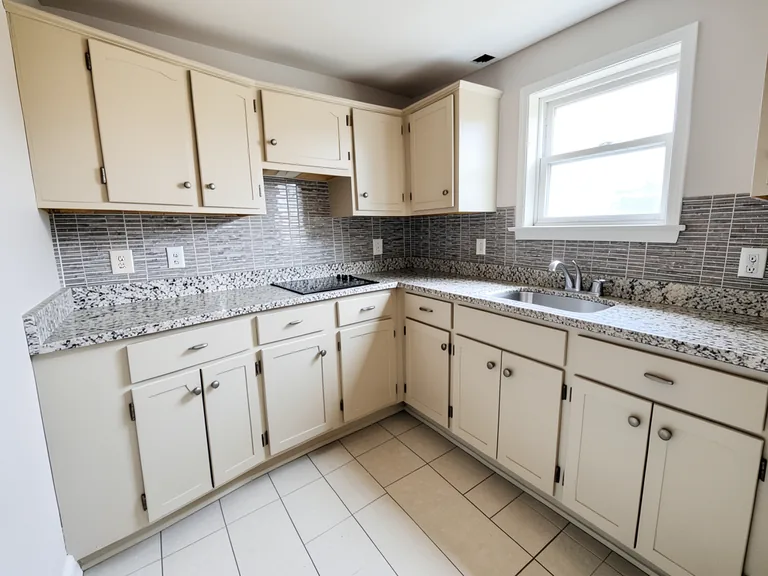
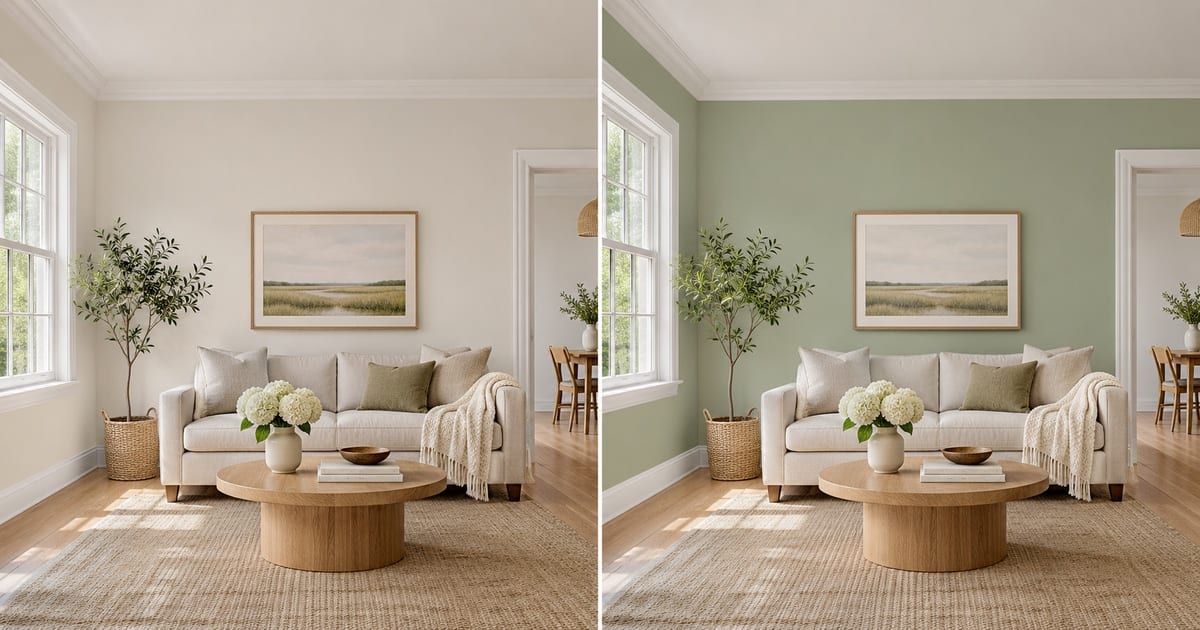
A swatch the size of a postcard tells you very little. It looks different at noon and at night, and a color that felt calm on a screen can turn heavy once it covers four walls. This visualizer repaints a photo of your own room, so you judge the color against your floor, your furniture and your window light, and keep the trim, ceiling and doors exactly as they are. Pick a color, add an accent wall or white trim with one tap, and compare versions before you open a single tin.
- Prepared Interior Paint Visualizer direction
- Aanpasbare prompt
- Controle van het volledige resultaat vereist
Choose a source image for Interior Paint Visualizer
JPG, PNG, WebP, HEIC en andere ondersteunde formaten. Voor deze tool geldt: Free tot 20 MB, Premium en hogere abonnementen tot 50 MB.
Instellen voor Verfkleuren in je kamer uitproberen
Voorbereide instellingen
- Uitgangspunt
- Upload één bronafbeelding
- De pagina opent meteen in de juiste bewerkingsmodus; je hoeft alleen nog te uploaden.
- Voorbereide werkstroom
- Prepared Interior Paint Visualizer workflow
- Interior Paint Visualizer opens with the Interior Paint Visualizer direction preselected, so there is no need to find the operation manually.
- Uitvoerformaat
- Hetzelfde als je upload
- Het resultaat behoudt de beeldverhouding van de afbeelding die je uploadt.
- Beoordelingsregel
- Controleer het volledige gegenereerde resultaat vóór gebruik
- Gegenereerde beelden kunnen variëren; de gebruiker keurt het eindresultaat goed vóór het downloaden.
Best passende toepassingen
- Compare three wall colors on one photo before buying paint
- Show a landlord, partner or client the repainted room
- Try an accent wall or two-tone finish without committing
Veelgestelde vragen
- Will the color in the picture match the paint in the tin?
- Not exactly, and no visualizer can promise that. Photos and screens shift color, and your light changes it again. The picture shows how a hue sits with your floor, furniture and daylight, which is what settles most decisions. Confirm the final choice with a sample on the wall at morning, noon and evening.
- Does it repaint only the walls?
- The instruction asks for the walls only, keeping the ceiling, trim, doors, windows and furniture as they are. Look along the edges where a wall meets a curtain, a picture frame or a shelf, and if anything bled, run it again with a short note about that spot.
- Can I try an accent wall, white trim or a two-tone wall?
- Yes. Under "Add to your result" you can tap an accent wall, crisp white trim, a painted ceiling or a two-tone finish, and it is combined with the color you chose and anything you type in the custom instructions box.
- Which photo gives the most believable result?
- A daylight photo with the walls fully in the frame, taken straight on, with no strong color cast from curtains or a bright window. Turn off warm lamps if you can, so the AI sees the true wall color to start from.
Wat u kunt doen met AI onroerend goed foto-editor
Bekijk de belangrijkste mogelijkheden voordat u begint.
- Zet complete ruimtes automatisch in scène voor bekendgemaakte concepten
- Voeg nauwkeurig geselecteerde tv's, muurkleuren of landschapsarchitectuur toe
- Verwijder de beschreven kabels, bakken, borden en storende rommel
- Vervang luchten en creëer realistische schemerbuitenkanten
- Verfijn automatische bewerkingsgebieden indien nodig handmatig
Referentie instellingen
5 instellingen
Beschikbare besturingselementen voor AI onroerend goed foto-editor.
Taken
- BewerkingstypeDropdownmenu
- Kies de bewerking die u wilt uitvoeren. Beschrijvingen, selectiegereedschap en uitvoerinstellingen passen zich aan het gekozen type aan.Opties: Tekst-based editGeneratief vullenMagische gumVervanging van de hemelEnscenering van de kamer
- Preset met één tikVoorinstellingen
- Kies met één tik een kant-en-klare richting; generatie gebruikt automatisch de geselecteerde preset.Opties: Meubels toevoegenVoeg televisie toeVerf de muren warm witSchemering skyVervang de hemelVerwijder rommelVernieuw het landschap
- Aangepaste instructies (optioneel)Tekstinvoer
- Beschrijf the requested change, relevant materials, lighting, perspective, and details that must remain unchanged.
Selectie
- Selectie penseelgrootteSchuifregelaarBereik: 4–160px · Standaard: 32px
- Stel de penseelbreedte in die wordt gebruikt om het exacte toevoeg-, opvul- of vervangingsgebied te markeren dat nodig is vóór het genereren.
Uitvoer
- Vraag AI om de identiteit van het onderwerp en productdetails te behoudenAan / Uit
- Voegt een expliciete instructie toe om het hoofdonderwerp, de vorm, de branding, de labels en de leesbare tekst te behouden, tenzij het verzoek deze wijzigt.
Gerelateerde tools voor Verfkleuren in je kamer uitproberen
Hulpmiddelen voor algemene volgende stappen na Verfkleuren in je kamer uitproberen.
Optie – Virtual Staging & Property
virtuele inrichting met AI
Richt lege kamers virtueel in met AI-meubels voor vastgoedadvertenties. Maak concepten voor woonkamers, slaapkamers, kantoren, eetruimtes en luxe interieurs.
Probeer het nu
Optie – Virtual Staging & Property
Staging van AI-kamers
Podium lege of gedateerde kamers met AI-meubilair en decor. Creëer woonkamers, slaapkamers, kantoren, eetkamers en interieurstijlconcepten.
Probeer het nu
Fotoverbetering
AI Fotoverbeteraar
Pas ruis, scherpte, kleur en schaal aan in één verbeteringsworkflow en vergelijk het resultaat vervolgens met het origineel.
Probeer het nuHandleidingen voor dit hulpmiddel
- How to Prepare Real Estate Listing Photos in Bulk for an AgencyOrganize bulk real estate photo editing with Pixoate. Keep properties, room sequences and concept images clear across an agency's listing workflow.
- How to Remove Temporary Clutter from Real Estate Photos with AIRemove temporary clutter from real estate photos with Pixoate. Review cables and stray objects while preserving the property's actual condition.
Bekijk each transformation land
Every foto crosses the slash untouched and comes out the other side finished.