
Color Picker & Wheel
Color harmonies
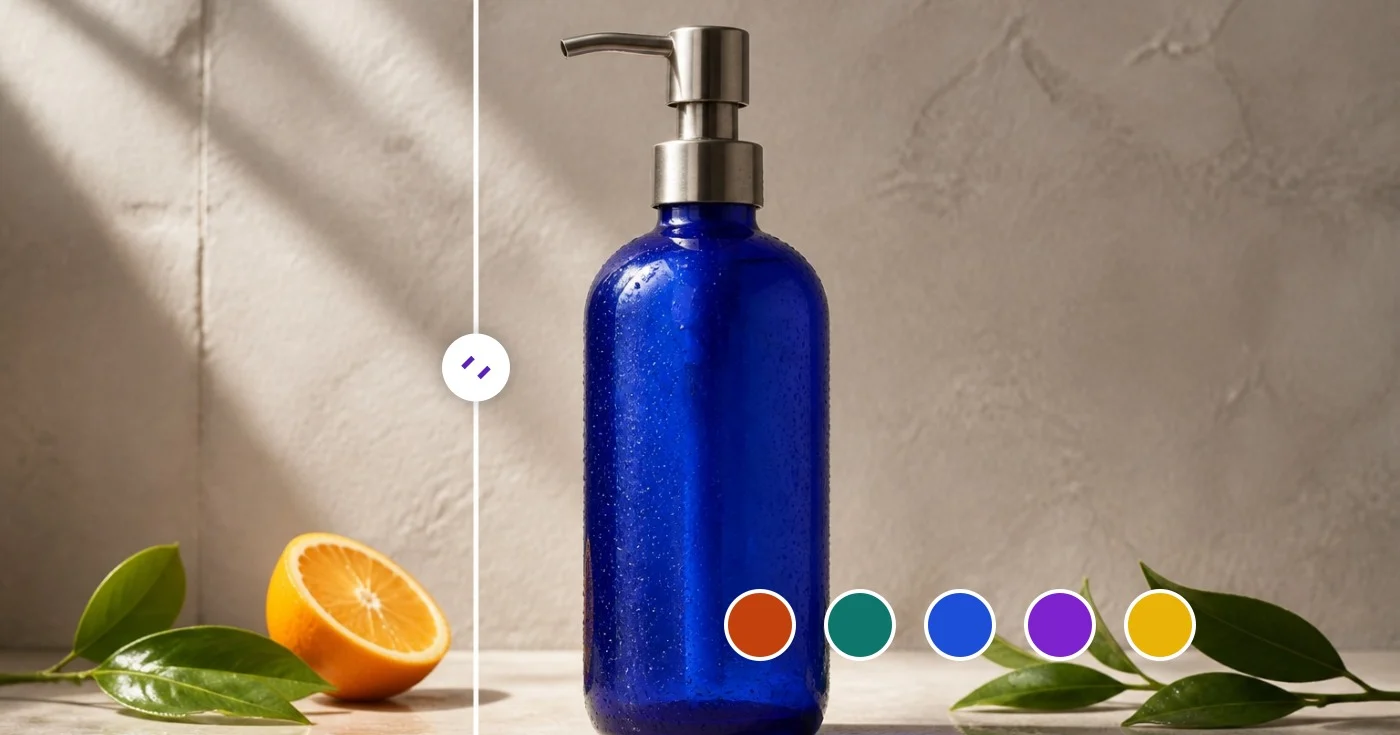
Color Picker from Image — Get HEX and RGB Color Codes
Select a pixel to read HEX, RGB and HSL values, or export a dominant palette as JSON or CSS variables.
Drop an image — click any pixel for its code or extract the full palette
PNG, JPG, WEBP, GIF
How to pick a color from an image and get its HEX, RGB and HSL code
This color picker works in two ways. Upload a photo, logo or screenshot, then click any pixel to read its HEX, RGB and HSL values or extract the dominant palette. Or skip the image and use the Color Picker & Wheel at the top of the page to type a code, drag to a shade, check its contrast and see matching colors. Colors are read in your browser from the pixels of your image.
Pick a color from an image and copy its code
Hover over the picture to preview the color under the pointer, then click to pick it. The Picked Color tab shows the swatch with HEX, RGB and HSL chips, and each chip copies its value when you select it. Every click adds another swatch, repeated colors are skipped, and the cross on a swatch removes it. The exact source pixel is read, so click inside a flat area rather than on an edge, where colors blend. On a touchscreen, drag to preview and lift your finger to pick.
- Upload your image, or drop it onto the upload area.
- Hover over the picture to preview the color under the pointer.
- Click a pixel to pick it, or lift your finger on a phone.
- Open Picked Color and select HEX, RGB or HSL to copy that code.
Get a HEX, RGB or HSL code without uploading an image
The Color Picker & Wheel needs no image. Drag the square to set saturation and brightness, drag the hue bar, or type into the HEX box, which accepts a code with or without the #, an rgb() or hsl() value, or a CSS color name such as cornflowerblue. The R, G, B and H, S, L fields convert in both directions. For example, #3B82F6 is rgb(59, 130, 246) and hsl(217, 91%, 60%). HSL is rounded to whole numbers, so converting it back can shift a channel by one. Random jumps to a new color.
Check text contrast and find the nearest color name
Beside the swatch the tool shows the closest named CSS color and the contrast ratio against pure white and pure black, rated AAA from 7:1, AA from 4.5:1, AA Large from 3:1 and Fail below that. #3B82F6 reads 3.68:1 on white, which is AA Large, and 5.71:1 on black, which is AA. The comparison is only against white and black, not against a background you choose, and AA Large applies to large text only.
Find matching colors for a scheme
The Color harmonies panel builds Complementary, Analogous, Triadic, Split complementary, Tetradic and Monochromatic sets by rotating the hue of your current color around the wheel, except Monochromatic, which shifts its lightness. For #3B82F6 the complementary partner is #F6AF3C. Select any swatch to copy its HEX code. To keep working from a base color, generate a whole palette and lock the shades you like, or explore each harmony on a color wheel.
Extract a dominant palette and export CSS variables or JSON
Once an image is loaded, the Dominant Palette tab lists its most common colors with the share of the image each covers. Size offers 5, 8, 10, 16 or 24 colors and starts at 8. Export has CSS Vars, which writes a :root block of --color-1, --color-2 and so on with your picked colors first, and JSON, which holds each color as HEX and RGB with its percentage. Batch mode extracts the same number of colors from many images into one spreadsheet and is a Premium feature. The images are read in your browser, and only the finished spreadsheet of file names and colors is saved on the server for the download page.
Before you use a picked color
- Click a flat area of the image, not an edge or a gradient.
- Copy the codes before you leave the page, because picked colors are not kept.
- Check contrast before you use a color for text.
- Compare a photographed or compressed color with the brand value if an exact match matters.
- Use fewer colors for a brand palette and more for charts.
Using the colors you picked
Build a full scheme around the sampled shade with a palette generator that has harmony modes, or frame the photo with a border in that exact color. A product or portrait can be placed on a solid background in the same color, and flat logos can be traced into vector layers.
What you can do with Color Picker
Review the main capabilities before you begin.
- Pick any color from a photo as HEX, RGB or HSL
- Extract the dominant color palette from an image
- Grab brand colors from a screenshot or logo
- Copy color codes for your designs
- Export the palette as JSON or CSS variables
- Build a color scheme from a reference photo
Settings reference
9 settings
Available controls for Color Picker.
- Processing modePresets
- Process one input, or switch to Premium batch mode to process multiple inputs with shared settings. Available input types depend on the tool.Options: Single imageBatch
Color Picker & Wheel
- RandomOne-click
- Jumps to a new shuffled color in one click for quick inspiration; the HEX, RGB, HSL values and harmony palettes all update together.
- Saturation and brightnessSliderRange: 0–100%
- Drag the marker across the square to set how vivid the color is (left to right) and how light or dark it is (top to bottom).
- HueSliderRange: 0–360 · Default: 211
- Slide along the rainbow bar to choose the base hue, moving from red through yellow, green, blue and magenta and back to red.
- HEXText input
- Type or paste any color value — a HEX code, rgb() or hsl() notation, or a CSS color name — to jump straight to that exact color.
- RGBNumber inputRange: 0–255
- Set the red, green and blue channels individually from 0 to 255 when you need to match an exact RGB value from a design spec.
- HSLNumber inputRange: 0–360
- Adjust hue (0–360) plus saturation and lightness (0–100) as numbers — useful for nudging a color lighter or more muted without changing its hue.
Dominant Palette
- SizeDropdown
- Chooses how many dominant colors to extract from the uploaded image (default 8); pick a small size for a clean brand palette or a large one to surface accent shades.Options: 58101624
- Picked ColorColor picker
- Click or tap anywhere on the uploaded photo to sample that exact pixel; each pick adds a swatch with HEX, RGB and HSL values, removable individually or all at once.
Related tools for Color Picker
Tools for common next steps after Color Picker.
Creative & Design
Color Palette Generator
Generate 3–8 color palettes with harmony modes, lock and share colors, then export PNG, CSS variables, or JSON.
Try it now
Creative & Design
Color Wheel
Use an interactive color wheel to find complementary, analogous, triadic, tetradic, and square harmonies with copyable HEX codes.
Try it now
Creative & Design
Color Meanings
Explore color meanings, psychology, symbolism, cultural context, brand examples, and suggested pairings for any HEX value.
Try it nowFrequently Asked Questions
How Color Picker helps you get it done
Real problems it solves every day — for businesses, creators, and everyday tasks. Find the use case that fits you and start.
Brand Identity Audit
Pull the exact HEX values out of an existing logo or marketing asset to feed into your style guide. Match competitor brand colors for a positioning deck or pitch.
Web Design Palette Building
Extract dominant colors from a photograph or mood-board, export as CSS variables, and drop them into your stylesheet. The 5-8 color sweet spot covers primary, accent and neutrals for a full design system seed.
E-commerce Product Listings
Match product photo background colors to your store theme. Pick the dominant accent color from a sneaker or dress photo and use it as the listing's call-out highlight.
Interior & Fashion Inspiration
Photograph a room or outfit you like and extract the palette. Use it to choose paint, fabrics, or accessories that complement the existing scheme — turning visual inspiration into actionable swatches.
Data Visualisation Schemes
Generate a categorical palette of 10-16 colors derived from an image you want to evoke (e.g. a watercolor painting for a soft chart, a sunset for warm-to-cool gradients). Better than picking generic hues.
Game & UI Asset Workflows
Extract the indexed color palette from sprite art or UI mockups to feed into a pixel-art tool or game engine. The palette JSON export integrates with Aseprite, Photoshop and most asset pipelines.
WCAG Contrast Checks Before You Ship
Dial in a text and background color pair in the standalone Color Picker & Wheel and read their contrast ratio against white and black instantly, so you catch an AA/AAA accessibility failure before it reaches production.
Dial-In Custom Paint & Print Colors
Skip the photo entirely — type an exact HEX, RGB or HSL value, or drag the saturation/hue controls, to nail down a specific paint mix, spot color, or brand tone, then check its closest named color for easy communication with a supplier.
Multi-Point Swatch Boards From One Photo
Click several spots on a single reference photo — a sky, a dress, a flower — to build a curated multi-color swatch set instead of relying on the auto-extracted dominant palette, then export it as JSON or CSS for a client mood board.
Instant Brand Color Harmony Sets
Enter a brand HEX code to calculate complementary, triadic and split-complementary swatches for review in a social template or ad palette.
Extract a Design Token Palette from a Competitor Screenshot
Upload a screenshot of a competitor's website or app instead of a photo, and the dominant-palette extractor pulls out its exact background, accent and text colors as HEX codes you can export as CSS variables — a fast way to reverse-engineer a color scheme for a comp or pitch deck.
Watch each transformation land
Every photo crosses the slash untouched and comes out the other side finished.























