
 Demo
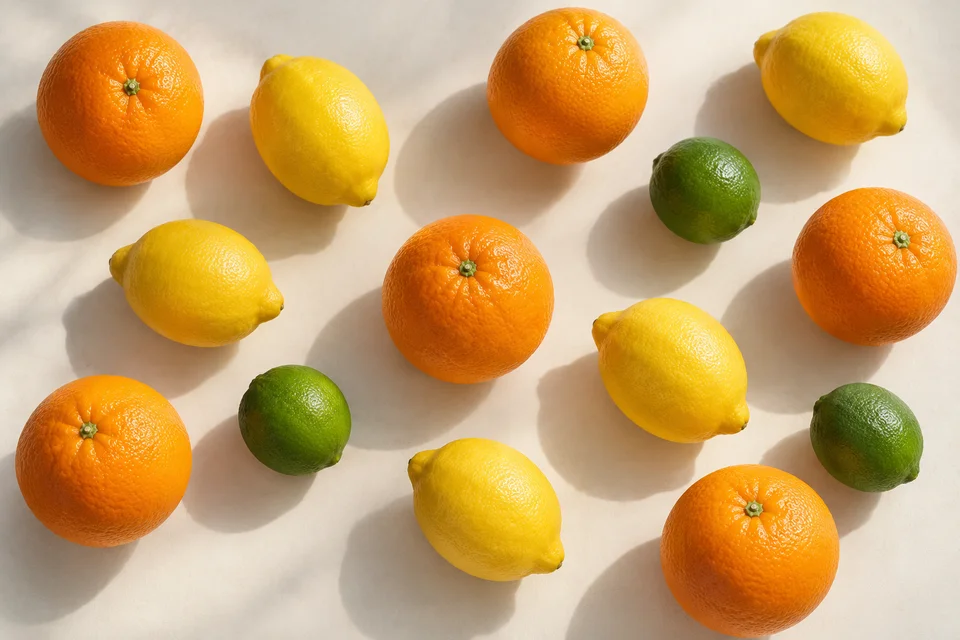
DemoCount Objects
Count items automatically, review the markers, and export your totals.
Count objects, turn images into tables, and reframe photos automatically. Review the result, then download.
Free to start · No account needed for most tools
Your upload is encrypted in transit and automatically removed under our retention policy
Upload your file. Let Pixoate process it. Review the result.
DemoCount items automatically, review the markers, and export your totals.
 Demo
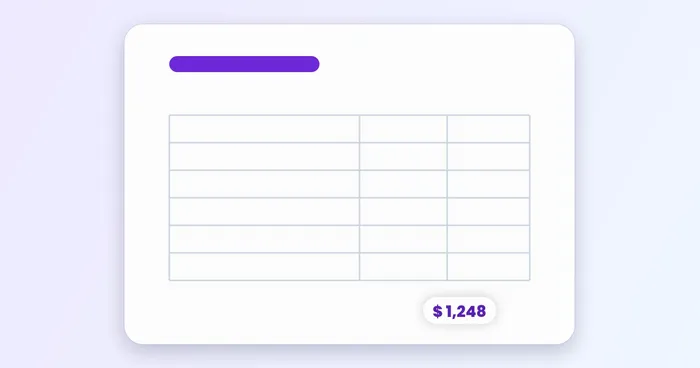
DemoExtract a table without retyping it. Check the cells before exporting.
 Demo
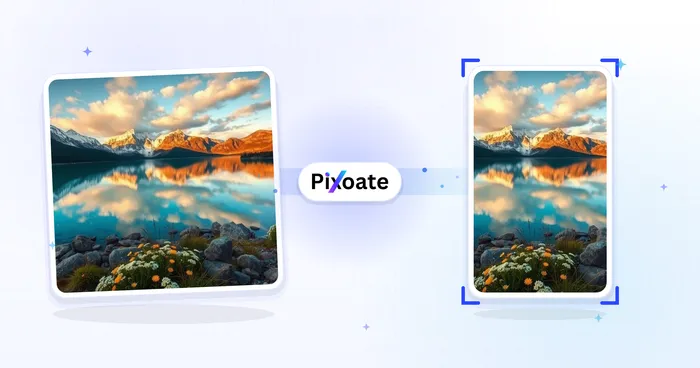
DemoChoose the framing and let Pixoate refit your photo. Preview before downloading.
Find the right tool for your images, ideas, or documents.
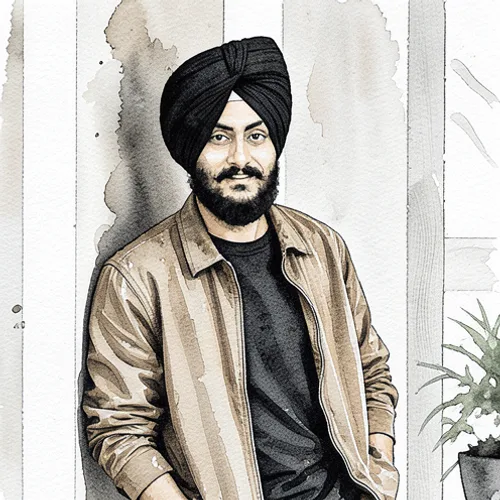
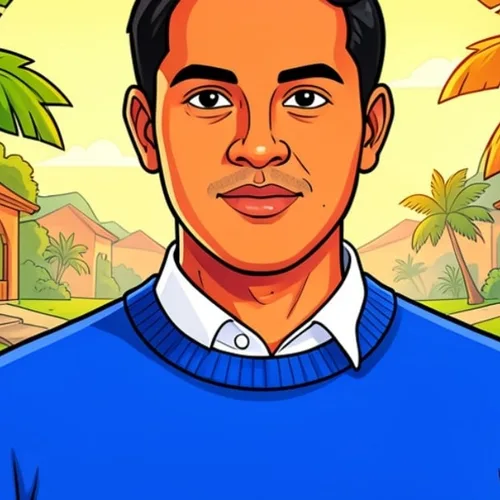

Preview cinematic, vintage, glitch and beauty effects on your photo, then download the look you choose.
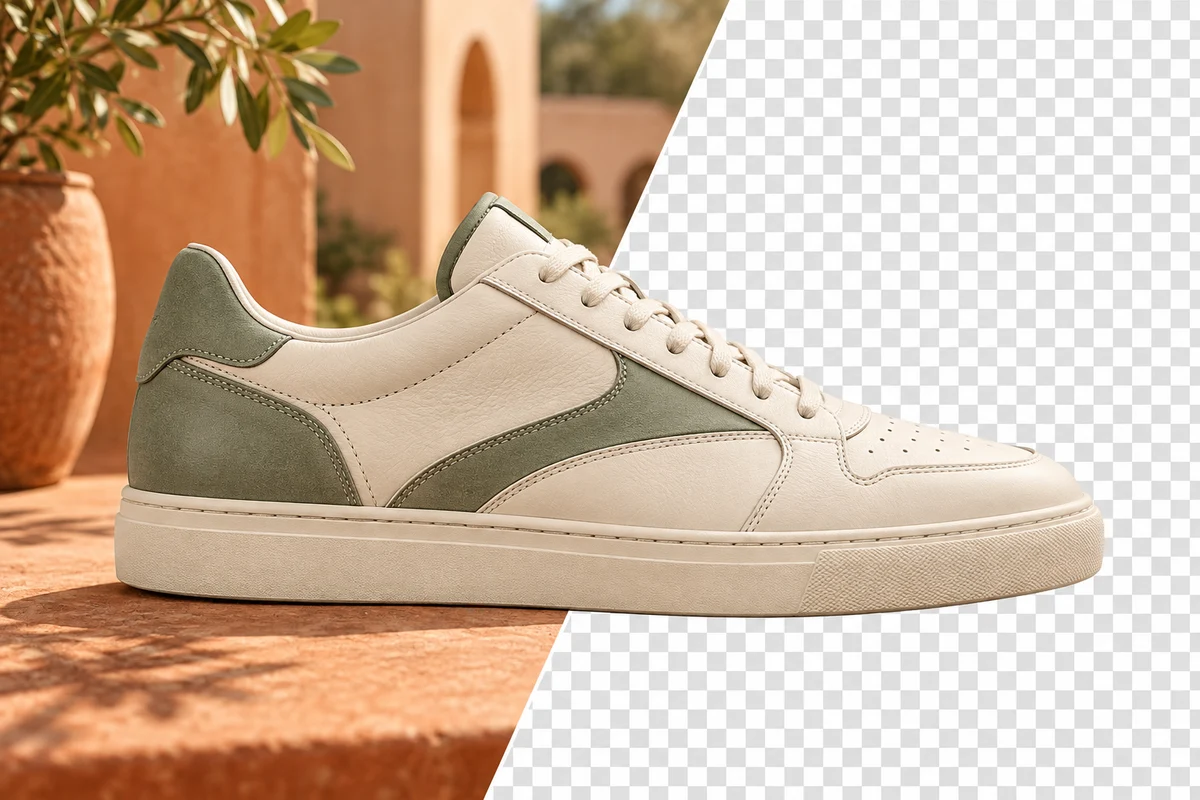
Remove a background while keeping the subject ready for listings, portraits and designs.

Crop and resize photos. Add text, shapes, effects and templates, or use AI editing tools.
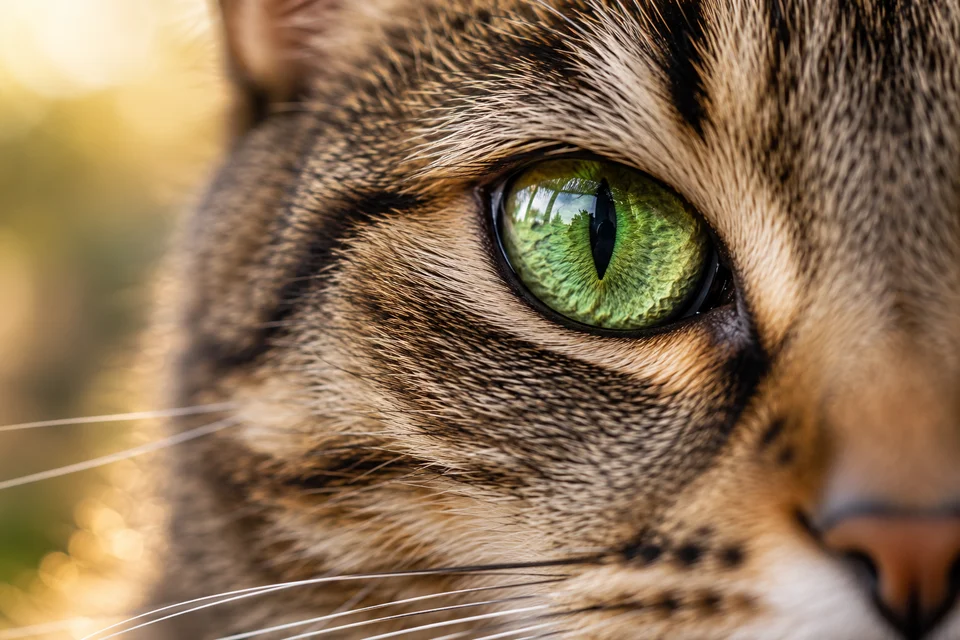
Enlarge undersized images at 2×, 3× or 4× for digital and print use.
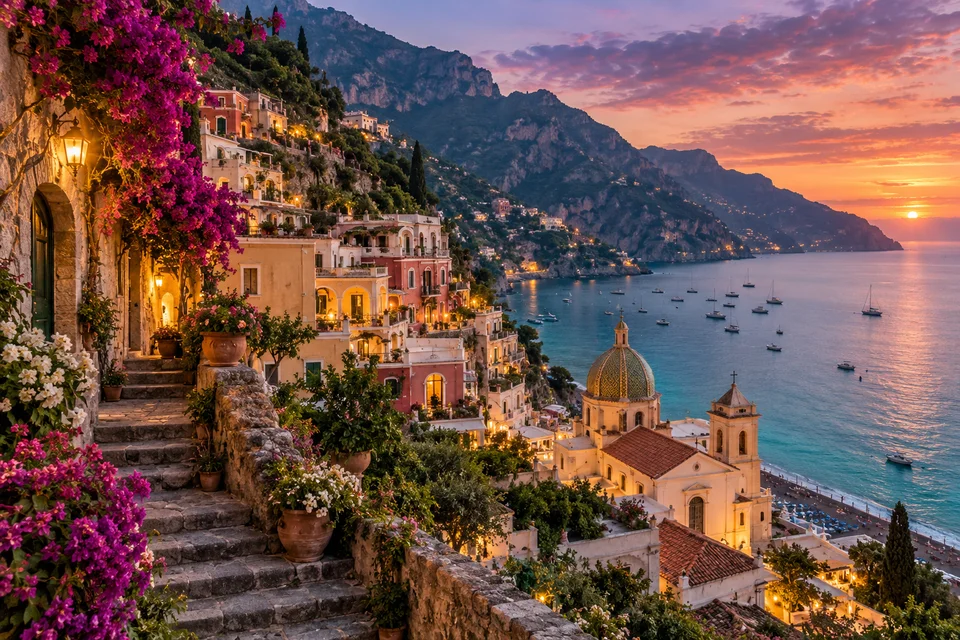
Improve noise, sharpness, light and color in one pass.

Virtually stage empty rooms with AI furniture for real-estate listings. Create living room, bedroom, office, dining, and luxury concepts.

Convert landscape to portrait or portrait to landscape with fast background fills or AI-generated scenery, without cropping the original photo.
Generate AI images from text prompts in square, landscape, portrait, or wide formats and download the result as PNG.
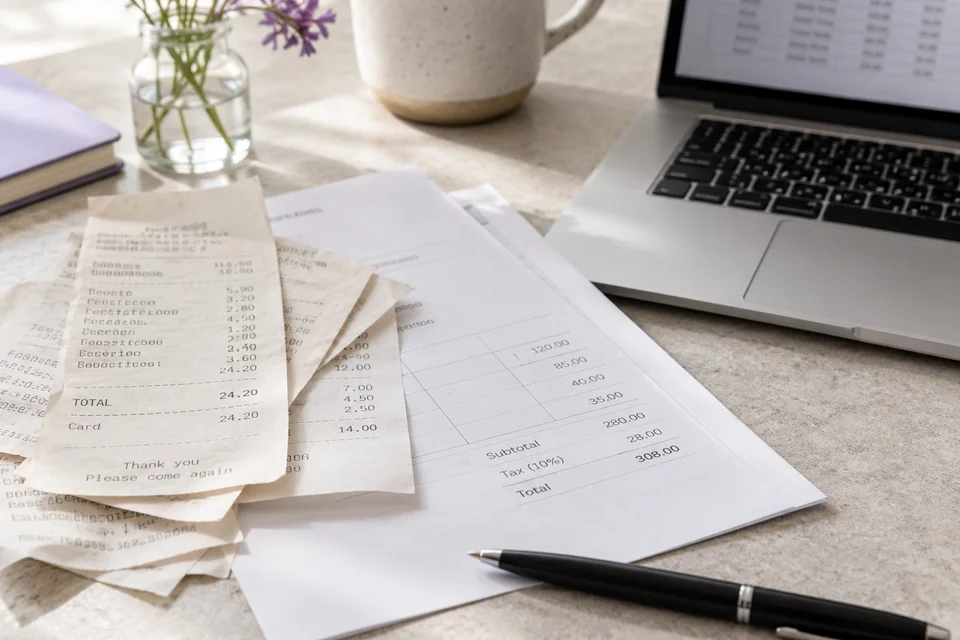
Extract editable text from a screenshot, photo or scan in 30+ supported languages.
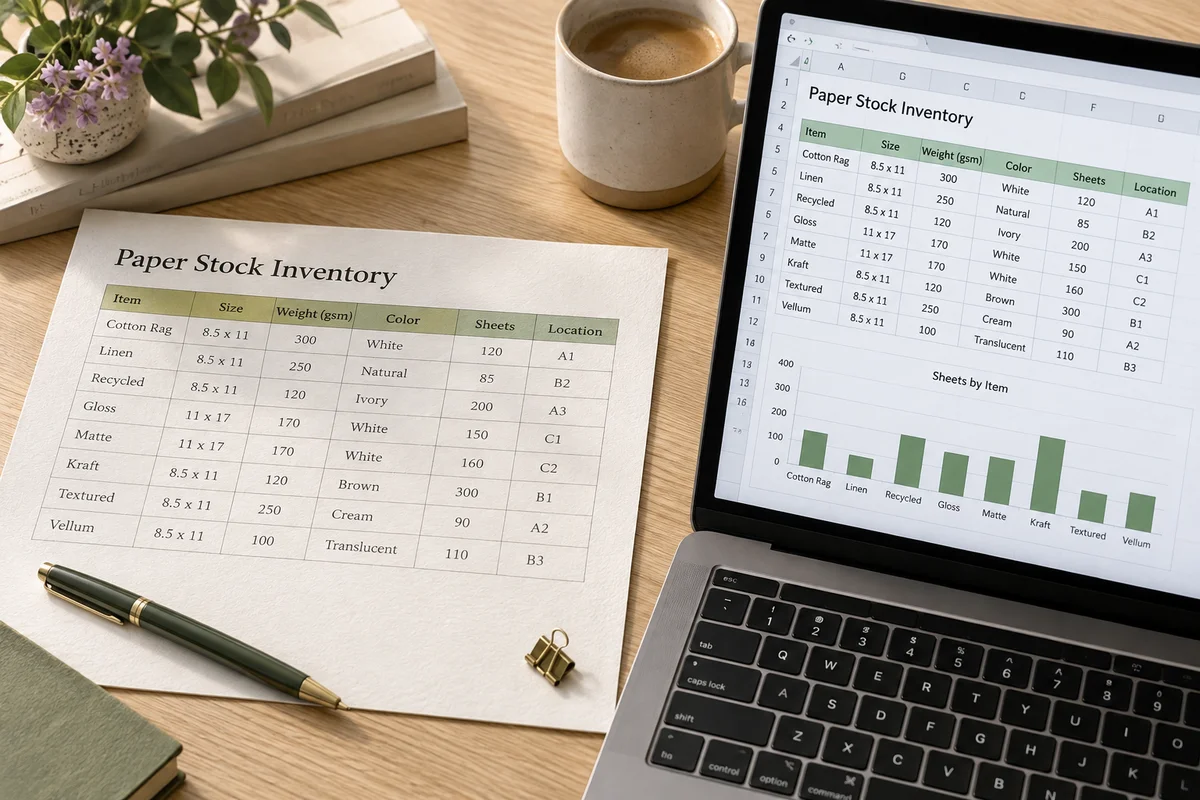
Extract a table from a photo or screenshot and download an editable .xlsx with rows and columns preserved.
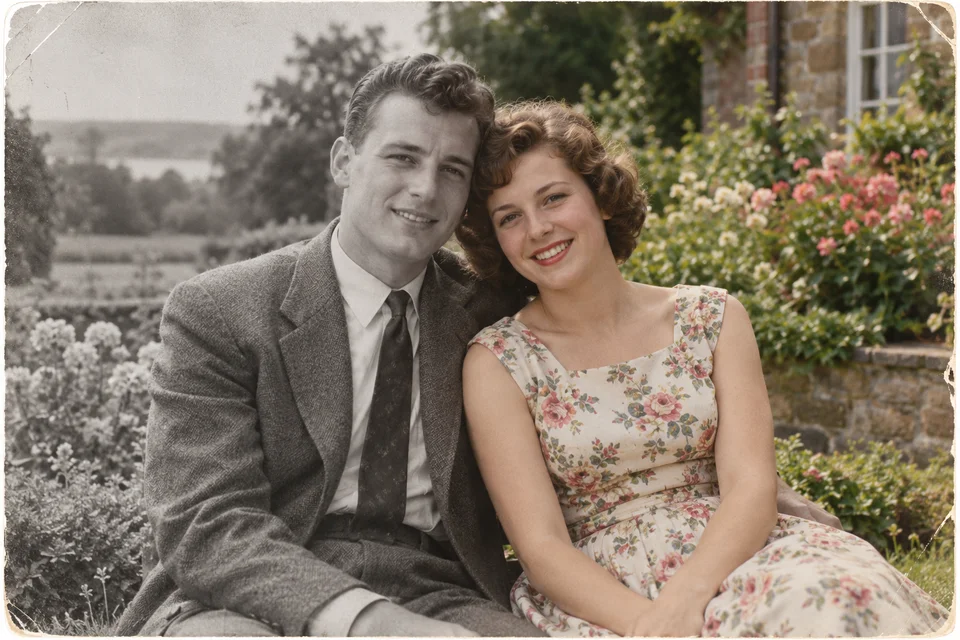
Add natural-looking color to old black-and-white photographs.
Estimate an object count from a photo. Review and correct the numbered markers before using the count.
Real results from Pixoate tools, the untouched original on one side of the slash and the finished file on the other.
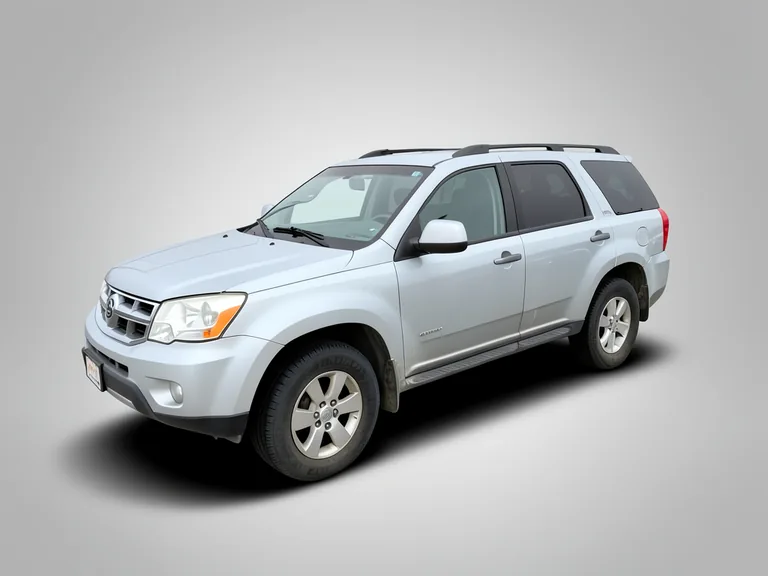
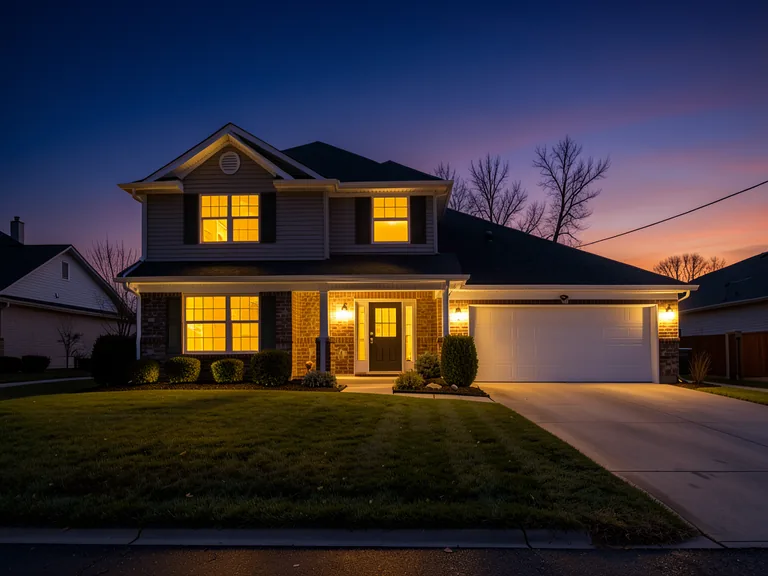
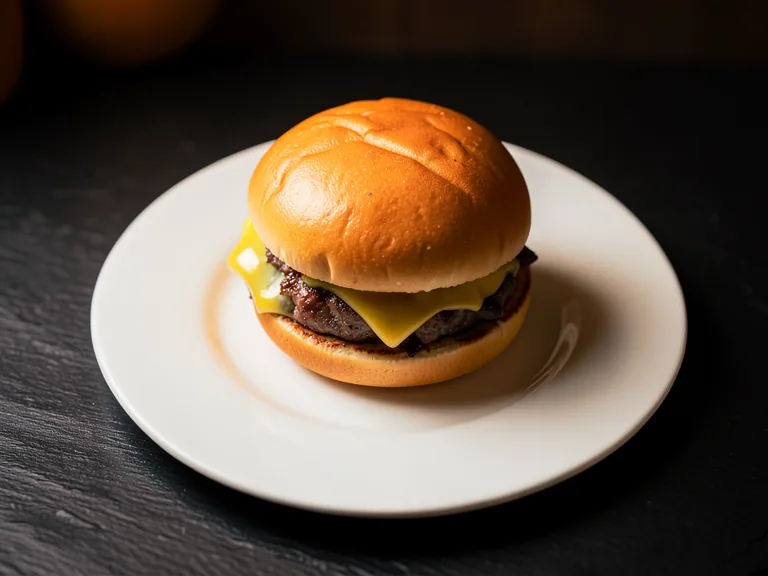
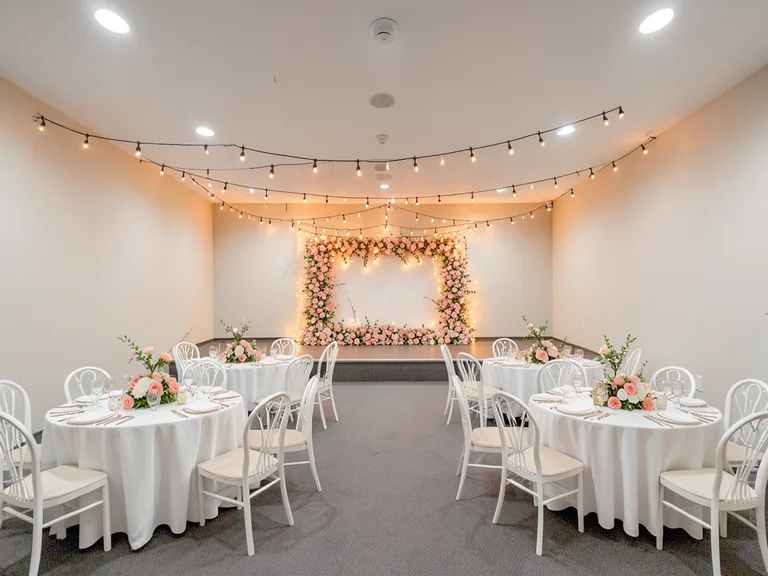
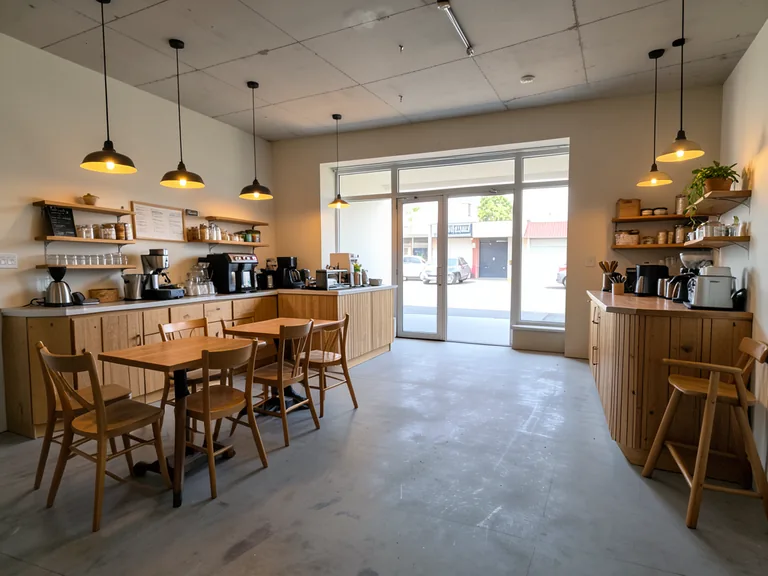
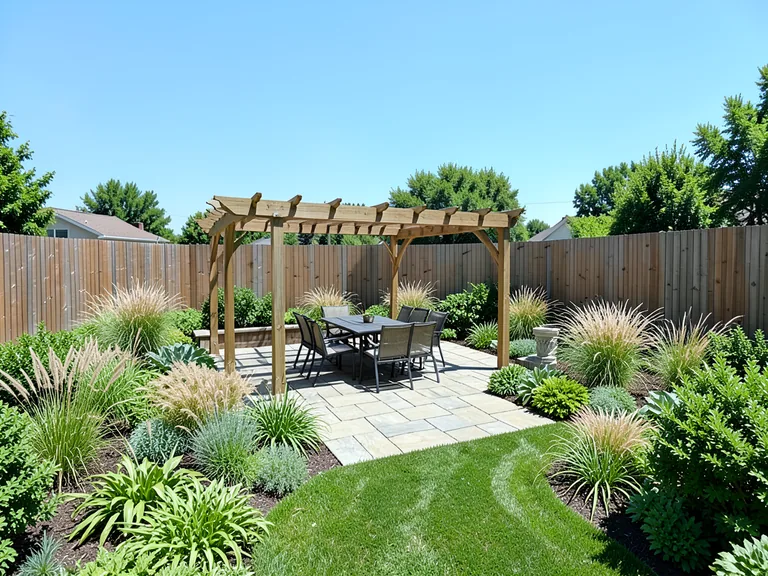
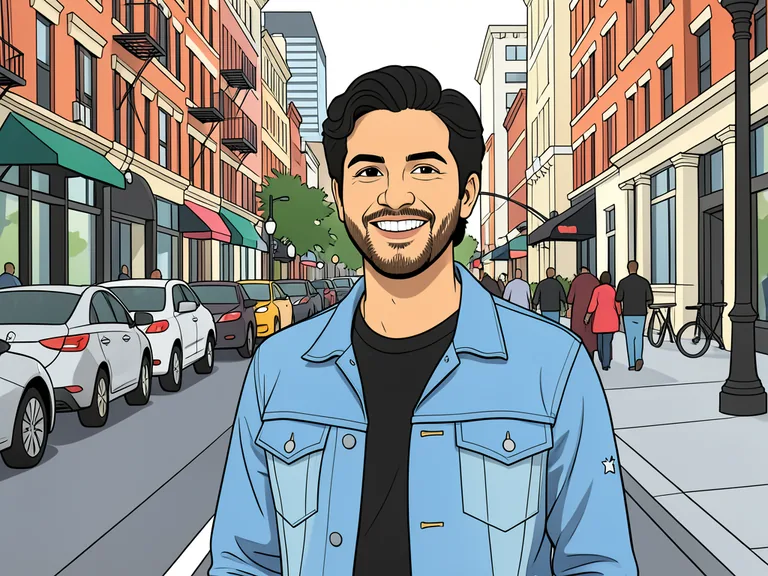
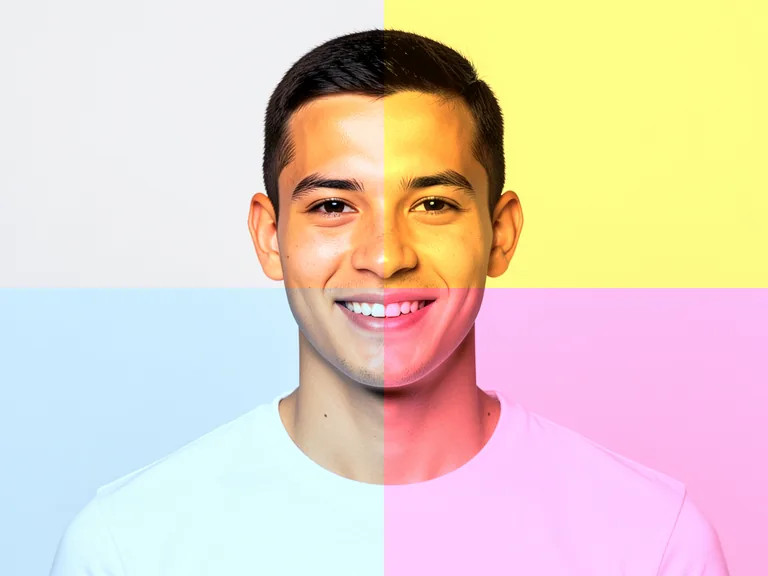
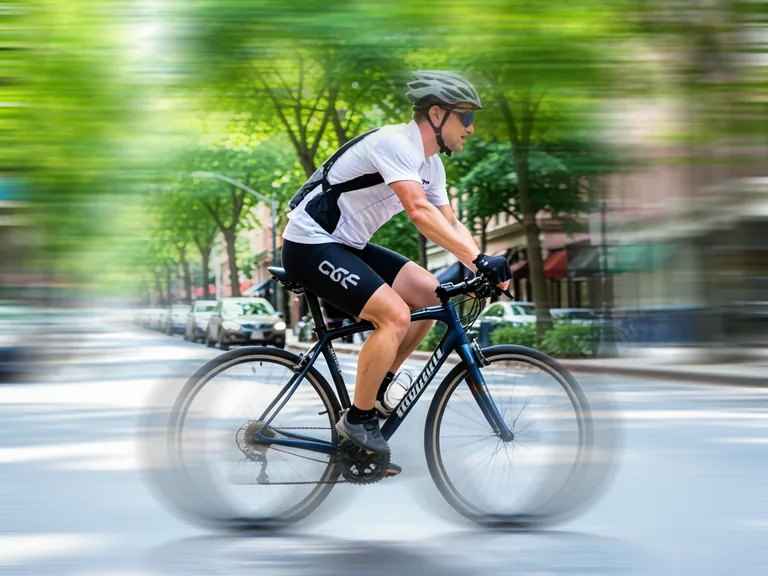
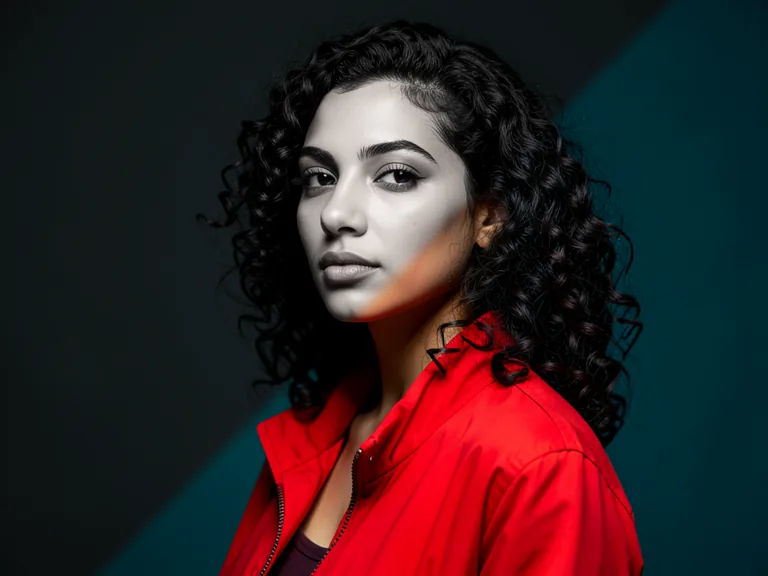
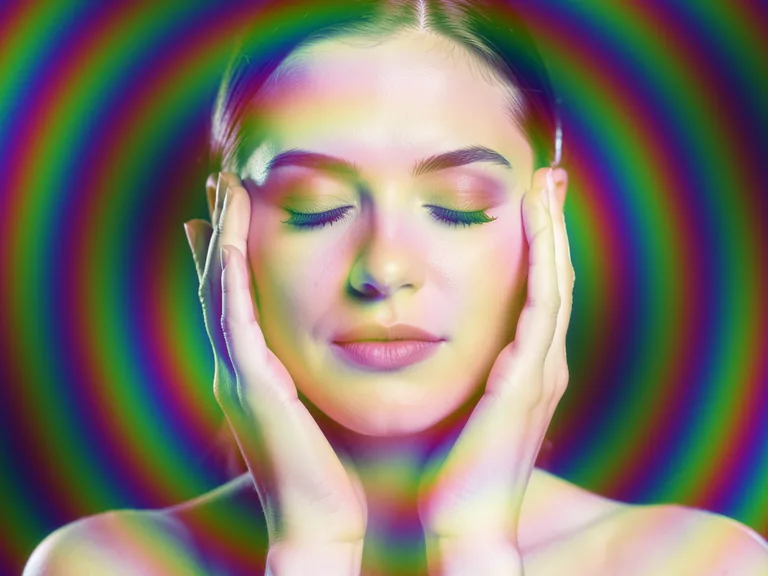
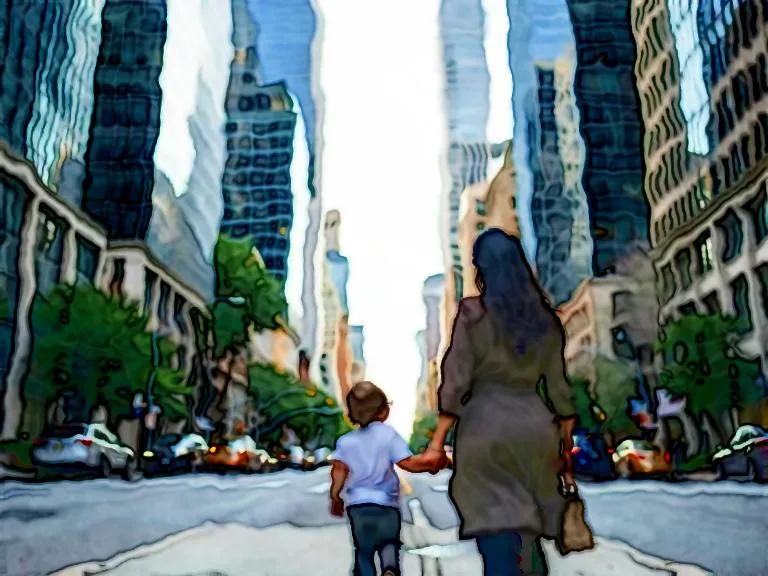
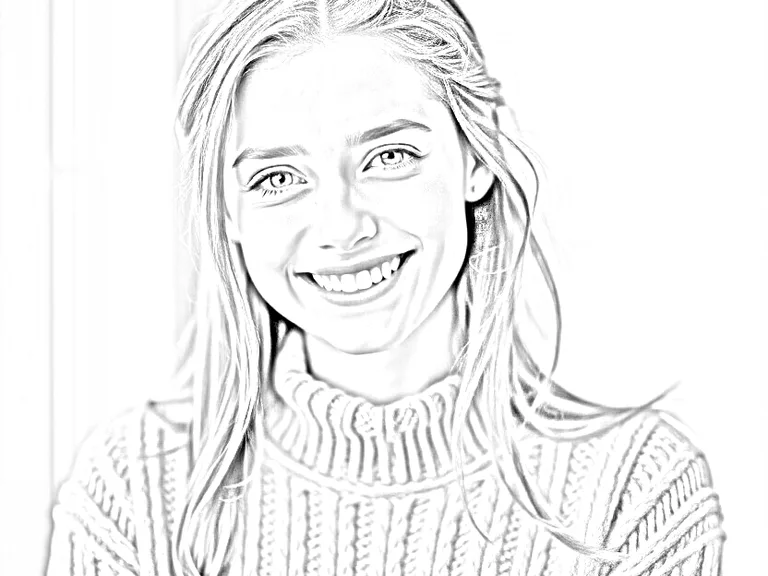
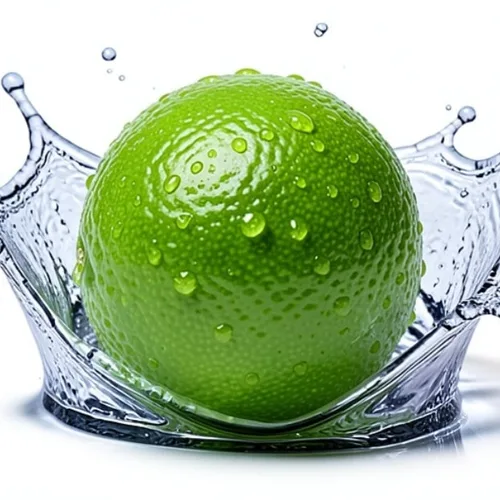
A continuous strip of real before-and-after results: an empty room furnished for a listing, a casual snapshot turned into a professional headshot, a product moved onto a clean marketplace background, a dated kitchen shown as a remodel concept, a plain product bottle turned into an advertising hero shot, a portrait with its background removed, a used vehicle placed on a clean dealer backdrop, a daylight house exterior converted to dusk, a plain sneaker placed in a campaign scene, a dish styled for a menu, a noisy street scene enhanced, an empty banquet hall decorated for a wedding, an empty retail unit fitted out as a cafe, a small image upscaled, a plain facewash tube turned into a water-splash advertising scene, a bare backyard shown as a landscaped concept, a photo turned into a cartoon, a black-and-white photo colorized, a photo given a border, a portrait split into four pop-art tones, a photo cropped to a circle, a cut-out turned into a die-cut sticker, a photo split into a nine-tile grid, a cyclist blurred into a speed shot, a photo cut diagonally into color and mono, a portrait screened into a newspaper halftone, a photo cropped to a shape, a portrait overlaid with an iridescent shimmer, a city street scene painted as a watercolor, and a photo turned into a pencil sketch.
 Room staged — See it on your photo
 Headshot made — See it on your photo
 Listing background — See it on your photo
 Remodel visualized — See it on your photo
 Ad creative built — See it on your photo
 Background removed — See it on your photo
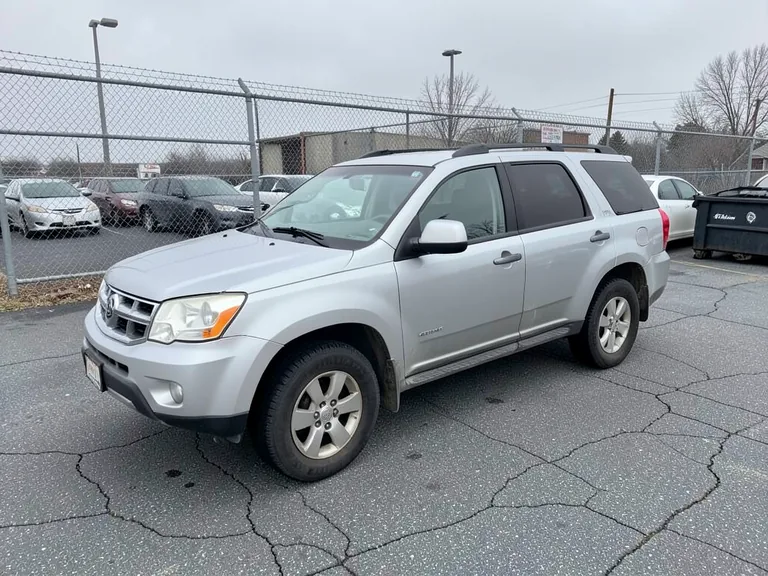 Dealer backdrop — See it on your photo
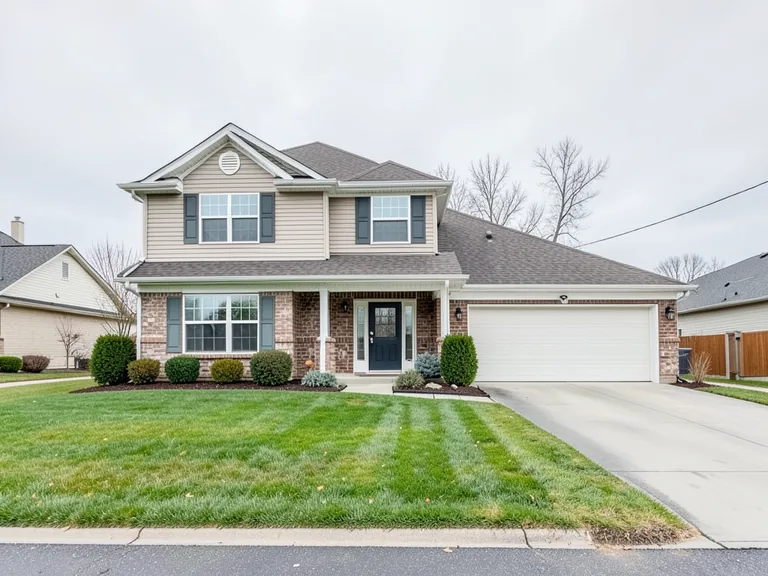 Day turned to dusk — See it on your photo
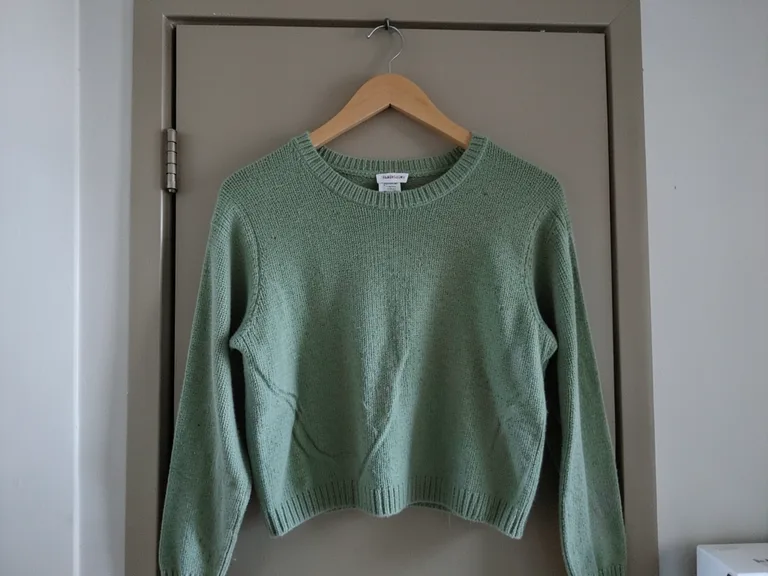 Campaign shot styled — See it on your photo
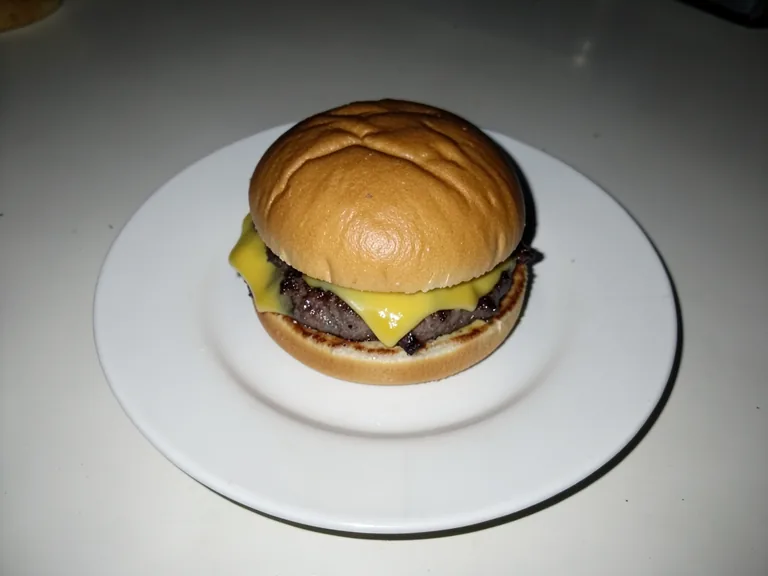 Menu shot styled — See it on your photo
 Photo enhanced — See it on your photo
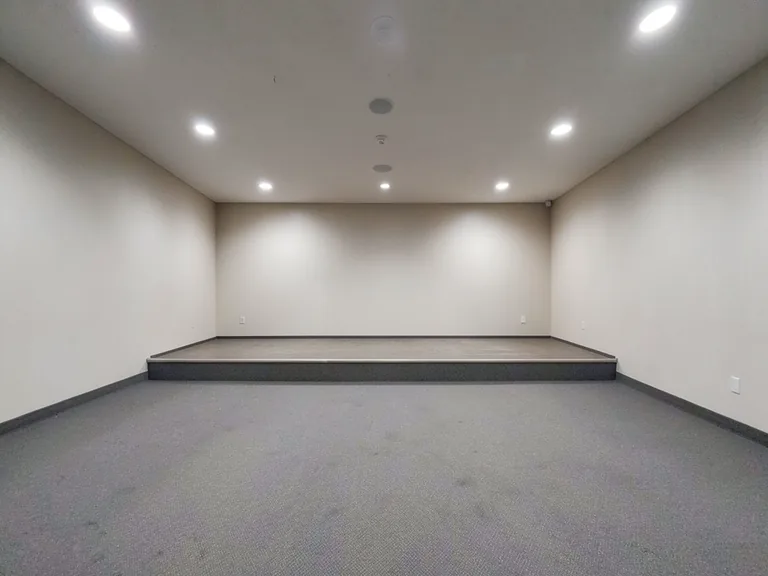 Venue decorated — See it on your photo
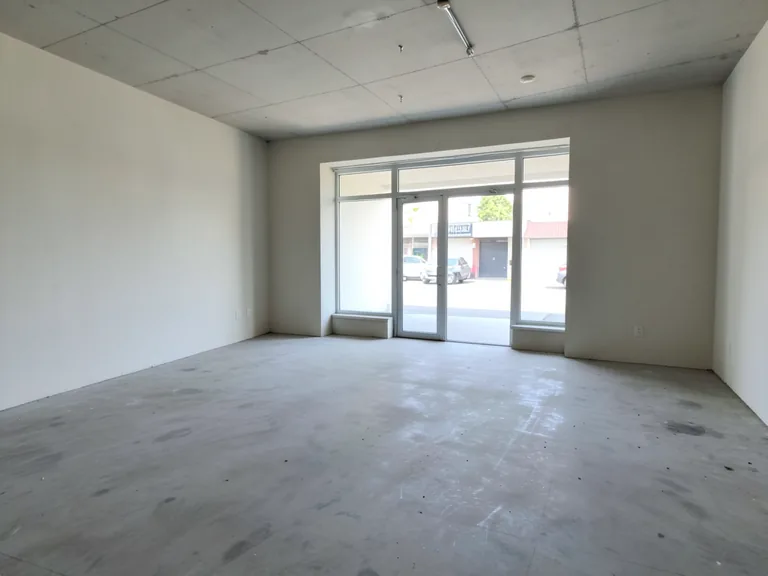 Space fitted out — See it on your photo
 Upscaled — See it on your photo
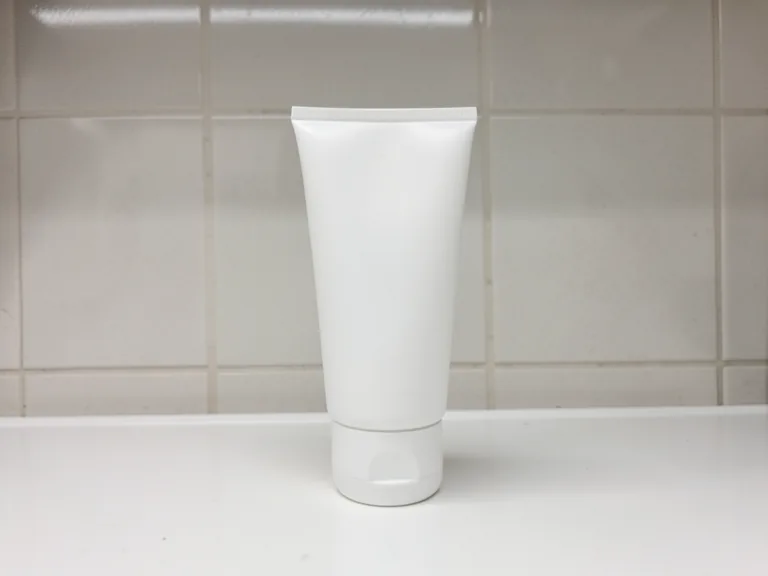 Splash scene built — See it on your photo
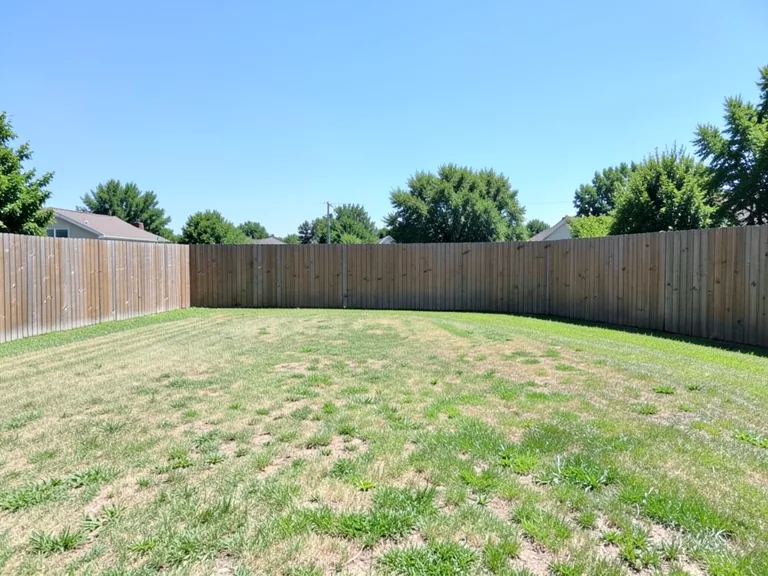 Backyard visualized — See it on your photo
 Turned into a cartoon — See it on your photo
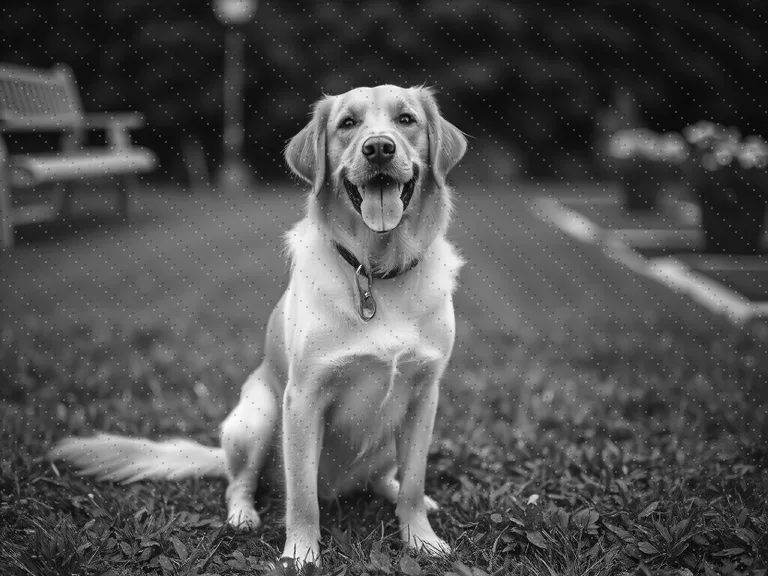 Colorized — See it on your photo
 Border added — See it on your photo
 Split into four tones — See it on your photo
 Cropped to a circle — See it on your photo
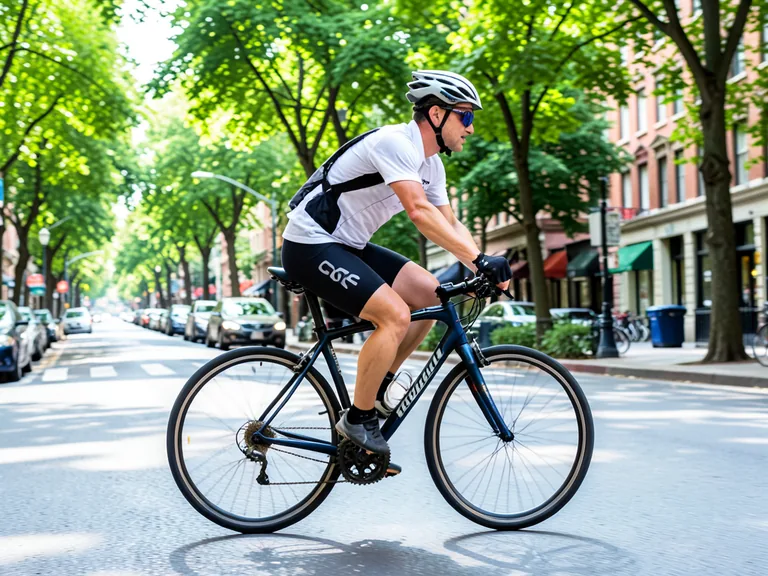 Speed blur — See it on your photo
 Cut into a sticker — See it on your photo
 Split for a grid — See it on your photo
 Diagonal cut — See it on your photo
 Newspaper halftone — See it on your photo
 Cropped to a shape — See it on your photo
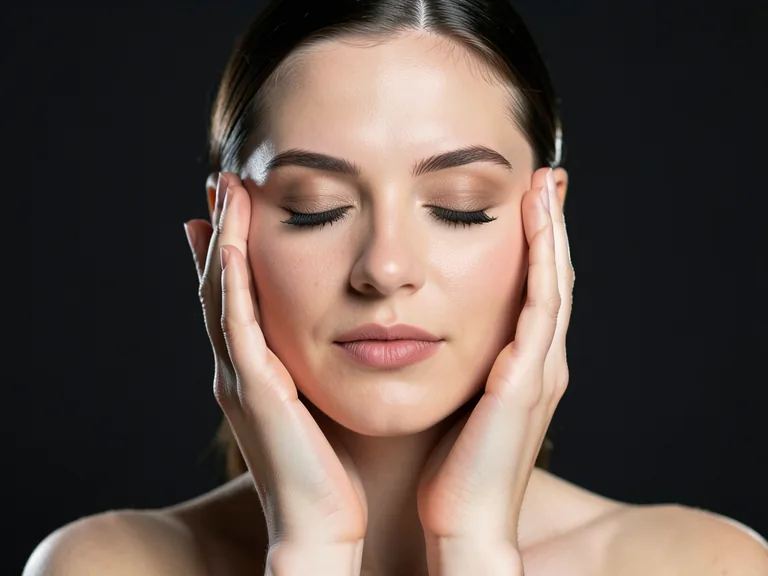 Butterfly shimmer — See it on your photo
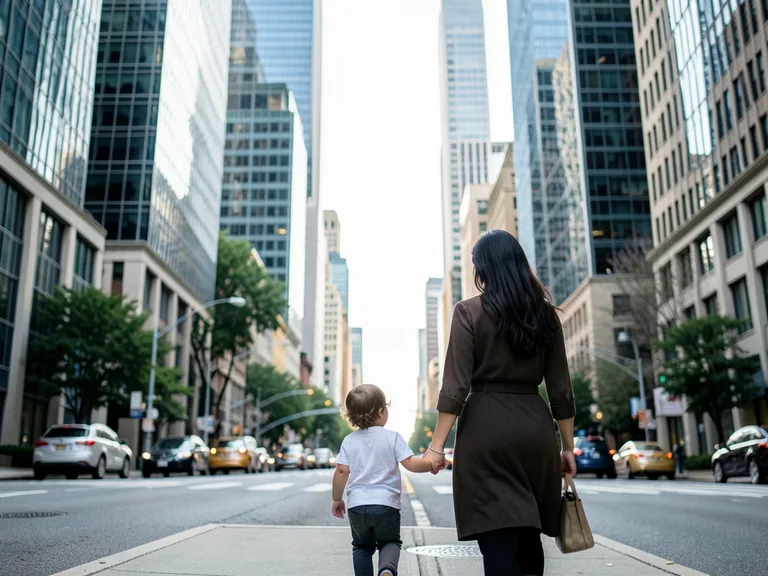 Painted in watercolor — See it on your photo
 Pencil sketch — See it on your photo
 AI Enhance — See it on your photo
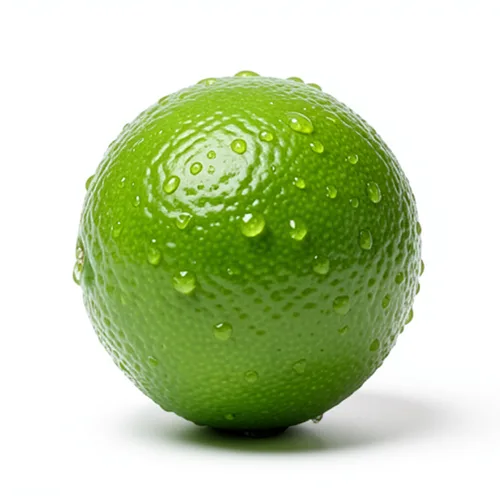 Product Splash Freeze — See it on your photo
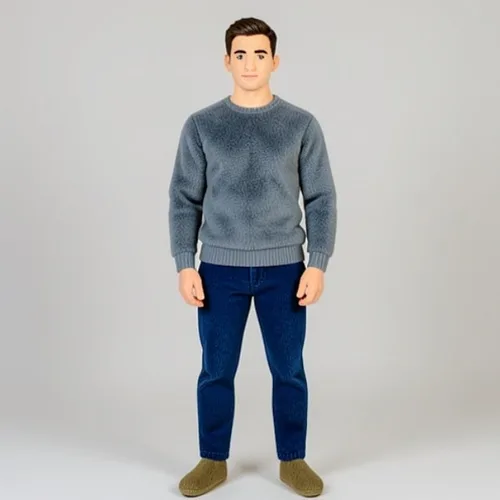
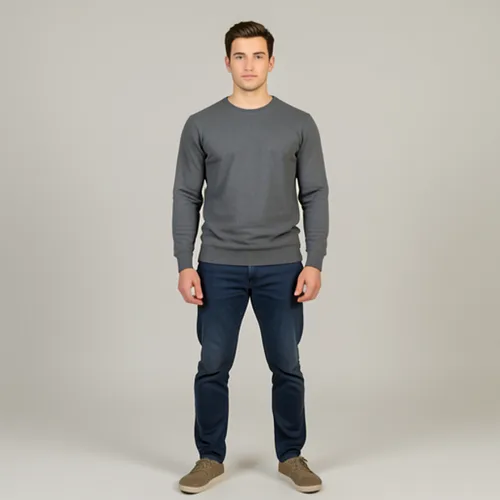 Plush-Toy Transform — See it on your photo3D Cartoon — See it on your photo
 Wigglegram 3D — See it on your photo
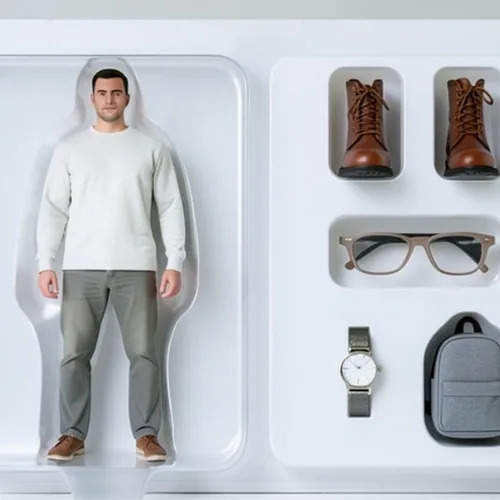
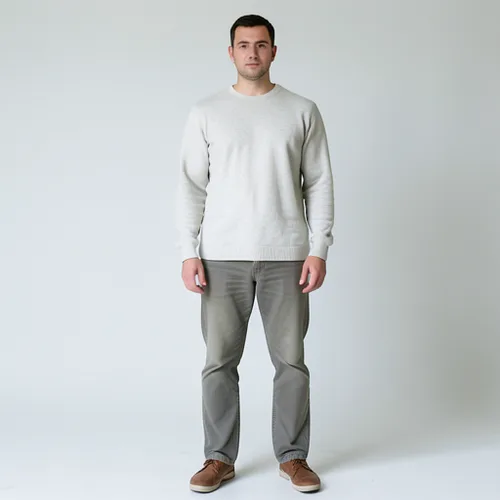 Action-Figure Packaging — See it on your photo
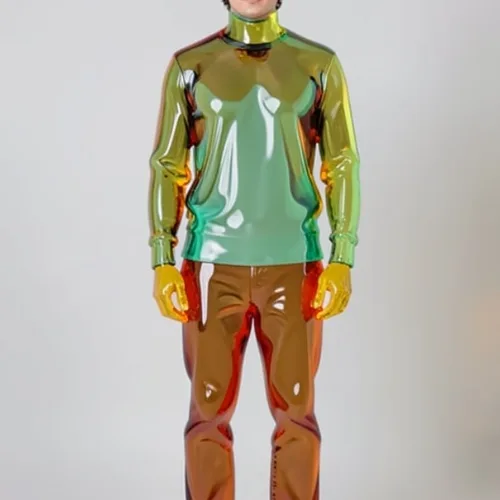
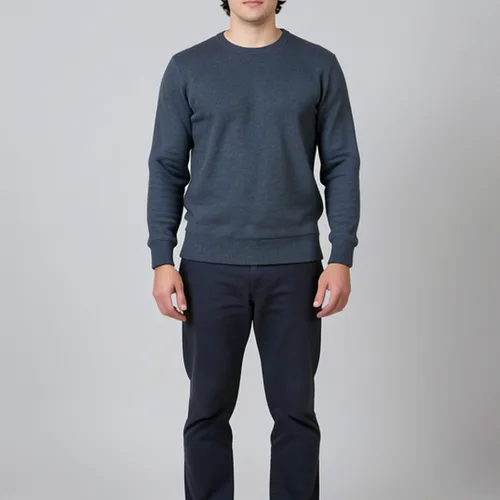 Gummy-Glass Subject — See it on your photo
Open a template, restyle the background, type your words, arrange and animate — the same flow you follow in the Photo Editor.
Animated preview of the Photo Editor: a real template is opened from the gallery, a new background is chosen, a headline and offer line are typed on, the layout is rearranged, an animated accent is added, and the finished design is downloaded.
Start from a template
Pick from 7,000+ free designer templates.
Swap the background
Drop in a gradient or a scene from the library.
Type your words
Headlines, offers, captions — styled as you type.
Arrange & animate
Drag elements into place, then bring the design to life.
Download & post
Your finished design, watermark-free.
Choose a workflow for your next project.
Two hundred supplier photos, every one with a different background, and the marketplace rejecting half of them. Standardize the lot in a Premium batch.
One approved visual, nine channel sizes, and the deadline was yesterday. Resize the set instead of rebuilding it nine times.
Stop retyping receipts and scanned tables into a spreadsheet at month end.
The shot you needed came out soft and there is no reshoot. Rescue it, clear what is behind the subject, and use it anyway.
The portal wants a signed PDF under a size limit and keeps rejecting yours. Convert, compress and sign it until it goes through.
Counting stock by hand, twice, because the first total never feels right. Photograph it and check the markers instead.
Start with the task in front of you, then use the next focused tool when the job changes.
Remove backgrounds, enhance photos, retouch, crop, resize and export polished assets.
Explore all productsEdit, merge, split, sign, compress and convert PDFs without heavyweight desktop software.
Explore all productsTurn HEIC, JPG, PNG, WebP, SVG, Office and other formats into files your workflow can use.
Explore all productsBuild invoices, resumes, certificates, business cards and reusable designs from templates.
Explore all productsTurn scans, receipts, handwriting and tables into editable text, Word, Excel, CSV or JSON.
Explore all productsPlatform breadth
Edit images, work with documents, and turn photos into usable data.
Explore all productsStraight answers about products, plans, uploads and business use.
Create and edit visual assets, process PDFs, convert formats, extract text or structured data, generate documents and count objects from images. Use one product for a quick task or combine several steps for a larger project.
Because the tab-hopping is the real cost. One site crops, another converts, a third extracts the text — each with its own signup and its own subscription. Pixoate covers image editing, document work, conversion, OCR, batch processing and visual counting in one place.
Yes. Most tools let you process, preview and download the free standard result without an account. Structured business-data exports ask for a free account at download, and paid capabilities are clearly marked before you use them. When you choose Continue with Google, Pixoate receives basic Google profile information—your Google account ID, name, email address and, if available, profile photo—only to create, link and sign in to your Pixoate account. This sign-in flow does not request access to Google Calendar, Drive, Gmail or other Google content.
Free covers everyday jobs. Premium adds batches of up to 60 files, 50 MB uploads and commercial use. Subscriptions add original-resolution AI and photo-effect results, longer documents, longer video and batch processing. Pro raises batches to 200 files and uploads to 120 MB, and adds API access; calls use credits purchased separately. Free downloads are clean — no watermark. No signup is required for standard tool use. Photo effects and AI edits have a web-size limit on Free, with the original-resolution result available through Premium or one credit. Crop, resize, rotate, compress and convert stay full size. You may not sell, sublicense, share or distribute a Pixoate asset by itself or as stock, an asset pack, a standalone source asset or a reusable template.
Developer and text utilities process in your browser. Uploads sent to image, PDF, OCR and AI products are encrypted in transit and automatically removed according to our retention policy. Shared results and My Work previews follow separate retention periods explained on the Privacy & Security page.
No. Set the options once and Premium runs up to 60 files through them in a single batch; Pro runs up to 200. For automated image processing, extraction and counting, API access starts with Pro. Calls use credits purchased separately.
Yes. Choose month-to-month billing or save with an annual plan. You can cancel from your dashboard and keep access until the current billing period ends.
Yes. API access starts with Pro for image processing, data extraction and counting. Calls use credits purchased separately and return results in the same request. PDF processing, background batch jobs and webhooks are not available through the API.
Start free for everyday work. Upgrade when bigger files, recurring batches and higher-volume workflows start saving you time.
See your result first. Decide after.