
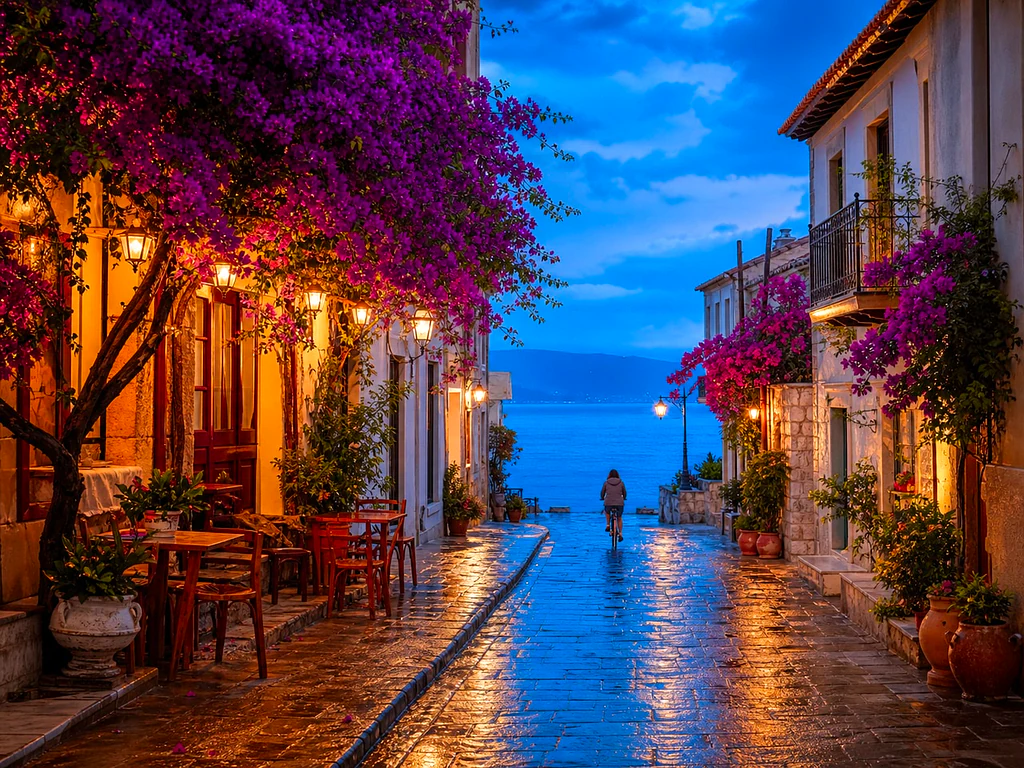
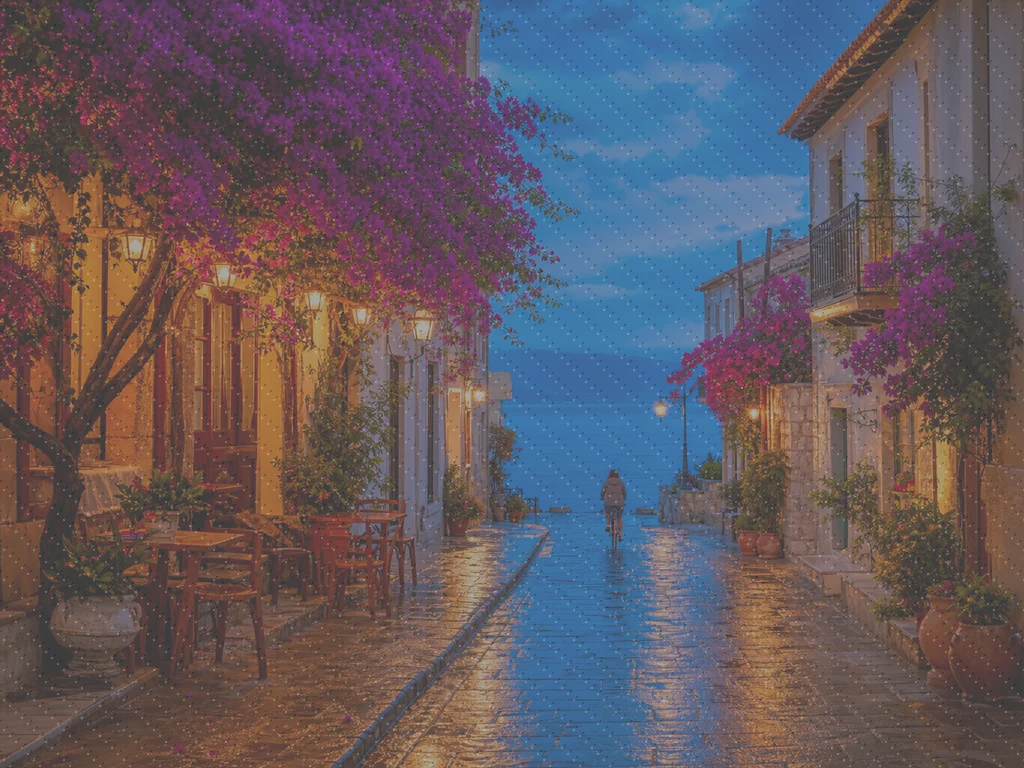
AI Photo Enhancer — Free AI Image Enhancer Online
Works with JPG, PNG, WEBP
The photo is dark, grainy or slightly out of focus, and it is the only copy that exists. Enhance it in one click and compare before you keep it.
- One click: denoise, sharpen, auto color and a 2x boost for small photos
- Great for old, dark, grainy or slightly blurry photos
- Rescue the only copy you have of a photo that matters
Drop a dull or blurry photo — get a crisp, vivid version back
Tips for the best result
• Subtle strength looks most natural on portraits
• Use stronger settings on dark or grainy photos
• Start from the largest original you have — an already-compressed copy limits what can be recovered
About the AI Photo Enhancer
Our photo enhancer combines several fixes into one click: noise reduction, edge-aware sharpening, automatic brightness, contrast and color correction, and a 2x enlargement for small photos. It turns dull, dark or low-res phone photos into crisp, vivid images without any manual editing.
How It Works
1. Upload your photo
2. The enhancer denoises, sharpens and fixes color
3. Adjust the strength to taste
4. Download the enhanced result
Perfect For
• Dull or flat-looking phone photos
• Dark, low-light and grainy shots
• Old or low-resolution images
• Product, listing and social media photos
How to enhance picture quality and fix blurry photos
This online AI photo enhancer improves pictures that look dull, grainy or slightly soft. In one pass it reduces noise, sharpens edges and balances brightness, contrast and color, so the photo comes back clearer without manual editing. One slider sets how strong the result looks. It suits phone snapshots, low-light shots and listing photos. It works with detail the camera captured, so it cannot invent what is missing.
Fix blurry pictures that are only slightly soft
To remove blur from photo snapshots taken with a shaky hand or a near-miss focus, upload the picture and select Enhance. The enhancer sharpens edges where the picture has real detail and holds back in flat areas such as a clear sky, so a soft phone photo comes back crisper. Heavy motion blur, a subject far out of focus or a face only a few pixels wide cannot be rebuilt, because that detail was not recorded. Expect a clearer version of the same photo, not a rebuilt one.
Use the same steps to repair blurry photo files from an old phone or a low-resolution camera; they work on screenshots and signs too. Letters that were only slightly soft can come back easier to read. To remove blurriness from an image without overdoing it, run once at the default strength, then move Enhancement strength toward Strong only if edges still look soft.
Make a photo clearer without over-sharpening it
To increase clarity of image detail, use the same Enhance run: sharpening works on edges, noise reduction cleans up grain that hides detail, and the brightness, contrast and color balance bring flat areas back. That combination leaves a dull photo clearer without an overworked look. Check faces, hair and small lettering in the preview, and lower the strength if textures start to look crunchy.
To sharpen images, enhance them once and compare. The pass sharpens edges rather than flat areas, so skies and walls do not pick up grain. To avoid halos around edges, keep Enhancement strength moderate. The preview shows any over-sharpening before you download, and there is no separate sharpening software to set up.
Reduce noise and fix grainy pictures from low light
Noise reduction starts with a measurement: the enhancer checks how noisy a picture is before it decides how much to smooth, so a clean photo gets little or no change. To fix grainy images from low light, move Enhancement strength toward Strong, and keep it toward Subtle for portraits, where heavy smoothing flattens skin.
Night shots and indoor snapshots are the typical use, before you print or post. Shadows are lifted by a limited amount, so a mildly underexposed photo improves while a nearly black frame stays dark. A scan with torn edges or stains needs repair instead, because the noise reduction is tuned for photos.
How to make a blurry photo clear in five steps
It comes down to one pass and a quick comparison. Every change to the slider clears the preview, and nothing is processed until you select Enhance again, so you can compare a few strengths on the same upload. The preview is the same web-size file you download, so you can judge the result before deciding on Premium. It is saved as a JPG named after your file with _enhanced added.
- Upload a JPG, PNG or WebP photo, using the largest original you have.
- Leave Enhancement strength at its default for the first pass.
- Select Enhance and compare the preview with your original.
- Move the slider toward Subtle or Strong and enhance again if needed.
- Select See result, then download the JPG.
What the free preview gives you before Premium
You can upload a photo, select Enhance and download a clean web-size result without creating an account, and that is the free preview. It is enough to compare Subtle against Strong before you spend anything. Premium returns a larger result and unlocks batch mode, which applies one strength to a whole set and returns a ZIP.
Improve photo quality for listings, phones and old files
The enhancer fits jobs where the camera did well enough but the file looks flat: phone snapshots, old family photos saved small, marketplace listings, and real estate photos that came out dim. To increase photo quality for a listing, run each picture at Subtle first, because exaggerated brightness and sharpness can misrepresent a room.
It handles noise, softness and flat light together in one step. It does not change composition, remove objects or fix perspective, and it does not add color to a grayscale photo.
Choose between enhance, upscale and restore
Enhancing cleans a photo; it does not set a size. A small photo can come back larger, but when the goal is an exact 2x, 3x or 4x enlargement, increase the resolution with the upscaler. A scanned or faded family print is a different job, and restoring the old photo first reads whether it needs color or clarity. Spots on a face respond better to healing small pimples and dark spots.
Before you enhance a photo
- Start from the largest, sharpest original you have, since a screenshot or a re-shared copy gives the pass less to work with.
- Look at faces and small text in the preview, because a strong setting can look over-sharpened.
- A grayscale photo stays grayscale, because the enhancer does not add color.
- Batch mode applies one strength to every photo and returns a ZIP, and it needs Premium.
When enhancement is not the fix you need
For more pixels rather than a cleaner image, upscale by 2×, 3× or 4×; spots on a face respond better to softening small pimples and marks in a portrait. A scan of a scratched or faded print is a job for reducing damage on an old family photo.
What you can do with AI Photo Enhancer
Review the main capabilities before you begin.
- Rescue a photo when there is no chance of a reshoot
- Remove noise and grain from dark shots
- Sharpen blurry or soft phone photos
- Fix dull lighting and flat color
- Turn low-res snaps into crisp, vivid images
- Control how strong the enhancement looks
Settings reference
2 settings
Available controls for AI Photo Enhancer.
- Processing modePresets
- Process one input, or switch to Premium batch mode to process multiple inputs with shared settings. Available input types depend on the tool.Options: Single imageBatch
Adjust
- Enhancement strengthSliderRange: 0–1 · Default: 0.7
- Scales the whole one-click clean-up (noise reduction, sharpening, auto color and detail boost) from Subtle to Strong — keep it low for natural portraits, raise it for dark or grainy photos.
Related tools for AI Photo Enhancer
Tools for common next steps after AI Photo Enhancer.
Photo Enhancement
AI Image Upscaler
Upscale an image by 2×, 3×, or 4× and review the enhanced result before download.
Try it now
Portrait & Headshot Studio
Blemish Remover
Reduce visible blemishes, spots and dark marks while reviewing the effect on surrounding skin texture.
Try it now
Portrait & Headshot Studio
Beautify Face
Apply adjustable skin smoothing and tone correction while reviewing facial detail and edges.
Try it nowFrequently Asked Questions
How AI Photo Enhancer helps you get it done
Real problems it solves every day — for businesses, creators, and everyday tasks. Find the use case that fits you and start.
Enhance Scanned Family Photos
Push the Enhancement strength slider toward Strong on scanned or faded old family photos to clear noise and recover detail lost to age, low resolution or a cheap original scan.
Sharpen Product Photos Before Listing
Run product photos through with a Subtle strength setting to clean up minor phone-camera softness and color dullness without over-processing, keeping listings looking accurate and trustworthy.
Clean Up Low-Light Event & Concert Shots
Dark, grainy photos from concerts, parties or dim venues get denoised, brightened and sharpened in one click — push the strength toward Strong for the most dramatic noise cleanup.
Polish Real Estate Listing Photos
One-click denoise, sharpen and color correction turns flat or dim interior and exterior phone photos into crisper, more inviting listing images without a full photo-editing workflow.
Prep Scans and Screenshots for Documents
Because it works as a general image enhancer, not just photos, run scanned documents, whiteboard photos or screenshots through it to sharpen text and clean up compression artifacts before sharing or archiving.
Guides for this tool
- How to Improve Shopify Product Images in Bulk for Better ListingsImprove Shopify product images in bulk with Pixoate. Review backgrounds, detail, resolution and file size to create a clearer, more consistent catalogue.
- How to Improve Etsy Product Photos for Handmade and Custom ItemsImprove Etsy photos of handmade and custom products with Pixoate. Show texture, finishing and personalisation clearly without changing the real item.
Watch each transformation land
Every photo crosses the slash untouched and comes out the other side finished.























