
For sellers, marketers and anyone with a camera roll
Free Online Image Tools — Edit, Resize, Convert and Compress Images
Remove backgrounds, hit exact upload limits, and prepare every social size — most jobs are finished.
Enhance & Cleanup
Remove backgrounds, upscale, compress and apply effects.

Remove Background
Remove a photo background and download a transparent PNG. Review hair and edges before use.
Try it now
Blur Image Background
Blur the background while keeping the detected subject sharp.
Try it now
Background Changer
Replace a background with a photo, color, gradient or library design. Choose from 21,000+ backgrounds.
Try it now
White Background Maker
Replace a photo background with white for product listings.
Try it now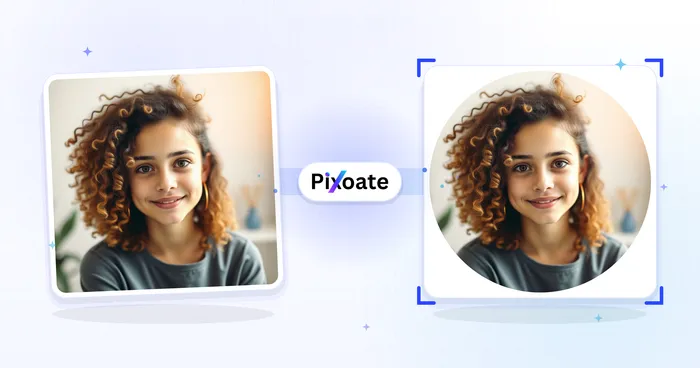
Profile Picture Maker
Create a profile picture with a blurred, solid-color or custom background.
Try it now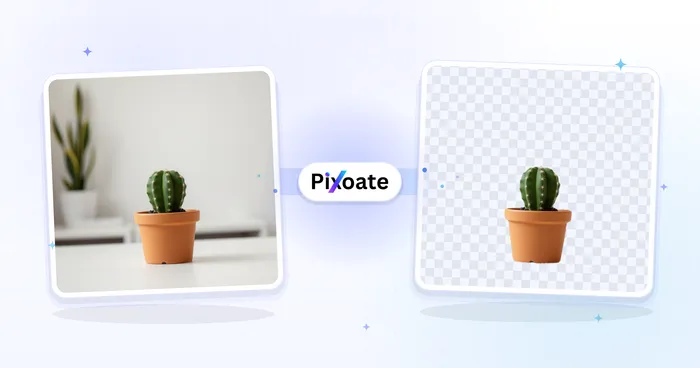
Transparent PNG Maker
Remove an image background and download the cutout as a transparent PNG.
Try it now
AI Product Photos
Generate a background scene around your product. Describe the setting and review the result.
Try it now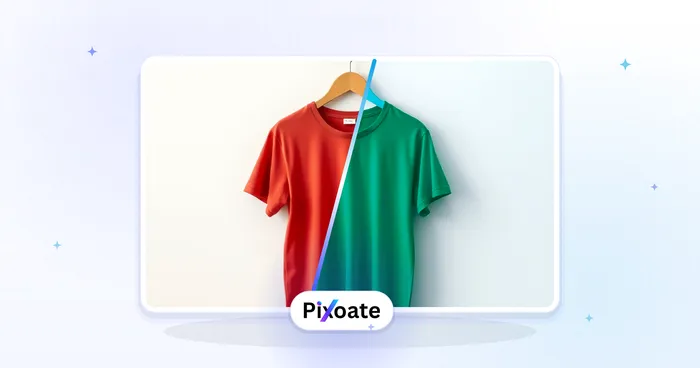
Image Color Changer
Describe the object and its new color. Review the edited image before downloading.
Try it now
AI Image Upscaler
Upscale an image by 2×, 3×, or 4× and review the enhanced result before download.
Try it now
AI Photo Enhancer
Adjust noise, sharpness, color and scale in one enhancement workflow, then compare the result with the original.
Try it now
Blemish Remover
Reduce visible blemishes, spots and dark marks while reviewing the effect on surrounding skin texture.
Try it now
Beautify Face
Apply adjustable skin smoothing and tone correction while reviewing facial detail and edges.
Try it now
Avatar Generator
Create corporate, gaming, social, or illustrated avatars from a portrait with editable AI style directions.
Try it now
LinkedIn Headshot Generator
Generate a professional portrait with directed clothing, background, and lighting. Compare facial likeness and details before use.
Try it now
Restore Old Photo
Reduce damage and sharpen an old photo. Add color to black-and-white photos or adjust existing colors.
Try it now
Colorize Photo
Add AI-generated color to black-and-white photos. Colors are estimates of the original scene.
Try it now
Compress Image to KB
Compress JPG, PNG or WebP files toward a chosen size such as 20KB, 50KB or 100KB, then review the result.
Try it now
Black & White Image
Convert an image to black and white. Adjust the intensity and preview the result.
Try it nowEdit & Resize
Crop, rotate, flip, resize and add borders.

Online Photo Editor
Crop and resize photos. Add text, shapes, effects and templates, or use AI editing tools.
Try it now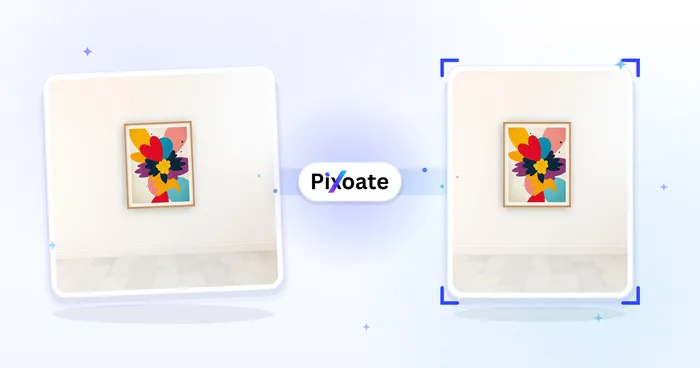
Resize Image
Resize an image to exact dimensions or by percentage. Preview and download the result.
Try it now
Crop Image
Drag to crop an image. Choose a preset ratio or enter exact dimensions.
Try it now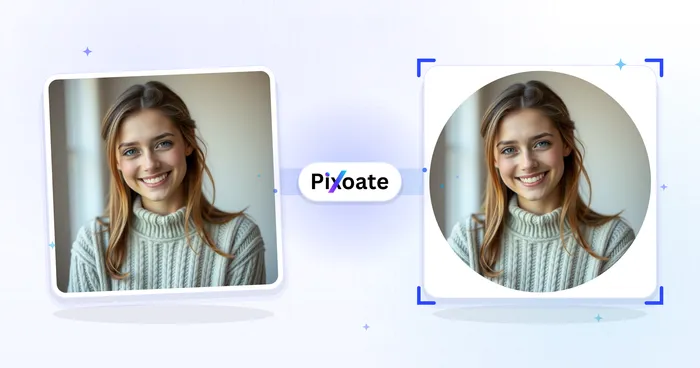
Circle Crop Image
Position a circular crop in the live preview and download it as a transparent PNG.
Try it now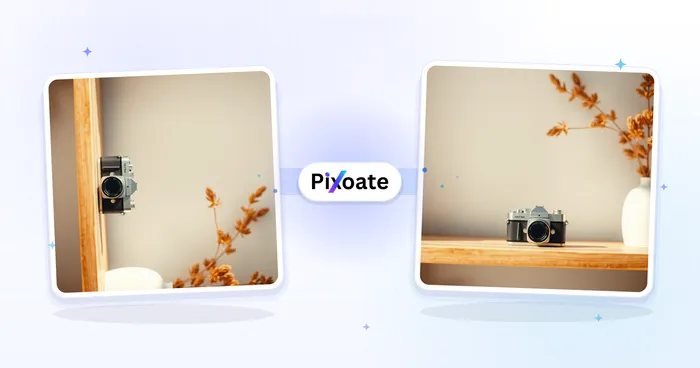
Rotate Image
Rotate an image by 90 degrees or straighten it to a custom angle. Choose a background for exposed edges.
Try it now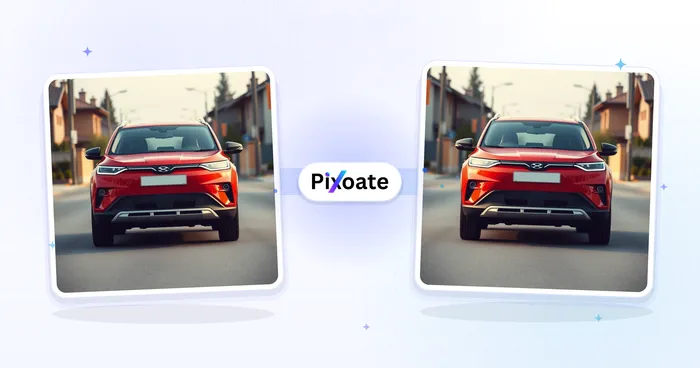
Flip Mirror Image
Mirror an image horizontally or flip it vertically, then download the result.
Try it now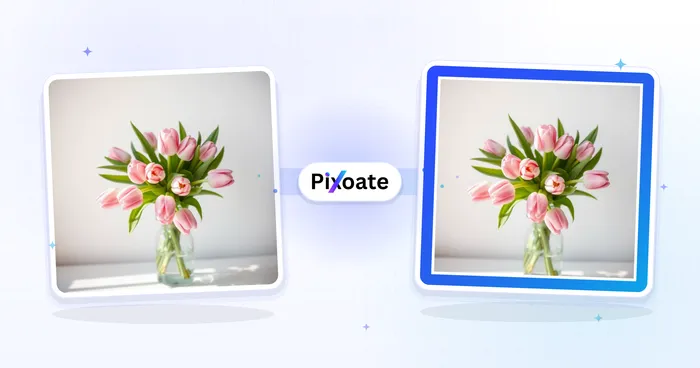
Add Border
Add a solid, gradient or photo-style border. Adjust its width and corners in the preview.
Try it now
Landscape & Portrait Converter
Convert landscape to portrait or portrait to landscape with fast background fills or AI-generated scenery, without cropping the original photo.
Try it now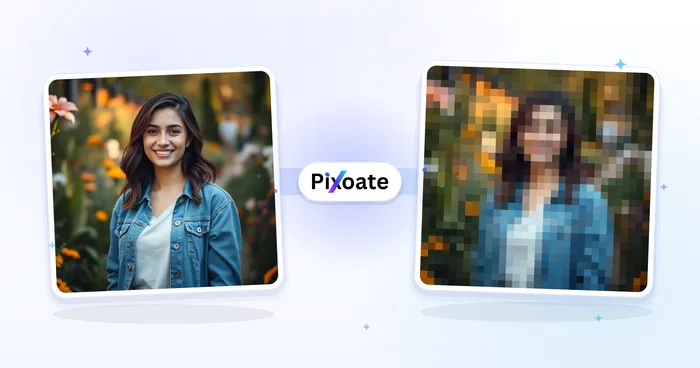
Pixelate & Blur Image
Select an area or use face detection, apply pixelation or blur, review the coverage and download the edited image.
Try it now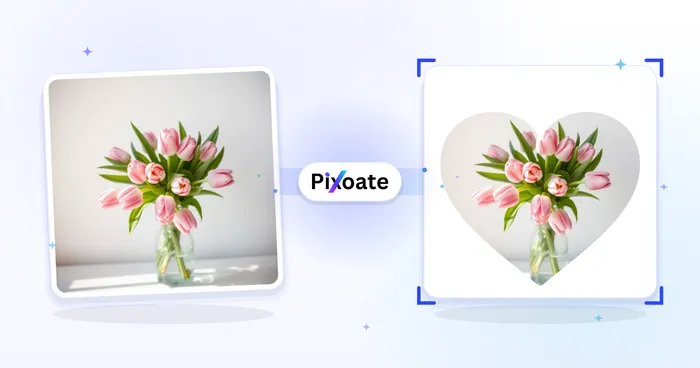
Crop by Shape
Crop a photo into a heart, star, circle, triangle or custom shape and download a transparent PNG.
Try it now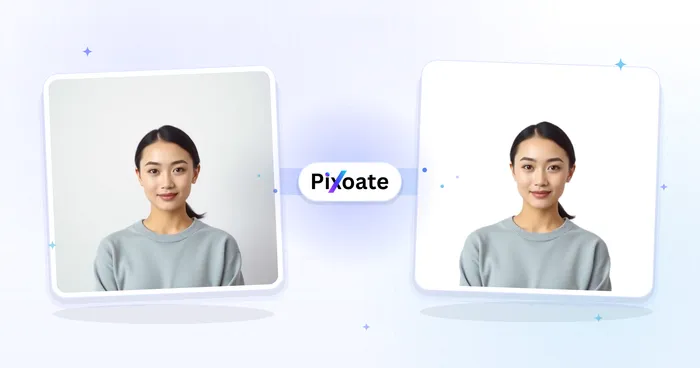
Passport Photo Maker
Resize a photo to listed passport and visa dimensions with a positioning guide; verify the current authority requirements before submission.
Try it now
GIF Compressor
Compress an animated GIF by reducing colors, optimizing frames, or scaling it while preserving the loop and timing.
Try it nowGIF Resizer
Resize an animated GIF by percentage or exact pixels while preserving every frame, the loop, and its timing.
Try it nowGIF Cropper
Crop an animated GIF by exact pixels, apply the same region to every frame, and preserve the loop and timing.
Try it nowFormat Converters
Convert between JPG, PNG, WebP, HEIC, AVIF, TIFF, BMP and SVG.
HEIC to JPG
Convert HEIC photos to JPG with orientation handling and an adjustable quality setting.
Try it now
WebP to JPG
Convert WebP images to JPG and adjust export quality to balance clarity and file size.
Try it now
WebP to PNG
Convert WebP images to PNG while retaining supported transparency.
Try it now
JPG to WebP
Convert JPG images to WebP and adjust quality to balance detail and file size.
Try it now
PNG to WebP
Convert PNG images to WebP with supported transparency and an adjustable quality setting.
Try it now
PNG to JPG
Convert a PNG to JPG and adjust export quality to balance clarity and file size.
Try it now
JPG to PNG
Convert JPG images to PNG with orientation handling.
Try it now
HEIC to PNG
Convert HEIC photos to PNG with orientation and supported color information retained.
Try it now
AVIF to JPG
Convert AVIF images to JPG with an adjustable quality setting.
Try it now
TIFF to JPG
Convert TIFF images to JPG with orientation handling and adjustable export quality.
Try it now
BMP to JPG
Convert BMP images to JPG and adjust export quality to reduce file size.
Try it now
SVG to PNG
Rasterize SVG files as PNG at 1×–8× scale with a transparent, white or custom background.
Try it now
SVG to JPG
Rasterize SVG files as JPG at up to 8× scale with a white or custom background.
Try it now
Image Format Converter
Convert between supported PNG, JPG, WebP, AVIF and GIF formats, then review and download the result.
Try it now
ICO Converter
Convert any common image input into a multi-resolution .ico file from 16–256 px for supported browser and desktop uses.
Try it now
JPG to AVIF
Convert JPG files to AVIF. Review and download the converted image.
Try it now
JPG to GIF
Convert JPG files to GIF. Review and download the converted image.
Try it now
JPG to TIFF
Convert JPG files to TIFF. Review and download the converted image.
Try it now
JPG to BMP
Convert JPG files to BMP. Review and download the converted image.
Try it now
JPG to ICO
Convert JPG files to ICO. Review and download the converted image.
Try it now
JPG to PDF
Convert JPG files to PDF. Review and download the PDF.
Try it now
PNG to AVIF
Convert PNG files to AVIF. Review and download the converted image.
Try it now
PNG to GIF
Convert PNG files to GIF. Review and download the converted image.
Try it now
PNG to TIFF
Convert PNG files to TIFF. Review and download the converted image.
Try it now
PNG to BMP
Convert PNG files to BMP. Review and download the converted image.
Try it now
PNG to ICO
Convert PNG files to ICO. Review and download the converted image.
Try it now
PNG to PDF
Convert PNG files to PDF. Review and download the PDF.
Try it now
WebP to AVIF
Convert WebP files to AVIF. Review and download the converted image.
Try it now
WebP to GIF
Convert WebP files to GIF. Review and download the converted image.
Try it now
WebP to TIFF
Convert WebP files to TIFF. Review and download the converted image.
Try it now
WebP to BMP
Convert WebP files to BMP. Review and download the converted image.
Try it now
WebP to ICO
Convert WebP files to ICO. Review and download the converted image.
Try it now
WebP to PDF
Convert WebP files to PDF. Review and download the PDF.
Try it now
AVIF to PNG
Convert AVIF files to PNG. Review and download the converted image.
Try it now
AVIF to WebP
Convert AVIF files to WebP. Review and download the converted image.
Try it now
AVIF to GIF
Convert AVIF files to GIF. Review and download the converted image.
Try it now
AVIF to TIFF
Convert AVIF files to TIFF. Review and download the converted image.
Try it now
AVIF to BMP
Convert AVIF files to BMP. Review and download the converted image.
Try it now
AVIF to ICO
Convert AVIF files to ICO. Review and download the converted image.
Try it now
AVIF to PDF
Convert AVIF files to PDF. Review and download the PDF.
Try it now
HEIC to WebP
Convert HEIC files to WebP. Review and download the converted image.
Try it now
HEIC to AVIF
Convert HEIC files to AVIF. Review and download the converted image.
Try it now
HEIC to GIF
Convert HEIC files to GIF. Review and download the converted image.
Try it now
HEIC to TIFF
Convert HEIC files to TIFF. Review and download the converted image.
Try it now
HEIC to BMP
Convert HEIC files to BMP. Review and download the converted image.
Try it now
HEIC to ICO
Convert HEIC files to ICO. Review and download the converted image.
Try it now
HEIF to JPG
Convert HEIF files to JPG. Review and download the converted image.
Try it now
HEIF to PNG
Convert HEIF files to PNG. Review and download the converted image.
Try it now
HEIF to WebP
Convert HEIF files to WebP. Review and download the converted image.
Try it now
HEIF to AVIF
Convert HEIF files to AVIF. Review and download the converted image.
Try it now
HEIF to GIF
Convert HEIF files to GIF. Review and download the converted image.
Try it now
HEIF to TIFF
Convert HEIF files to TIFF. Review and download the converted image.
Try it now
HEIF to BMP
Convert HEIF files to BMP. Review and download the converted image.
Try it now
HEIF to ICO
Convert HEIF files to ICO. Review and download the converted image.
Try it now
HEIF to PDF
Convert HEIF files to PDF. Review and download the PDF.
Try it now
GIF to JPG
Convert GIF files to JPG. Review and download the converted image.
Try it now
GIF to PNG
Convert GIF files to PNG. Review and download the converted image.
Try it now
GIF to WebP
Convert GIF files to WebP. Review and download the converted image.
Try it now
GIF to AVIF
Convert GIF files to AVIF. Review and download the converted image.
Try it now
GIF to TIFF
Convert GIF files to TIFF. Review and download the converted image.
Try it now
GIF to BMP
Convert GIF files to BMP. Review and download the converted image.
Try it now
GIF to ICO
Convert GIF files to ICO. Review and download the converted image.
Try it now
GIF to PDF
Convert GIF files to PDF. Review and download the PDF.
Try it now
SVG to WebP
Convert SVG files to WebP. Review and download the converted image.
Try it now
SVG to AVIF
Convert SVG files to AVIF. Review and download the converted image.
Try it now
SVG to GIF
Convert SVG files to GIF. Review and download the converted image.
Try it now
SVG to TIFF
Convert SVG files to TIFF. Review and download the converted image.
Try it now
SVG to BMP
Convert SVG files to BMP. Review and download the converted image.
Try it now
SVG to ICO
Convert SVG files to ICO. Review and download the converted image.
Try it now
SVG to PDF
Convert SVG files to PDF. Review and download the PDF.
Try it now
TIFF to PNG
Convert TIFF files to PNG. Review and download the converted image.
Try it now
TIFF to WebP
Convert TIFF files to WebP. Review and download the converted image.
Try it now
TIFF to AVIF
Convert TIFF files to AVIF. Review and download the converted image.
Try it now
TIFF to GIF
Convert TIFF files to GIF. Review and download the converted image.
Try it now
TIFF to BMP
Convert TIFF files to BMP. Review and download the converted image.
Try it now
TIFF to ICO
Convert TIFF files to ICO. Review and download the converted image.
Try it now
TIFF to PDF
Convert TIFF files to PDF. Review and download the PDF.
Try it now
BMP to PNG
Convert BMP files to PNG. Review and download the converted image.
Try it now
BMP to WebP
Convert BMP files to WebP. Review and download the converted image.
Try it now
BMP to AVIF
Convert BMP files to AVIF. Review and download the converted image.
Try it now
BMP to GIF
Convert BMP files to GIF. Review and download the converted image.
Try it now
BMP to TIFF
Convert BMP files to TIFF. Review and download the converted image.
Try it now
BMP to ICO
Convert BMP files to ICO. Review and download the converted image.
Try it now
BMP to PDF
Convert BMP files to PDF. Review and download the PDF.
Try it now
ICO to JPG
Convert ICO files to JPG. Review and download the converted image.
Try it now
ICO to PNG
Convert ICO files to PNG. Review and download the converted image.
Try it now
ICO to WebP
Convert ICO files to WebP. Review and download the converted image.
Try it now
ICO to AVIF
Convert ICO files to AVIF. Review and download the converted image.
Try it now
ICO to GIF
Convert ICO files to GIF. Review and download the converted image.
Try it now
ICO to TIFF
Convert ICO files to TIFF. Review and download the converted image.
Try it now
ICO to BMP
Convert ICO files to BMP. Review and download the converted image.
Try it now
ICO to PDF
Convert ICO files to PDF. Review and download the PDF.
Try it now
JFIF to JPG
Convert JFIF files to JPG. Review and download the converted image.
Try it now
JFIF to PNG
Convert JFIF files to PNG. Review and download the converted image.
Try it now
JFIF to WebP
Convert JFIF files to WebP. Review and download the converted image.
Try it now
JFIF to AVIF
Convert JFIF files to AVIF. Review and download the converted image.
Try it now
JFIF to GIF
Convert JFIF files to GIF. Review and download the converted image.
Try it now
JFIF to TIFF
Convert JFIF files to TIFF. Review and download the converted image.
Try it now
JFIF to BMP
Convert JFIF files to BMP. Review and download the converted image.
Try it now
JFIF to ICO
Convert JFIF files to ICO. Review and download the converted image.
Try it now
JFIF to PDF
Convert JFIF files to PDF. Review and download the PDF.
Try it now
PSD to JPG
Convert PSD files to JPG. Review and download the converted image.
Try it now
PSD to PNG
Convert PSD files to PNG. Review and download the converted image.
Try it now
PSD to WebP
Convert PSD files to WebP. Review and download the converted image.
Try it now
PSD to AVIF
Convert PSD files to AVIF. Review and download the converted image.
Try it now
PSD to GIF
Convert PSD files to GIF. Review and download the converted image.
Try it now
PSD to TIFF
Convert PSD files to TIFF. Review and download the converted image.
Try it now
PSD to BMP
Convert PSD files to BMP. Review and download the converted image.
Try it now
PSD to ICO
Convert PSD files to ICO. Review and download the converted image.
Try it now
PSD to PDF
Convert PSD files to PDF. Review and download the PDF.
Try it now
3FR to JPG
Convert 3FR files to JPG. Review and download the converted image.
Try it now
3FR to PNG
Convert 3FR files to PNG. Review and download the converted image.
Try it now
ARW to JPG
Convert ARW files to JPG. Review and download the converted image.
Try it now
ARW to PNG
Convert ARW files to PNG. Review and download the converted image.
Try it now
CR2 to JPG
Convert CR2 files to JPG. Review and download the converted image.
Try it now
CR2 to PNG
Convert CR2 files to PNG. Review and download the converted image.
Try it now
CR3 to JPG
Convert CR3 files to JPG. Review and download the converted image.
Try it now
CR3 to PNG
Convert CR3 files to PNG. Review and download the converted image.
Try it now
CRW to JPG
Convert CRW files to JPG. Review and download the converted image.
Try it now
CRW to PNG
Convert CRW files to PNG. Review and download the converted image.
Try it now
DCR to JPG
Convert DCR files to JPG. Review and download the converted image.
Try it now
DCR to PNG
Convert DCR files to PNG. Review and download the converted image.
Try it now
DNG to JPG
Convert DNG files to JPG. Review and download the converted image.
Try it now
DNG to PNG
Convert DNG files to PNG. Review and download the converted image.
Try it now
ERF to JPG
Convert ERF files to JPG. Review and download the converted image.
Try it now
ERF to PNG
Convert ERF files to PNG. Review and download the converted image.
Try it now
FFF to JPG
Convert FFF files to JPG. Review and download the converted image.
Try it now
FFF to PNG
Convert FFF files to PNG. Review and download the converted image.
Try it now
IIQ to JPG
Convert IIQ files to JPG. Review and download the converted image.
Try it now
IIQ to PNG
Convert IIQ files to PNG. Review and download the converted image.
Try it now
KDC to JPG
Convert KDC files to JPG. Review and download the converted image.
Try it now
KDC to PNG
Convert KDC files to PNG. Review and download the converted image.
Try it now
MOS to JPG
Convert MOS files to JPG. Review and download the converted image.
Try it now
MOS to PNG
Convert MOS files to PNG. Review and download the converted image.
Try it now
MRW to JPG
Convert MRW files to JPG. Review and download the converted image.
Try it now
MRW to PNG
Convert MRW files to PNG. Review and download the converted image.
Try it now
NEF to JPG
Convert NEF files to JPG. Review and download the converted image.
Try it now
NEF to PNG
Convert NEF files to PNG. Review and download the converted image.
Try it now
NRW to JPG
Convert NRW files to JPG. Review and download the converted image.
Try it now
NRW to PNG
Convert NRW files to PNG. Review and download the converted image.
Try it now
ORF to JPG
Convert ORF files to JPG. Review and download the converted image.
Try it now
ORF to PNG
Convert ORF files to PNG. Review and download the converted image.
Try it now
PEF to JPG
Convert PEF files to JPG. Review and download the converted image.
Try it now
PEF to PNG
Convert PEF files to PNG. Review and download the converted image.
Try it now
RAF to JPG
Convert RAF files to JPG. Review and download the converted image.
Try it now
RAF to PNG
Convert RAF files to PNG. Review and download the converted image.
Try it now
RAW to JPG
Convert RAW files to JPG. Review and download the converted image.
Try it now
RAW to PNG
Convert RAW files to PNG. Review and download the converted image.
Try it now
RW2 to JPG
Convert RW2 files to JPG. Review and download the converted image.
Try it now
RW2 to PNG
Convert RW2 files to PNG. Review and download the converted image.
Try it now
RWL to JPG
Convert RWL files to JPG. Review and download the converted image.
Try it now
RWL to PNG
Convert RWL files to PNG. Review and download the converted image.
Try it now
SR2 to JPG
Convert SR2 files to JPG. Review and download the converted image.
Try it now
SR2 to PNG
Convert SR2 files to PNG. Review and download the converted image.
Try it now
SRF to JPG
Convert SRF files to JPG. Review and download the converted image.
Try it now
SRF to PNG
Convert SRF files to PNG. Review and download the converted image.
Try it now
SRW to JPG
Convert SRW files to JPG. Review and download the converted image.
Try it now
SRW to PNG
Convert SRW files to PNG. Review and download the converted image.
Try it now
X3F to JPG
Convert X3F files to JPG. Review and download the converted image.
Try it now
X3F to PNG
Convert X3F files to PNG. Review and download the converted image.
Try it now
PSB to JPG
Convert PSB files to JPG. Review and download the converted image.
Try it now
PSB to PNG
Convert PSB files to PNG. Review and download the converted image.
Try it now
EPS to JPG
Convert EPS files to JPG. Review and download the converted image.
Try it now
EPS to PNG
Convert EPS files to PNG. Review and download the converted image.
Try it now
EPS to PDF
Convert EPS files to PDF. Review and download the PDF.
Try it now
PS to JPG
Convert PS files to JPG. Review and download the converted image.
Try it now
PS to PNG
Convert PS files to PNG. Review and download the converted image.
Try it now
PS to PDF
Convert PS files to PDF. Review and download the PDF.
Try it now
XCF to JPG
Convert XCF files to JPG. Review and download the converted image.
Try it now
XCF to PNG
Convert XCF files to PNG. Review and download the converted image.
Try it now
XPS to JPG
Convert XPS files to JPG. Review and download the converted image.
Try it now
XPS to PNG
Convert XPS files to PNG. Review and download the converted image.
Try it now
XPS to PDF
Convert XPS files to PDF. Review and download the PDF.
Try it now
PUB to JPG
Convert PUB files to JPG. Review and download the converted image.
Try it now
PUB to PNG
Convert PUB files to PNG. Review and download the converted image.
Try it now
PUB to PDF
Convert PUB files to PDF. Review and download the PDF.
Try it now
ODD to JPG
Convert ODD files to JPG. Review and download the converted image.
Try it now
ODD to PNG
Convert ODD files to PNG. Review and download the converted image.
Try it now
ODD to PDF
Convert ODD files to PDF. Review and download the PDF.
Try it now
ODG to JPG
Convert ODG files to JPG. Review and download the converted image.
Try it now
ODG to PNG
Convert ODG files to PNG. Review and download the converted image.
Try it now
ODG to PDF
Convert ODG files to PDF. Review and download the PDF.
Try it nowCreative & Effects
Memes, stickers, collages, cartoons, sketches and overlays.

Photo Filters & Effects
Preview cinematic, vintage, glitch and beauty effects on your photo, then download the look you choose.
Try it now
Photo to Cartoon
Turn a photo into classic, storybook, sticker, watercolor, or custom cartoon artwork with editable AI directions.
Try it now
Pencil Sketch
Convert a photo into a pencil-sketch style image and adjust the shadow depth before download.
Try it now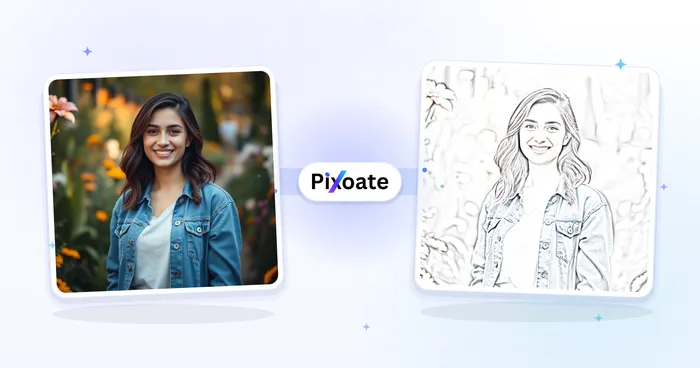
Photo to Colorful Sketch
Apply colored-pencil, watercolor, comic-ink or marker styling while retaining color from the source image.
Try it now
Anime Generator
Turn a photo into original modern anime, manga, chibi, or cinematic artwork with editable AI directions.
Try it now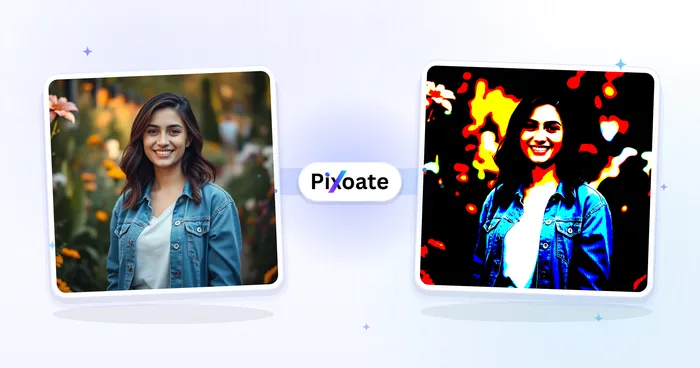
Cartoon Generator
Turn a photo into original 3D, vector, comic, clay, or custom cartoon artwork with editable AI directions.
Try it now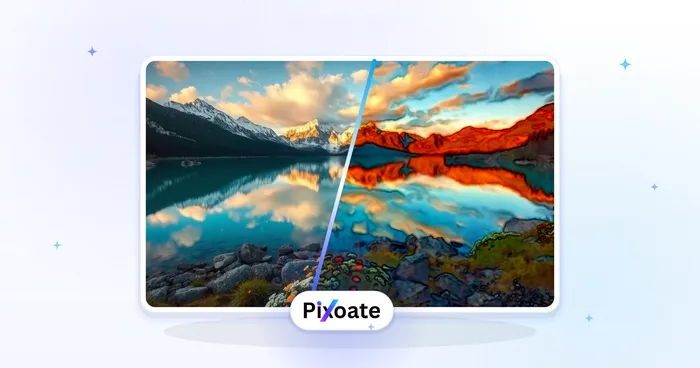
Watercolor Generator
Convert a photo into a watercolor-style image.
Try it now
Pixel Art Generator
Convert a photo into an image with a pixel-art style.
Try it now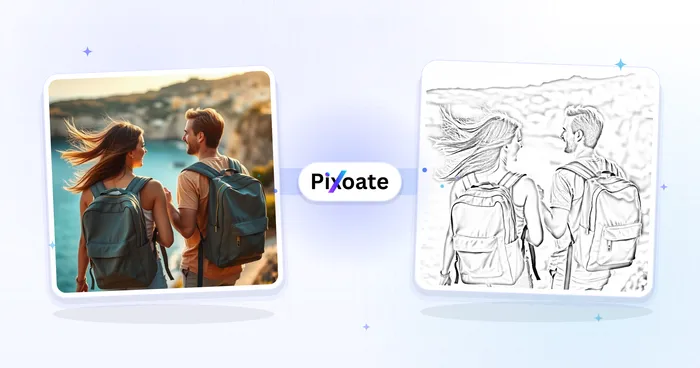
Coloring Page Generator
Convert a photo into black-and-white line art suitable for a printable coloring page.
Try it now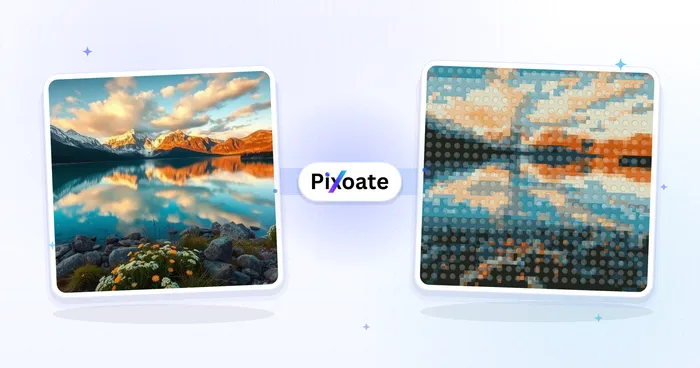
LEGO Art Generator
Convert a photo into a studded brick-style portrait or poster image.
Try it now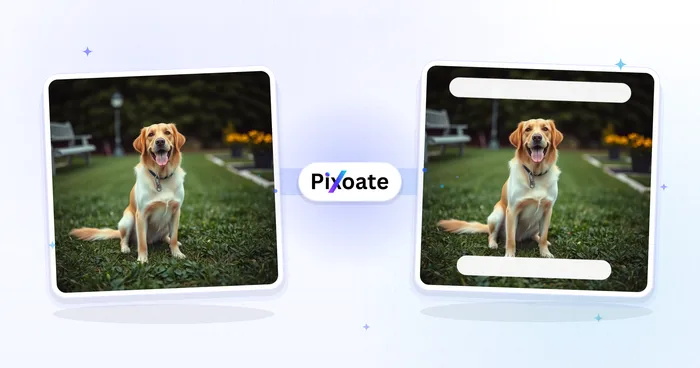
Meme Generator
Add and arrange multiple text boxes on an image using classic meme styling, then download the result.
Try it now
Add Text to Image
Add styled text with custom fonts, colors and outlines to supported image formats, then download the edited image.
Try it now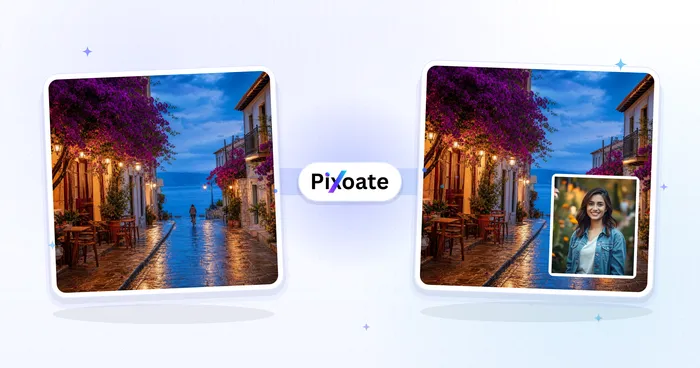
Image Overlay
Position an image overlay, adjust opacity and blending, and download the combined image.
Try it now
Photo Collage Maker
Arrange photos in a grid, side-by-side layout or stacked strip with adjustable spacing and borders.
Try it now
Image to Sticker
Remove the background, add an adjustable outline and download a sticker image.
Try it now
GIF Maker
Animate ordered images, or trim and sample a video clip into up to 50 frames, then control speed and quality.
Try it now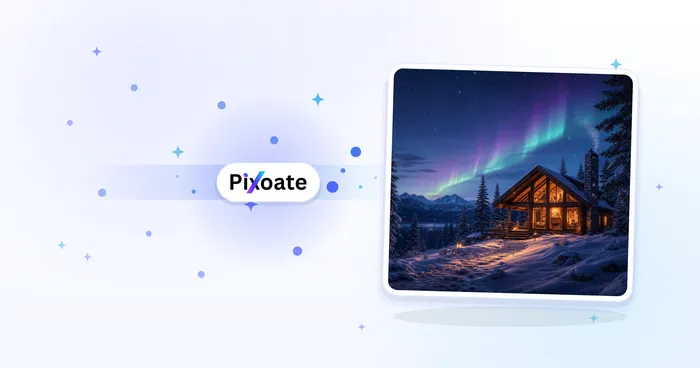
AI Image Generator
Generate AI images from text prompts in square, landscape, portrait, or wide formats and download the result as PNG.
Try it now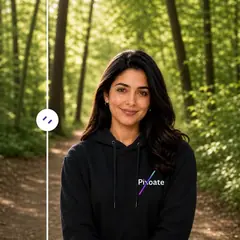
AI Image Editor
Expand images, fill selected areas, remove or replace objects, change backgrounds, stage rooms, and create product scenes from written instructions.
Try it now
Virtual Try-On
Preview clothing on a full-body photo using a garment image or catalog outfit. This does not measure garment fit.
Try it now
Nail Polish Try-On
Upload a hand photo and mark the nails. Describe a polish color, finish or nail-art style to preview.
Try it nowAI Image Expander
Choose an aspect ratio and generate new scenery around the original image.
Try it now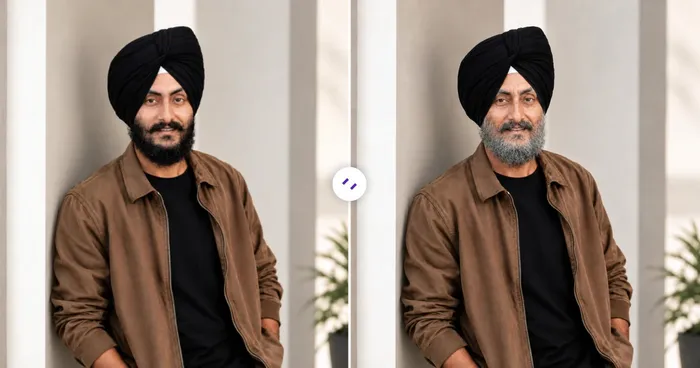
AI Age Progression
Generate a portrait at a selected age from one photo. This is a visual interpretation, not a prediction.
Try it now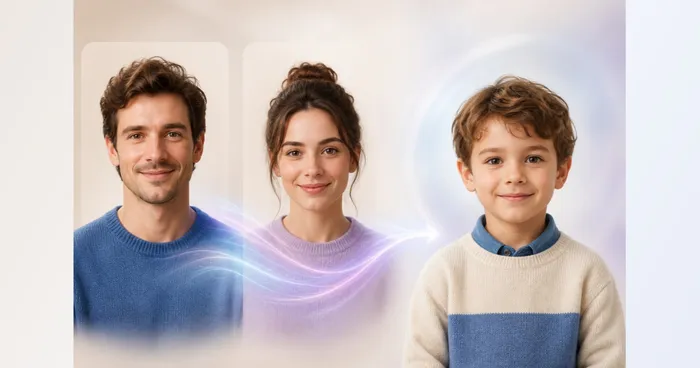
Future Child Generator
Upload two parent portraits and create one fictional, family-friendly child portrait inspired by visible traits from both.
Try it now
AI Photo Variations
Upload one to five portraits of the same person to generate portrait variations. Review likeness and details.
Try it now
Watermark Remover
Upload a photo to detect and remove text watermarks and date stamps automatically. Compare the result or refine difficult overlays before downloading.
Try it now
AI Portrait Background Changer
Change a portrait background with studio, office, and garden presets. Refine the selection and compare the result before downloading.
Try it now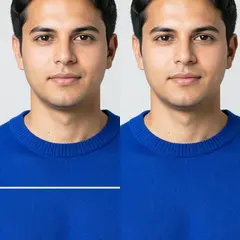
Repair Photo Damage
Repair selected scratches, small tears, and stains in old photographs while keeping surrounding areas protected.
Try it now
AI Image Extender
Expand an image beyond its borders with AI. Convert photos to square, portrait, story, or widescreen layouts without cropping the original frame.
Try it now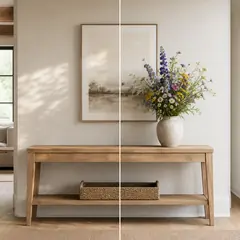
AI Generative Fill
Paint part of an image and fill it with new AI-generated content. Repair gaps, add details, or replace selected areas while protecting nearby pixels.
Try it now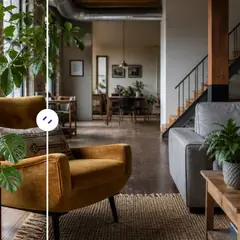
AI Object Remover
Remove unwanted people, objects, cables, signs, and clutter from photos automatically, with optional manual refinement for precise cleanup.
Try it now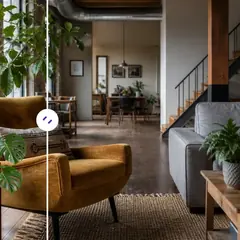
AI Object Replacer
Select and replace an object in a photo with AI. Swap furniture, products, plants, décor, and more while keeping surrounding pixels protected.
Try it now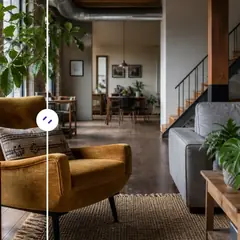
Add Object to Photo with AI
Add furniture, plants, people, products, and décor to photos with AI. Paint the placement area and preserve the prepared source outside it.
Try it now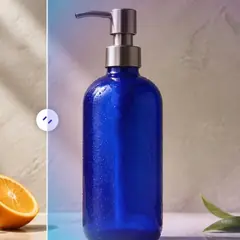
AI Background Changer
Change a photo background automatically with AI. Put a person or product in a studio, beach, office, city, or a described scene.
Try it now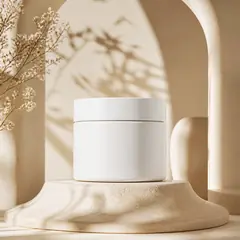
AI Product Background Generator
Generate studio, gradient, podium, botanical, or lifestyle backgrounds around your product photo for ecommerce campaigns.
Try it now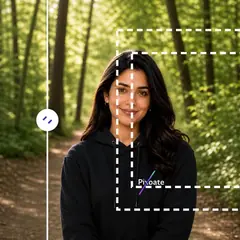
AI Uncrop Image
Uncrop an image with AI by reconstructing plausible space around the original photo. Create square, portrait, story, or landscape compositions.
Try it now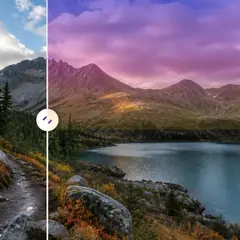
AI Sky Replacement
Replace a cloudy or dull sky with clear blue, sunset, twilight, dramatic clouds, or night while keeping the foreground coherent.
Try it now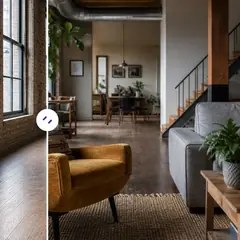
AI Room Staging
Stage empty or dated rooms with AI furniture and décor. Create living rooms, bedrooms, offices, dining rooms, and interior style concepts.
Try it now
AI Product Scene Generator
Create lifestyle, ecommerce, editorial, or social advertising surroundings around your product photo with AI.
Try it now
Virtual Staging AI
Virtually stage empty rooms with AI furniture for real-estate listings. Create living room, bedroom, office, dining, and luxury concepts.
Try it now
AI Real Estate Photo Editor
Edit real-estate photos with AI: add furniture or a TV, paint walls, remove clutter, replace skies, improve landscaping, and create twilight exteriors.
Try it now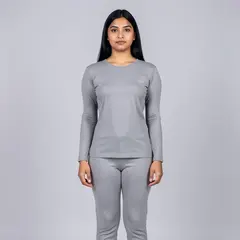
AI Body Reshape
Make bounded waist, torso, shoulder, or posture adjustments to a clearly visible person.
Try it now
AI Relight
Adjust golden-hour warmth, soft studio light, or shadow visibility while keeping the subject in place.
Try it now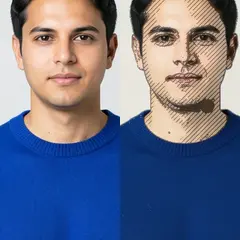
AI Art Effects
Create a linocut, engraving, screenprint, or cross-stitch treatment from the original photo.
Try it now
Instant Flash
Give a photo a punchy direct-flash finish or try a softer studio-light treatment.
Try it now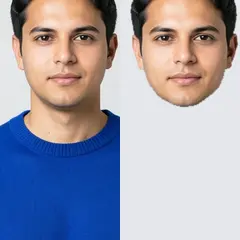
Face Cutout
Select a face and create a transparent head cutout for a collage, sticker, or profile design.
Try it now
AI Text Editor
Select words in a photo, repair the background, and place your replacement text in the selected area.
Try it now
AI ReShot
Reframe a photo with a precise crop or expand the scene to fit a new aspect ratio.
Try it now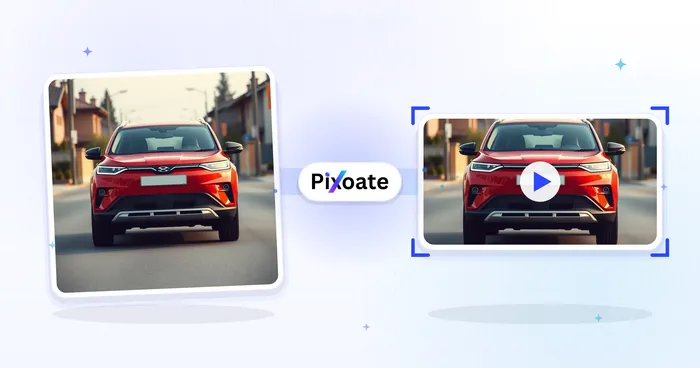
YouTube Thumbnail Maker
Add text to a background image and export a 1280×720 YouTube thumbnail.
Try it nowSocial Media Sizes
Pre-set sizes for Instagram, Facebook, LinkedIn, Pinterest, TikTok, Twitch, X and YouTube.

Instagram Resize
Fit a full photo to Instagram dimensions using blurred or solid-color padding when needed.
Try it now
Facebook Resize
Resize images for listed Facebook cover, profile and post dimensions with fit and fill controls.
Try it now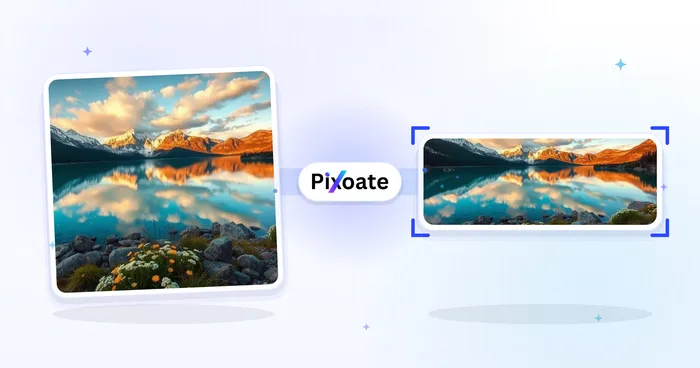
LinkedIn Image Resizer
Resize images for LinkedIn banners, profiles, posts or article headers using the listed dimensions.
Try it now
Pinterest Pin Resizer
Resize images for listed Pinterest pins, profiles and board-cover dimensions, including 2:3 and square presets.
Try it now
TikTok Cover Resizer
Resize images for listed TikTok cover, carousel, profile and thumbnail dimensions, including 1080×1920.
Try it now
Twitch Banner Resizer
Resize images for listed Twitch banner, profile, offline-screen, badge, panel and overlay dimensions.
Try it now
X / Twitter Image Resizer
Resize images for listed X header, profile, post, card and ad dimensions.
Try it now
YouTube Thumbnail Downloader
Paste a YouTube video URL or ID to view and download its available thumbnails.
Try it now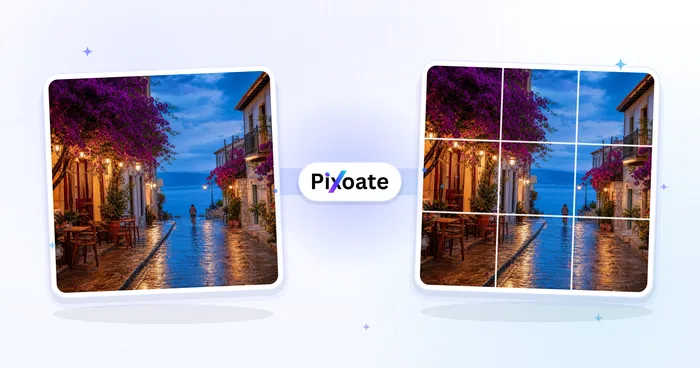
Instagram Grid Splitter
Split an image into a grid or panorama. Choose the number of rows and columns.
Try it nowOCR & Translation
Pull text and tables out of images, screenshots, scans and handwritten notes.
Image Translator
Translate text from menus, signs, labels, documents and screenshots in 20+ supported languages.
Try it now
Image to Text (OCR)
Extract editable text from a screenshot, photo or scan in 30+ supported languages.
Try it nowCopy Text from Image
Overlay recognized text on an image so you can select and copy the specific passage you need.
Try it now
Image to Word
Place a photo or screenshot inside a .docx as a picture, or use OCR to extract its text into editable paragraphs.
Try it now
Image to Excel
Extract a table from a photo or screenshot and download an editable .xlsx with rows and columns preserved.
Try it now
Image to CSV
Extract a table from a screenshot or photo and download the recognized rows and columns as CSV.
Try it now
Image to HTML
Embed an image in portable HTML, extract semantic content with OCR, or keep its visual layout searchable.
Try it now
Image to Markdown
Convert a screenshot or photo into Markdown text, with tables rebuilt as pipe tables.
Try it nowHandwriting OCR
Extract editable text from a clear photo of handwriting, including supported cursive writing.
Try it nowReceipt Extractor
Extract vendor, date, total, tax, currency and line items from a receipt into structured JSON.
Try it nowExtract Data from Images
Extract custom fields from an image, scan, invoice, receipt, form, or ID into clean JSON for spreadsheets, accounting, and APIs.
Try it nowSerial Number Scanner
Turn equipment-label photos into an editable asset list with serial numbers, models, manufacturers, tags and CSV export.
Try it nowCOI Expiration Tracker
Extract certificate-of-insurance details into an editable vendor register and schedule renewal reminders before expiration.
Try it nowExpiration & Lot Code Scanner
Extract product dates and lot codes from label photos, build an editable watchlist and schedule optional reminders.
Try it now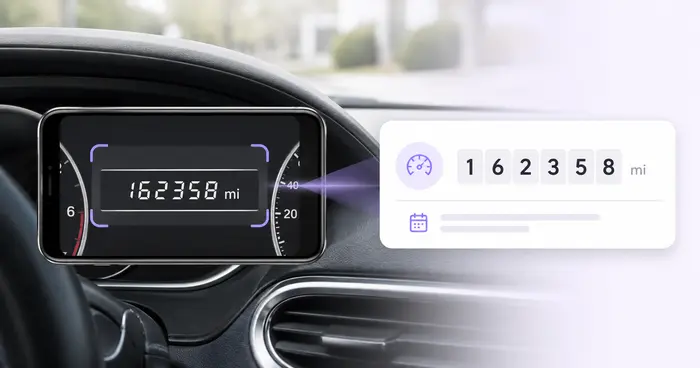
Odometer Scanner
Read dashboard odometers from photos, verify the mileage, add vehicle and trip context, and export or save an editable log.
Try it now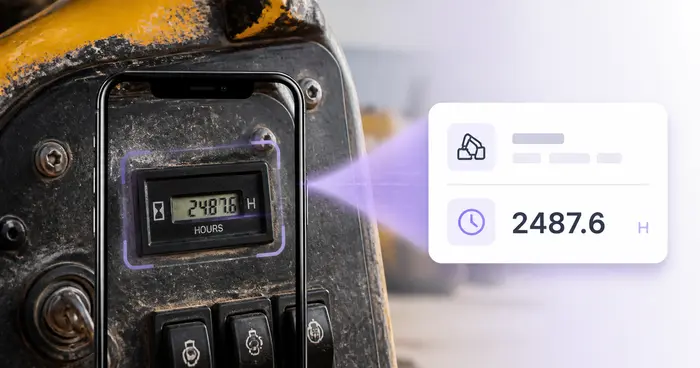
Equipment Hour-Meter Reader
Read machine hour meters from photos, verify the digits and decimals, and build an editable equipment utilization log.
Try it now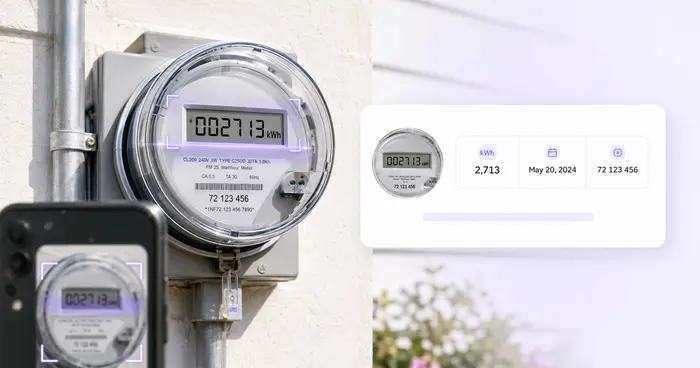
Utility Meter Reader
Turn electric, gas, or water meter photos into editable readings with meter, unit, date, and location details.
Try it now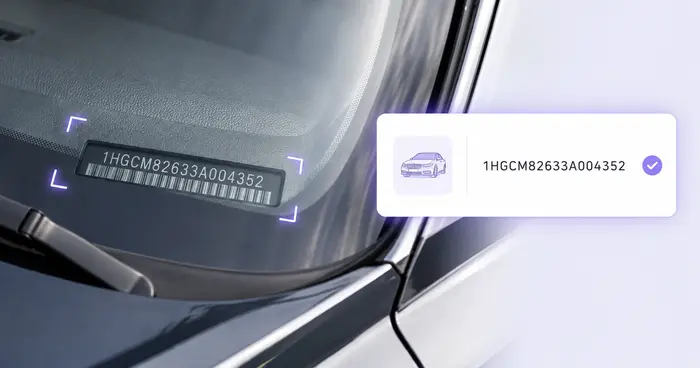
VIN Scanner
Read a VIN from a vehicle photo, label, document, or supported barcode and check its modern 17-character format.
Try it now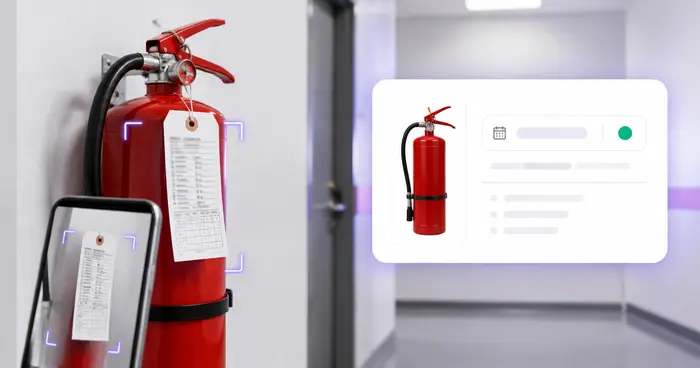
Fire Extinguisher Inspection Tracker
Extract extinguisher tag details into a location register and schedule reminders before a verified next-service date.
Try it now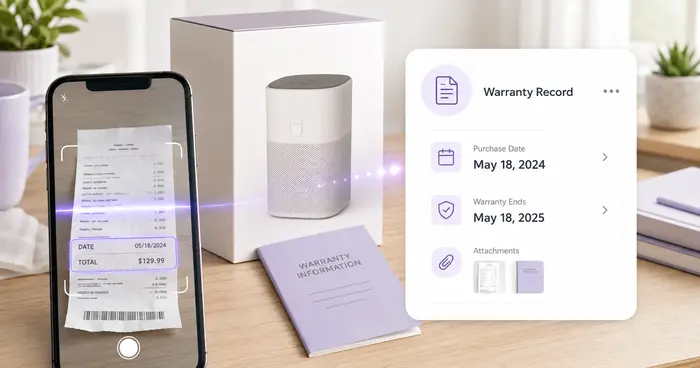
Warranty Receipt Tracker
Index receipts, products, serial numbers, purchases, and user-verified warranty dates from images or PDFs.
Try it now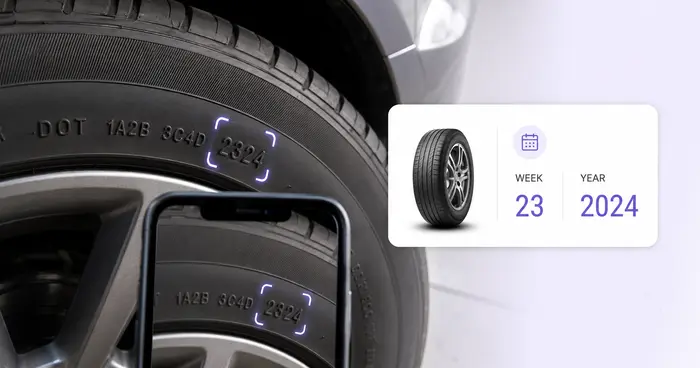
Tire DOT Code Scanner
Read a tire identification number from a sidewall photo and derive week and year from a valid final date code.
Try it now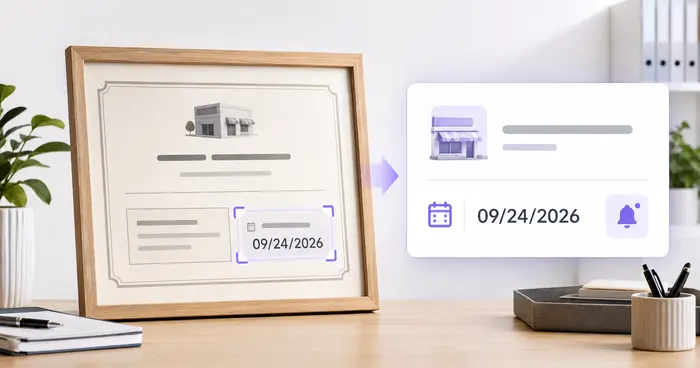
Business License Expiration Tracker
Extract license and permit details from documents, verify jurisdictions and dates, and schedule renewal reminders.
Try it nowBusiness Card Scanner
Extract contact details from a business card and download a vCard (.vcf) for Contacts or your CRM.
Try it nowUtilities
Watermark, compare, pick colors and inspect EXIF metadata.
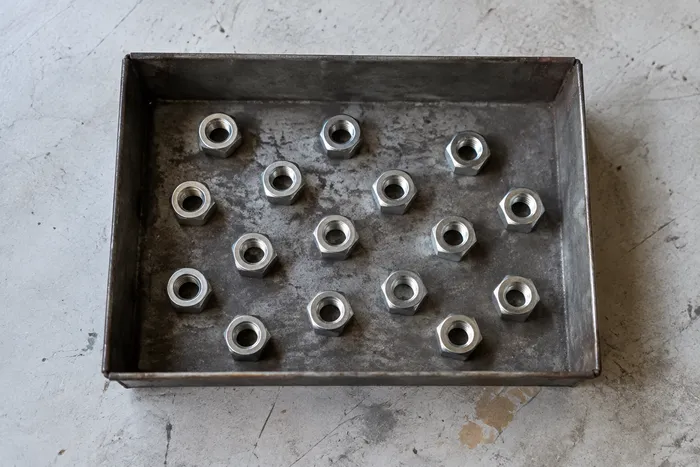
Object Counter
Estimate an object count from a photo. Review and correct the numbered markers before using the count.
Try it now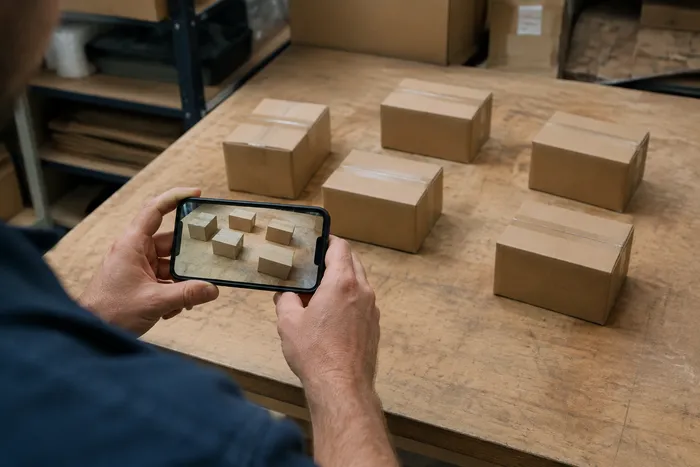
Live Object Counter
Aim your phone at separated, fully visible items and review the detector markers as the count updates in real time.
Try it now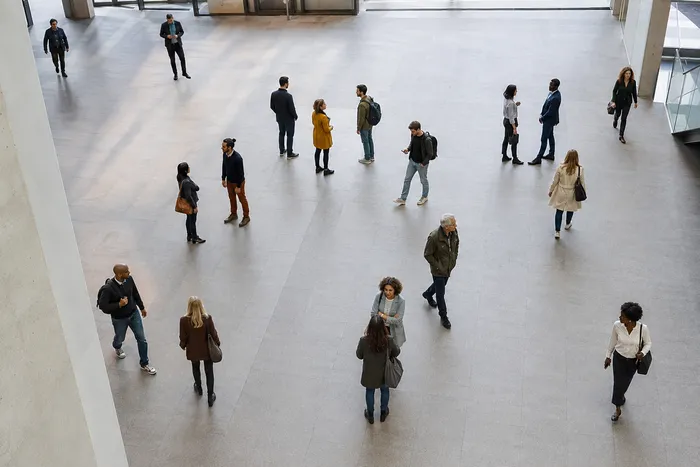
People Counter
Estimate how many people appear in a photo. Review the markers and verify the count before official use.
Try it now
Reverse Image Search
Prepare an image and open searches with supported providers such as Google Lens, Bing, Yandex and TinEye.
Try it now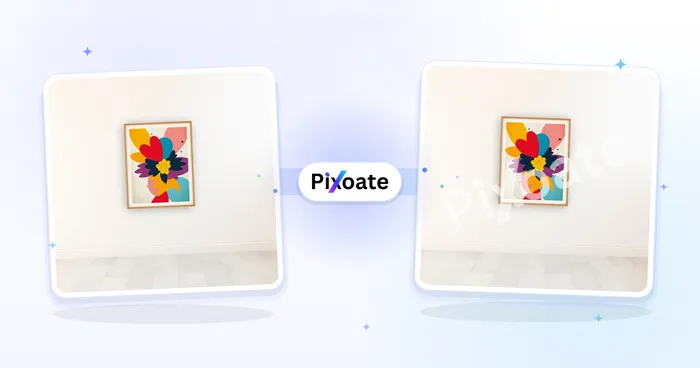
Watermark Image
Add a text or logo watermark. Adjust its position, opacity, size and rotation.
Try it now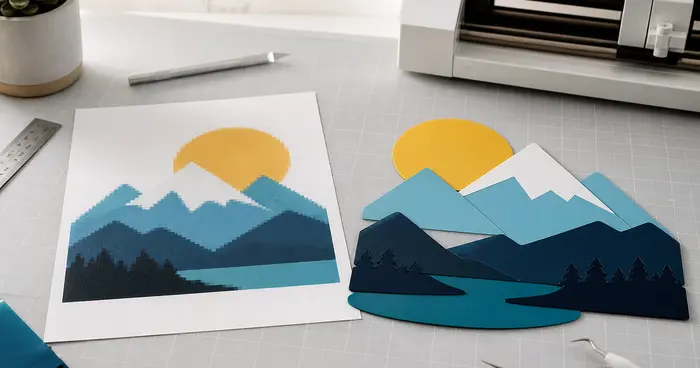
Image to Vector
Trace an image into SVG outlines or a layered DXF file. Review the paths before editing or cutting.
Try it now
Listing Image Checker
Check a product image against the listed marketplace requirements. Review any flagged issues before uploading.
Try it now
EXIF Viewer & Remover
Inspect supported EXIF, IPTC and XMP metadata, including location, device and timestamp fields, then export a copy with removable metadata cleared.
Try it now
Image Compare Slider
Compare two images with a reveal slider and export a before-and-after PNG.
Try it now
Color Picker
Select any pixel for HEX, RGB and HSL values, or export the dominant palette as JSON or CSS variables.
Try it now
Bottle Counter
Count bottles on shelves, in crates, or in cold rooms from one photo, with counted detections marked for review.
Try it now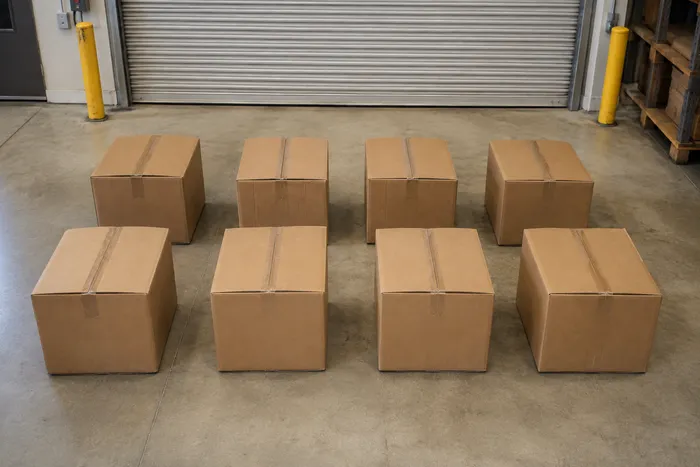
Box & Carton Counter
Count boxes on pallets, in stacks, or in trucks from one photo, with counted detections marked for review.
Try it now
Pill Counter
Count pills in trays from one photo, with counted detections marked for qualified review.
Try it now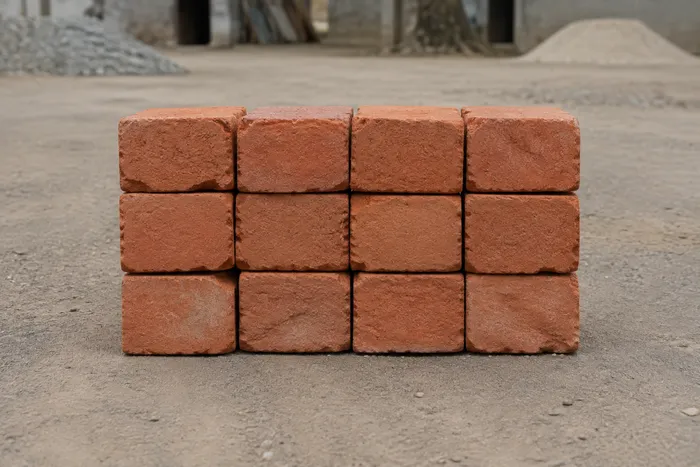
Brick Counter
Count bricks in stacks, on pallets, or in deliveries from one photo, with counted detections marked for review.
Try it now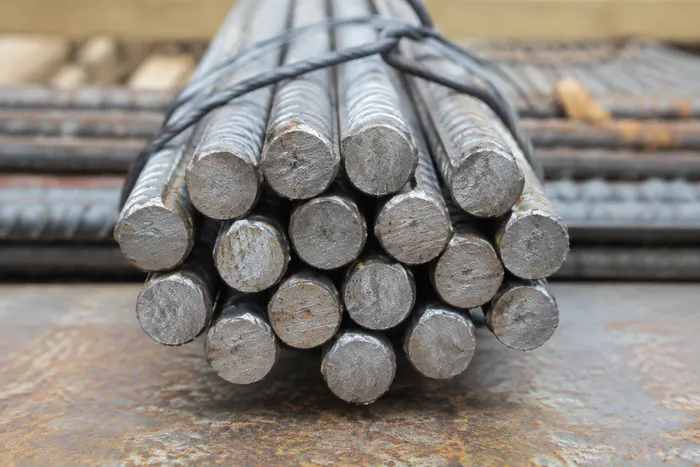
Rebar & Rod Counter
Count rebar and steel rods in bundles or deliveries from one photo, with counted detections marked for review.
Try it now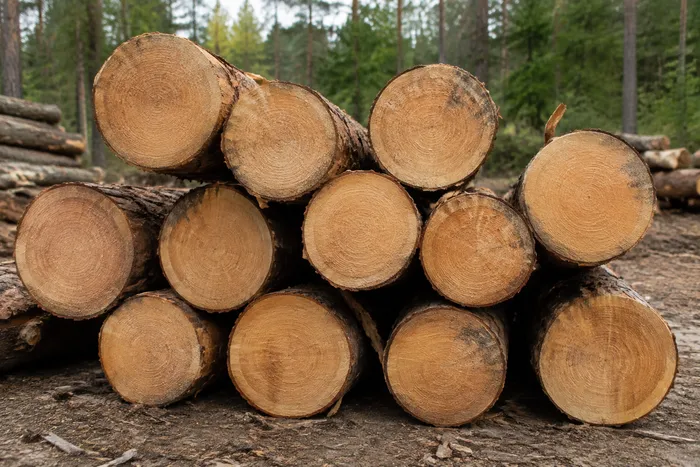
Log Counter
Count logs in piles or truck loads from one photo, with counted detections marked for review.
Try it now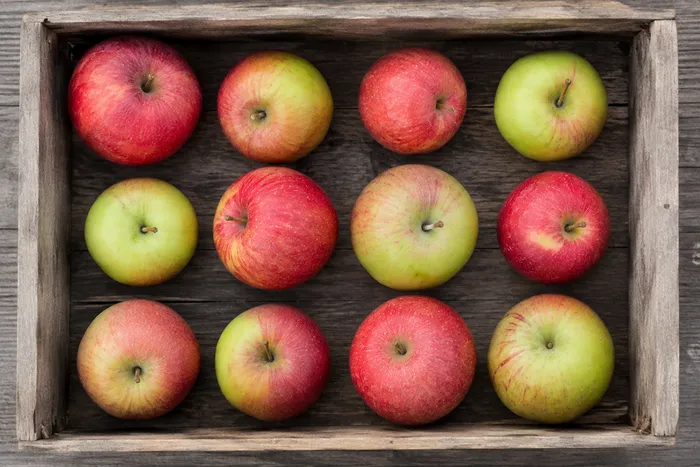
Fruit Counter
Count fruit in crates, trays, or harvest bins from one photo, with counted detections marked for review.
Try it now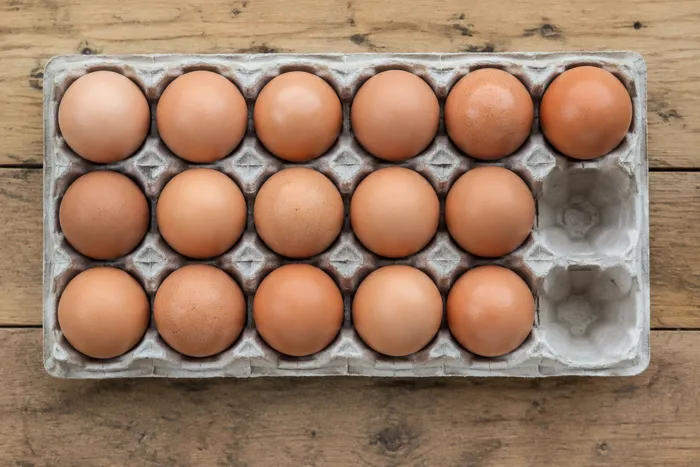
Egg Counter
Count eggs in trays or on collection tables from one photo, with counted detections marked for review.
Try it now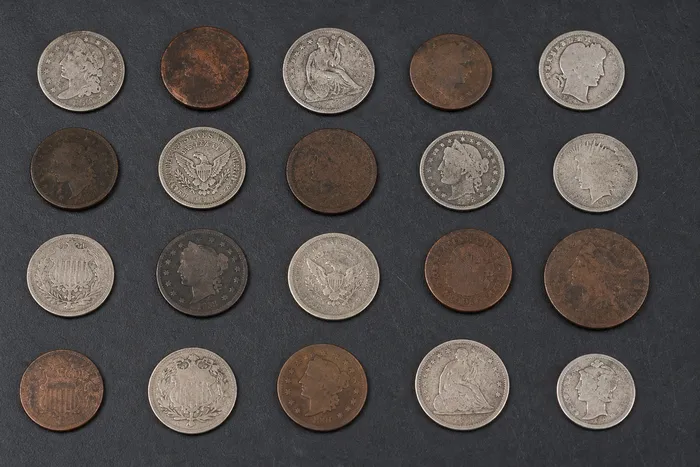
Coin Counter
Count coins in till floats, jars, or collections from one photo, with counted detections marked for review.
Try it now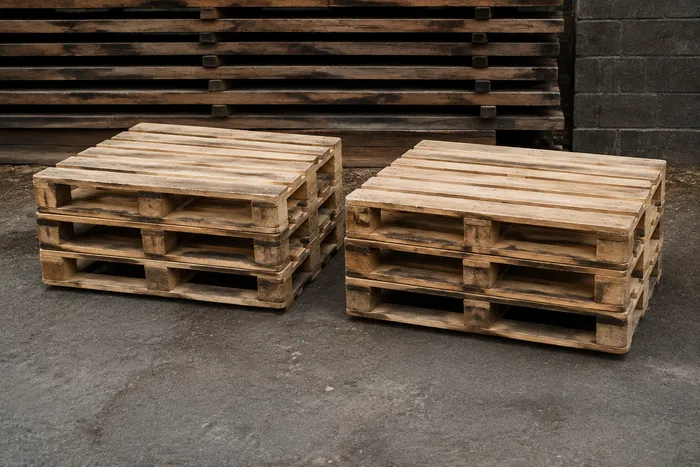
Pallet Counter
Count pallets in racking, yards, or trailers from one photo, with counted detections marked for review.
Try it now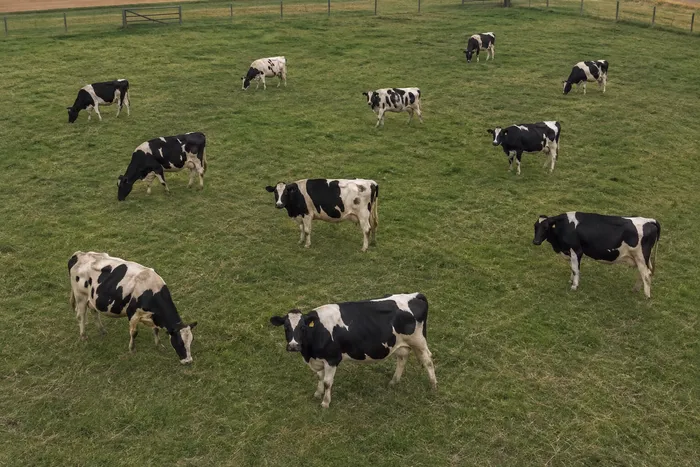
Livestock Counter
Count cattle, sheep, goats, or poultry from one photo, with counted detections marked for review.
Try it now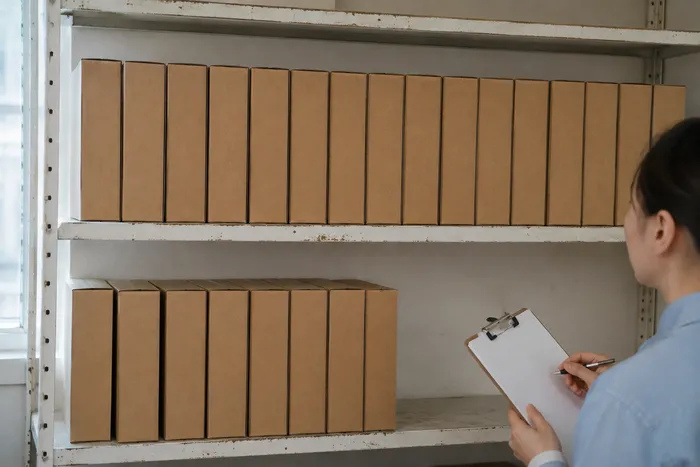
AI Inventory Counter
Create draft inventory tallies from shelf, stack, crate and pallet photos, then review and correct the markers before exporting a CSV stock-take.
Try it nowPick the right image tool: resize, compress, edit, cut out or enhance photos
These image editing tools cover 5 everyday jobs: change the size, shrink the file, edit or crop, cut out a background, or sharpen and repair. The sections below name the tool for each job and say when a neighbor is the better choice. Single photos work without installing anything, and several tools accept a whole batch on Premium.
Resize photos online to exact dimensions or a percentage
To resize photos online to an exact width and height, or by percentage, use the Image Resizer. It keeps the aspect ratio by default and can add a solid or blurred background when the new shape does not match. A crop changes the framing instead of the dimensions, so use Image Cropper when you want to cut parts away. When a whole photo must fit a post size without cropping, resize it for Instagram or another social size.
Make a photo file smaller or hit a size like 100KB
File size and pixel size are different jobs. The online photo compressor can change the KB size of a photo toward a target such as 20KB, 50KB or 100KB; it lowers quality first and then dimensions if it has to. When a form names one number, compress an image to 100KB opens the tool with that target already set. Use the resizer instead when a form asks for specific pixel dimensions, and compare the result with the original before you upload it.
Add a frame or text, crop and edit with one tool
For everyday editing, the photo editor combines crop, rotate, light and color sliders, text, effects, borders and templates on one canvas. Smaller single-purpose tools are quicker when that is all you need: Add Border is the direct way to frame a picture with a solid, gradient or polaroid-style border, Add Text to Image places captions, and Photo Collage Maker arranges several pictures in a grid. For artistic looks, browse the photo effects and preview a style first.
Turn a photo into a 3D effect, not a 3D model
Changing a 2D image to 3D here means a 3D look rather than a 3D model. Depth Anaglyph 3D estimates which parts of one photo are near or far and builds a red and cyan view for standard 3D glasses, and Wigglegram 3D makes a short loop in which near and far parts move by different amounts. Neither exports a mesh or a model file, so they suit a post or a visual effect, not 3D printing or game assets. Check the result at full size, because depth is estimated from a single photo.
Make a photo cooler with Temperature, Tint and Cool looks
To make image color cooler, open the photo in the photo editor and move the Temperature slider toward cool, with Tint for green or magenta shifts. The Cool and Warm looks apply a preset in one click, and you can fine-tune the sliders afterward. Compare the adjusted photo with the original before you export, because a strong shift also changes skin tones.
Cut out a background or remove an object
Remove a photo background and download a transparent PNG, or put a color, a photo or a design behind the subject instead. Review hair and fine edges before you use the cutout. To erase a person, sign or cable from the middle of a scene, the AI object remover, a Premium tool, finds what you describe and rebuilds the area behind it, which suits objects better than a background cutout.
Sharpen, enlarge or repair a photo
Enlarge a small photo 2×, 3× or 4× when a listing or print needs more pixels, or try the AI Photo Enhancer for noise, sharpness and color. Both are Premium tools you can preview free, and neither can bring back detail that was never captured, so check faces and small text closely. For a photo that is simply out of focus, AI Deblur targets blur directly. A faded or black-and-white print is a job for restoring an old photo, while a scratch, crease or stain is better handled by repairing the damage on the marked spot.
Create an AI image or change a photo with a written instruction
Create a picture from a written description: type a prompt, choose a square, landscape, portrait or wide shape and download the PNG. To change a photo you already have, describe the edit to the AI Image Editor, for example expanding a scene or replacing a painted area. Both are Premium tools, so check hands, faces and any lettering closely before you use the result.
Before you start
- Work on a copy and keep the original until you have checked the result at full size.
- Decide the destination first: pixel size, file size and file type are 3 separate settings.
- If a form rejects the file type, convert the image format before you resize.
- AI results, cutout edges, hair and small text deserve a close look before you use them.
- To copy the words out of a picture instead of editing it, the OCR tools read screenshots, scans and handwriting.
Frequently asked questions
- How to make an image smaller without losing quality?
- Aim for a moderate target, then compare the result with the original at full size. Compression removes some detail, so stop at the smallest file that still looks right to you. JPG and WebP suit photos, while PNG files stay large.
- How can I lower the resolution of a photo?
- Open Image Resizer, enter a smaller width and height or a percentage, and download the result. The tool keeps the picture's proportions as it scales. Fewer pixels mean the photo prints smaller and shows less detail.
- How to make a small image bigger without pixelation?
- Use Image Upscaler to enlarge it 2×, 3× or 4×, which rebuilds detail with AI instead of simply stretching pixels. It cannot invent detail that was never captured, so very small or blurry pictures still look soft. Premium unlocks the 3× and 4× factors and full-size results.
- How do I put a frame on a photo?
- Add Border wraps a photo in a solid color, a gradient or a white polaroid-style frame, with adjustable width and rounded corners. It draws borders rather than decorative artwork frames, so for a themed frame use Frames & Borders under Elements in the photo editor, which may ask you to sign in, or start from a template.
- Can I turn a photo into 3D, or into a 3D model?
- A 3D look is possible, a 3D model is not. Pixoate does not offer an image to 3D model online converter, and it does not build depth meshes from a photo. The Depth Anaglyph 3D effect suggests depth with a red and cyan view, and the Cartoon Generator can restyle a photo with a 3D-cartoon look, but the result is still a flat image.
- How do you make a picture 3D?
- Apply a 3D effect rather than building a model. Depth Anaglyph 3D makes a red and cyan image for 3D glasses, and Wigglegram 3D makes a short loop that rocks between viewpoints so depth shows without glasses. Both work from one photo, and depth is estimated, so review the result at full size.
- How to add a grid to a picture?
- Pixoate does not draw grid lines over a photo. Instagram Grid Splitter cuts one image into rows and columns of tiles for a profile grid, and Photo Collage Maker arranges several photos in a grid layout.
- How do I make an image color cooler?
- Open the photo in the photo editor and move the Temperature slider toward cool, with Tint for green or magenta shifts. The Cool and Warm looks apply a preset in one click, and you can fine-tune it afterward.
- How can I modify a photo with AI?
- AI Image Editor takes written instructions to expand a scene, fill or replace a painted area, remove an object or change a background. It is a Premium tool, so review the result closely, especially faces and small text.
- How to get AI generated images?
- Use the AI Image Generator: type a description, choose a square, landscape, portrait or wide shape and select Generate my image. The picture downloads as a PNG, web-size to start and Full HD with Premium. For high quality AI generated images, name the subject, setting, light and style, and check hands and lettering.
- How to fix damaged pictures?
- Match the tool to the damage. Repair Photo Damage rebuilds painted scratches, creases, stains and small torn areas from the surrounding picture, while Restore Old Photo adds color to a black-and-white print or sharpens a faded one. Neither recovers detail that was never captured, so compare the result with your scan.
- How to raise the quality of a picture?
- Start from the cause. A picture that is too small can be enlarged with Image Upscaler, a noisy or soft one can be cleaned up with AI Photo Enhancer, and a dull one can be adjusted in the photo editor. None of them can invent detail that was never captured, so a sharp original gives the best result.
- How to downsize pictures on Android?
- Open Image Resizer in your phone browser, choose the photo from your gallery, enter a smaller width and height or a percentage, and download the result. To hit a file size such as 100KB instead of a pixel size, use Image Compressor and enter the target.
- How do I make my photo file size smaller?
- Compress it. Image Compressor lowers quality first and then dimensions if it must, and it returns a new copy while your original stays untouched. Enter a target in KB, or move the Quality slider when you have no number to hit, then compare the result with the original at full size before you upload it.
- How to change KB of photo?
- Enter the size you need in Target file size (KB) in Image Compressor, such as 50 or 100, then select See result; the result screen lists the original and new sizes. A GIF ignores the target, so keep JPEG, WebP or PNG output for a photo.
- How to remove shadow from photo online free?
- There is no one-click shadow remover for general photos, free or paid. For a photographed page or document, the Shadow removal slider in Scan to PDF reduces shadows and saves the page in a PDF. To remove shadow from image areas on a backlit subject, use Backlight Rescue in AI Relight, and AI Object Remover can erase an object when you include its shadow in the area you paint. The AI tools are Premium, so compare any result with the original.
Watch each transformation land
Every photo crosses the slash untouched and comes out the other side finished.























