
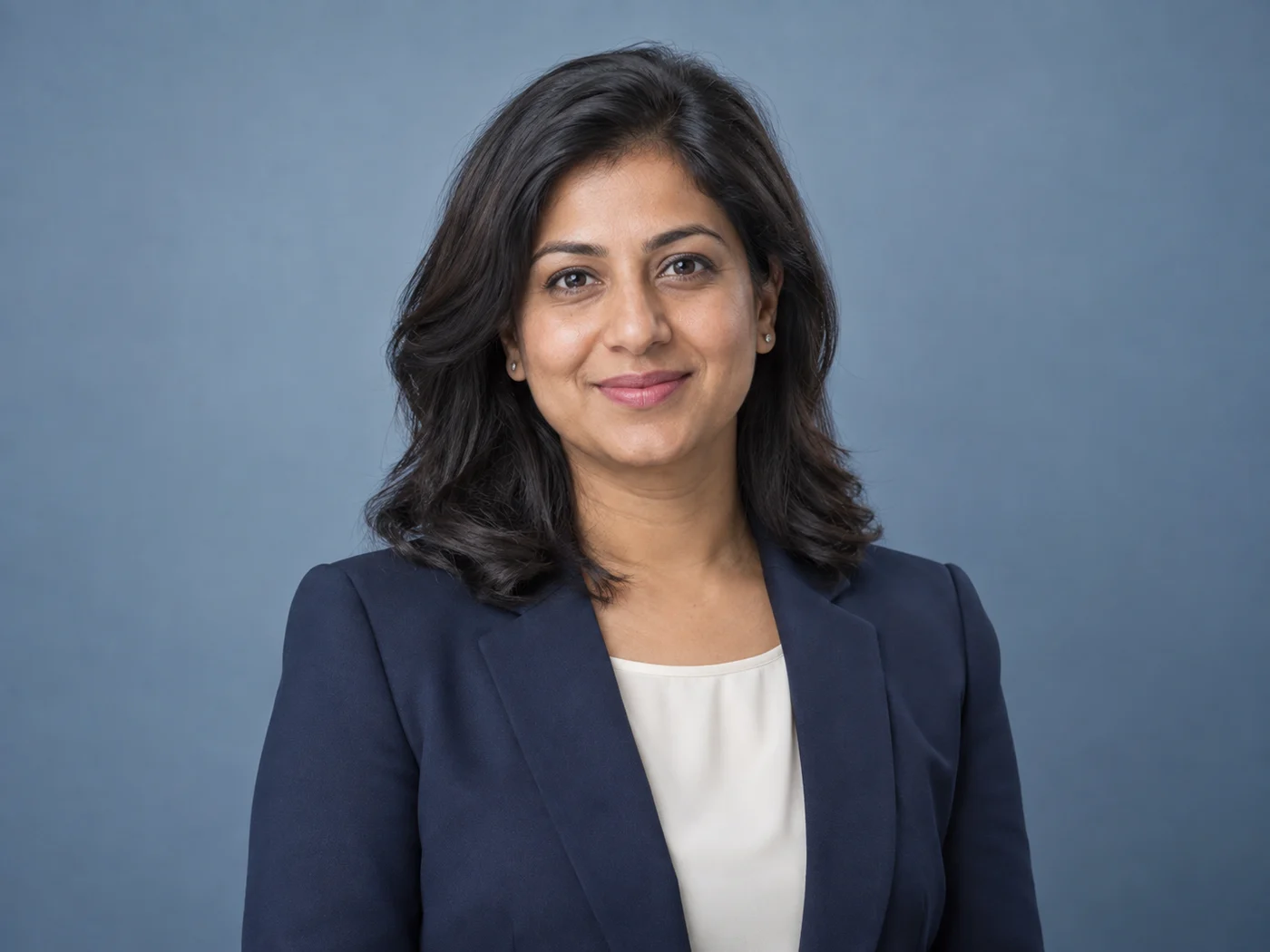
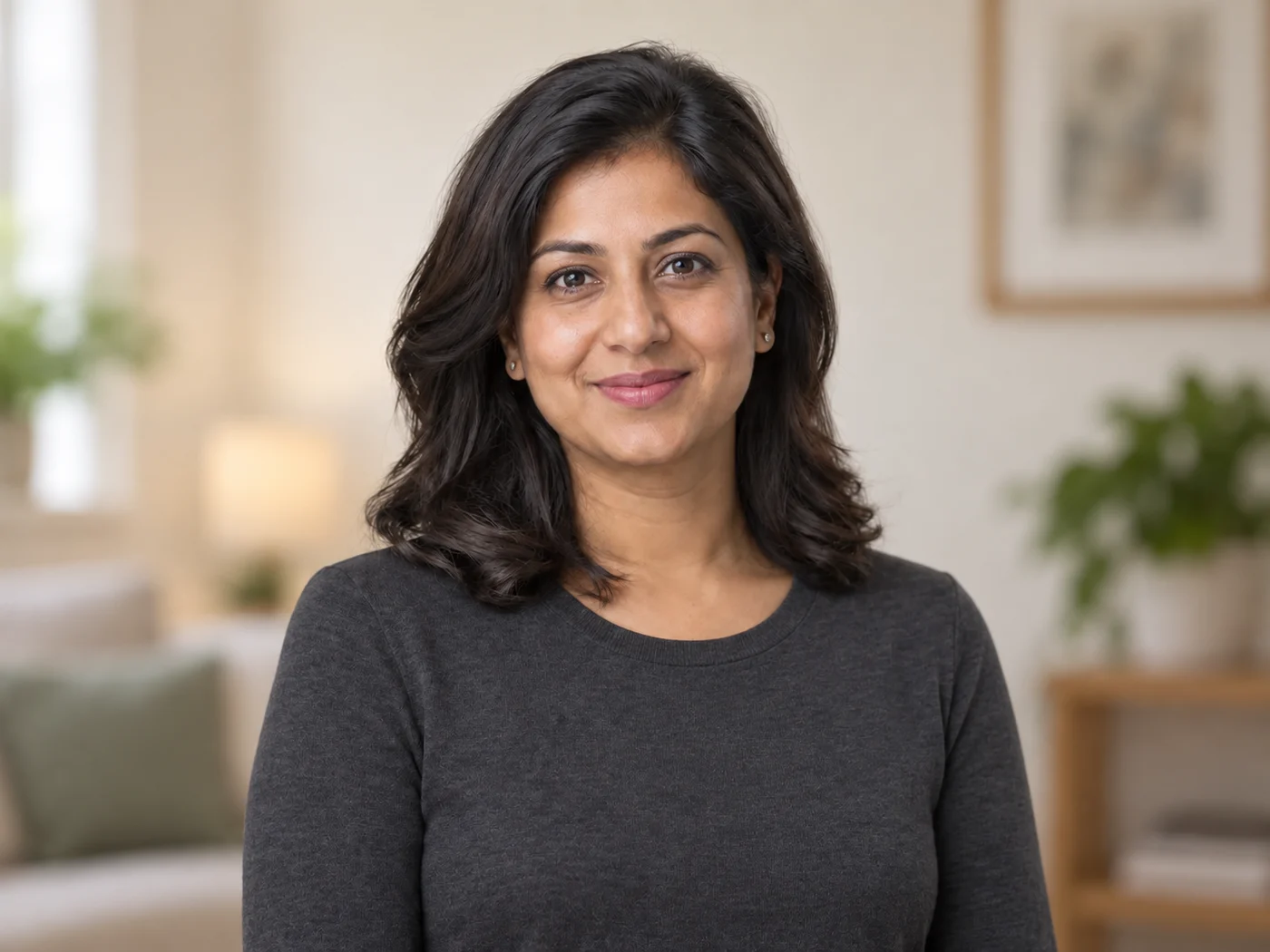
Illustrative preview
LinkedIn Headshot Generator — Professional AI Portrait from a Selfie
Review facial likeness and identity-relevant details before publishing
Create a professional headshot with directed clothing, background, and lighting. Generative results vary, so compare facial likeness and every identity-relevant detail before publishing.
- Professional look built on your own head-and-shoulders photo
- Directed clothing, background, and lighting
- Explicit identity-preservation instruction
Review facial likeness and identity-relevant details before publishing
Choose a clear, recent portrait
JPG, PNG, WebP, HEIC, and other supported formats. Free up to 20 MB; Premium and higher up to 50 MB for this tool.
How to turn a selfie into a professional LinkedIn headshot
This LinkedIn headshot generator restyles one clear photo of you into a head-and-shoulders portrait with a studio, office or editorial look. You pick a background style, add your own wishes in plain words and compare the result with your original before you use it. It suits a LinkedIn profile photo, a resume or a team page, and it works from an ordinary phone selfie, so you need no photographer and no editing skills.
Make a LinkedIn profile picture from a selfie
Start with a recent, sharp photo of just you, taken at eye level in even daylight, with your face toward the camera and a little room above your head. The portrait is built around that photo, so a clear starting image gives the tool the most to work with. If you skip the styles, the default direction is a neutral studio background with soft, even light.
- Upload a front-facing photo that is already framed the way you want the headshot.
- Open Styles and choose Neutral studio, Modern office or Warm editorial.
- Add Custom instructions only if you want something specific, such as a dark blazer.
- Select Generate Professional headshot and wait for the result.
- Compare the result with your original, then save the PNG or choose Edit again.
Choose a background and clothing direction
Neutral studio gives a clean gray background and soft even light, a safe choice for a corporate profile. Modern office adds a softly blurred workplace, natural window light and smart business-casual clothing. Warm editorial uses a subtle warm backdrop with a controlled key light and polished clothing. Each direction also steers what you wear, so pick the one closest to how you want to be seen.
Open Custom instructions (optional) to name something particular, up to 1,000 characters: a navy blazer, a plain white shirt, a pale green wall. Generated colors can vary, so a backdrop may differ slightly from a company color. To keep your real photo and change only what is behind you, swap the background of an existing portrait instead.
Frame the photo for a profile slot
Profile slots usually show a circle or a square, so keep your face near the center with some space around the head. Crop the photo to the shape you want before you upload it, because the result follows the framing of the photo you give it. The headshot is saved as a PNG. When a site asks for an exact size, resize the headshot to the LinkedIn profile picture size, which has a square 400 × 400 pixel preset.
Check the result against your own photo
A generated portrait can change identity-relevant details, so look at your face, hair, skin tone, glasses and teeth next to the original in the result view. Then check the collar, neckline and shoulders for natural construction, and read the notes under Good to know before you download.
If a style changes how you look, regenerate or choose another style instead of using it. For a lighter touch on your real face, smooth skin gently on the original photo rather than generating a new portrait.
Make matching headshots for a team
A team page looks consistent when everyone gets the same treatment. Batch images, a Premium option, applies one style and one set of instructions to every photo you add and returns a ZIP of PNGs. Try the style on a single photo first, because every portrait is generated separately and each one needs its own look at the face and clothing. For a set of different looks of one person, create 5 to 7 portrait variations.
Before you upload your photo
- Use a recent photo that shows your current hair, glasses and beard.
- Face a window or soft light, so no hard shadows fall across your face.
- Keep one person in the frame, with no hat or sunglasses covering the face.
- Leave a little space above your head and show your shoulders.
- Keep your original photo so you can compare it with the result.
- Check that the site where you post accepts AI-assisted images.
Completing a LinkedIn profile around the headshot
Add a 1584×396 personal banner sized for LinkedIn so the top of the profile looks finished. If the generated likeness drifts, retouch a real photo with gentle skin smoothing or give it a studio or office backdrop; for gaming or social accounts, create an illustrated avatar.
What you can do with LinkedIn Headshot Generator
Review the main capabilities before you begin.
- Turn a selfie into a professional headshot
- Add a clean studio background
- Get polished head-and-shoulders framing
- Even out lighting for a work-ready look
- Prepare a headshot for LinkedIn and resumes
- Direct clothing, background, and lighting with a style prompt
Settings reference
5 settings
Available controls for LinkedIn Headshot Generator.
Workflow
- Single image or Batch imagesPresets
- Process one image, or use Premium Batch images to apply the same automatic recipe to a set and download one ZIP.Options: Single imageBatch images
Styles
- One-tap presetsPresets
- Pick a ready-made direction with one tap; generation uses the selected preset automatically.Options: Neutral studioModern officeWarm editorial
- Custom instructions (optional)Text input
- Describe the requested change, relevant materials, lighting, perspective, and details that must remain unchanged.
Output
- Headshot aspect ratioPresets
- The generated headshot keeps the framing of the photo you upload whichever ratio is selected, so crop your selfie to head and shoulders first.Options: Portrait 4:5Square 1:1Portrait 3:4
- Ask AI to preserve subject identity and product detailsText input
- Adds an explicit instruction to retain the main subject, shape, branding, labels, and readable text unless the request changes them.
Popular presets
Related tools for LinkedIn Headshot Generator
Tools for common next steps after LinkedIn Headshot Generator.
Portrait & Headshot Studio
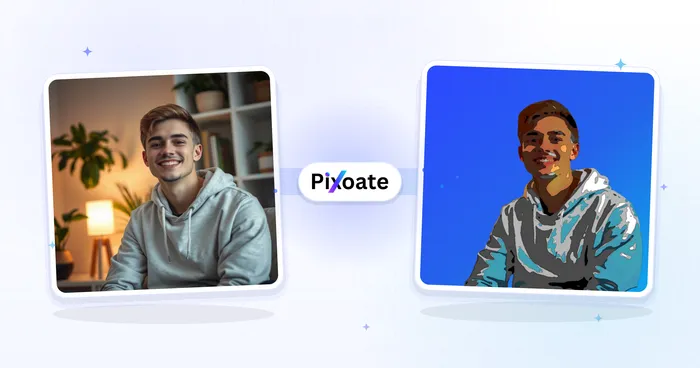
Avatar Generator
Create corporate, gaming, social, or illustrated avatars from a portrait with editable AI style directions.
Try it now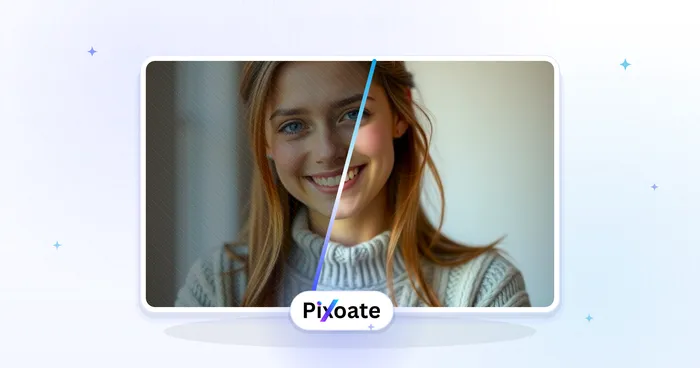
Portrait & Headshot Studio
Beautify Face
Apply adjustable skin smoothing and tone correction while reviewing facial detail and edges.
Try it now
Background Studio
Remove Background
Remove a photo background and download a transparent PNG. Review hair and edges before use.
Try it nowFrequently Asked Questions
How LinkedIn Headshot Generator helps you get it done
Real problems it solves every day — for businesses, creators, and everyday tasks. Find the use case that fits you and start.
LinkedIn Profile Photos
Turn a casual selfie into a professional LinkedIn headshot with a clean studio background
Resumes & Job Applications
Create a polished headshot for resumes, CVs, and job applications without a photo studio
Company Directories & Team Pages
Standardize team headshots with consistent framing and backgrounds for about and team pages
Speaker Bios & Conference Profiles
Produce a professional headshot for conference speaker bios, panels, and event profiles
Brand-Color Team Headshots for Startups
Use the custom background color picker to match your exact brand hex behind every teammate's headshot, so the About page and team directory look cohesively branded without booking a real studio.
Real Estate Agent Profile Photos
The Soft Blue and Warm Beige backdrop presets read as approachable and trustworthy for agent bios and listing sites — keep retouch strength low for a credible, authentic look buyers trust.
Freelancer & Consultant Portfolio Photos
Swap in the Charcoal or Brand Blue backdrop for a confident, premium portrait to reuse across Upwork, a personal website and pitch decks.
Alumni & University Directory Photos
White or Light Gray backdrops give every submitted photo the same neutral background, so an alumni directory or faculty page looks consistent even when everyone uploads a different selfie.
Guides for this tool
- How to Create Consistent Staff Headshots for a Company WebsiteCreate consistent staff headshots for a company website with Pixoate. Coordinate framing and backgrounds while keeping each person's likeness clear.
- A Better Team Page Starts with Headshots That Belong TogetherA coherent team page starts with portraits that belong together. Explore Pixoate framing and background choices that preserve individual likenesses.
Watch each transformation land
Every photo crosses the slash untouched and comes out the other side finished.























