
GIF Maker — Make an Animated GIF from Images or Video
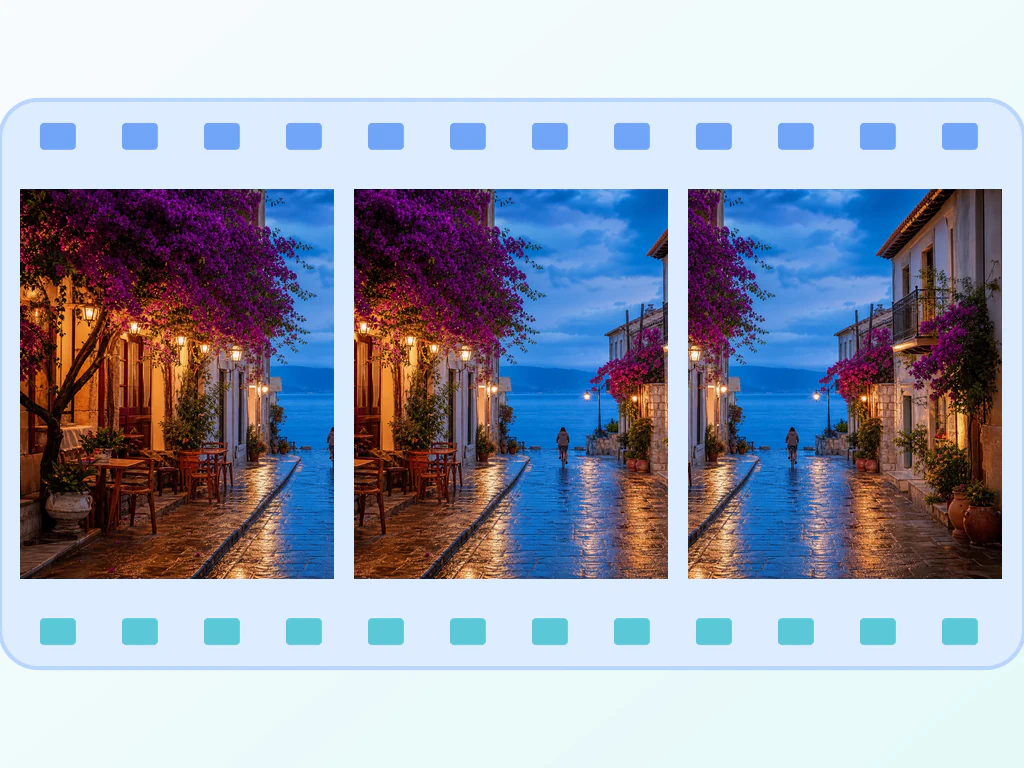
JPG, PNG and WEBP frames
The video clip is too big to send and nobody plays it anyway. Make it an animated GIF that loops the moment it lands in the chat.
- Turn a heavy video clip into a GIF light enough to send
- Build an animated GIF from image frames or a video
- Trim, reorder and set the playback speed before you export
Drop 2 or more images — get a looping GIF back
Drop two or more JPG, PNG, WEBP, AVIF, GIF, or BMP frames
Make an animated GIF from images or turn a video clip into a GIF
This GIF maker builds a looping animated GIF from ordered pictures or from a trimmed video clip. Add at least two frames, drag them into order, then set the frame delay, width and quality and choose whether the GIF loops forever. Select Make my GIF to encode it, preview the result and download the file, with no software to install.
Make a GIF from pictures, frame by frame
Choose Animate images, then drop two or more JPG, PNG, WebP, AVIF, GIF or BMP files. As a GIF frame maker it turns each file into one frame, and the Frames panel lists them with a drag handle, arrow buttons and a trash icon, so you can fix the order and drop what you do not want. The build button appears once there are at least two frames.
- Choose Animate images and drop two or more pictures.
- Drag frames, or use the arrows, into the order you want.
- Open Settings and set Frame delay, Width and Quality.
- Leave Loop forever on, or clear it to play the GIF once.
- Select Make my GIF, then See result to download it.
Turn a video clip into a GIF
Choose Turn a video clip into GIF and drop an MP4, WebM, MOV or M4V file that your browser can play. Set Start and End to trim the section you want and Sampling rate to pick how many frames per second to take, then prepare the frames and review them. The page caps how many frames it prepares from a clip, so a short section is the practical choice.
Set GIF speed, size and looping
Frame delay sets how long each frame stays on screen, from 50 to 1000 milliseconds. Width runs from 160 to 1280 pixels and starts at 480, and every frame is fitted onto the same canvas on a white background so pictures of different shapes do not break the animation. Lower Quality values give cleaner colors but take longer to encode. Loop forever is on by default; clear it for a GIF that plays once.
Keep the finished GIF light enough to share
Frame count, width and color detail all add weight. Start with fewer frames and a narrower Width. If the file is still heavy, reduce its colors and file size, scale it by percentage or crop away the edges.
Before you build
- Keep frames in the same orientation and, where you can, the same dimensions for a steady animation.
- Keep video clips short, because Start, End and Sampling rate decide how many frames are prepared.
- Add captions first by writing the text onto each picture, since the GIF maker has no text option.
- Preview the GIF before you download it; changing any frame or setting clears the old result.
After you export the GIF
If the file is too heavy for a chat or email, cut its size by reducing colors; to hit an exact width, resize every frame in sync.
Stray edges can be trimmed with one crop applied to every frame, and a single frame with a caption works as a classic still meme.
What you can do with GIF Maker
Review the main capabilities before you begin.
- Animate a set of images or start from a video clip
- Trim supported video and sample 10 frames before signup or 50 after signup
- Drag image frames into the exact sequence you want
- Set frame delay, output width and GIF quality
- Loop the animation forever or play it once
Settings reference
11 settings
Available controls for GIF Maker.
Mode
- What do you want to animate?Presets
- Chooses between arranging uploaded pictures as frames and trimming a browser-supported video before sampling up to 10 frames anonymously or 50 after signup.Options: Animate imagesTurn a video clip into GIF
Frames
- Add framesFile input
- Adds more images to the animation at any time; new frames are appended to the end of the sequence and can then be dragged into position.
- Drag to reorderOne-click
- Changes the image-frame playback order by dragging a grip handle or using the always-available arrow buttons; choose Make my GIF after the sequence is ready.
- Remove frameOne-click
- Deletes a single frame from the sequence using its trash icon and clears any older result without automatically starting another encode.
Settings
- Frame delaySliderRange: 50–1000ms · Default: 300ms
- Sets how long each frame stays on screen; raise it for slower, easier-to-follow animations like step-by-step demos, lower it for faster motion.
- WidthSliderRange: 160–1280px · Default: 480px
- Sets the output GIF width in pixels; every frame is fitted onto this canvas, so larger widths give crisper detail but bigger files.
- QualitySliderRange: 1–30 · Default: 10
- Controls color quality of the encoded GIF; lower numbers produce sharper, cleaner colors with less banding at the cost of longer encoding time.
- Loop foreverOn / Off
- When on, the finished GIF repeats endlessly; turn it off to have the animation play once and stop on the final frame.
Video clip
- StartSlider
- Sets where the sampled video segment begins; it must stay before End.
- EndSlider
- Sets where the sampled segment stops; shorter clips need fewer frames and usually create smaller GIFs.
- Sampling rateSliderRange: 1–12frames/second · Default: 6frames/second
- Chooses how many frames are sampled per second, capped at 12 FPS and 50 prepared frames for a safe browser workflow.
Related tools for GIF Maker
Tools for common next steps after GIF Maker.
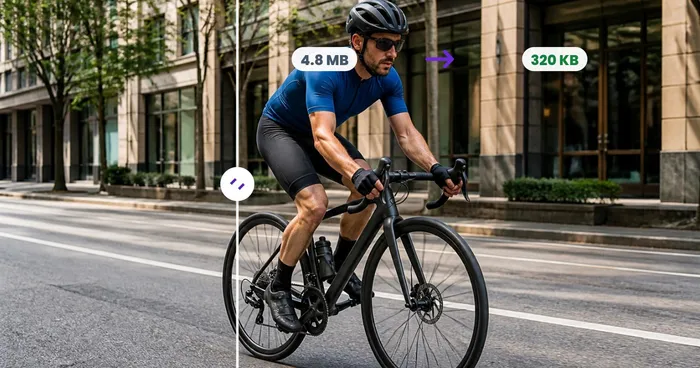
Photo Editing & Utilities
GIF Compressor
Compress an animated GIF by reducing colors, optimizing frames, or scaling it while preserving the loop and timing.
Try it nowPhoto Editing & Utilities
GIF Resizer
Resize an animated GIF by percentage or exact pixels while preserving every frame, the loop, and its timing.
Try it nowPhoto Editing & Utilities
GIF Cropper
Crop an animated GIF by exact pixels, apply the same region to every frame, and preserve the loop and timing.
Try it nowFrequently Asked Questions
How GIF Maker helps you get it done
Real problems it solves every day — for businesses, creators, and everyday tasks. Find the use case that fits you and start.
Product Demo Walkthroughs
A 5-second GIF showing your app's key interaction is more engaging than a static screenshot and lighter than a video. Drop in 4-8 frames captured during development and ship to landing pages.
Slack & Discord Reactions
Build team-specific reaction GIFs from group photos, screenshots of inside jokes, or animated logos. Drop them into Slack as custom emoji or Discord as server stickers.
Before / After Comparisons
Photo retouching, home renovation, weight loss, or design iteration — show the transformation as a back-and-forth GIF that grabs attention on social media in a way two static images can't.
Animated Avatar & Profile Pictures
Twitch, Discord and some social platforms support animated avatars. Build a subtle pulsing or color-shifting loop from 3-5 frames of your portrait or logo.
Process Documentation
Document a multi-step workflow (build pipeline status, dashboard updates over time, growth chart over a quarter) as a GIF that auto-plays in any Markdown viewer — GitHub README, Notion, Confluence.
Educational Stop-Motion
Teachers create stop-motion GIFs from a series of whiteboard photos, lab demonstration shots, or step-by-step craft project images. Great for visual learners.
Shopify 360° Product Spin GIFs
Turn a sequence of turntable product shots into a seamless looping GIF for your listing — turn Loop forever on and set width around 800px so shoppers see full spin detail without a slow page load.
Real-Estate Listing Walkthrough Loops
Combine room photos into a slow-paced GIF (400-600ms delay) for listing sites and marketplaces that don't support embedded video, giving buyers a quick visual tour without leaving the results page.
Lightweight Bug-Report Loops for Support Tickets
Capture a UI glitch as a short image sequence and render it at a narrow width (320-480px) with a higher quality number — the resulting GIF is small enough to paste directly into a support ticket or chat thread, no screen-recording software needed.
Recipe Step-by-Step Pinterest Loops
Turn photos of each cooking step into a looping GIF for Pinterest pins and food-blog posts, with control over frame order and timing.
Fitness & Progress Transformation Loops
String weekly progress photos into one looping GIF instead of a static side-by-side — set a consistent width and a longer delay (500ms+) so each week is clearly visible before looping back to the start.
Step-by-Step Tutorial GIFs for Online Courses and Documentation
Turn a sequence of UI screenshots into a self-looping walkthrough GIF that shows a whole workflow (e.g. 'click here, then here') in one glance — embed it directly in a course lesson, knowledge-base article or onboarding email instead of writing out numbered steps with static screenshots.
Watch each transformation land
Every photo crosses the slash untouched and comes out the other side finished.























