
Meme Generator — Free Meme Maker with Your Own Image
The moment passes fast. Upload any image, stack multiple text boxes in classic meme style, and download a share-ready meme.
Drop an image — add your text and get a share-ready meme
How to use a meme text generator to caption your own picture
This meme text generator puts your own words on any picture. Upload a photo or screenshot, edit the top and bottom text, add more text boxes if the joke needs them, and style the letters with a font, a color and an outline. You download a finished image that is ready to post, and it works as a meme maker in a phone or computer browser.
Make an easy meme from a photo or screenshot
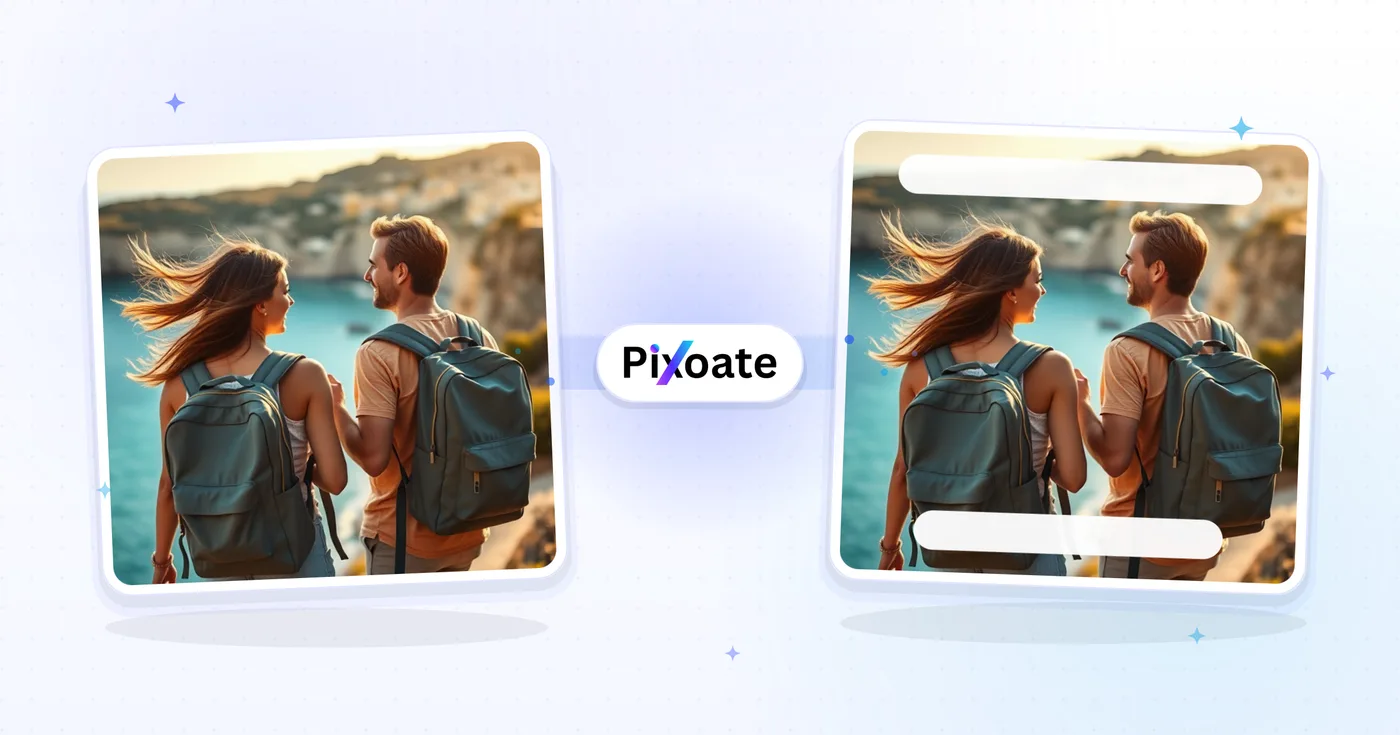
To make a meme image, start with any picture you own: a photo, a screenshot or a drawing. The editor opens with a TOP TEXT box and a BOTTOM TEXT box already on the picture, in white letters with a black outline, so a simple meme needs nothing more than new words. Select a box and type your words in the Text field, drag the box to where the joke needs it and pull a corner to resize it. On a touch screen, tap to select and double-tap to edit in place.
- Upload your image in the upload area.
- Select a text box and type your caption in the Text field.
- Drag the box into place and resize it from a corner.
- Select Make my meme, then use Download on the result card.
Add a black box caption bar to a meme
Select Add Text to place another caption on the picture. For a solid bar behind the words, uncheck Transparent under Background Color and the box turns black, which is how a black box template meme works in this editor. Use the swatch to choose white or any other color, then stretch the box across the image for a caption strip. Every box keeps its own font, color and background, so a label, a reaction and a punchline can each look different.
Use the classic top and bottom meme format
The classic meme format is a picture with a short setup line across the top and the punchline across the bottom, in thick white capitals with a black outline. The editor opens in exactly that format, so replace TOP TEXT with the setup and BOTTOM TEXT with the punchline. Other meme formats, such as a text message screenshot or a labeled reaction image, use Add Text for extra boxes that you place yourself.
Keep meme text readable on any picture
Anton is the default font, a thick display face with the classic meme look, and Bold and Italic sit beside the Font menu. Font Size runs from 12 to 120 pixels and Outline Width from 0 to 10, so a thicker outline helps white letters stand out on a bright or busy background. Text Color and Stroke Color set the fill and the edge. Long captions wrap inside their box, so widen the box or lower the size if lines run long.
Use 2 pictures in one meme or make it move
The editor captions one still image at a time, so a meme generator for 2 images needs a first step. To get 2 pictures into one meme, place them side by side in a collage first and upload the combined image here. For a moving reaction, animate ordered images or a short clip as a GIF. An animated GIF uploaded here comes back as a still image, and when you want plain captions without the meme styling, write the text yourself.
Before you download your meme
- Keep each caption short; feeds and chat apps shrink images, so large letters stay readable.
- Check that every text box sits inside the picture and no line runs off an edge.
- A PNG stays a PNG and a WebP stays a WebP; other formats, such as a JPG, are saved as JPG.
- There is no built-in template library, so choose the picture first and caption it afterward.
- Batch (ZIP) is a Premium option that repeats the same text layers on many images at once.
When a still meme is not enough
For a reaction that moves, stitch frames or a short clip into a GIF; for full control over font, color, and outline, style the caption yourself.
A face can be layered onto another picture with opacity and blend modes, and a video cover rather than a joke belongs on a 1280×720 background with an outlined headline.
What you can do with Meme Generator
Review the main capabilities before you begin.
- Create memes from your own images
- Add top and bottom caption text
- Place multiple text boxes anywhere on the image
- Style captions with custom fonts, colors, and outlines
- Make bold, readable text with a contrasting stroke
- Add a transparent or colored background behind text
Settings reference
12 settings
Available controls for Meme Generator.
- Processing modePresets
- Process one input, or switch to Premium batch mode to process multiple inputs with shared settings. Available input types depend on the tool.Options: Single imageBatch (ZIP)
Text
- Add TextOne-click
- Adds another caption layer on top of the default top and bottom text boxes; each layer in the Text Boxes list can be worded, styled, and positioned independently.
- TextText input
- The caption wording for the selected text layer; type your meme line here and it updates live on the preview.
- FontDropdown
- Picks the typeface for the selected caption from 61 fonts spanning sans-serif, serif, display, handwriting, and monospace; the default Anton gives the classic thick meme lettering.Options: ArialBarlowComfortaaDosisInterJosefin SansKanitLatoMontserratNunitoOpen SansOswald
- BoldOn / Off
- Makes the selected caption's lettering heavier so it stands out over busy or bright photos; off by default.
- ItalicOn / Off
- Slants the selected caption's lettering for emphasis or a quoted-speech feel; off by default.
- Font SizeSliderRange: 12–120px · Default: 32px
- Sets how tall the selected caption's letters are; lower it or shorten the wording if long lines start touching the image edges.
- Outline WidthSliderRange: 0–10px · Default: 3px
- Thickness of the outline drawn around each letter; around 3px keeps white text readable on bright backgrounds, while 0 removes the outline entirely.
- Text ColorColor picker
- Fill color of the caption letters for the selected layer; classic memes use white text with a dark outline.
- Stroke ColorColor picker
- Color of the outline around the letters, active only when Outline Width is above 0; black is the classic meme choice.
- Background ColorColor picker
- Color of a solid bar drawn behind the caption, enabled after unchecking Transparent; handy for screenshot-style captions that need a readable backing.
- TransparentOn / Off
- When checked (the default), no background bar is drawn so the outlined text sits directly on the photo; uncheck it to pick a solid background color for the caption.
Related tools for Meme Generator
Tools for common next steps after Meme Generator.

Creative & Design
Add Text to Image
Add styled text with custom fonts, colors and outlines to supported image formats, then download the edited image.
Try it now
Creative & Design
GIF Maker
Animate ordered images, or trim and sample a video clip into up to 50 frames, then control speed and quality.
Try it now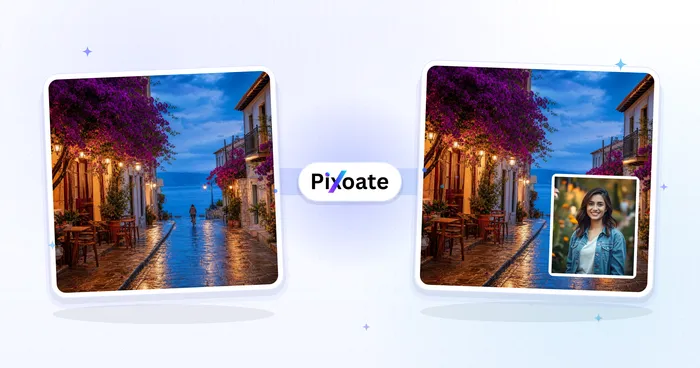
Creative & Design
Image Overlay
Position an image overlay, adjust opacity and blending, and download the combined image.
Try it nowFrequently Asked Questions
How Meme Generator helps you get it done
Real problems it solves every day — for businesses, creators, and everyday tasks. Find the use case that fits you and start.
Drake Pointing Memes & Viral Content
Create popular Drake pointing memes, reaction memes, and trending content for TikTok, Instagram, and Reddit that go viral
Brand Memes & Social Media Marketing
Make a meme that fits a brand account without looking like it was made in a group chat
Entertainment
Create funny memes for personal entertainment and sharing with friends
Educational Content
Create educational memes to make learning fun and memorable
Brand Engagement
Put your own logo and colors on a meme format everyone already recognizes
Community Building
Create memes that bring communities together and foster connections
Screenshot Roast & Group Chat Comebacks
Caption a screenshot of a friend's text or tweet with a punchline text box for instant group-chat, Discord and subreddit reactions — drag the box right over the message you're roasting.
Inside-Joke Memes for Weddings & Birthdays
Turn a candid party photo into a captioned in-joke using two text boxes styled in a playful font like Pacifico or Fredoka, then drop it into a slideshow or printed party favor.
Trending-Format Memes for Marketing Calendars
Recreate popular two-box formats like Drake-pointing or distracted-boyfriend with your product swapped in, so social schedulers always have a fresh, on-brand meme ready for the week's post.
Rival-Team Trash Talk for Game Day
Caption a scoreboard screenshot or rival mascot photo with bold Anton or Bangers text and a thick black outline for fan-community posts that read clearly even as a tiny thumbnail.
Multi-Panel Comic Strip Jokes
Stack more than two text boxes across one image to build a comic-strip-style punchline sequence — add a text layer per beat of the joke and reposition each one by dragging.
Workplace Culture & Team Slack Memes
Caption a team photo, a video-call screenshot or a project dashboard with an inside-joke line using a friendly font like Comfortaa or Fredoka, then drop it into a Slack channel or all-hands deck to boost morale without needing a designer.
Watch each transformation land
Every photo crosses the slash untouched and comes out the other side finished.























