
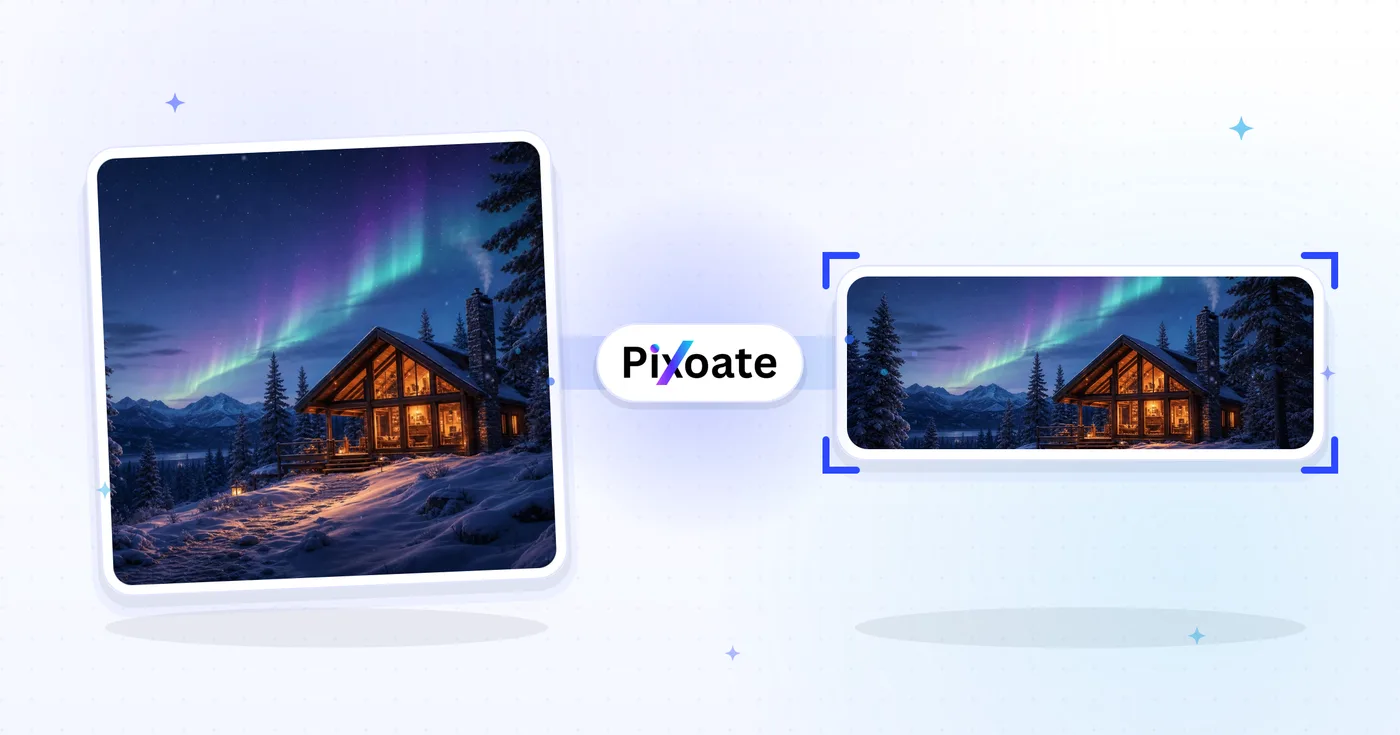
Twitch Banner Resizer — Fit the Twitch Banner Size and Panels
Banner (1200×480), profile, offline screen, sub badges, panels, and overlays — export each at the exact size Twitch expects.
Drop an image — pick banner, panel or badge
Twitch Asset Sizes
Twitch has more image placements than any other platform. The channel banner is 1200×480, profile picture is square (256×256 minimum), and the offline screen — the most-seen asset on dormant channels — is 1920×1080. Sub badges are tiny (18×18 at 1x, plus a 72×72 hi-DPI variant). Stream overlays for OBS use 1920×1080 to match the canvas. This tool resizes any image to the exact pixel size each placement needs.
Resize an image for a Twitch banner, panel, badge or offline screen
This Twitch resizer handles the images a channel page asks for. It fits a picture to a size from the Twitch list: the 1200×480 channel banner, a 1920×480 profile banner, a 256×256 profile picture, 1920×1080 offline, player and overlay frames, 320×100 panels and 18×18 or 72×72 sub badges. Choose the size, decide how the picture fills it and save a JPG, PNG, WebP or AVIF file from the download page.
Resize an image to the Twitch banner size, 1200×480
A channel banner is a wide strip: 1200×480 is 5:2, so a 16:9 photo loses height under the default Cover fit. Contain keeps the whole picture and fills the bars with the Background color, which starts as Twitch purple, or with a blur, gradient or design from the Background tab. Profile banner is the wider 1920×480 version of the same strip.
- Drop the image you want on the banner.
- Under Twitch sizes, select Channel banner, or Profile banner for the wider version.
- In Output, set Fit to Cover or Contain and check the preview.
- Choose JPG for a photo or PNG for sharp text and logos.
- Select Resize for Twitch and save the file from the download page.
Make a Twitch sub badge or a panel image
As a Twitch badge resizer, the tool lists Sub badge (1x) at 18×18, Sub badge (4x) at 72×72 and Panel image at 320×100. Tiny images lose detail fast, so start from a simple emblem, set Fit to Contain when it is not square and export PNG so the padding stays transparent. If the emblem sits on a box, cut it out as a transparent PNG first. The list has no 36×36 badge, so type that size into the Image Resizer if you need it.
Make an offline screen, player banner or stream overlay
Offline screen, Video player banner and Stream overlay are all 1920×1080, a 16:9 frame, so the file has the same pixel size whichever you pick. A photo with another shape can use Contain with a Background color. Extend background with AI is offered for this 16:9 shape too, but it uses your AI allowance, so review the generated areas before you publish. Keep schedule text and logos away from the edges.
Make a Twitch profile picture at 256×256
Profile picture is 256×256 and frames the head and shoulders around the largest face, so the Background tab is off for it. The circular guide on the preview, on by default, outlines the round avatar, and the Hide safe zone button shows the plain square. This size has no Contain fit, so a wide logo is trimmed to a square. Start from a square emblem when you want it whole.
Before you save a Twitch image
- Use PNG for badges, panels and anything with sharp text. JPG suits photographic banners and keeps files light.
- Read the size name and the pixel size on the preview before you resize.
- Twitch decides how a banner is cropped on each screen, so keep names and faces toward the middle.
- Need one size for many images, such as a set of panels? Batch mode on Premium applies it to every image and returns a ZIP.
Building the rest of a Twitch channel
Label the 320×100 panels by adding short words such as About or Schedule, and start 18×18 or 72×72 badges from a transparent cutout of your emblem so no background box shows. For a matching profile image, generate a gaming-style avatar from your portrait.
What you can do with Twitch Banner Resizer
Review the main capabilities before you begin.
- Resize your Twitch banner to 1200×480
- Size profile pictures and offline screens
- Create sub badges, panels and stream overlays
- Preview the safe zone before uploading
- Fill spare space with a background color
- Export in JPG, PNG or WebP at your quality
Settings reference
8 settings
Available controls for Twitch Banner Resizer.
- Processing modePresets
- Process one input, or switch to Premium batch mode to process multiple inputs with shared settings. Available input types depend on the tool.Options: Single imageBatch
Size
- Twitch sizesPresets
- Picks the exact Twitch placement to resize for, from the 1200×480 channel banner down to 18×18 sub badges; the preview instantly switches to that pixel size.Options: Channel bannerProfile pictureProfile bannerOffline screenVideo player bannerStream overlayPanel imageSub badge (1x)Sub badge (4x)
Output
- FitPresets
- Chooses how the image fills the preset frame: Cover crops overflow and Contain pads with the Background tab fill so nothing is cut. Untick Maintain aspect ratio to force an exact fit, which may distort.Options: CoverContain
- BackgroundColor picker
- Sets the fill color for padded areas when using Contain fit, defaulting to Twitch purple so letterboxing blends with your channel theme; hidden for PNG, which keeps padding transparent.
- FormatDropdown
- Selects the download file type: JPG for photos, PNG for crisp badges and transparent padding, WEBP or AVIF for smaller modern files.Options: JPGPNGWEBPAVIF
- QualitySliderRange: 40–100% · Default: 92%
- Balances file size against image quality for JPG, WEBP and AVIF exports; lower values shrink the file, higher values keep more detail, and the slider is not shown for PNG.
Preview
- Show safe zoneOn / Off
- On the Profile picture preset, overlays the circular avatar crop on the preview so you can check your face or logo survives the round crop; toggle off to see the plain square.
AI extension
- Extend background with AIOne-click
- Continue the scene into the selected size with AI while keeping the prepared source photo. Free downloads are web size. Premium or credits unlock full resolution. Supported ratios require maintaining aspect ratio. In Batch, every queued image is extended and delivered at the size and format you chose.
Related tools for Twitch Banner Resizer
Tools for common next steps after Twitch Banner Resizer.
Social Publishing
YouTube Thumbnail Downloader
Paste a YouTube video URL or ID to view and download its available thumbnails.
Try it now
Social Publishing
X / Twitter Image Resizer
Resize images for listed X header, profile, post, card and ad dimensions.
Try it now
Social Publishing
TikTok Cover Resizer
Resize images for listed TikTok cover, carousel, profile and thumbnail dimensions, including 1080×1920.
Try it nowFrequently Asked Questions
How Twitch Banner Resizer helps you get it done
Real problems it solves every day — for businesses, creators, and everyday tasks. Find the use case that fits you and start.
Gaming Streamer Channel Branding
Twitch streamers design profile banners that show their games, sponsors and Discord invite so first-time visitors instantly understand what the channel is about
Offline Banner with Streaming Schedule
Streamers design offline banners that double as a marketing billboard — schedule, sponsor logos, Discord invite and social handles when the channel isn't live
Esports Team & Pro Player Banners
Pro esports players and team accounts design banners with sponsor logos, tournament wins and roster details for fans and tournament organisers to find sponsorship info
Streaming Channel Panel Images
Build the channel panel images that sit under the stream — About, Schedule, Donate, Discord, Merch, Sponsors — so the profile page tells a complete brand story
Variety & IRL Streamer Branding
IRL streamers, variety creators and Just Chatting hosts design banners that reflect the lifestyle vibe of the channel instead of focusing on a single game franchise
Charity Stream & Event Banners
Charity streams, marathons and special events design event-specific banners with cause logos, donation totals and incentive tiers that update across the streaming weekend
Sponsor Overlay Kits for OBS
Brands and streamers running a paid sponsorship build a Stream overlay (1920x1080) asset with the sponsor's logo positioned for OBS, delivered as PNG so the transparent regions stay clean over gameplay.
Talk Show & Podcast Simulcast Kit
Podcasters simulcasting to Twitch pair an Offline screen and Video player banner (both 1920x1080) with a Panel image for show notes, giving the channel a talk-show look instead of a typical gaming layout.
First Sub-Badge Tier for New Affiliates
New Twitch Affiliates design their first loyalty tier using the Sub badge (1x) and Sub badge (4x) presets, exporting crisp PNGs at both 18x18 and 72x72 for standard and hi-DPI viewers.
Cross-Platform Streamer Branding
Streamers who also post to YouTube and Kick keep their Channel banner and Panel images visually consistent with their other platforms' art, so cross-posted clips and profile links feel like one brand.
Charity Marathon Stream Kits
Charity-marathon organizers build a matching Offline screen, Stream overlay and Panel image set that displays the donation goal and beneficiary, giving a 24-48 hour fundraising stream a professional, cohesive look distinct from the streamer's everyday branding.
Watch each transformation land
Every photo crosses the slash untouched and comes out the other side finished.























