
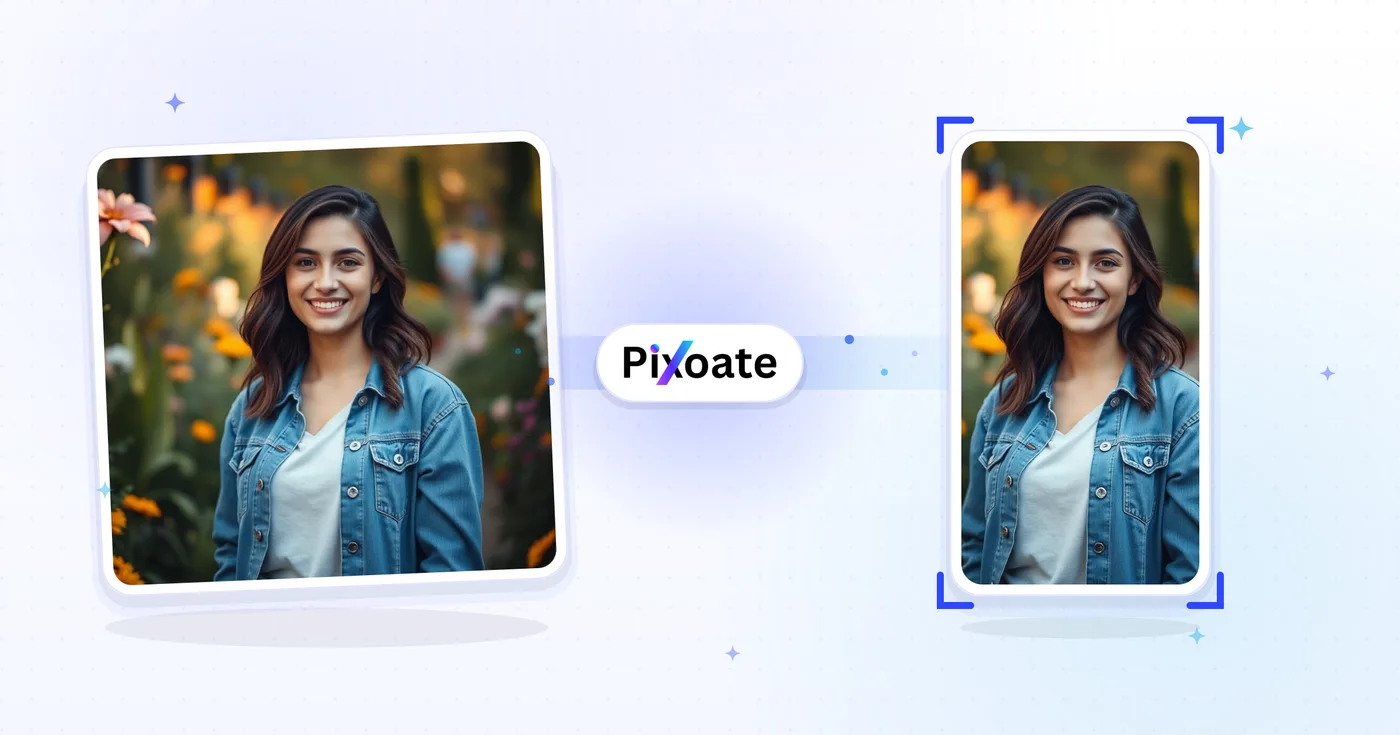
TikTok Cover Resizer — TikTok Thumbnail Size 1080×1920
9:16 covers (1080×1920), carousel photos, profile pictures, and thumbnails — exact TikTok sizes without the guesswork.
Drop an image — pick cover, carousel or profile
TikTok Image Sizes
TikTok is built around 9:16 vertical content. Video covers should be uploaded at 1080×1920 — anything shorter gets pillar-boxed and anything wider gets cropped. Profile pictures are square (200×200 minimum). Photo carousels follow the same 9:16 frame as video. This tool resizes any image to the exact pixel size each placement needs.
TikTok cover size and thumbnail size: resize any image to 1080×1920
This TikTok cover resizer fits an image to the size a TikTok placement needs: a 1080×1920 video cover, a 720×1280 thumbnail, a 1080×1080 square thumbnail, a photo carousel frame or a 200×200 profile picture. Choose the size, decide how the picture fills it, check the preview and save a JPG, PNG, WebP or AVIF file. It works on still images, in a browser on a phone or a computer.
TikTok thumbnail size and TikTok cover photo size at a glance
The TikTok cover photo size in this tool's list is Video / Cover, a vertical 9:16 picture at 1080×1920, and the same frame serves as the TikTok video cover photo size for a clip. Thumbnail is the lighter 720×1280 version, a sensible TikTok video thumbnail size when a smaller file matters more than sharpness. Square thumbnail is a 1:1 crop at 1080×1080 for embeds.
That makes the TikTok cover size ratio 9:16, and the TikTok thumbnail ratio is 9:16 as well, except for the square option. Photo carousel uses the same 1080×1920 frame as the cover, Profile picture is 200×200 and Profile video is 207×207. Treat these listed dimensions as a starting point and check how TikTok shows the upload.
Resize an image to the TikTok cover size
Open the Size tab, pick Video / Cover and leave Maintain aspect ratio on. The preview shows the 1080×1920 frame with the size name in its corner, so you can see what stays inside before you resize.
- Drop your image on the upload area or choose it from your device.
- Under TikTok sizes, select Video / Cover.
- Open Output and set Fit to Cover to fill the frame or Contain to keep the whole picture.
- Pick a Format, and adjust Quality if you want a lighter file.
- Select Resize for TikTok, then save the result from the download page.
Fit a landscape or square photo to a vertical cover without cropping
Cover is the default fit, so a wide photo is trimmed at the sides to fill 1080×1920. Choose Contain to keep the whole picture and fill the leftover space with a Background color (black to start), a gradient, a design or a photo of your own. If you want the scene to carry on instead, turn the horizontal photo into a vertical one first, or select Extend background with AI, which works for the 9:16 and square sizes. It uses your AI allowance, downloads on the free plan are delivered at web size, and the generated areas deserve a check before you post.
Make a TikTok profile picture or profile video frame
Profile picture is 200×200 and Profile video is 207×207, sized for a looping profile clip. On both, the tool frames the head and shoulders around the largest face and fills the whole square, so there is no fit or background to choose. A circular guide, on by default, outlines the round area TikTok displays, and the Hide safe zone button shows the plain square. The 200×200 slot also suits a round picture with a soft background.
Before you resize for TikTok
- Use the largest version of the picture you have, because a smaller image is enlarged to fill 1080×1920 and can look soft.
- Leave room around faces and words. TikTok decides what shows on each surface, and this tool has no cover overlay to preview that.
- Choose PNG when the cover has sharp text or a logo. The Quality slider is hidden for PNG because the file is lossless.
- To put words on the cover, add the text after you resize, so the letters sit on the final 1080×1920 picture.
- For the clip itself, convert a landscape video to portrait. This tool handles still images only.
Covers, profile images and clips for TikTok
A horizontal photo can become vertical without cropping the subject before you fit it to 1080×1920, and the 200×200 profile slot suits a round picture with a soft background. To reuse a cover you already published, download the thumbnail from your YouTube video, and for the clip itself, convert landscape video to portrait.
What you can do with TikTok Cover Resizer
Review the main capabilities before you begin.
- Resize video covers to 9:16 TikTok (1080×1920)
- Size images for the TikTok photo carousel
- Crop clean profile pictures and thumbnails
- Preview the safe zone to keep captions clear
- Pad or fill edges with a background color
- Save as JPG, PNG or WebP
Settings reference
8 settings
Available controls for TikTok Cover Resizer.
- Processing modePresets
- Process one input, or switch to Premium batch mode to process multiple inputs with shared settings. Available input types depend on the tool.Options: Single imageBatch
Size
- TikTok sizesPresets
- Picks the exact TikTok placement to resize for, from the 1080×1920 video cover down to the 200×200 profile picture, so the output matches the pixel size that slot needs.Options: Video / CoverPhoto carouselProfile pictureProfile videoThumbnailSquare thumbnail
Output
- FitPresets
- Chooses how the image fills the frame: Cover fills and crops overflow, Contain fits the whole image with background bars. Untick Maintain aspect ratio to force exact dimensions, which may distort.Options: CoverContain
- BackgroundColor picker
- Sets the fill color behind the bars when Contain fit leaves empty space (black by default for this tool); hidden when PNG format is selected because PNG output keeps those areas transparent.
- FormatDropdown
- Selects the download file type: JPG for photographic covers, PNG for crisp text or transparency, WEBP or AVIF for smaller modern files.Options: JPGPNGWEBPAVIF
- QualitySliderRange: 40–100% · Default: 92%
- Controls compression for JPG, WEBP and AVIF output — higher values look sharper but make bigger files — and is hidden for PNG, which is always lossless.
Preview
- Show safe zoneOn / Off
- Toggles a circular guide over the preview (on by default) marking the area TikTok actually displays, appearing only on the square Profile picture and Profile video presets.
AI extension
- Extend background with AIOne-click
- Continue the scene into the selected size with AI while keeping the prepared source photo. Free downloads are web size. Premium or credits unlock full resolution. Supported ratios require maintaining aspect ratio. In Batch, every queued image is extended and delivered at the size and format you chose.
Related tools for TikTok Cover Resizer
Tools for common next steps after TikTok Cover Resizer.

Social Publishing
Instagram Resize
Fit a full photo to Instagram dimensions using blurred or solid-color padding when needed.
Try it now
Social Publishing
YouTube Thumbnail Downloader
Paste a YouTube video URL or ID to view and download its available thumbnails.
Try it now
Social Publishing
Pinterest Pin Resizer
Resize images for listed Pinterest pins, profiles and board-cover dimensions, including 2:3 and square presets.
Try it nowFrequently Asked Questions
How TikTok Cover Resizer helps you get it done
Real problems it solves every day — for businesses, creators, and everyday tasks. Find the use case that fits you and start.
Creator Video Cover Branding
TikTok creators design cohesive video covers with consistent fonts, colors and headlines so their profile grid reads as a curated brand instead of random thumbnails
Restaurant & Food Brand Covers
Restaurants, cafes and food brands resize hero food photography to TikTok cover dimensions to drive followers to view dish videos and visit the menu link in bio
Beauty & Skincare Tutorial Covers
Beauty creators and skincare brands design before/after tutorial covers in the right TikTok dimensions to maximise CTR from the For You feed scroll
Fitness & Workout Video Covers
Fitness creators, coaches and home-workout brands design TikTok covers with workout titles, duration and difficulty levels so users know what they're about to commit to
E-Commerce Product Demo Covers
Resize a product cover to TikTok dimensions so TikTok Shop and in-feed ads stop cropping it
Educational & How-To Video Covers
Edutech creators, language teachers and skill-share educators design clear TikTok covers with the lesson title and key takeaway visible before the user even taps play
Music Release & Podcast Clip Covers
Musicians and podcasters export a Video/Cover (1080x1920) image announcing a new single or episode, then use Photo carousel for slides teasing the tracklist, all cropped to the same 9:16 frame.
Property Walkthrough Reel Covers
Real estate agents resize listing photos to TikTok's Video/Cover preset with Contain fit so a wide-angle living-room shot isn't cropped, keeping the whole room visible before the walkthrough video plays.
SaaS Feature Launch Covers
Product marketers use Contain fit with a branded background color to fit a full desktop screenshot inside the 9:16 frame without cropping the UI, for feature-announcement and demo clips.
Conference & Event Recap Carousels
Event organizers use the Photo carousel preset to resize a set of session photos into a matching 9:16 slideshow post recapping a conference or meetup for attendees who missed it.
TikTok Shop Product Video Covers
TikTok Shop sellers resize product photography into the Video/Cover frame for shoppable video posts and use Photo carousel for multi-angle product showcases, keeping storefront video covers native to TikTok's vertical feed instead of looking like a cropped e-commerce photo.
Watch each transformation land
Every photo crosses the slash untouched and comes out the other side finished.























