
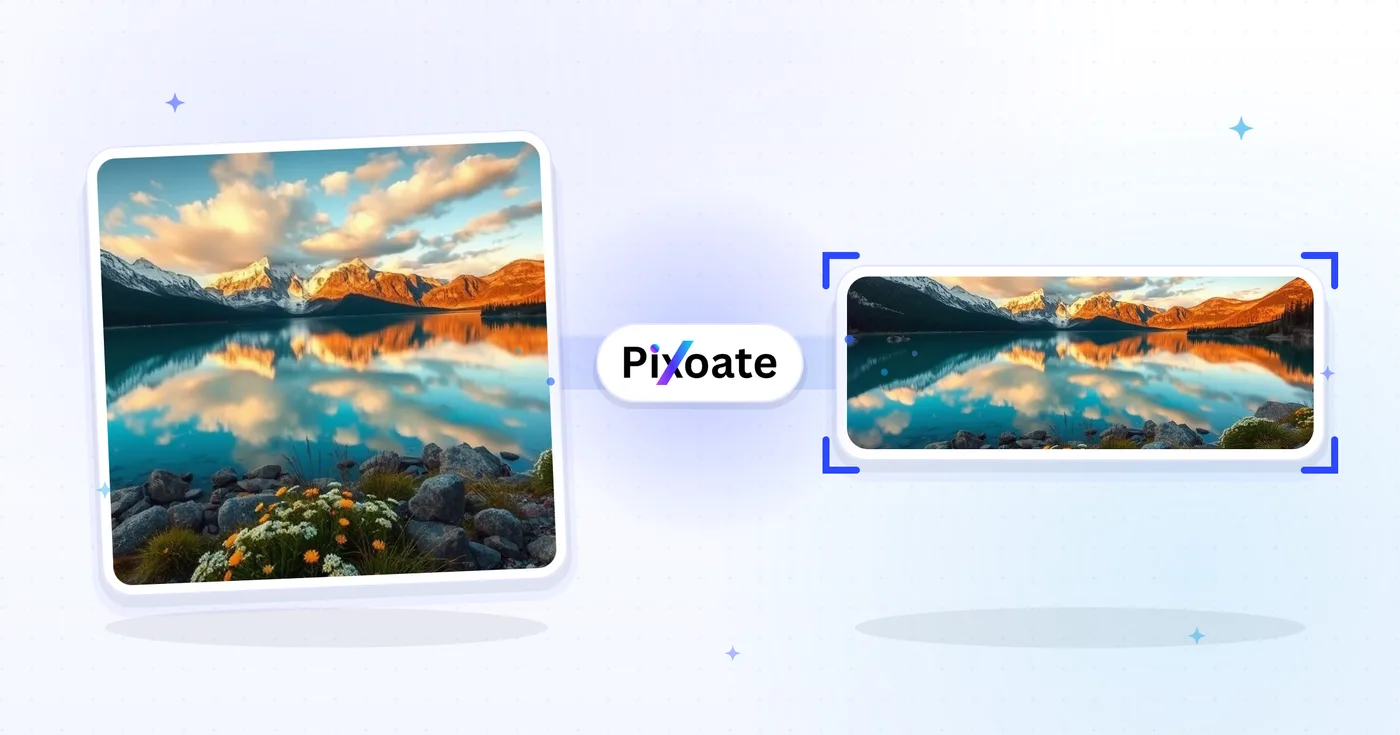
Resize Photo for LinkedIn — Profile 400×400 and Banner 1584×396
Resize a photo for your LinkedIn profile picture (400×400) or banner (1584×396), or pick a logo, post or article preset, position the image and download the selected dimensions.
Drop an image — choose banner, profile or post size
LinkedIn Image Sizes
Choose from the listed personal cover, company cover and post presets, then select how the image fits the target canvas. Platform requirements can change, so confirm the current LinkedIn guidance before publishing.
Resize a photo for a LinkedIn banner, profile picture or post
This LinkedIn image resizer fits a picture to a listed LinkedIn size: a 1584×396 personal banner, a 1128×191 company banner, a 400×400 profile picture, a 300×300 company logo, a 1200×627 post image, a 1280×720 article cover or a 1776×444 event cover. Pick the placement, set how the image fills it and save the file. Sizes can change, so confirm LinkedIn's current guidance before you publish.
Resize a photo to the LinkedIn banner size, 1584×396
The personal banner is a 4:1 strip, four times wider than it is tall, so a standard photo is trimmed hard by the default Cover fit. Choose Contain to keep the whole picture and fill the sides with a Background color, LinkedIn blue to start, a blur, a gradient or a design. The Company banner, 1128×191, is thinner still at roughly 6:1, so give words and logos more margin.
- Upload the photo you want in the banner.
- Under LinkedIn sizes, select Personal banner or Company banner.
- Open Output and set Fit to Cover or Contain.
- Select Resize for LinkedIn and save the file from the download page.
Make a LinkedIn profile picture at 400×400
Profile picture is 400×400 and frames the head and shoulders around the largest face, so a wide photo is cropped down to you. A circular guide outlines the round area LinkedIn shows, and the Hide safe zone button clears it. The Background tab is off on this size, because the crop fills the square. To change what is behind you, make a profile picture with a new background. For a new look rather than a new backdrop, generate a professional headshot.
Size a company logo, post image, article cover or event cover
Company logo is 300×300 and Square logo is 60×60. These sizes do not frame a face, so choose Contain to keep a whole logo and fill the rest with a color, or export PNG for transparent padding. Post image is 1200×627, Article cover is 1280×720 (16:9) and Event cover is 1776×444, another 4:1 strip. Extend background with AI is offered for the square sizes and the 16:9 article cover, and its generated areas should be checked before you publish.
Put a name or tagline on the banner
This tool only resizes. Resize to 1584×396 first, then add your name or tagline as text on the finished banner, so the words sit on the final strip and are not trimmed by a crop. Leave margin around the lettering and check the result before you upload it.
Before you save a LinkedIn image
- Treat the sizes as the tool's listed presets and confirm LinkedIn's current guidance before you publish.
- Photos suit JPG. Logos and crisp lettering suit PNG, which also keeps padding transparent.
- Check the pixel size beside the preset name on the preview before you resize.
- A queue of images for one size can go through Batch mode on Premium, which returns a ZIP.
Finishing a LinkedIn banner and profile
Put a name or tagline on the banner by adding styled text with an outline, and fill the 400×400 profile slot with an AI-generated professional headshot. The same artwork can be resized as a 1500×500 X header.
What you can do with LinkedIn Image Resizer
Review the main capabilities before you begin.
- Resize photos to a 1584×396 LinkedIn banner
- Size images for profile pictures and company logos
- Fit artwork to LinkedIn post and article headers
- Preview the safe zone before you export
- Fill empty edges with a chosen background color
- Export as JPG, PNG or WebP at your quality
Settings reference
8 settings
Available controls for LinkedIn Image Resizer.
- Processing modePresets
- Process one input, or switch to Premium batch mode to process multiple inputs with shared settings. Available input types depend on the tool.Options: Single imageBatch
Size
- LinkedIn sizesPresets
- Pick the LinkedIn placement you are uploading to; the exact pixel dimensions for that spot (e.g. 1584×396 personal banner, 1200×627 post image) are applied automatically.Options: Personal bannerCompany bannerProfile pictureCompany logoSquare logoPost imageArticle coverEvent cover
Output
- FitPresets
- Choose how the photo fills the target size: Cover crops to fill edge-to-edge, Contain keeps the whole image with padded space. To force the exact size instead, untick Maintain aspect ratio; that may distort.Options: CoverContain
- BackgroundColor picker
- Sets the fill color for empty space around a Contain-fit image; defaults to LinkedIn blue but can match any brand color. Hidden for PNG, which keeps that space transparent.
- FormatDropdown
- Picks the output file type: JPG for photos, PNG for transparency, WEBP or AVIF for smaller files when hosting the image yourself.Options: JPGPNGWEBPAVIF
- QualitySliderRange: 40–100% · Default: 92%
- Controls compression for JPG, WEBP and AVIF output; higher keeps text and logos crisper, lower shrinks the file size. Not shown for PNG, which is always lossless.
Preview
- Show safe zoneOn / Off
- Appears on the Profile picture preset: overlays the circular crop LinkedIn actually displays, dimming the square corners that get cut so you can keep your face or logo inside.
AI extension
- Extend background with AIOne-click
- Continue the scene into the selected size with AI while keeping the prepared source photo. Free downloads are web size. Premium or credits unlock full resolution. Supported ratios require maintaining aspect ratio. In Batch, every queued image is extended and delivered at the size and format you chose.
Related tools for LinkedIn Image Resizer
Tools for common next steps after LinkedIn Image Resizer.
Social Publishing
Facebook Resize
Resize images for listed Facebook cover, profile and post dimensions with fit and fill controls.
Try it now
Social Publishing
X / Twitter Image Resizer
Resize images for listed X header, profile, post, card and ad dimensions.
Try it now
Business Generators
Business Card Maker
Choose a business-card layout, set the content and colors, and download a 10-up A4 PDF for printing.
Try it nowFrequently Asked Questions
How LinkedIn Image Resizer helps you get it done
Real problems it solves every day — for businesses, creators, and everyday tasks. Find the use case that fits you and start.
Personal Brand & Job Search Banners
Job seekers and personal-brand builders craft LinkedIn banners that reinforce their headline, target industry and current availability — the first thing a recruiter sees
Founder & Executive Profile Banners
Startup founders, CEOs and executives publish banners that showcase the company logo, current product launch and investor recognition for stakeholder visibility
Company Page Hero Banners
Marketing teams design company-page cover photos with the latest product screenshot, customer logos and Glassdoor accolades to convert profile visits into followers and applicants
Conference Speaker & Author Banners
Swap a speaker or podcast banner for the current season without rebuilding the layout each time
Recruiter & Hiring Manager Banners
Recruiters publish banners advertising open roles, employer-brand benefits and team photos to convert profile views into applications and inbound candidate DMs
Sales & Business Development Banners
BDRs, account executives and sales leaders use the banner to highlight their product's value prop, case-study customer logos and a clear call-to-action for prospects
Crop-Safe LinkedIn Profile Pictures
Pick the Profile picture preset and switch on the Safe Zone overlay to see exactly which corners LinkedIn's circular crop will cut away, so faces and logos never get clipped after you publish.
Webinar & Meetup Event Covers
Use the Event cover preset (1776×444) with Contain fit and a brand-color background so your webinar date, speaker name and logo stay fully visible instead of being trimmed by LinkedIn's event cropping.
One Logo, Every LinkedIn Placement
Export the same brand mark through the Company logo (300×300) and Square logo (60×60) presets with a matching background color, then review each size in LinkedIn.
Fast-Loading LinkedIn Graphics
Export Post image and Article cover sizes as WebP or AVIF at 85%+ quality when you're hosting the graphic yourself, keeping load times fast without losing sharpness on text or logos.
Watch each transformation land
Every photo crosses the slash untouched and comes out the other side finished.























