PDF to Word: which conversion tool actually keeps your formatting?
Most PDF-to-Word converters destroy your tables, scramble fonts, or skip images entirely. Here's what makes a good converter, why scanned PDFs need OCR, and how to handle every flavor of PDF.
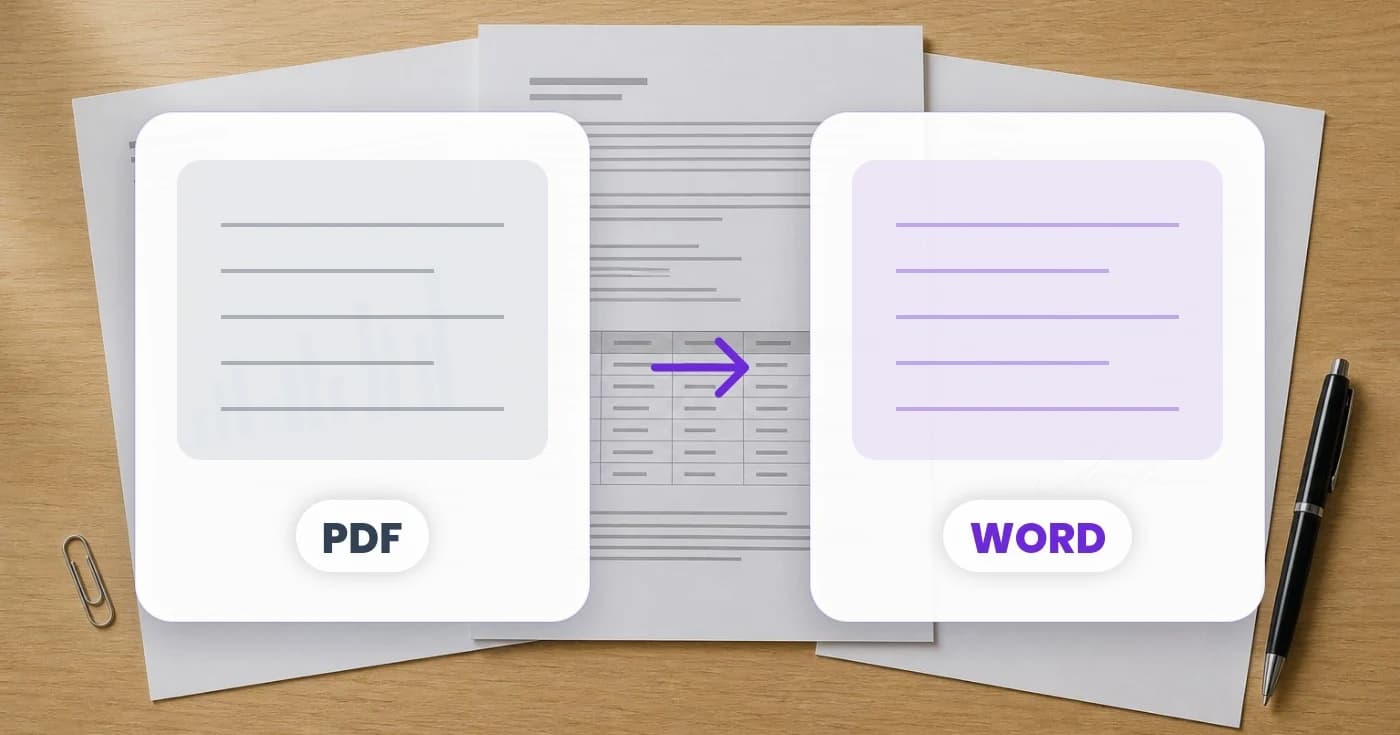
PDF was designed to look identical on every device. That is its great strength and the reason it's annoying to edit. When you convert a PDF to Word, you're asking a tool to reverse-engineer the document — figure out which characters belong to which paragraph, where the tables are, what the headings are, what's a footnote and what isn't. Some converters do this well. Most do it badly.
Here's a quick decision tree, and what makes a converter actually good.
First question: is the PDF a real PDF or a scan?
If you can select the text with your mouse inside the PDF reader, it's a real PDF with actual text content. If you can't — if the text behaves like an image — then it's a scan, even if it doesn't look like one. The conversion path is completely different.
For real PDFs
PDF to Word reads the embedded text and layout, then rebuilds it as a .docx. Good converters preserve paragraphs, headings, lists, simple tables, and inline images. Run-of-the-mill office documents come out cleanly editable.
For scanned PDFs
You need OCR first. PDF to text with OCR enabled gives you the raw text; for a structured document with formatting, use image to Word on each page (or run the whole PDF through). The output won't look identical to the scan, but the text will be editable and the structure preserved.
What converters get wrong
The classic failures, in roughly the order they happen:
- Tables become text boxes. Bad converters turn each cell into a floating element. The table looks right; you can't actually edit it as a table.
- Multi-column layouts collapse. A two-column newsletter becomes one column with both column's text awkwardly interleaved.
- Fonts get substituted silently. If your PDF uses a font Word doesn't have, you get something close — but not the same — and your line breaks shift.
- Footnotes detach. The footnote text ends up as a stray paragraph at the bottom of the page, no longer linked to the marker.
- Headers and footers become body text. Page numbers, headers, and footers come through as paragraphs in the middle of the flow.
What a good converter does
The bar is recognisable layout, editable tables, preserved lists, and inline images that stay where you put them. Pixoate's PDF to Word hits that bar for most office-style PDFs: contracts, reports, forms, letters. It uses a layout-aware pipeline that detects table grids and reconstructs them as native Word tables, not text boxes. Headings keep their hierarchy. Bullet and numbered lists come through as lists, not lines of text that look like lists.
Going the other way
If you're generating a PDF from a Word document (and want it to look exactly like Word does), use Word to PDF. It runs a real LibreOffice render pass, so the output matches what you'd get from clicking "Save as PDF" in Word — fonts embedded, layout preserved, no surprises.
Other formats worth knowing
- PDF to HTML when you want a web page. PDF to HTML preserves real
<table>elements and headings, so the output is readable HTML, not a screenshot wrapped in markup. - PDF to Excel when the PDF is mostly tables. PDF to Excel extracts each table to its own sheet with frozen headers.
- PDF to CSV for raw table data that you'll import elsewhere. PDF to CSV zips one CSV per table.
- PDF to Images when you need each page as a PNG — say, for a slide deck or a portfolio. PDF to images renders at 200 DPI by default.
When to give up on conversion and just send the PDF
If the receiving party only needs to read or print the PDF, don't convert it. Compress it with PDF compress instead, and send the PDF directly. Conversion is for when you need to edit; if you don't, you're just adding a step that can lose fidelity.