
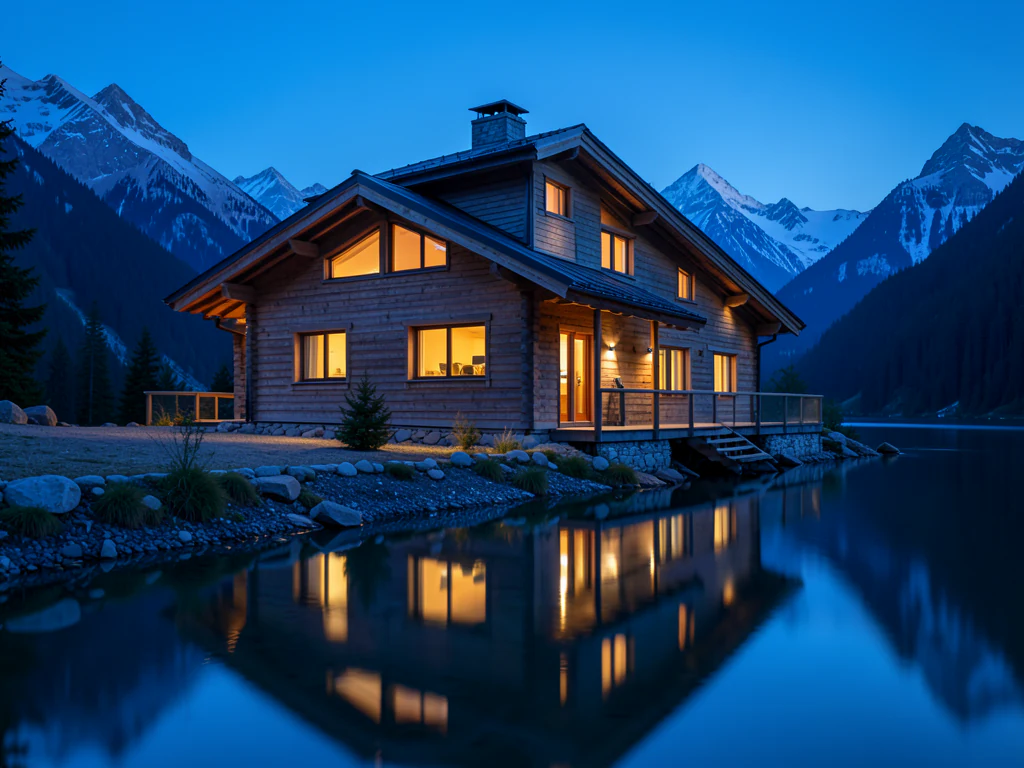
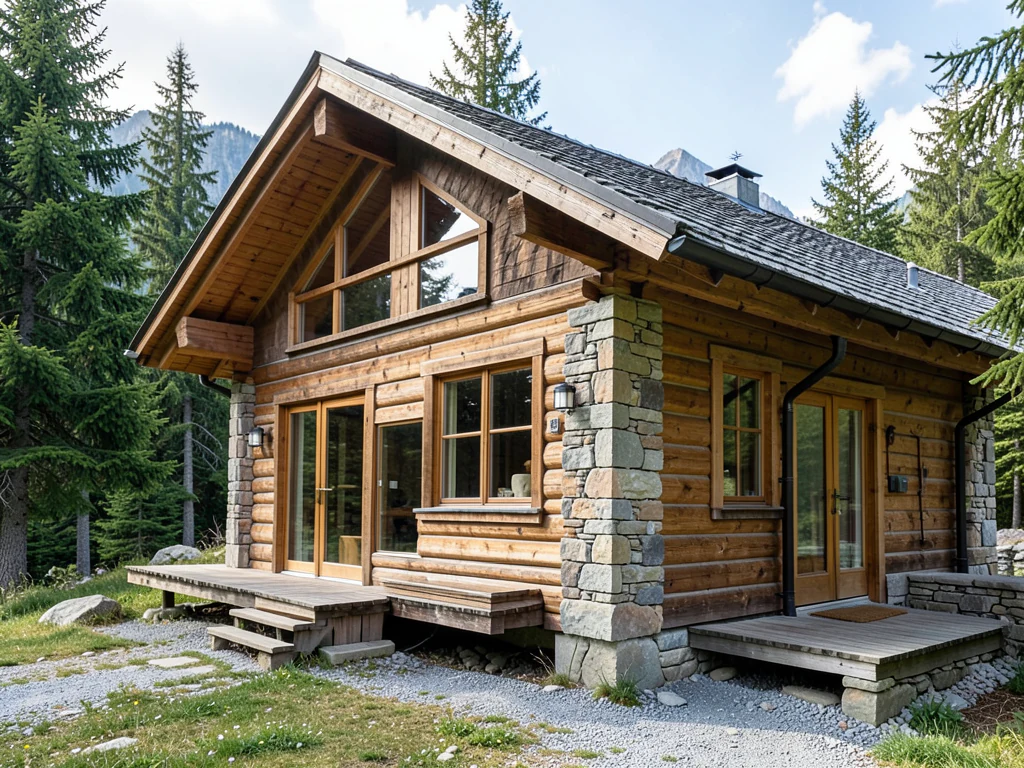
Fantasy AI Image Generator
Generated results vary; verify rights, claims, and visual details before use
Fantasy art is world-building in a single frame — impossible architecture, painterly light, scale that makes figures small against wonder. This direction generates original fantasy imagery from your description: campaign art, book-cover moods, and worlds of your own, without leaning on any franchise's protected designs.
- Prepared Fantasy prompt
- Square, landscape, portrait, and wide formats
- Visible editable instructions and a full result review
For precise wording, write: Include the exact text "Your headline" and "Your message". Up to 3 short phrases appear in caption panels above and below the picture.
Tips for Fantasy
• Describe the subject, setting, composition, lighting, and intended channel
• Add verified text and brand marks after generation rather than asking the model to invent them
• Inspect people, hands, geometry, small details, and implied claims before publishing
About Fantasy AI Image Generator
Fantasy art is world-building in a single frame — impossible architecture, painterly light, scale that makes figures small against wonder. This direction generates original fantasy imagery from your description: campaign art, book-cover moods, and worlds of your own, without leaning on any franchise's protected designs.
How it works
1. Review and refine the prepared prompt
2. Choose the output aspect ratio
3. Generate and inspect the complete result
4. Download only a result that passes your accuracy and rights review
Useful for
• Campaign and worldbuilding art for tabletop groups
• Book-cover concept imagery for authors
• Epic fantasy wallpapers and scene art
• Brief exploration before final production
Generating fantasy scenes for a campaign, a story or a cover
Game masters and writers get the most from fantasy prompts that read like a page of setting notes: the place, the weather, the time of day, and one detail that makes the world distinct, such as bridges grown from living trees or a city lit only by blue lanterns. Name your own creatures and places rather than ones from published worlds, so the art stays yours to use.
Battle maps and book covers need different frames. Wide 16:9 suits a scene to show players on a screen; Portrait 2:3 suits a cover, a character portrait, or a phone wallpaper. For a cover, leave the top and bottom of the frame simple so the title and author name have room.
Titles should be added as real text on the finished art, since generated lettering rarely survives. If your book is going to print, check what pixel size the printer asks for: the Full HD download unlocked with Premium or one credit may still need further enlarging for a full-size cover. Look closely at hands, weapons and armor straps, where invented detail tends to tangle.
Set up for Fantasy AI Image Generator
Prepared settings
- Starting point
- No source image required
- A route-specific brief is already loaded and remains visible for review or adjustment.
- Prepared workflow
- Generate from a prepared brief
- Fantasy AI Image Generator opens with the Fantasy direction preselected, so there is no need to find the operation manually.
- Output shape
- 1:1
- The recommended composition is selected automatically and can be changed before processing.
- Review rule
- Review the complete generated result before use
- Generated imagery can vary; the final result stays under the user's approval before download.
Best-fit uses
- Campaign and worldbuilding art for tabletop groups
- Book-cover concept imagery for authors
- Epic fantasy wallpapers and scene art
Frequently asked questions
- How do I get the epic sense of scale?
- Put something small and human in front of something vast — “a lone rider before a mile-high gate, morning mist.” Scale is a relationship, not a size; the tiny figure is what makes the gate enormous.
- Can I build a consistent world across many images?
- Keep a world-bible paragraph — architecture, palette, light, mood — and prepend it to every prompt. Consistency in generation comes from consistency in description; the same world words produce the same world feeling.
- What should I review in a Fantasy result?
- Inspect faces, hands, object geometry, small details, perspective, readable marks, and any claim implied by the scene. Regenerate or reduce the requested change when something is inaccurate.
- What rights checks apply to a Fantasy client project?
- Use only source material and references you have rights to, follow the destination platform rules, and obtain any required person or property permissions. Generated output still needs a human accuracy and rights review.
What you can do with AI Image Generator
Review the main capabilities before you begin.
- Turn any text prompt into an original image
- Generate square, landscape, portrait or wide formats
- Create multiple image options in a single run
- Generate an image from a written prompt
- Make unique visuals for social posts and blogs
- Download your generated images as PNG
Settings reference
5 settings
Available controls for AI Image Generator.
- Processing modePresets
- Process one input, or switch to Premium batch mode to process multiple inputs with shared settings. Available input types depend on the tool.Options: Single promptBatch prompts
Prompt
- Describe your imageText input
- Type what you want the AI to draw — subject, setting, lighting and style, up to 1000 characters; specific prompts produce noticeably better images than one-word ones.
- Prompts · one per lineText input
- In Batch prompts mode, enter one image description per line. The selected aspect ratio and images-per-run setting apply to each prompt.
Size
- Aspect ratioPresets
- Pick the shape of the generated image so it fits where you'll use it — square for avatars, landscape or wide for headers and thumbnails, portrait for stories.Options: Square 1:1Landscape 3:2Portrait 2:3Wide 16:9
- Images per runPresets
- Choose how many variations one Generate click produces so you can pick the best take; generating 2 or 4 images per run is a Premium feature.Options: 124
Related tools for Fantasy AI Image Generator
Tools for common next steps after Fantasy AI Image Generator.

Creative & Design
Photo Filters & Effects
Preview cinematic, vintage, glitch and beauty effects on your photo, then download the look you choose.
Try it now
Photo Editing & Utilities
Online Photo Editor
Crop and resize photos. Add text, shapes, effects and templates, or use AI editing tools.
Try it now
Creative & Design
Image to Sticker
Remove the background, add an adjustable outline and download a sticker image.
Try it nowHow AI Image Generator helps you get it done
Real problems it solves every day — for businesses, creators, and everyday tasks. Find the use case that fits you and start.
Blog headers and social posts
Generate an on-topic hero image for a blog post, newsletter or social update instead of hunting stock sites — pick wide 16:9 for headers and square 1:1 for feeds.
Concept art and moodboards
Explore visual directions fast: describe a scene, character or interior, generate variations, and pin the keepers to a moodboard before committing design or illustration budget.
Marketing and product visuals
Mock up campaign imagery, backgrounds and lifestyle scenes for landing pages and ads. Premium high-resolution output holds up in print and full-width hero sections.
Wallpapers, avatars and personal projects
Create custom phone and desktop wallpapers, profile art or artwork for invitations and gifts — portrait 2:3 fits phone screens, square 1:1 fits profile pictures.
Watch each transformation land
Every photo crosses the slash untouched and comes out the other side finished.























