
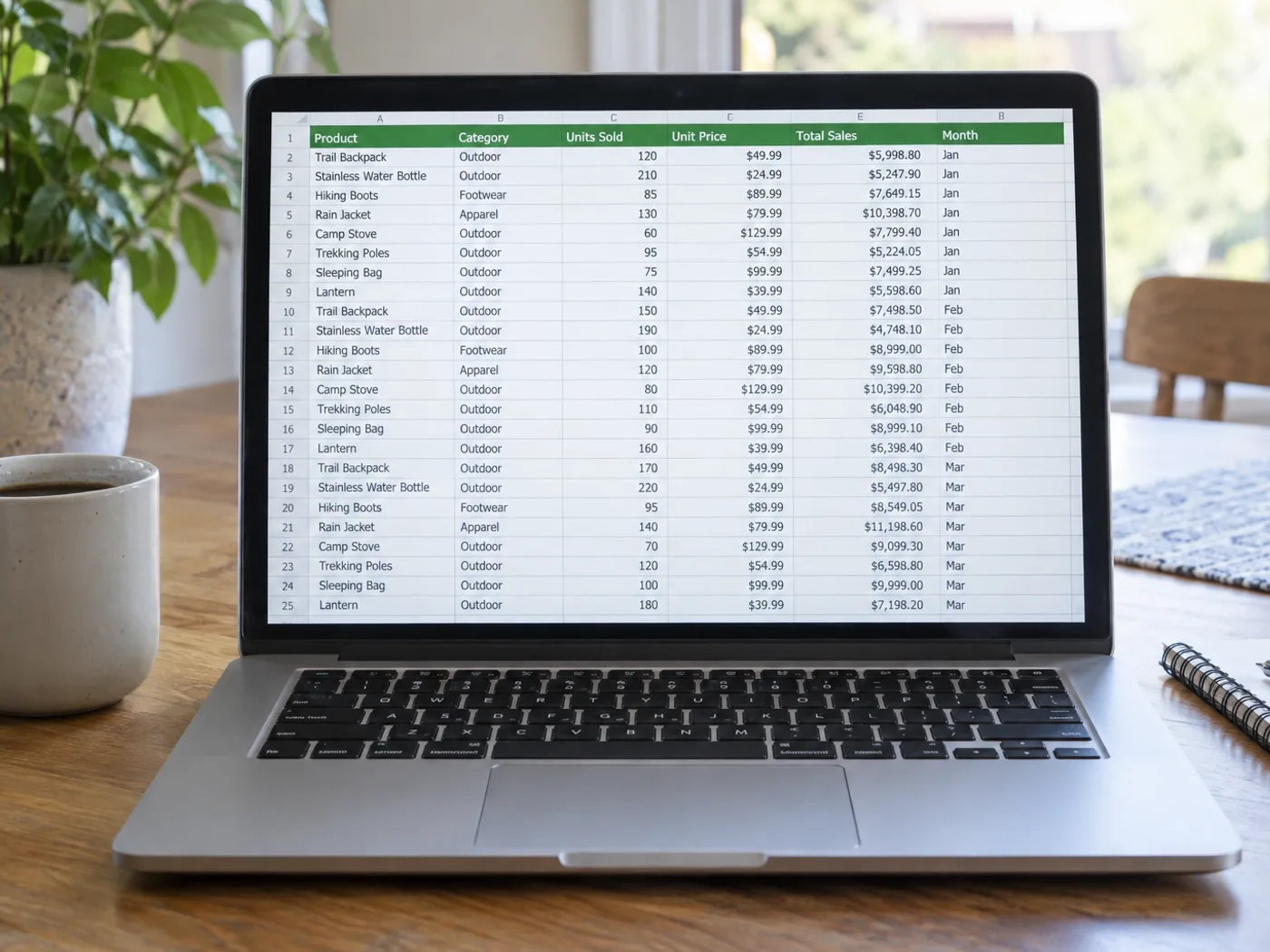
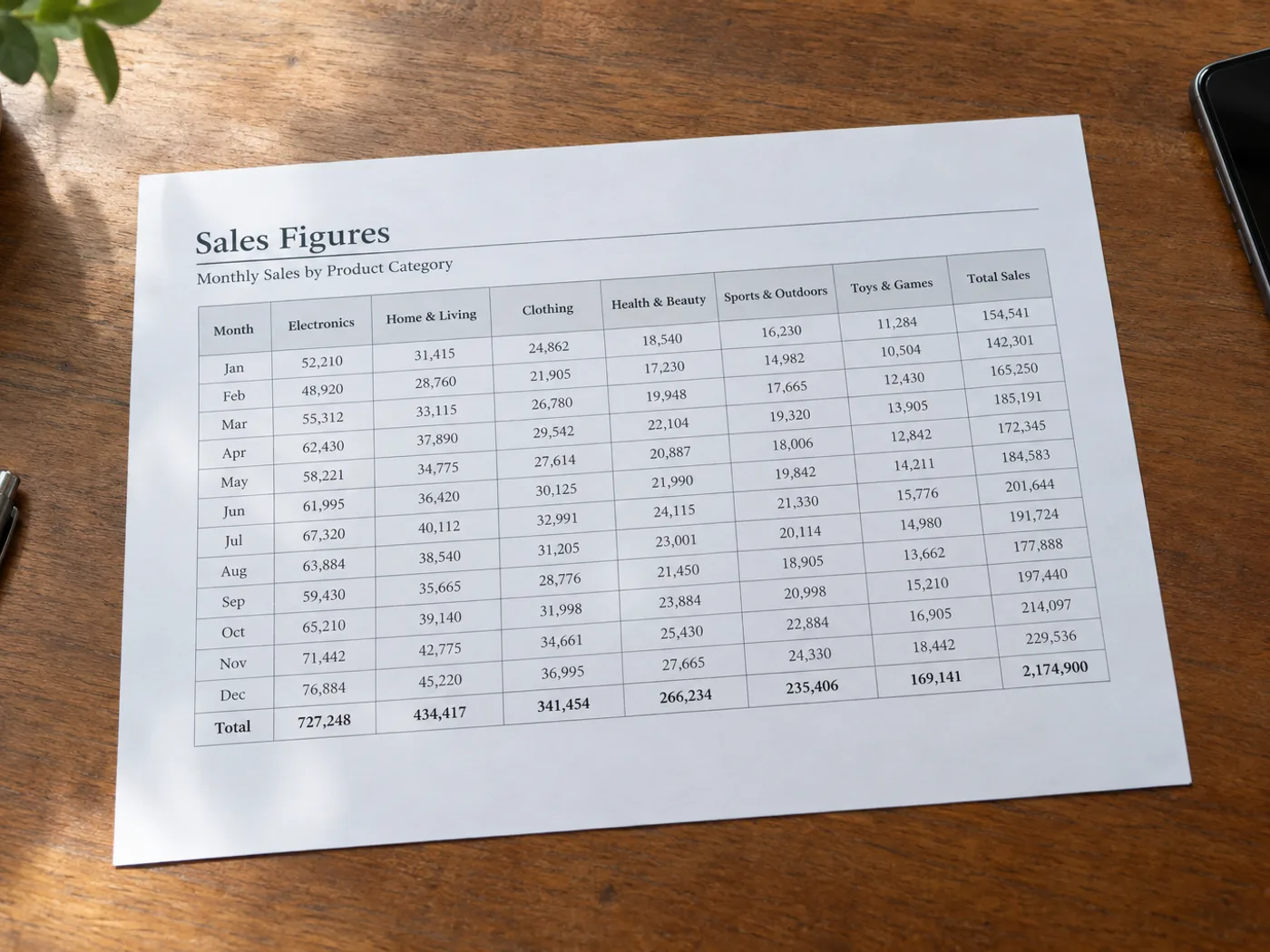
Illustrative preview
Image to Excel Converter — Convert JPG to Excel Spreadsheet
JPG, PNG, WEBP and more
Extract a table from a photo or screenshot into an editable XLSX workbook for review.
- Turn a photographed or screenshotted table into editable cells
- Review and correct the extracted rows before downloading
- Download the rows as an XLSX workbook ready for Excel
Upload
Drop a file here, or click to browse
All image formats (JPG, PNG, WEBP, HEIC, TIFF…) · PDF
How do I convert a picture of a table to Excel?
Upload the photo, screenshot or scan of your table. The converter finds the table, reads each cell and shows the rows in an editable grid, so you can fix any misread number before saving. When the grid matches your image, download the XLSX file and open it in Excel or Google Sheets.
| Works on | Photos, screenshots and scans of printed or on-screen tables |
|---|---|
| Download | An editable .xlsx workbook |
| Best input | A straight-on, sharp, evenly lit image with the headings and codes in frame |
| What it recovers | The values shown in the image, not the original spreadsheet formulas |
How to convert a picture of a table to an Excel spreadsheet
This image to Excel converter reads a table in a photo, screenshot or scan and rebuilds it as rows and columns in an editable grid before you download an .xlsx file. It is made for printed or typed tables such as invoices, price lists, schedules and report screenshots. The image to spreadsheet step has a review in the middle: you fix what the reader got wrong, and only then export, so a misread number is not carried into your workbook unchecked.
Convert a picture to an Excel table from a photo, JPG or screenshot
The result is an image to Excel table you can edit: the reader treats the first row as the header and shows every cell in a grid you can type in. A JPG to Excel conversion follows the same steps as a photo to Excel or PNG to Excel job. The grid is a free preview, so you can check the table before any file is created. A picture with more than one table stacks them with a blank row between them, and text outside a table becomes a single-cell row. The .xlsx download is the export step: Premium includes it, and other accounts sign in to use their export allowance, then credits.
- Drop in a photo, screenshot or scan that shows the table.
- Open Settings and set Language to the language of the text in the table.
- Choose Convert file and wait for the grid to appear.
- Check the shaded cells and fix any misread value.
- Select See result under the grid, then download the .xlsx from the download page.
Check and correct cells in the grid before you download
Cells the reader was unsure about are shaded amber, and a cell it could not read shows [Unreadable] until you replace it. Click any cell to retype it, use Add row for a line the reader skipped, remove a phantom row with its trash icon, and press Reset to go back to the first reading. Whatever the grid shows at download time is what lands in the file, as plain cell text on a single sheet.
Photograph or crop the table so the rows stay readable
Straight-on, evenly lit pictures with visible rows and columns give the reader the most to work with. A table shot at an angle is worth straightening first, and cropping the picture to the table keeps headlines and margins from being read as rows. If the tool reports that no table was found, the image needs clearer rows and columns. Handwritten tables are less reliable than printed ones.
Choose Excel, CSV or a PDF table converter
Pick Excel when you want a workbook to keep working in; if the file is headed for a database or an import, export the same table as plain CSV. If the table sits inside a PDF, pull it out of the PDF into Excel, because this page takes images only. For a till receipt, a receipt reader that returns vendor, date and total fits better than a grid.
Before you convert a table
- Crop the picture so the table fills most of the frame.
- Set Language to the language of the text in the table.
- After conversion, fix shaded cells and any cell that shows Unreadable.
- Format number and date columns in Excel, because values arrive as text.
When the table needs a different format
For an import into accounting software or a database, export the same table as plain CSV with low-confidence cells highlighted, and when the table sits inside a PDF rather than a photo, pull the PDF tables into Excel. For a till receipt, capture vendor, date, total and tax as separate fields, and a table shot at an angle can be straightened before you convert it.
Convert an image to an Excel table you can check
For a photographed stock list, keep the column headings, product codes and units in the frame. A clear grid gives you a better starting point for an editable workbook.
- Upload a sharp, straight-on image and select its language. Run the table reader, then review the extracted rows.
- Check that product code, description, quantity and price occupy separate columns. Compare the first and last rows with the photograph to catch missing records.
- Download the XLSX and open it in your spreadsheet app. Keep identifiers such as 00128 as text, quantities as numbers and uncertain cells marked for review.
A blank cell is not necessarily zero. If headings merge or a decimal is unclear, check the source or retake the photo before placing an order. The image contains displayed values, not the original spreadsheet formulas.
Check stock-list columns and leading zerosWhat you can do with Image to Excel
Review the main capabilities before you begin.
- Turn table photos into editable .xlsx spreadsheets
- Convert screenshots of tables into rows and columns
- Digitize printed data for analysis in Excel
- Extract figures without retyping them by hand
- Recognize table text in your chosen language
Settings reference
3 settings
Available controls for Image to Excel.
- Processing modePresets
- Process one input, or switch to Premium batch mode to process multiple inputs with shared settings. Available input types depend on the tool.Options: Single fileBatch
Settings
- EngineDropdown
- Chooses the table-recognition engine: Default handles most receipts and invoices, Table AI (beta) suits tricky layouts with merged headers, while Engine 1 and Engine 2 work best on simple grids.Options: DefaultTable AI (beta)Engine 1Engine 2
- LanguageDropdown
- Choose the main language in the source. The available choices depend on the selected reader; unsupported languages are hidden. English is the default. Review the extracted text for recognition errors.Options: EnglishFrenchGermanSpanishItalianPortugueseDutchRussianJapaneseKoreanChinese (Simplified)Chinese (Traditional)ArabicHindiBengaliPunjabiUrduVietnameseThaiPolishSwedishDanishNorwegianFinnishTurkishUkrainianIndonesianTamilTeluguMarathiNepaliPersianGreekHebrew
Find the conversion for your document
Related tools for Image to Excel
Tools for common next steps after Image to Excel.

OCR & Data Extraction
Image to CSV
Extract a table from a screenshot or photo and download the recognized rows and columns as CSV.
Try it now
OCR & Data Extraction
Image to Text (OCR)
Extract editable text from a screenshot, photo or scan in 30+ supported languages.
Try it now
PDF & Documents
Image to PDF
Combine images into a multi-page PDF. Optionally add recognized text for search and copying.
Try it nowFrequently Asked Questions
How Image to Excel helps you get it done
Real problems it solves every day — for businesses, creators, and everyday tasks. Find the use case that fits you and start.
Digitize Handwritten Inventory Sheets
Shopkeepers and warehouse managers photograph handwritten stock counts and turn them into Excel sheets ready for reordering, audits and POS imports.
Receipt Tracking for Expense Reports
Snap restaurant, taxi and travel receipts and pipe the line items straight into Excel for monthly expense reports, freelancer invoicing and tax filing.
Bank Statement Digitization
Convert photographed or printed bank statements into Excel for personal budgeting, freelancer accounting and small-business bookkeeping with formulas already wired up.
Restaurant Daily Stock Sheets
Restaurant owners photograph the back-of-house stock sheet each evening and get a clean Excel file for next-day ordering, waste analysis and supplier reconciliation.
Paper Survey & Form Responses
Convert paper survey responses, customer feedback forms and event registration sheets into Excel for analysis, charting and CRM sync without manual data entry.
Classroom Attendance & Grade Books
Teachers photograph hand-written attendance registers and grade books and turn them into Excel sheets ready for report cards and parent-teacher conferences.
Construction Bills of Quantity (BOQ)
Site engineers photograph printed BOQ and quote sheets from suppliers and convert them into Excel for budget reconciliation, change-order tracking and final billing.
Real-Estate Comparable Pricing
Agents photograph competitor listing sheets and convert them into Excel for comparative market analysis, broker price opinions and client-facing pricing reports.
Personal Trainer Workout Log Sheets
Photograph a client's handwritten workout log or gym check-in sheet and turn it into an Excel file for tracking progress, sets and reps across weeks without re-typing every session.
Donor Pledge & Fundraising Trackers
Nonprofits photograph paper pledge cards and gala donation sheets and convert them into Excel workbooks for tracking gifts, generating thank-you letters and reconciling totals against bank deposits.
Lab Results into Analyzable Spreadsheets
Researchers and lab techs photograph printed instrument readouts or results tables and export them as Excel after checking the values in the review grid, then set number formats before charts, t-tests and pivot tables.
Sports League Standings & Scoresheets
Photograph a printed scoreboard, tournament bracket or league standings sheet after a match and convert it into Excel to update season stats without manually re-entering every score.
Guides for this tool
- How to Convert an Image to Excel with Editable Rows and ColumnsConvert an image to Excel with editable rows and columns. Use Pixoate to extract table data, then check prices, dates and product codes before sharing.
- How to Turn Supplier Price List Photos into Excel for Comparing CostsTurn supplier price list photos into editable Excel tables with Pixoate. Compare unit costs, pack sizes and dates without retyping every line.
Watch each transformation land
Every photo crosses the slash untouched and comes out the other side finished.























