
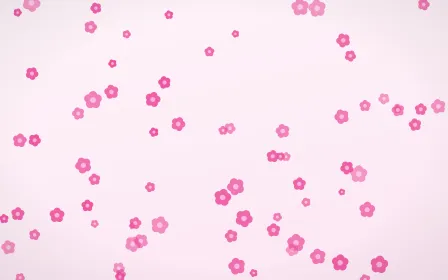
Blush Blooms
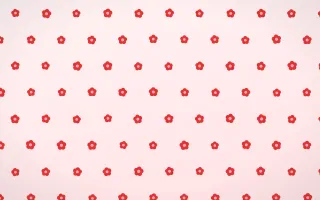
Blush Blooms is a light floral background with pink and white colors. Use it for social media posts, greeting cards and craft and handmade; preview your text and subject at the final size to check contrast and spacing. The pattern is generated, not photographed, and is rendered for your chosen canvas. Choose your final dimensions before export, then check the result at its intended display or print size.
Blush Blooms variations
The same design redrawn — identical palette and style, a different arrangement. Pick whichever composition sits best behind your subject.


What Blush Blooms works well for
- Social media posts
Backdrops that survive being shrunk to a thumbnail in a crowded feed.
- Greeting cards
Warm, decorative backdrops for cards and personal messages.
- Craft and handmade
Jute, paper, wood and honest natural texture.
Backgrounds like Blush Blooms

Frequently asked questions
- How do I put my photo on the Blush Blooms background?
- Open Blush Blooms in the Pixoate Photo Editor, add your photo, and build the complete design on one canvas with text, graphics, filters and other edits.
- Is the Blush Blooms background free?
- Yes — Blush Blooms is one of the included designs. Edit and download it without creating an account.
- What resolution is the Blush Blooms background?
- Any resolution you need. The design is generated from a vector recipe at the moment you use it, so it is rendered to fit your exact canvas — a square profile picture, a 4K wallpaper or a print poster — with no upscaling and no blurring.
- Can I use Blush Blooms commercially?
- Two things sit inside a finished image. You keep the rights you have in files you upload and in your original contributions to results — Pixoate does not claim ownership of them. The Blush Blooms design behind your subject is Pixoate artwork, and commercial use of Pixoate artwork runs through the commercial-use license. Every active paid plan and paid pass includes a commercial finished-work license: you may use, edit, print, publish and distribute finished work made with Pixoate in advertising, websites, social media, products and client projects, and may keep using that finished work after the paid period ends unless the purchase is refunded, reversed or charged back. You may not sell, sublicense, share or distribute a Pixoate asset by itself or as stock, an asset pack, a standalone source asset or a reusable template.
Watch each transformation land
Every photo crosses the slash untouched and comes out the other side finished.























