
29 editable marketing & campaigns templates
Marketing assets are rarely seen alone — they run as a set, across a campaign, and their job is cumulative. Consistency is therefore worth more than novelty: the same palette and the same type across every asset is what makes a fortnight of posts read as one campaign rather than a dozen unrelated ones. Pick a look here and stay in it.
Mostly instagram portrait, instagram post and story / reel — every design opens in the editor at the exact size its format expects, so nothing is cropped when you post or print it.
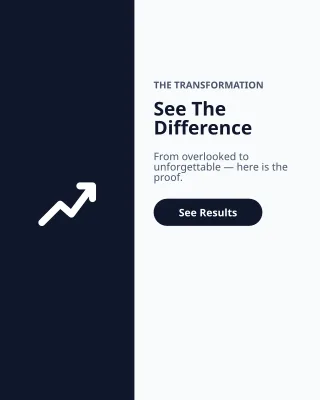 Before and AfterInstagram Portrait · 1080×1350Free
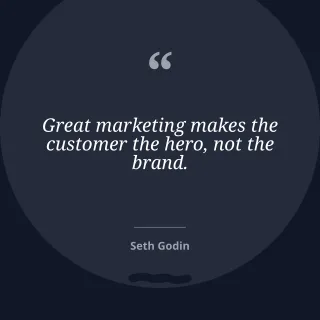 Business QuoteInstagram Post · 1080×1080Free
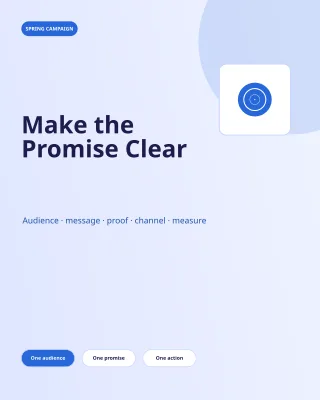 Campaign Brief — Bold IndigoInstagram Portrait · 1080×1350Free
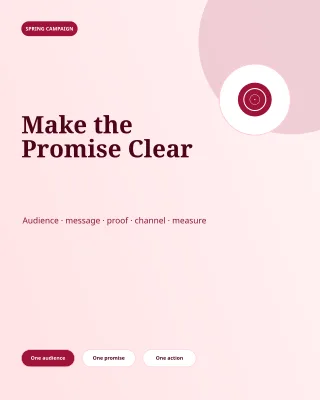 Campaign Brief — Burgundy StudioInstagram Portrait · 1080×1350Free
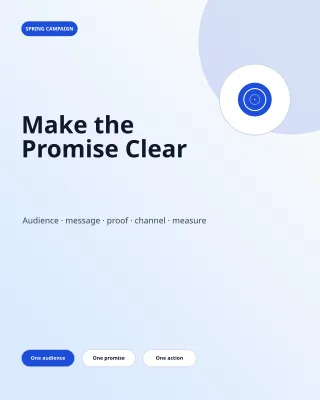 Campaign Brief — Clear BlueInstagram Portrait · 1080×1350Free
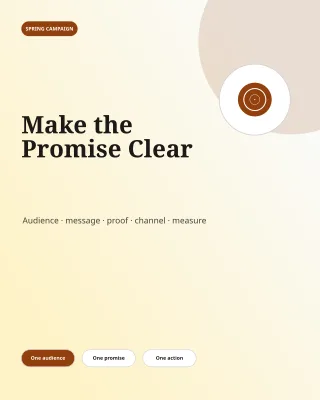 Campaign Brief — Editorial AmberInstagram Portrait · 1080×1350Free
 Campaign Brief — Sage OfficeInstagram Portrait · 1080×1350Free
 ContestStory / Reel · 1080×1920Free
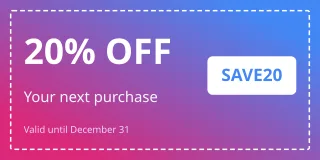 CouponWide Banner · 1080×540Free
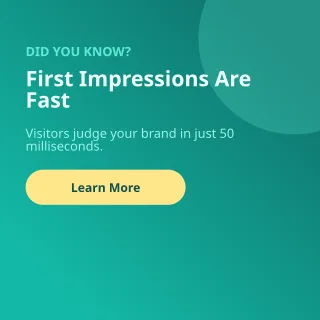 Did You KnowInstagram Post · 1080×1080Free
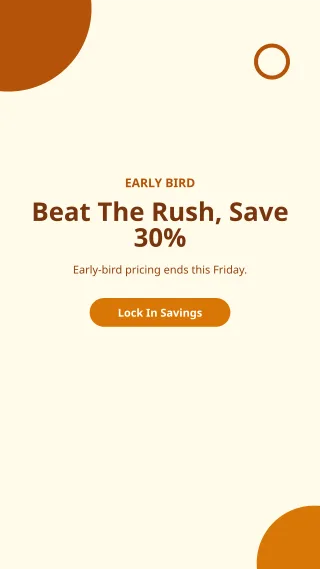 Early BirdStory / Reel · 1080×1920Free
 End of SeasonInstagram Portrait · 1080×1350Free
 Event FlyerInstagram Portrait · 1080×1350Free
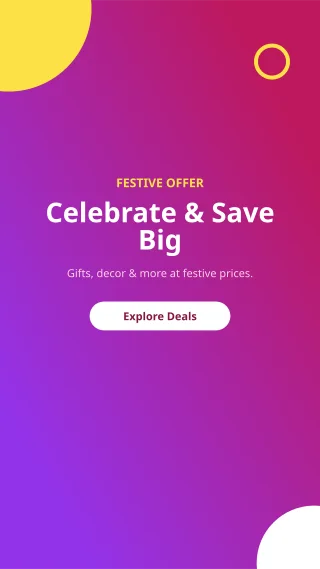 Festive SaleStory / Reel · 1080×1920Free
 Free ShippingBanner / Header · 1500×500Free
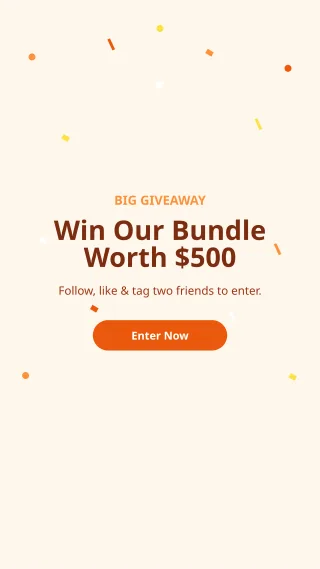 GiveawayStory / Reel · 1080×1920Free
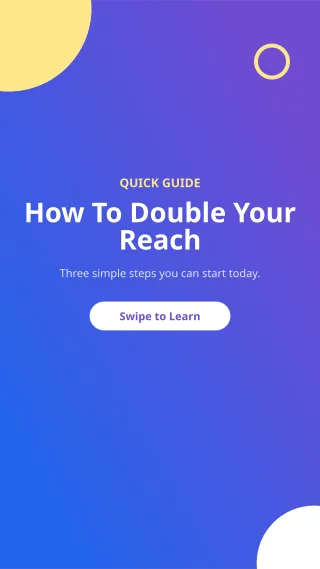 How ToStory / Reel · 1080×1920Free
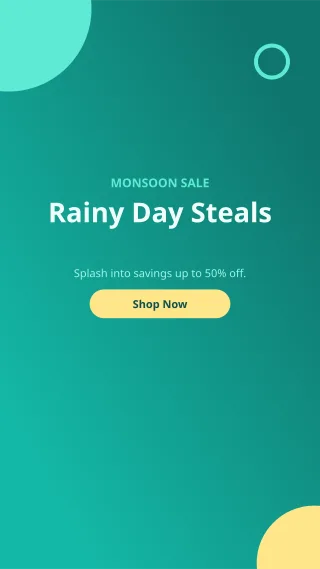 Monsoon SaleStory / Reel · 1080×1920Free
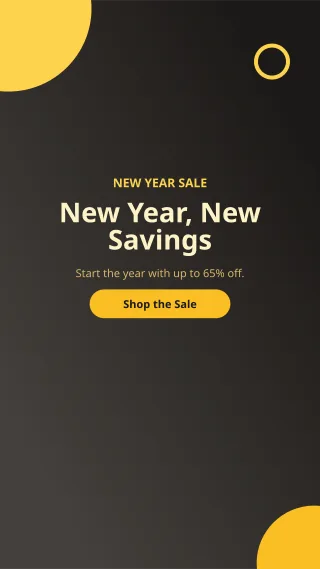 New Year SaleStory / Reel · 1080×1920Free
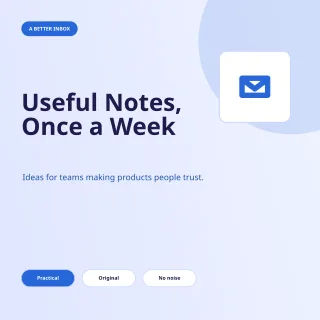 Newsletter Launch — Bold IndigoInstagram Post · 1080×1080Free
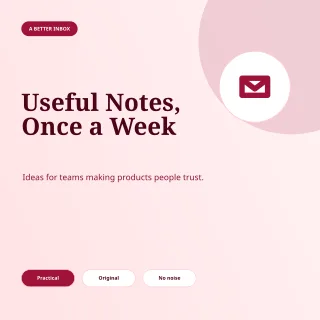 Newsletter Launch — Burgundy StudioInstagram Post · 1080×1080Free
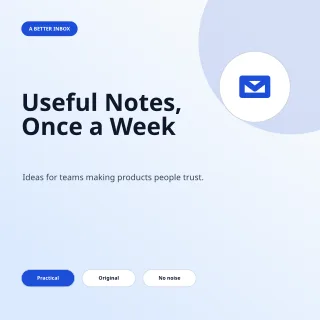 Newsletter Launch — Clear BlueInstagram Post · 1080×1080Free
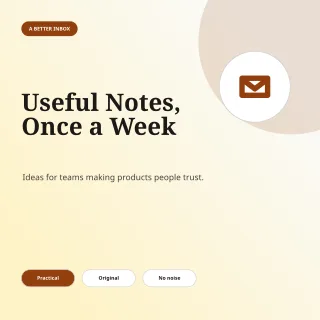 Newsletter Launch — Editorial AmberInstagram Post · 1080×1080Free
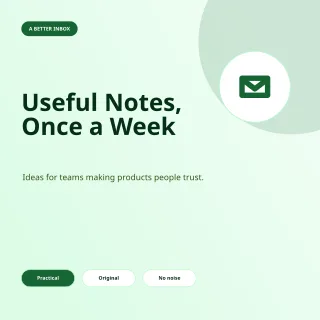 Newsletter Launch — Sage OfficeInstagram Post · 1080×1080Free
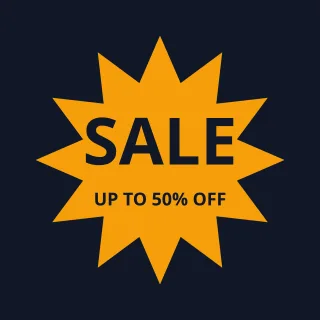 Sale PosterInstagram Post · 1080×1080Free
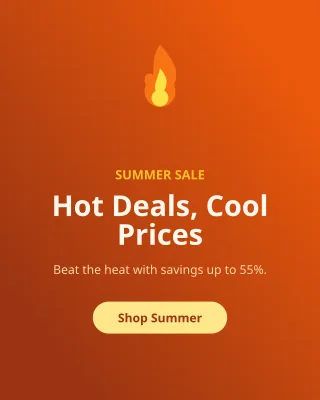 Summer SaleInstagram Portrait · 1080×1350Free
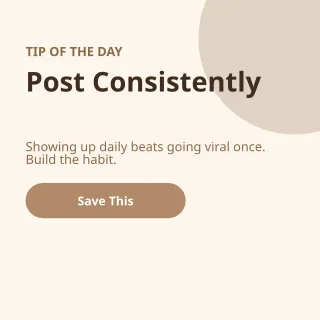 Tip of the DayInstagram Post · 1080×1080Free
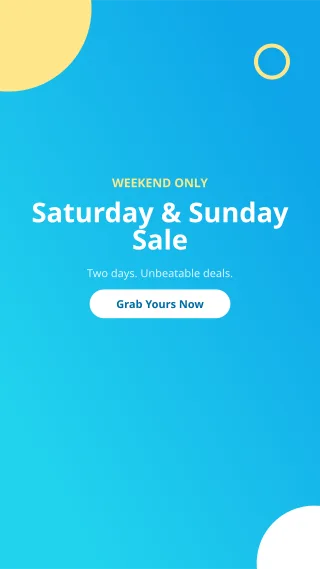 Weekend SaleStory / Reel · 1080×1920Free
 Winter SaleInstagram Portrait · 1080×1350Free
Other categories
- Social Media269
- Business & Corporate254
- Restaurants & Food254
- Résumés & Careers217
- Business & Work205
- Education & Care202
- Food & Retail202
- Community & Lifestyle201
- Creative & Technology201
- Professional Services193
- Baby & Family192
- Beauty & Fashion192
- Birthdays & Celebrations192
- Business Cards192
- Ceremonies192
- Creators & Podcasts192
- E-commerce & Retail192
- Education192
- Events & Entertainment192
- Flyers & Posters192
- Graphic Design192
- Health & Fitness192
- LinkedIn192
- Marketing & Sales192
- Nonprofit & Community192
- Real Estate192
- Religious Events192
- Seasonal & Holidays192
- Spiritual & Wellness192
- Technology & Gaming192
- Travel & Hospitality192
- Weddings192
- People & Personal141
- Holidays & Festivals139
- Professions & Services84
- Logos & Branding82
- Invitations & Events77
- Architecture & Interiors72
- Automotive & Mobility72
- Beauty & Aesthetics72
- Construction & Trades72
- Consulting & Coaching72
- Creative Studios72
- E-commerce & DTC72
- Enterprise SaaS72
- Finance & Wealth72
- Hospitality & Dining72
- Insurance & Mortgage72
- Investor & Fundraising72
- Legal & Compliance72
- Luxury Real Estate72
- Manufacturing & Logistics72
- Medical & Dental72
- Recruiting & HR72
- Ads & Offers33
- Products & E-commerce28
- Schools & Education27
- People in Action26
- Artists & Creators25
- Budgets & Trackers25
- Business Documents25
- Calendars & Planners25
- Certificates & Labels25
- Diagrams & Planning25
- Invoices & Estimates25
- Letters & HR25
- Lists & Printables25
- Presentation Slides25
- Teaching & Classroom25
Frequently asked questions
- Are these marketing & campaigns templates free?
- Browse 29 editable templates with access shown on each card. Templates marked Free are free to open, customize and export. Premium templates contain paid artwork and require an active paid plan or paid pass.
- Can I edit these marketing & campaigns templates online?
- Yes, entirely in your browser — there is nothing to install. Every marketing template is made of separate text, shape and image layers, so you can rewrite the copy, change the palette, swap photos or move things around, then export.
- What sizes do the marketing & campaigns templates come in?
- Each template ships at the exact pixel size its format expects — square and portrait social posts, full-screen stories, print-ready A4 and business-card sizes — so nothing is cropped when you upload or print it. The size is listed on every template's page, and you can resize the canvas in the editor.
Watch each transformation land
Every photo crosses the slash untouched and comes out the other side finished.























