
Gond Art Cartoon Generator
Generative output can vary; review the full result before publishing
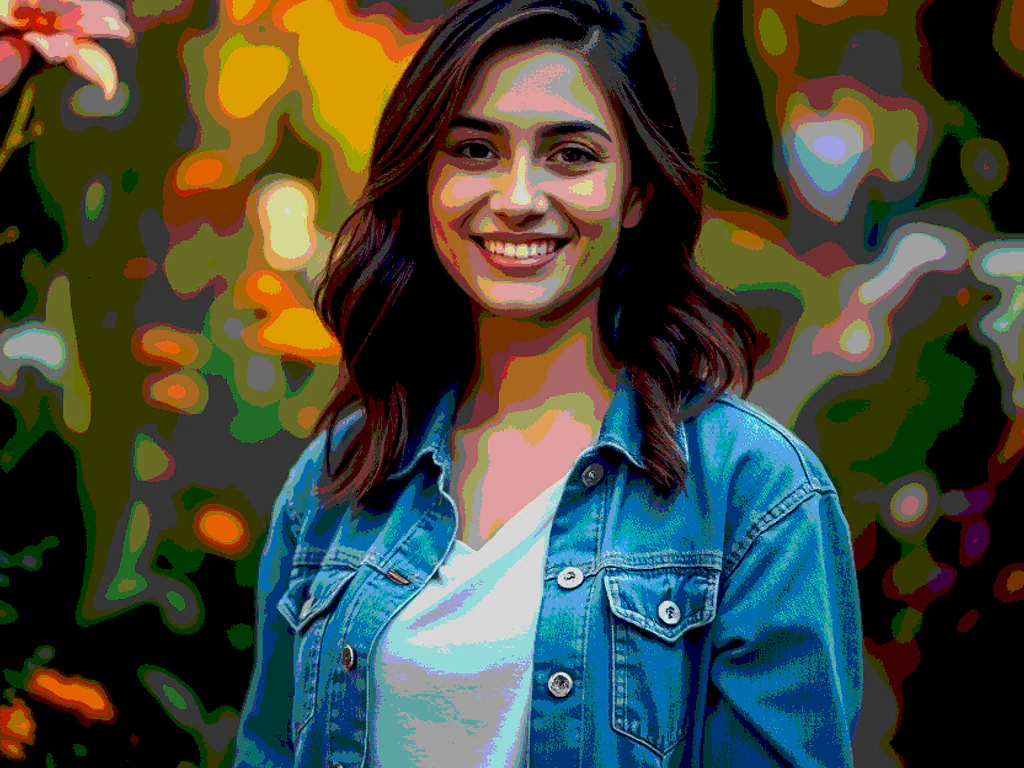
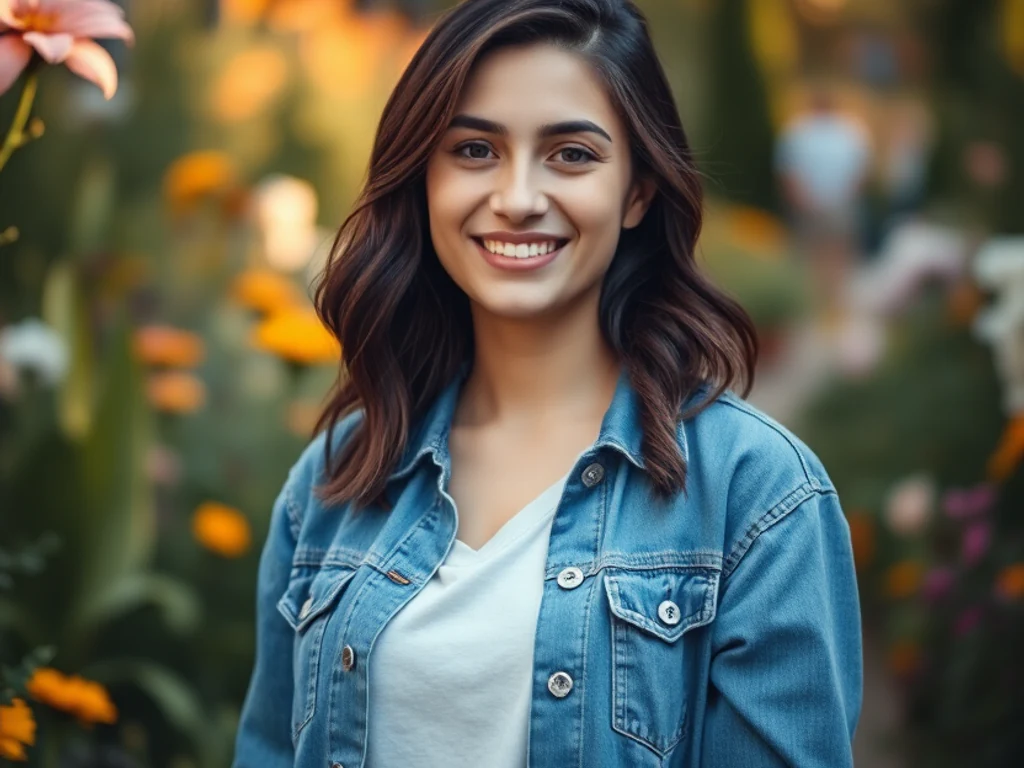
Gond art builds creatures from moving lines — dots and dashes flowing through animal and tree forms like visible life-force. This direction transforms your photo into that tradition-informed rhythm as original art: line-infill stylization, vivid palettes, the dreamlike energy of central India's great living art movement.
- Prepared Gond Art direction
- Editable prompt and explicit output controls
- Source-detail review required
Generative output can vary; review the full result before publishing
Choose a source image for Gond Art
JPG, PNG, WebP, HEIC, and other supported formats. Free up to 20 MB; Premium and higher up to 50 MB for this tool.
Set up for Gond Art Cartoon Generator
Prepared settings
- Starting point
- Upload one source image
- The page opens on the correct edit workflow; upload is the only required setup step.
- Prepared workflow
- Prepared Gond Art regional style
- Gond Art Cartoon Generator opens with the Gond Art direction preselected, so there is no need to find the operation manually.
- Output shape
- 1:1
- The recommended composition is selected automatically and can be changed before processing.
- Review rule
- Preserve the source subject and verify factual details
- Generated imagery can vary; the final result stays under the user's approval before download.
Best-fit uses
- Nature and pet portraits in Gond rhythm
- Vivid folk-art wall pieces
- Tradition-inspired creative gifts
Frequently asked questions
- What is the signature Gond technique?
- The infill — forms filled with flowing patterns of dots, dashes, and fine lines that make surfaces vibrate with life. Each traditional artist develops a personal infill signature; the direction works in the shared language, not any individual's.
- What subjects suit Gond treatment best?
- Living things — animals, trees, birds — the tradition's own subjects, where the flowing infill reads as life-energy. Pets translate wonderfully; the style was made for celebrating creatures.
- What should I review in a Gond Art result?
- Check the subject, product geometry, colors, labels, logos, identity-relevant details, shadows, and edges against the source. Reject any output that changes a factual detail.
- What rights checks apply to a Gond Art client project?
- Use only source material and references you have rights to, follow the destination platform rules, and obtain any required person or property permissions. Generated output still needs a human accuracy and rights review.
What you can do with Cartoon Generator
Review the main capabilities before you begin.
- Create a cartoon portrait from a supported photo
- Create cartoon avatars for profile pictures
- Make fun caricatures and stickers
- Convert many photos at once in a batch
- Adjust how bold the cartoon effect looks
Settings reference
5 settings
Available controls for Cartoon Generator.
Workflow
- Single image or Batch imagesPresets
- Process one image, or use Premium Batch images to apply the same automatic recipe to a set and download one ZIP.Options: Single imageBatch images
Styles
- One-tap presetsPresets
- Pick a ready-made direction with one tap; generation uses the selected preset automatically.Options: 3D animation2D vectorComicClay
- Custom instructions (optional)Text input
- Describe the requested change, relevant materials, lighting, perspective, and details that must remain unchanged.
Selection
- Selection brush sizeSliderRange: 4–160px · Default: 32px
- Automatic selection is the default. Open Refine area manually and set this brush width only when the image needs a tighter edit boundary.
Output
- Ask AI to preserve subject identity and product detailsOn / Off
- Adds an explicit instruction to retain the main subject, shape, branding, labels, and readable text unless the request changes them.
Related tools for Gond Art Cartoon Generator
Tools for common next steps after Gond Art Cartoon Generator.

Creative & Design
Photo Filters & Effects
Preview cinematic, vintage, glitch and beauty effects on your photo, then download the look you choose.
Try it now
Photo Editing & Utilities
Online Photo Editor
Crop and resize photos. Add text, shapes, effects and templates, or use AI editing tools.
Try it now
Creative & Design
Image to Sticker
Remove the background, add an adjustable outline and download a sticker image.
Try it nowHow Cartoon Generator helps you get it done
Real problems it solves every day — for businesses, creators, and everyday tasks. Find the use case that fits you and start.
Cartoon Avatars for Social Media
Cartoonize selfies into fun avatars and profile pictures for WhatsApp, Instagram, and Facebook
Cartoon Stickers & Caricatures
Turn photos into cartoon stickers and caricatures for chat apps, party invites, and greeting cards
Brand Mascots & Marketing Art
Create cartoon versions of team photos or products for playful marketing graphics and website art
Comic & Storyboard Panels
Convert reference photos into cartoon frames for comics, storyboards, and illustrated projects
Cartoon Merch: Mugs, Tees & Prints
Turn a favorite photo into cartoon art at a high Intensity, then upload the result to a print-on-demand shop for mugs, t-shirts or canvas prints — a distinctive product without hiring an illustrator.
Kids' Birthday Party Invitations
Cartoonize a photo of the birthday child at a fun, bold Intensity and drop it into an invitation or party-favor tag — a personalized touch that's quicker than commissioning custom art.
Batch Cartoon Portraits for a Team or Family
Switch to Batch mode, queue up everyone's headshot, and apply the same Cartoon Intensity across the whole group in one pass — ideal for matching team avatars or a family photo book.
Guides for this tool
- The Gift That Starts with a Familiar Face: The Appeal of AI Cartoon PortraitsA familiar face can make a cartoon portrait gift personal. Explore Pixoate AI cartoon styles and thoughtful photo editing for a meaningful finished design.
- Create an AI Cartoon Pet Portrait for a Gift or ProfileTurn a pet photo into original cartoon artwork. Choose a style, preserve distinctive markings and review anatomy, cropping and output before making a gift.
Watch each transformation land
Every photo crosses the slash untouched and comes out the other side finished.























