

Poster Mosaic Brick mosaic Generator
Generative output can vary; review the full result before publishing
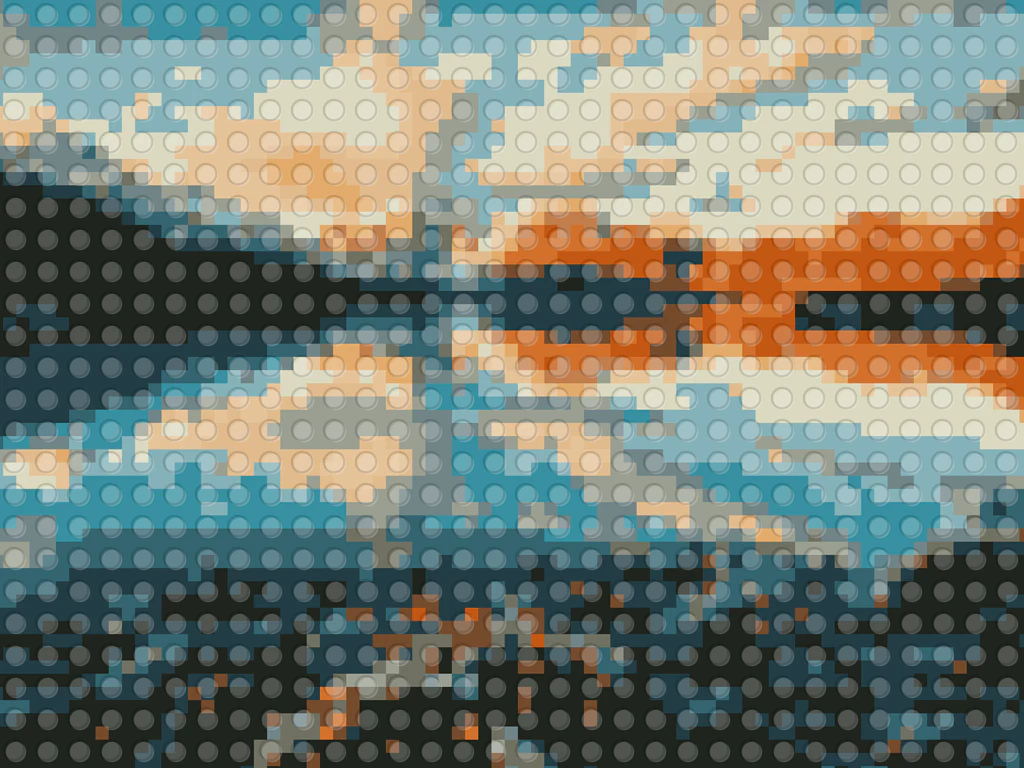
Whole scenes translate into brick mosaics with unexpected drama — skylines, beaches, and travel shots becoming bold stud-grid posters. This direction converts your photo into that poster-scale mosaic energy: playful, graphic, and rendered with generic bricks so the art carries no brand marks.
- Prepared Poster Mosaic direction
- Editable prompt
- Full-result review required
Choose a source image for Poster Mosaic
JPG, PNG, WebP, HEIC, and other supported formats. Free up to 20 MB; Premium and higher up to 50 MB for this tool.
Preparing a travel or skyline photo for a brick poster
Poster mosaics come back in the same shape as the photo you upload, so pick the poster shape first. A wide skyline works as a landscape poster; a tall tower or tree needs a portrait crop. Straighten tilted horizons before uploading, because a slanted grid of studs looks far more wrong than a slanted photo.
Busy foregrounds such as crowds, cars and signs turn into noise at mosaic scale. Choose shots with one clear landmark, a strong sky and big color areas, or crop in until the main shape fills the frame. Check that the result has no stray lettering or logos on buildings; the art should use plain, unbranded bricks.
For a wall poster, unlock the original resolution with Premium or one credit, then enlarge the image for a bigger print if your print shop asks for more pixels; the studs need room to look like studs. To match an exact frame size, resize the image to the frame's dimensions after you have the version you like.
Set up for Poster Mosaic Brick mosaic Generator
Prepared settings
- Starting point
- Upload one source image
- The page opens on the correct edit workflow; upload is the only required setup step.
- Prepared workflow
- Prepared Poster Mosaic style
- Poster Mosaic Brick mosaic Generator opens with the Poster Mosaic direction preselected, so there is no need to find the operation manually.
- Output shape
- Same as your upload
- The result keeps the shape of the image you upload.
- Review rule
- Review the complete generated result before use
- Generated imagery can vary; the final result stays under the user's approval before download.
Best-fit uses
- Travel photos as playful brick-poster prints
- Skyline and landmark mosaics for offices
- Kids' room art from their favorite scenes
Frequently asked questions
- What scenes translate best into brick posters?
- Strong shapes and color blocks — skylines, sunsets, beaches, landmarks. The mosaic grid abstracts detail, so scenes that read as silhouettes and gradients keep their punch while gaining the toy-brick charm.
- What print size suits a brick-mosaic poster?
- Bigger than you think — the stud grid needs room to read as individual bricks, and A3 upward lets the mosaic texture do its work. Small prints blur the studs back into an ordinary pixelated photo.
- What should I review in a Poster Mosaic result?
- Inspect faces, hands, object geometry, small details, perspective, readable marks, and any claim implied by the scene. Regenerate or reduce the requested change when something is inaccurate.
- What rights checks apply to a Poster Mosaic client project?
- Use only source material and references you have rights to, follow the destination platform rules, and obtain any required person or property permissions. Generated output still needs a human accuracy and rights review.
What you can do with LEGO Art Generator
Review the main capabilities before you begin.
- Turn photos into LEGO-style brick mosaics
- Create studded brick portraits from any picture
- Make brick-art posters for your wall
- Set the brick size for coarse or detailed mosaics
- Convert several photos to brick art in one batch
Settings reference
2 settings
Available controls for LEGO Art Generator.
Mode
- Single / Batch (ZIP)Presets
- Choose Single to convert one photo, or Batch (ZIP) to apply the same brick settings to many photos at once and download them together as a ZIP; Batch requires a Premium plan.Options: SingleBatch (ZIP)
Effect
- Brick SizeSliderRange: 10–100% · Default: 70%
- Sets the size of each studded brick in the mosaic — small bricks preserve more photo detail, big bricks give a chunkier, more toy-like mosaic look.
Related tools for Poster Mosaic Brick mosaic Generator
Tools for common next steps after Poster Mosaic Brick mosaic Generator.

Creative & Design
Photo Filters & Effects
Preview cinematic, vintage, glitch and beauty effects on your photo, then download the look you choose.
Try it now
Photo Editing & Utilities
Online Photo Editor
Crop and resize photos. Add text, shapes, effects and templates, or use AI editing tools.
Try it now
Creative & Design
Image to Sticker
Remove the background, add an adjustable outline and download a sticker image.
Try it nowHow LEGO Art Generator helps you get it done
Real problems it solves every day — for businesses, creators, and everyday tasks. Find the use case that fits you and start.
Brick Mosaic Wall Art
Turn portraits and logos into LEGO-style brick mosaics for posters and statement wall art
Build Reference & Inspiration
Use the studded brick grid as inspiration or a rough reference for real brick builds and mosaics
Fun Gifts & Greeting Cards
Create brick-style portraits of friends, family, or pets for playful gifts, cards, and prints
Playful Brand & Event Graphics
Make brick-mosaic versions of logos and product shots for playful marketing and event displays
Order Real Bricks to Build It
Export the BrickLink parts list (.xml) for your converted photo and import it straight into BrickLink's wanted list to price and order the exact bricks your mosaic needs.
AFOL Convention & Meetup Displays
Use the printable Pattern PDF as a color-keyed build guide to assemble large mosaic displays of photos or logos for LEGO fan conventions and meetups.
Classroom STEM Building Projects
Turn a class photo or diagram into a brick mosaic with a printable build guide so students can physically assemble it as a hands-on STEM or engineering project.
Custom LEGO Portrait Side Hustle
Take customer photos, generate the brick pattern plus its parts list, and sell built physical LEGO portraits as an Etsy or craft-fair side business.
Novelty LEGO-Style Profile Picture or Social Post
Convert a selfie or portrait into playful brick-mosaic art and share it directly as a profile picture, birthday post or fun caption — no Premium exports or physical bricks needed, just the free brick-size slider and a download.
Watch each transformation land
Every photo crosses the slash untouched and comes out the other side finished.























