
Inconsistent capture conditions
Lighting, backgrounds, framing, and resolution vary across suppliers and product categories.
E-commerce and retail
Remove distracting backgrounds, improve weak source images, apply repeatable dimensions, and prepare full product collections from one visual workflow.
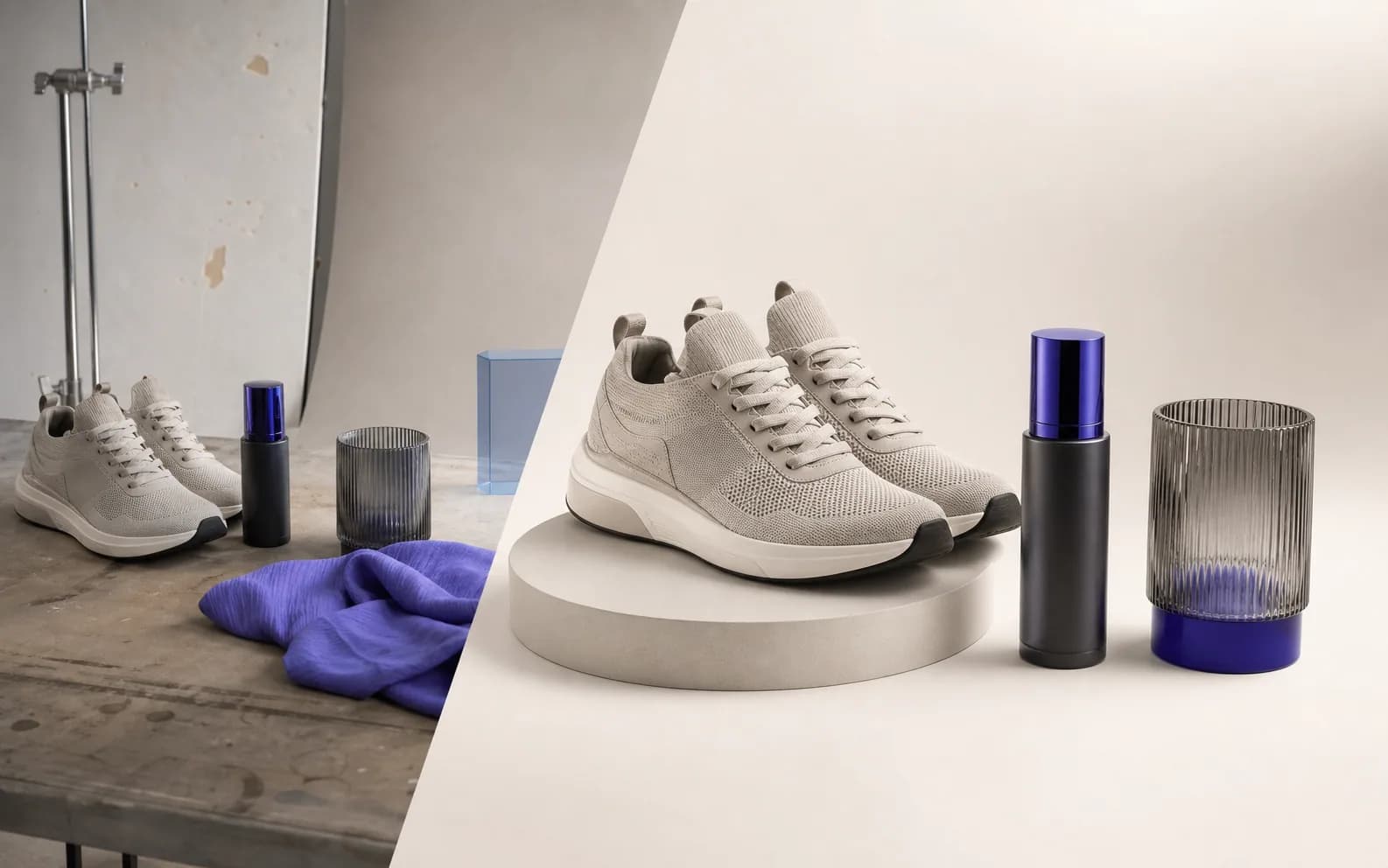 Workflow illustration
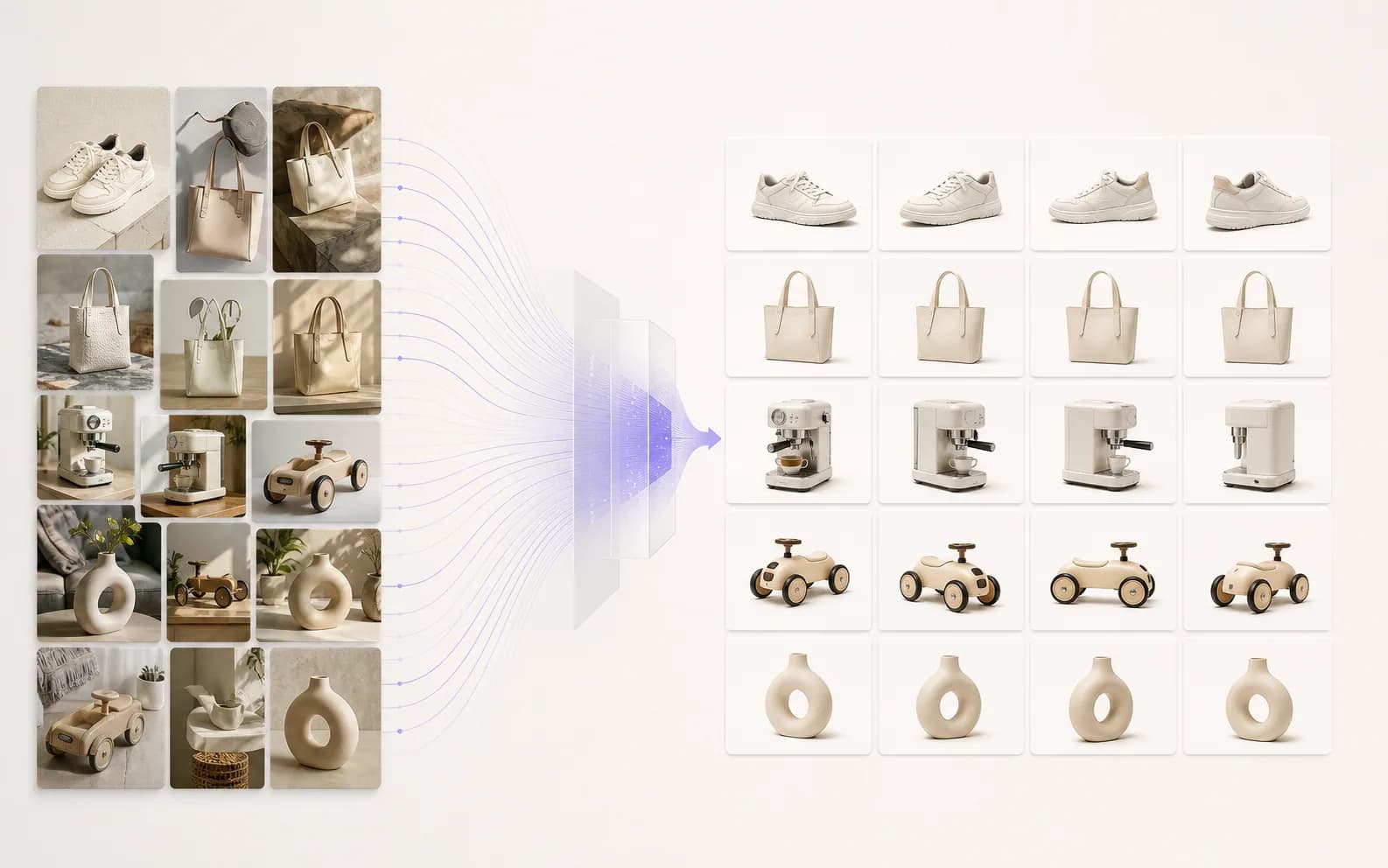
Input
Source files
Output
Workflow-ready result
Industry challenges
Product imagery often arrives from different shoots, sellers, cameras, and seasons. The work is not one edit—it is keeping every listing recognizably part of the same catalog.
Lighting, backgrounds, framing, and resolution vary across suppliers and product categories.
Cut-outs, enhancement, sizing, and compression are repeated for every SKU and variation.
A marketplace tile, product-detail image, campaign crop, and fast web asset need different preparation.
End-to-end workflow
Each stage has a clear output, so teams can process one hero image in the web app or apply selected transformations programmatically.
Start with supplier images, in-house photography, or an existing catalog export.
Create a transparent product cut-out for reuse across white, branded, or contextual scenes.
Background RemoverUse a clean white background or a curated product scene that matches the listing context.
AI Product PhotosEnhance detail or upscale images that are too soft or small for the intended placement.
AI Photo EnhancerApply the output dimensions and crop logic required by the storefront or marketplace.
Image ResizerCompress final assets for web delivery without maintaining a separate compression service.
Image CompressorUse registered web batch modes for supported products, or automate selected image operations through the API.
Relevant products
This set covers the highest-friction stages of a product-image workflow without exposing the full Pixoate catalog.
Pixoate product
Creates a reusable cut-out that can move between listing, campaign, and channel-specific backgrounds.
Pixoate product
Creates a polished product presentation in the web app when a new physical shoot is not practical.
Pixoate product
Helps bring mixed supplier photography toward a more consistent visual baseline.
Pixoate product
Applies repeatable dimensions before assets reach a storefront or campaign system.
Pixoate product
Prepares lighter delivery assets for listing pages and product feeds.
Product workflow preview
The original capture stays reusable while cut-out, listing, and delivery versions are prepared for their own destination.
Source
Mixed background, variable crop, camera-sized file
Catalog output
Clean subject, consistent frame, destination-ready file
API and automation
A commerce system can send one image per synchronous request, choose a supported image function, and receive a processed file reference. The current public API is suited to controlled ingestion pipelines; it is not yet an asynchronous catalog-job service.
Sample request
POST /api/v1/process
X-API-Key: <your-key>
Idempotency-Key: <unique-key>

[email protected]
functionName=applyBackgroundRemoval
parameters={"format":"png"}
Sample response
{"success":true,"processedFileId":"<file-id>","downloadUrl":"/processed/<file-id>","creditsSpent":1}Current boundary: Requests are synchronous and single-file today. There is no public asynchronous batch endpoint or webhook callback.
Workflow value
Start from your current baseline, run the workflow, and measure these operational indicators in your own environment.
Product evidence
Background removal, product-photo creation, enhancement, resizing, and compression routes are live.
Background removal, enhancement, resizing, and compression are among the maintained web batch products.
Background removal, enhancement, upscaling, resizing, and supported format conversion are exposed through the current image endpoint.
Practical answers
Supported products offer Premium web batch workflows. The public API processes one synchronous request at a time today, so a platform can orchestrate catalog requests but Pixoate does not yet expose a public asynchronous catalog-batch endpoint.
Yes. The web application has background removal and a dedicated white-background product. The background-removal API can return a transparent PNG that your workflow can place on an approved background.
Supported formats depend on the selected product and are validated by that product before processing. Check the relevant product page or API documentation before designing a bulk workflow.
No. Selected production image functions are public API capabilities. AI product-scene creation, templates, and the full editor remain web-application products.
API access starts with Pro. Calls use credits purchased separately.
Product limits and access can change by route and plan. The linked product, pricing, and developer pages remain the final source.
Related solutions
 Online Marketplaces
Standardise seller-uploaded imagery without turning every listing into a manual design task.
Explore solution Marketing Agencies
Move campaign images from one approved concept into polished channel variants and client-ready outputs.
Explore solution Technology & SaaS
Embed selected image transformations, extraction, and counting in a product you already operate.
Explore solutionChoose your path
Create individual assets in the web app, prepare supported files in batches, or plan a controlled API workflow with the Pixoate team.
Every photo crosses the slash untouched and comes out the other side finished.























