The Application Is Finished. The PDF Is Too Large to Submit.
A finished application can still fail at a PDF upload limit. Explore Pixoate compression and page review to prepare a smaller, readable submission.
The form is complete, the supporting pages are attached and the deadline is approaching. The upload fails because the PDF is too large. The remaining problem feels disproportionately frustrating because the substantive work is already done.
A calmer approach begins by identifying what makes the file heavy and what the recipient actually requires.
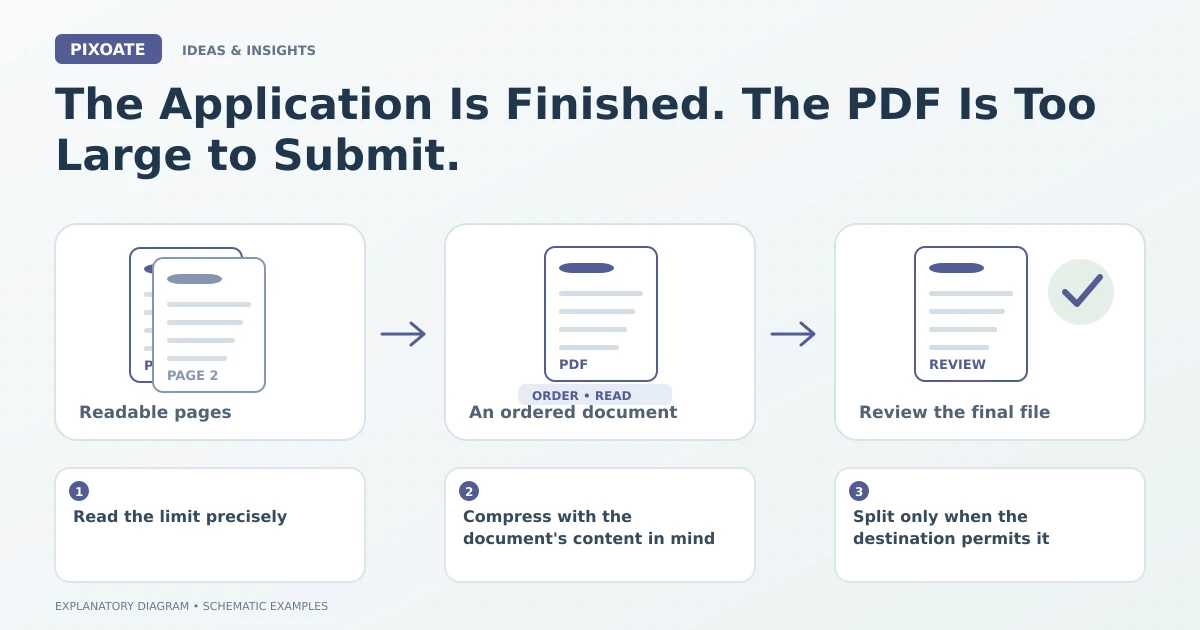
Original explanatory graphic. The scenes and sample records are schematic illustrations, not screenshots or measured tool results.
Read the limit precisely
Check the maximum file size, accepted formats and whether the requirement applies to each attachment or the entire submission. Do not assume a limit from a different portal or a previous application still applies.
Keep the complete original. A smaller submission copy should not become an excuse to omit a required page or make essential information unreadable.
Compress with the document's content in mind
Pixoate PDF Compress offers a focused workflow for reducing supported PDF files. Compare the resulting size and inspect the actual download.
Image-heavy scans and already compact documents may behave differently. There is no universal reduction percentage that can be promised for every file.
Review signatures, stamps, small print and any codes the recipient needs to read. The smallest result is not useful if it damages the information that makes the application complete.
Split only when the destination permits it
PDF Split can separate a packet into logical parts when the receiving system accepts multiple attachments. Label the files clearly and preserve the intended order.
If the portal requires one complete document, splitting does not satisfy that requirement. Use its stated delivery process rather than assuming a workaround will be accepted.
Make the final check about the submitted file
Open the exact file you intend to upload, confirm the page count and size, then inspect the submission result. A successful local export and a successful portal submission are separate events.
Save any confirmation through your normal process. Do not delete the complete source merely because a smaller copy was accepted.
For future packets, prepare scans at useful dimensions and avoid including accidental duplicate pages. Those decisions can reduce last-minute pressure without sacrificing required content.
Use Pixoate PDF Compress to create a practical submission copy, with completeness and readability guiding every size reduction.