The eye skips familiar patterns
Repeated forms and long exhibits make it easy to miss one email, phone number, or identifier.
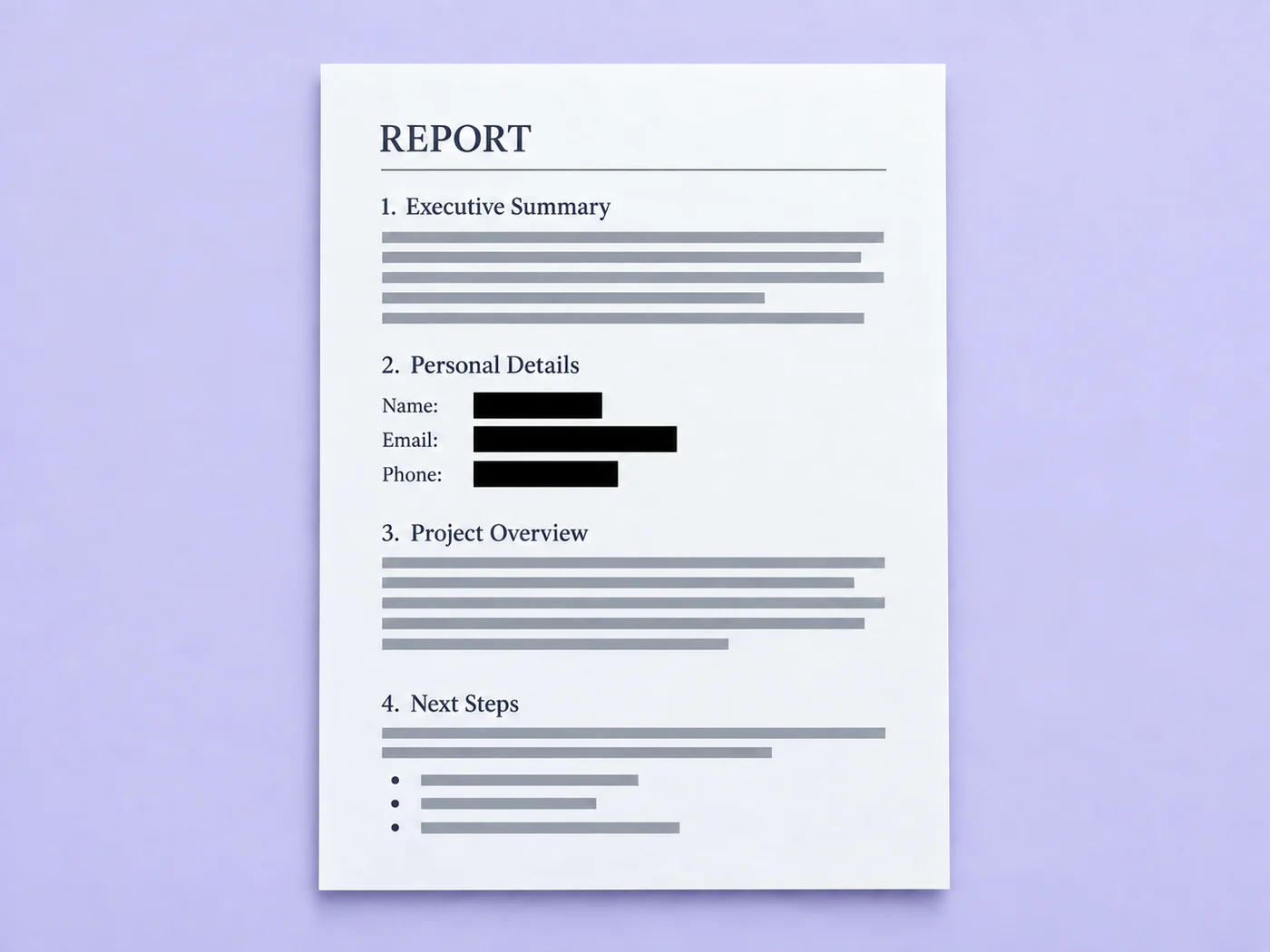
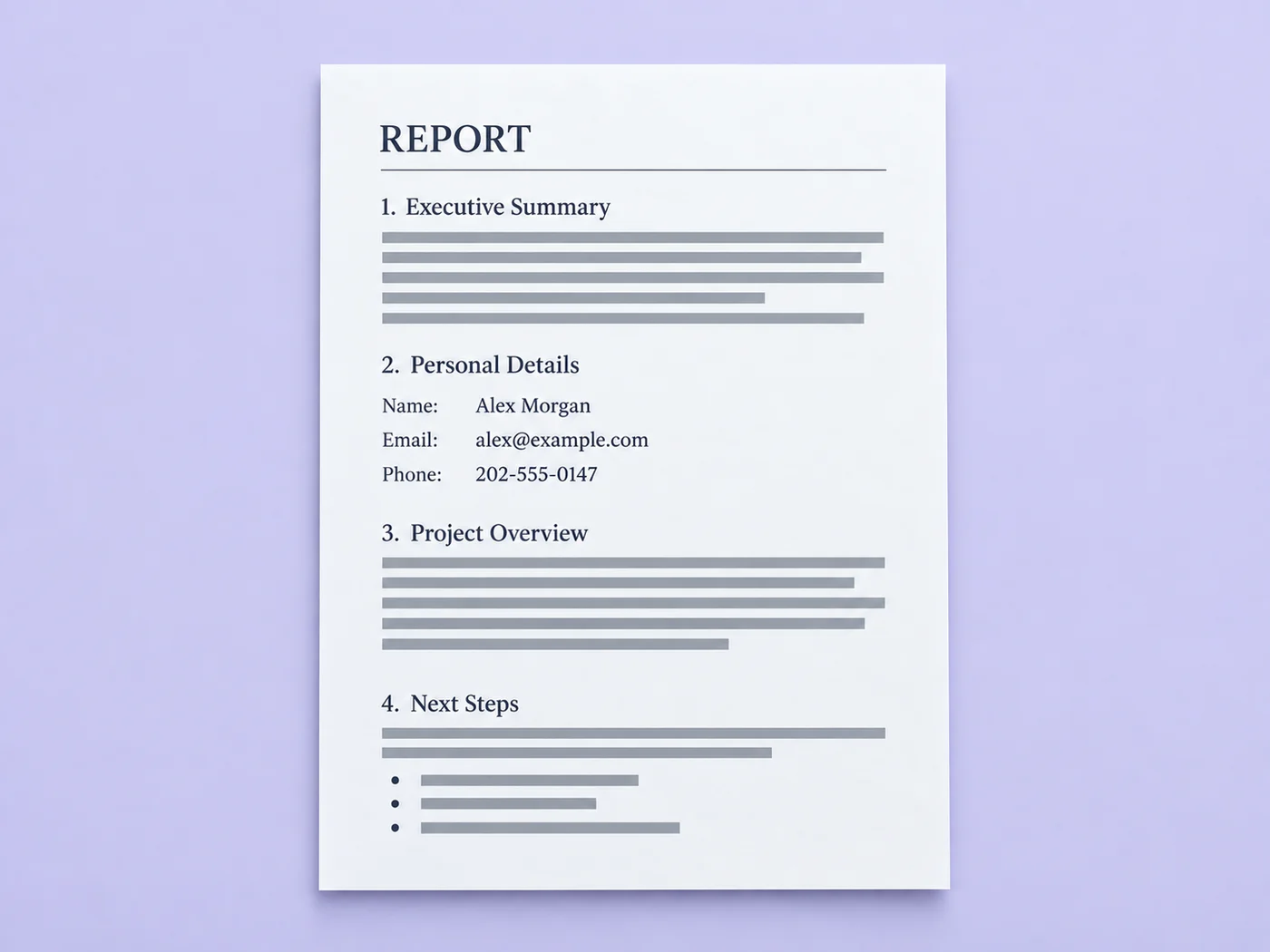
Illustrative preview
Detection is an assistant, not a guarantee. Visually inspect every page before sharing the result.
A black highlight is not a redaction, and searching page by page is easy to get wrong. Pixoate proposes sensitive regions, lets you approve each one, then rebuilds a flattened PDF without the original selectable text layer.
Review is required. Detection can miss unusual formats and cannot reliably infer every name or address. Add critical custom terms and visually inspect every page and the exported PDF.
This automatic PDF redaction tool reads every page, finds emails, US phone numbers, Social Security number patterns and payment card numbers, and proposes a black box over each one. You review the list, switch off any box you do not want and add your own terms, such as a client name. The export is a new flattened PDF. It works with PDF files and with images.
Upload a PDF or an image and the tool renders each page and reads it for sensitive patterns. Every proposed region starts switched on and is listed under Review with its type and the matched text, so you can confirm what will be covered before anything is exported. A PDF can have up to 20 pages per run, so split a longer file into parts and redact each part.
It looks for email addresses, US phone numbers, nine-digit Social Security number patterns and payment card numbers that pass a checksum, plus any exact terms you add. Names, street addresses and other details that depend on context are not found unless you add them as custom terms, so read each page rather than relying on the list.
Automatic detection cannot mark a photo, a signature or text with no clear pattern. For a word, type it as a custom term. For an area of the page, black out regions by hand with the Redact tool in the editor, where you drag a box over the content and the page is flattened to an image on export.
Each page has its own tab and its own list of regions, and you can also click a black box on the preview to switch it off. Terms you add apply to every page at once, and several terms can be separated by commas or line breaks. A page the recipient should not see at all is better deleted before you start, so you only review what stays.
The export button shows how many redactions it will apply and stays unavailable while every box is switched off. The file downloads straight away as redacted- followed by today's date, and it is a new PDF, so your original is untouched. If the copy should only be opened by certain people, add a password to it.
Drawing a black rectangle over text can leave the original words underneath, still selectable and searchable. This tool rebuilds each page as a picture with the approved boxes painted into the pixels, and it leaves the original text layer behind, so the covered words are not in the new file. The exported text can no longer be selected or searched.
The real problem
Documents mix ordinary text with phone numbers, account details, emails, and IDs. Manual searching is slow; drawing a translucent box can leave the text underneath recoverable.
Repeated forms and long exhibits make it easy to miss one email, phone number, or identifier.
Annotations may look black while the original text remains selectable, searchable, or recoverable underneath.
A detector may miss unusual formatting or flag harmless text, so silent one-click redaction creates false confidence.
How Pixoate helps
Pixoate runs OCR, proposes boxes for deterministic PII patterns and your custom terms, then makes you review the list. Export rasterizes the reviewed pages and paints the approved regions into the page pixels.
PDF pages are rendered for review; image files stay as a single page.
Turn any suggestion on or off and add custom terms such as a client name or case number.
Download a new flattened PDF, then open it and perform a final visual check before distribution.
Remove common contact and identity patterns before sending a discovery or records copy.
Create review copies that hide personal contact details from forms and applications.
Clean screenshots, statements, and uploaded forms before sharing them internally.
The current detector proposes regions for email addresses, US phone numbers, Social Security number patterns, payment-card number patterns that pass a checksum, and exact custom terms you provide.
No. Names and addresses are context-dependent and cannot be promised reliably by deterministic pattern matching. Add important names, addresses, case numbers, or account identifiers as custom terms and review each page.
The export creates new page images with approved boxes painted into the pixels, then embeds those images into a new PDF. The original selectable text layer is not copied. You should still inspect the exported file before sharing it.
OCR and PII detection can both miss unusual formatting or produce false positives. Review is the safety control that prevents the product from pretending imperfect automation is infallible.
Pixoate creates a new PDF and does not copy the source PDF metadata fields. This does not inspect unrelated data outside the uploaded document.
No. The tool helps prepare a redacted copy; your organization remains responsible for its legal, regulatory, contractual, and records-retention obligations.
It works as PDF redaction software in any browser: upload the PDF, review the proposed regions and export a flattened copy. There is nothing to install and no Acrobat license to buy. Check every page of the exported file before you share it.
This tool only adds redactions, and it cannot reveal text that has been covered or removed. Before you export, switch off any box you do not want. After export the covered words are not in the new file, so start again from your original PDF if you need that area back.
Yes. The tool renders each page as an image and reads it with text recognition, so scans and photos can be redacted too. Recognition can miss blurry or unusual text, so inspect every page and add important terms yourself.
Type the exact word, name or number into the custom term box and select Add term. Terms of at least 2 characters are matched wherever they appear, ignoring capital letters, and each match becomes a region you can switch on or off. Separate several terms with commas.
The export replaces each page with an image, so you cannot select, copy or search the text in the new file. That is also why covered words are gone from it. Keep your original if you need a searchable version for your own use.
Detection covers emails, US phone numbers, Social Security and card number patterns plus your custom terms, so for a photo, signature or any area it cannot propose, black out regions by hand in the editor. Before the cleaned copy goes out, drop pages the recipient should not see and require a password to open it.
Tools for common next steps after Automatic PDF Redactor.
PDF & Documents
Edit supported PDF text, adjust the font, size and color, and download the revised document.
Try it nowPDF & Documents
Extract plain, copyable text from digital or scanned PDFs and download it as .txt.
Try it nowPDF & Documents
Add password encryption to a PDF, or remove a known password from a file you are authorized to modify.
Try it nowEvery photo crosses the slash untouched and comes out the other side finished.