
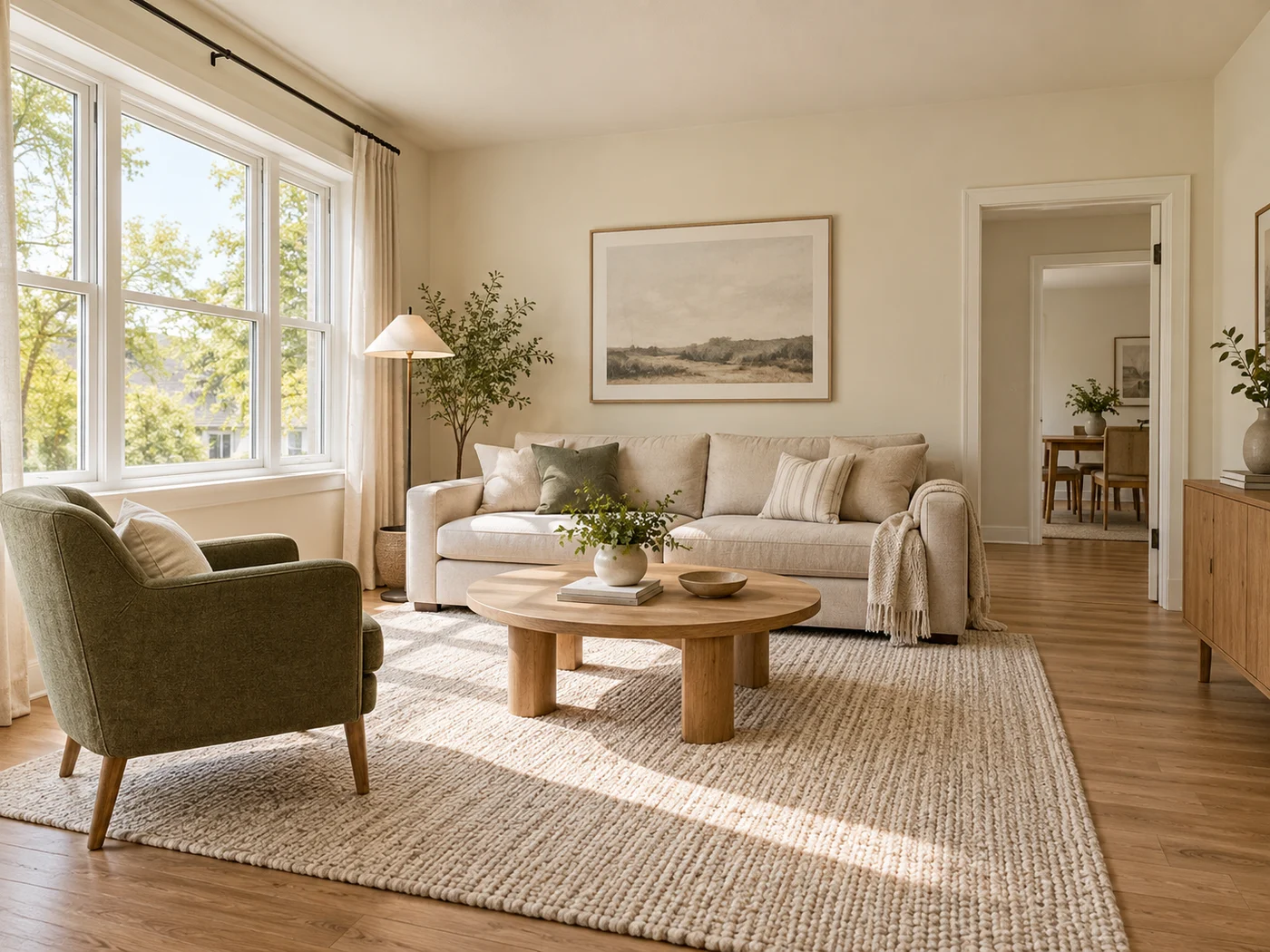
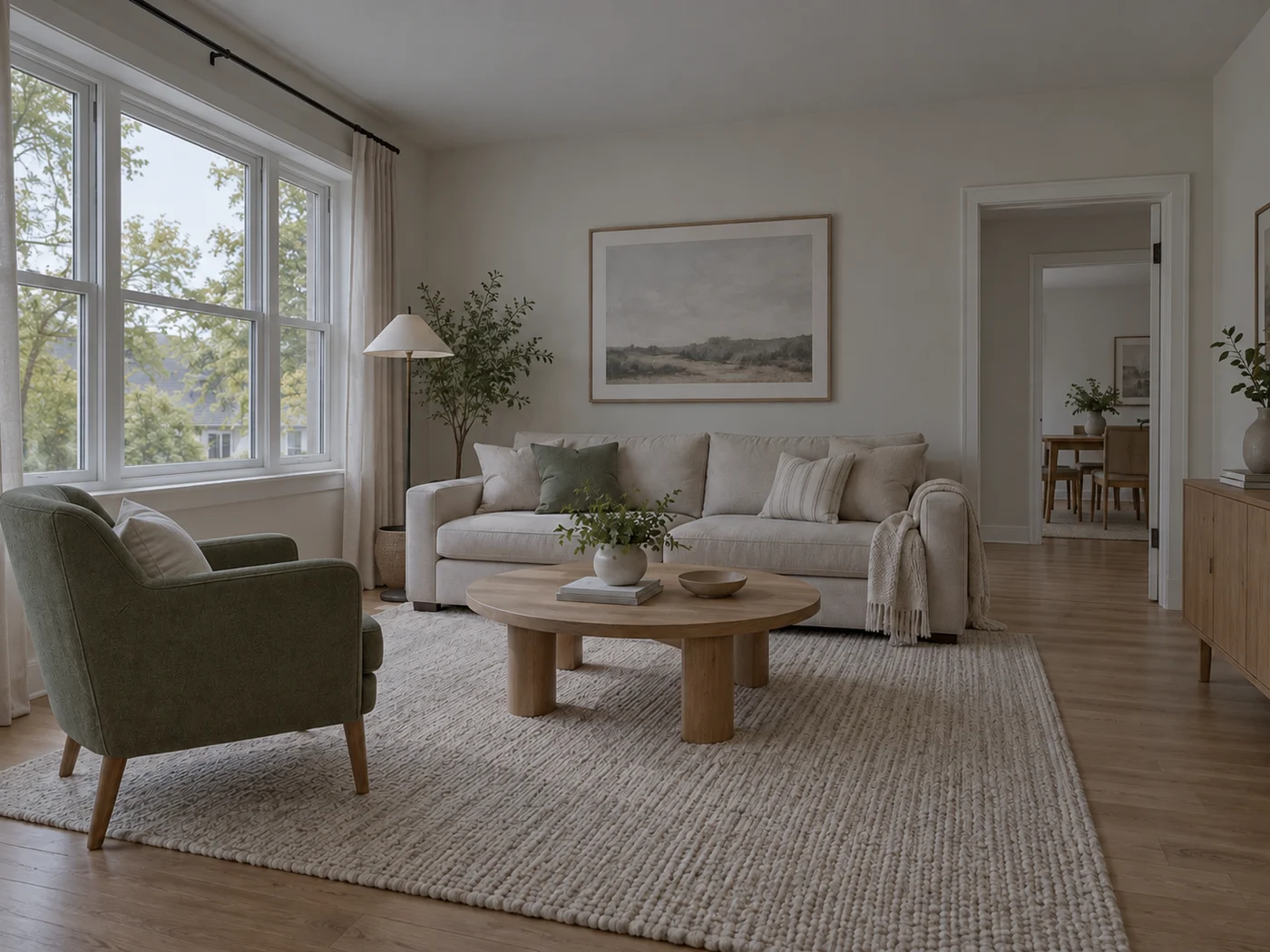
Illustrative preview
AI Real Estate Photo Editor — Stage, Declutter, and Restyle
Keep edits truthful, disclose virtual staging, and never hide material property defects
Prepare property-photo concepts from one focused workspace: stage rooms, remove clutter, and replace skies automatically; paint only when exact TV, wall-color, or landscaping placement matters.
- Automatic staging, decluttering, and sky selection
- Manual painting only for precise add, replace, and surface edits
- Task presets select the correct editing mode automatically
Choose an interior or exterior property photo
JPG, PNG, WebP, HEIC, and other supported formats. Free up to 20 MB; Premium and higher up to 50 MB for this tool.
How to edit real estate photos: stage rooms, replace skies, remove clutter
This AI real estate photo editor groups the edits property photos usually need into 7 tasks: Add furniture, Add TV, Paint walls warm white, Twilight sky, Replace sky, Remove clutter and Refresh landscaping. Each task selects the right editing mode for you. Some run on their own, and the placement tasks ask you to paint the area first. Keep every edit truthful, label staged photos and never hide a material defect.
Choose the task that matches the edit
The Tasks tab sets the editing mode for you. Add furniture, Twilight sky, Replace sky and Remove clutter run without any painting. Add TV, Paint walls warm white and Refresh landscaping ask you to brush the area first, because where the edit lands matters. The Edit type menu shows the mode a task picked, and you can switch it yourself when none of the presets fits.
Replace a sky or make a twilight real estate photo
Replace sky swaps a flat or overcast sky for a clear blue one with soft clouds, and Twilight sky swaps it for a blue-hour sky. Both look for the sky automatically and are set to change only the sky, so the building and foreground stay as photographed and the swap is not meant to switch on lamps or light windows. Check rooflines, trees, reflections and windows after the swap, because the sky edge is where a mistake shows. For sunset, night or dramatic clouds, use the dedicated sky replacement tool.
Remove clutter, cables and bins from a property photo
Remove clutter asks the tool to find visible cables, bins, signs and loose items from your description and rebuild what was behind them. Edit the sentence in the What should we remove? box to name the exact items. If the tool cannot locate something, choose Refine area manually and paint it. Use this for temporary mess only, because removing a fixed feature or a defect makes the photo untruthful. For one distracting object, remove it by describing it.
Add a TV, repaint walls or refresh landscaping
These tasks need a painted area. Select the preset, then brush over the empty wall, the walls to repaint or the lawn and beds. A rough mark is enough, because the edit area can grow to fit the result and its shadow, while Exact painted area keeps strict boundaries instead. Generate stays off until something is painted.
- Choose Add TV, Paint walls warm white or Refresh landscaping under Tasks.
- Paint the wall, walls or landscaping area directly on the photo.
- Tick Exact painted area only if the edit must stay inside your marks.
- Select Generate and review the placement and perspective.
Stage a furnished room, then disclose it
Add furniture furnishes the whole room without painting, which makes it a quick way to test a layout. For an empty room built around a listing style, stage an empty room for a property listing. A staged image is a concept, so keep the original beside it and add a caption saying the room is virtually staged.
Before you publish an edited photo
- Compare each edit with the original for doors, windows, room size and perspective.
- Check that nothing in the picture implies a feature the property does not have.
- Keep the unedited originals so you can show the change if asked.
- Label staged rooms, and follow the rules of the listing service.
- Do not remove anything a buyer or renter would need to know about.
Finishing property photos for the listing
A tilted wall or horizon can be rotated to the exact angle, and several rooms can go into one shareable photo grid.
When a photo is virtually staged, label it with a text caption so viewers know.
What you can do with AI Real Estate Photo Editor
Review the main capabilities before you begin.
- Stage complete rooms automatically for disclosed concepts
- Add selected TVs, wall colors, or landscaping precisely
- Remove described cables, bins, signs, and distracting clutter
- Replace skies and create realistic twilight exteriors
- Refine automatic edit areas manually when needed
Settings reference
5 settings
Available controls for AI Real Estate Photo Editor.
Tasks
- Edit typeDropdown
- Choose the edit to perform; prompts, selection tools and output controls follow the selected edit type.Options: Text-based editGenerative fillMagic eraserSky replacementRoom staging
- One-tap presetsPresets
- Pick a ready-made direction with one tap; generation uses the selected preset automatically.Options: Add furnitureAdd TVPaint walls warm whiteTwilight skyReplace skyRemove clutterRefresh landscaping
- Custom instructions (optional)Text input
- Describe the requested change, relevant materials, lighting, perspective, and details that must remain unchanged.
Selection
- Selection brush sizeSliderRange: 4–160px · Default: 32px
- Set the brush width used to mark the exact add, fill, or replacement area required before generation.
Output
- Ask AI to preserve subject identity and product detailsOn / Off
- Adds an explicit instruction to retain the main subject, shape, branding, labels, and readable text unless the request changes them.
Popular presets
Related tools for AI Real Estate Photo Editor
Tools for common next steps after AI Real Estate Photo Editor.

Virtual Staging & Property
Virtual Staging AI
Virtually stage empty rooms with AI furniture for real-estate listings. Create living room, bedroom, office, dining, and luxury concepts.
Try it now
Virtual Staging & Property
AI Room Staging
Stage empty or dated rooms with AI furniture and décor. Create living rooms, bedrooms, offices, dining rooms, and interior style concepts.
Try it now
Background Studio
AI Sky Replacement
Replace a cloudy or dull sky with clear blue, sunset, twilight, dramatic clouds, or night while keeping the foreground coherent.
Try it nowFrequently Asked Questions
Guides for this tool
- How to Prepare Real Estate Listing Photos in Bulk for an AgencyOrganize bulk real estate photo editing with Pixoate. Keep properties, room sequences and concept images clear across an agency's listing workflow.
- How to Remove Temporary Clutter from Real Estate Photos with AIRemove temporary clutter from real estate photos with Pixoate. Review cables and stray objects while preserving the property's actual condition.
Watch each transformation land
Every photo crosses the slash untouched and comes out the other side finished.























