How to Convert Large TIFF Scans to JPG or PDF for Email and Sharing
Convert large TIFF scans to JPG or PDF with Pixoate. Prepare readable files for email, review page order and keep the original scan for future use.
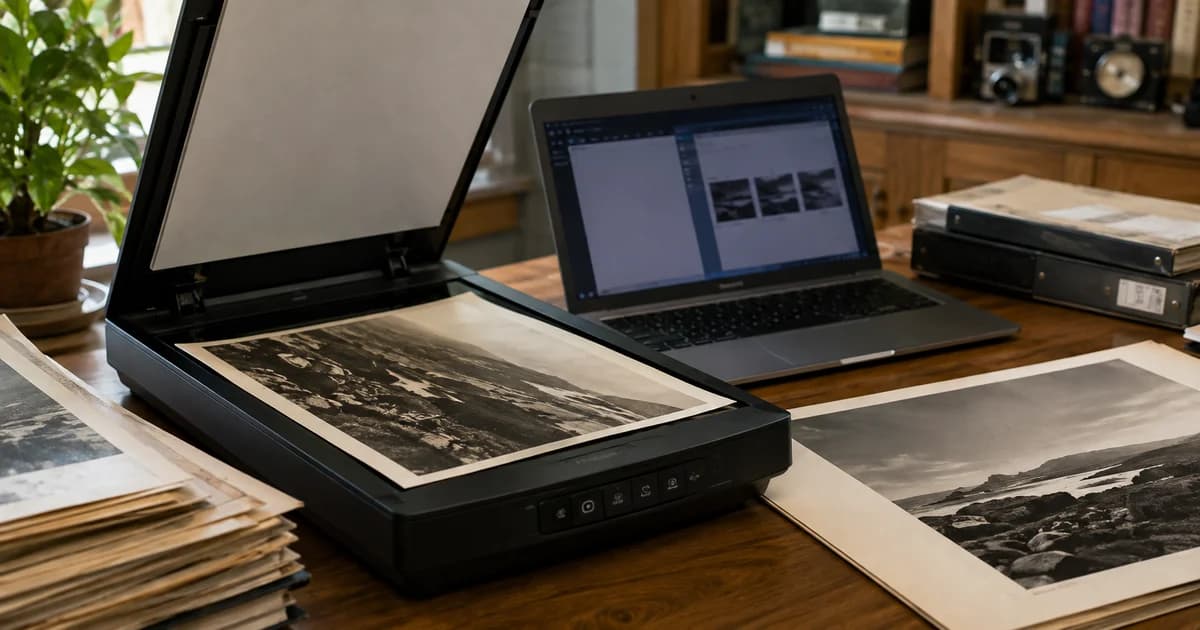
A scanned document arrives as a large TIFF file. It contains the information you need, but the recipient's email or upload workflow expects a smaller JPG or an ordinary PDF.
Choose the output according to how the recipient will use it. Pixoate TIFF to JPG creates a photographic image copy, while Image to PDF can assemble supported image pages into a document.
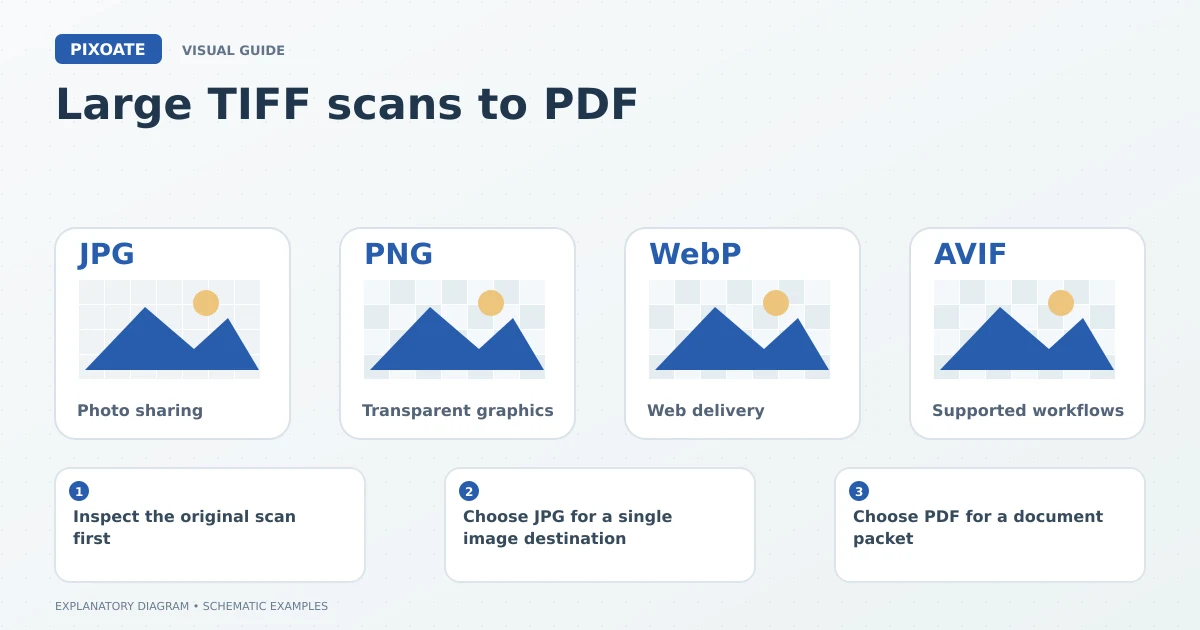
Original explanatory graphic. The scenes and sample records are schematic illustrations, not screenshots or measured tool results.
Inspect the original scan first
Confirm whether the source contains one image or multiple pages and check the small text. Keep the original TIFF where your records require it. A sharing copy should not silently replace the source scan.
Some TIFF files use structures or compression variants that a particular converter may handle differently. Inspect the actual output, including the page or frame count, rather than assuming every part of the source was converted.
Choose JPG for a single image destination
Use TIFF to JPG when a receiving form wants a compatible image file. Review the quality settings and inspect fine text, stamps and signatures after conversion.
Use Compress Image if the result is still too large. Avoid chasing the smallest possible file at the expense of information the recipient needs to read.
Choose PDF for a document packet
Prepare the supported page images and combine them with Image to PDF. Arrange them in reading order, review orientation and select an appropriate page size.
If the PDF needs searchable words, choose the supported searchable-text route and verify the output. Merely placing a scan on a PDF page does not, by itself, make the text searchable.
| Need | Practical output |
|---|---|
| One image accepted by an upload form | Reviewed JPG copy |
| Several readable pages together | Ordered PDF |
| Searchable document text | PDF with a verified OCR layer |
| Original scan retained for records | Preserve the TIFF separately |
Review what will actually be sent
Open the downloaded file and confirm the complete content, page count and file size. Give it a meaningful name so the recipient can distinguish the document from other attachments.
Does a smaller file mean less useful quality?
Not necessarily, but the content matters. A reduction may be acceptable for a readable sharing copy while unsuitable for a detailed archival or specialist use.
Can I delete missing pages from the packet to meet a limit?
Keep required content intact. Use an appropriate compression or delivery method rather than silently omitting information.
Start with Pixoate TIFF to JPG or Image to PDF, according to the recipient's task, and review the result against the original scan.