
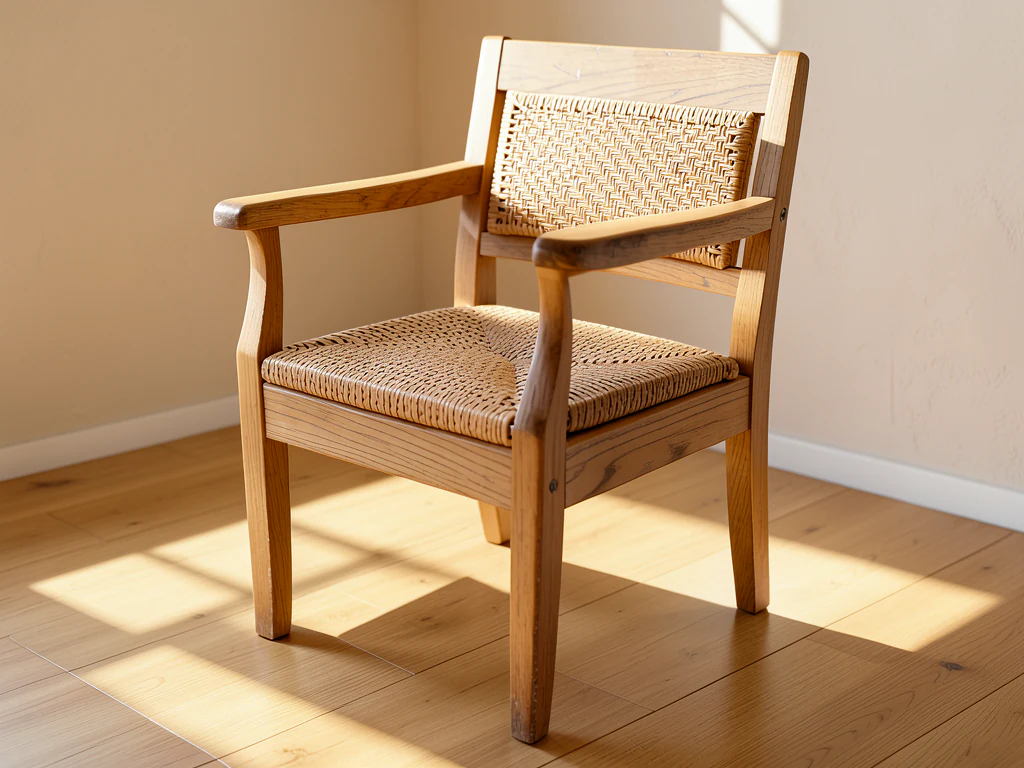
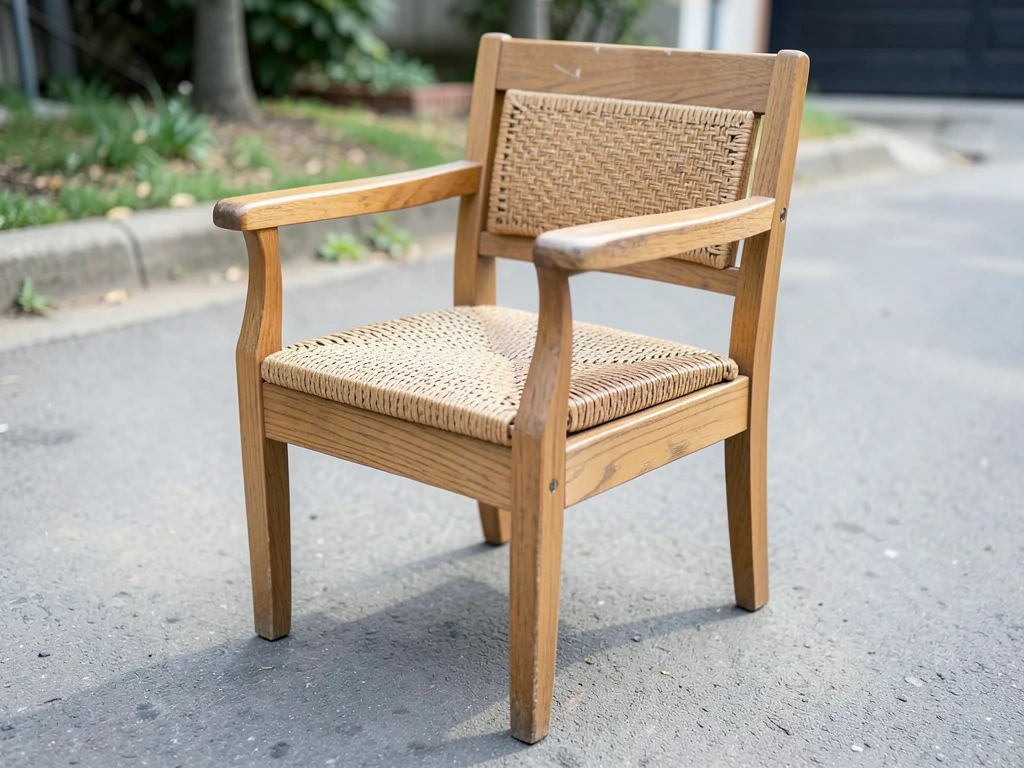
Furniture Product Scene Generator
Generative output can vary; review the full result before publishing
Furniture brands sell decades of daily life — and imagery must show the life, not the showroom. This direction builds lived-in worlds around your pieces: morning light across the sofa, the table mid-gathering, material truth in believable rooms, rooms that argue the piece belongs in the buyer's years.
- Prepared Furniture direction
- Editable prompt
- Source-detail review required
Choose a source image for Furniture
JPG, PNG, WebP, HEIC, and other supported formats. Free up to 20 MB; Premium and higher up to 50 MB for this tool.
Furniture scenes: placing a sofa or table in a room that fits its size
Furniture is where generated rooms most easily mislead, because the AI builds walls, windows and doors around the piece without knowing its real dimensions. A two-seater can end up in a room scaled for a sofa twice its length. Check the result for proportion against familiar things such as doors, light switches and dining chairs, and state real dimensions in your listing text.
Photograph the piece from standing eye height at a three-quarter angle, with floor visible around the legs and room on every side. Legs and floor contact are where a scene either sits right or floats; look for a short, soft shadow under each foot. Upholstery color and wood tone carry over from your photo, so shoot in daylight rather than under warm bulbs.
To furnish a whole empty room as a preview rather than stage one piece, virtual staging for empty rooms is the closer tool. For listing images, cut the piece out on white.
Before you shoot the piece
- Clear the floor around the legs
- Shoot from standing eye height, three-quarter angle
- Use daylight so fabric and wood colors stay true
- Write down the real width, depth and height for the listing
Set up for Furniture Product Scene Generator
Prepared settings
- Starting point
- Upload one source image
- The page opens on the correct edit workflow; upload is the only required setup step.
- Prepared workflow
- Prepared Furniture scene direction
- Furniture Product Scene Generator opens with the Furniture direction preselected, so there is no need to find the operation manually.
- Output shape
- Same as your upload
- The result keeps the shape of the image you upload.
- Review rule
- Preserve the source subject and verify factual details
- Generated imagery can vary; the final result stays under the user's approval before download.
Best-fit uses
- Lived-world campaigns per collection
- Material-story imagery for signature finishes
- Room-context launch imagery
Frequently asked questions
- Lived-in versus showroom staging — why it matters?
- Buyers project years, not visits — the thrown blanket and morning mug sell belonging that showroom sterility cannot. Life evidence, in moderation, is the brand scene's advantage over the catalog.
- How is scale kept honest in brand worlds?
- The AI never receives the piece's real dimensions, so it estimates the room from how the piece sits in your photo. Check the sofa's length against doors and walls before publishing; brand romance never excuses dimensional fiction, and delivery day remembers.
- What should I review in a Furniture result?
- Check the subject, product geometry, colors, labels, logos, identity-relevant details, shadows, and edges against the source. Reject any output that changes a factual detail.
- What rights checks apply to a Furniture client project?
- Use only source material and references you have rights to, follow the destination platform rules, and obtain any required person or property permissions. Generated output still needs a human accuracy and rights review.
What you can do with AI Product Scene Generator
Review the main capabilities before you begin.
- Build a scene around your product from a single photo
- Create editorial, ecommerce, and social campaign concepts
- Generate coherent props, surfaces, lighting, and shadows
- Ask the AI to keep the product as photographed
Settings reference
4 settings
Available controls for AI Product Scene Generator.
Workflow
- Single image or Batch imagesPresets
- Process one image, or use Premium Batch images to apply the same automatic recipe to a set and download one ZIP.Options: Single imageBatch images
Scenes
- One-tap presetsPresets
- Pick a ready-made direction with one tap; generation uses the selected preset automatically.Options: Bathroom counterKitchen lifestyleOutdoor lifestyleEditorial podiumSocial ad
- Custom instructions (optional)Text input
- Describe the requested change, relevant materials, lighting, perspective, and details that must remain unchanged.
Selection
- Selection brush sizeSliderRange: 4–160px · Default: 32px
- The subject area is found automatically. This brush appears only if that automatic area could not be found; paint the area to edit, then generate again.
Related tools for Furniture Product Scene Generator
Tools for common next steps after Furniture Product Scene Generator.

Background Studio
Remove Background
Remove a photo background and download a transparent PNG. Review hair and edges before use.
Try it now
Background Studio
White Background Maker
Replace a photo background with white for product listings.
Try it now
Product Photography Studio
AI Product Photos
Generate a background scene around your product. Describe the setting and review the result.
Try it nowWatch each transformation land
Every photo crosses the slash untouched and comes out the other side finished.























