
Marker Color sketch Generator
Generative output can vary; review the full result before publishing
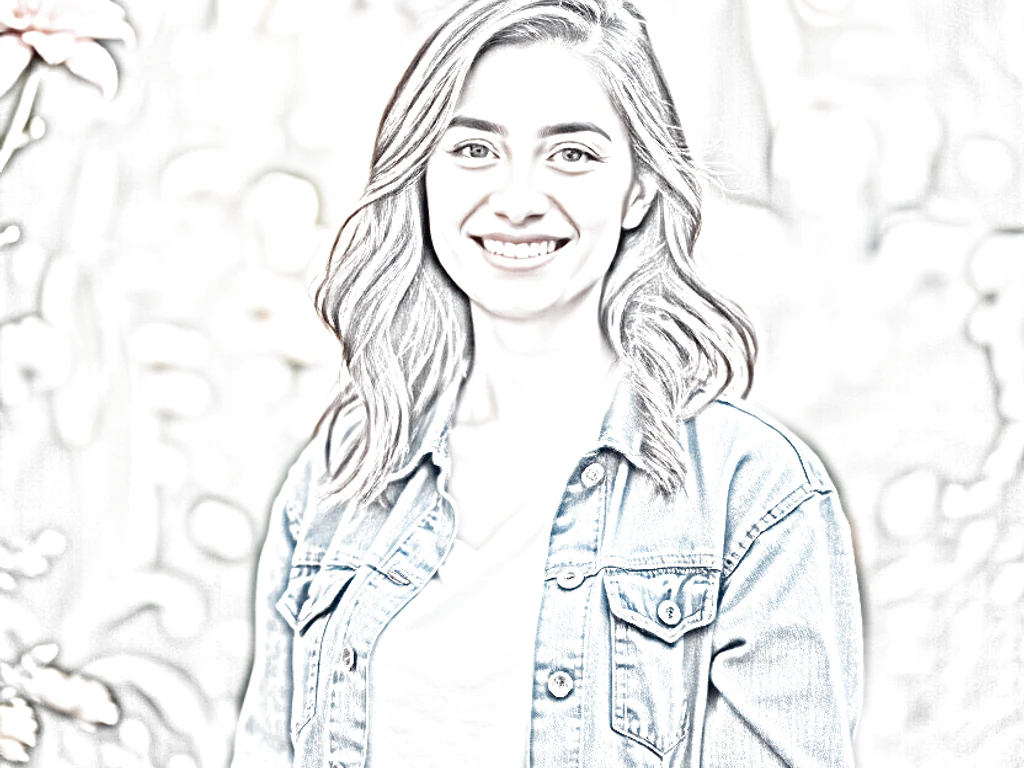
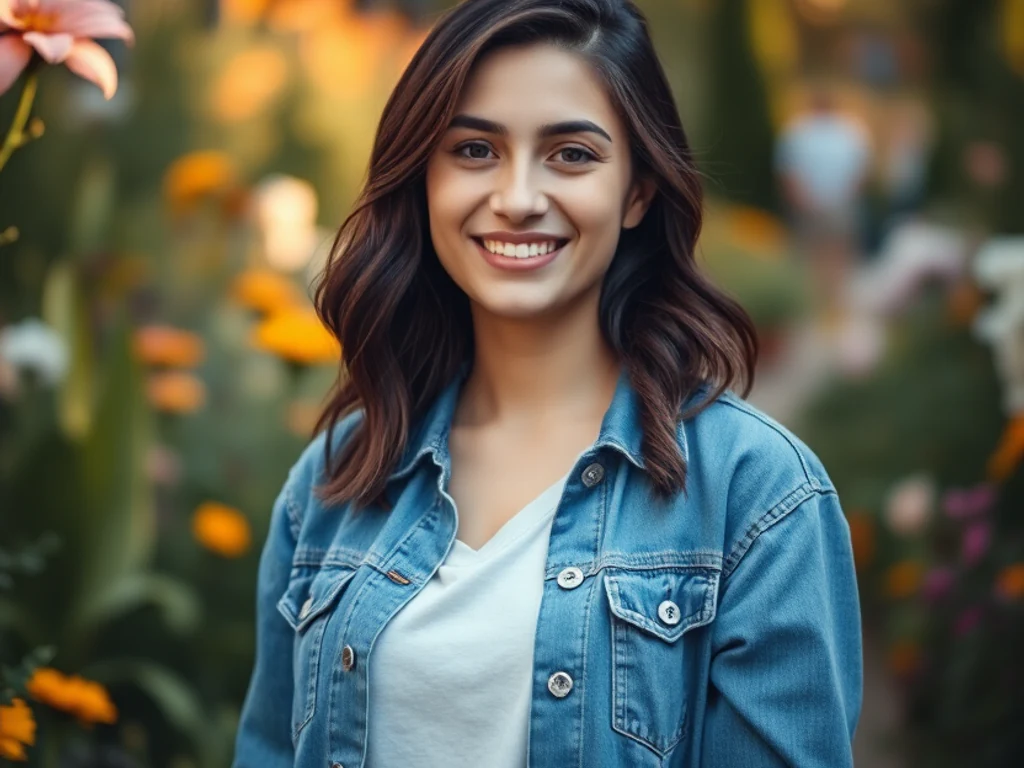
Marker style is design-studio speed made visible — confident strokes, saturated color laid in juicy sweeps, ink lines keeping the structure honest. This direction redraws your photo in that concept-sketch energy: bold, quick-looking, alive in a way careful rendering never is.
- Prepared Marker direction
- Editable prompt
- Full-result review required
Choose a source image for Marker
JPG, PNG, WebP, HEIC, and other supported formats. Free up to 20 MB; Premium and higher up to 50 MB for this tool.
Using marker-style sketches for concepts, journals and menus
Marker sketches have a quick, designer's-notebook feel, which suits product ideas, travel journals, cafe menus and event posters. Choose photos with bold shapes and strong color, such as a bike against a painted wall, a plate of food from above, or a shopfront. Pale, misty scenes lose most of their character in this style.
Look at how the strokes treat edges. Marker work usually leaves white paper showing at highlights and outlines key shapes in ink; if the result looks like a filtered photo rather than a drawing, simplify the source by cropping in, and run it again. Lettering on shop signs and packaging tends to turn into squiggles, so add any real words afterward.
For a menu or poster, set the dish names and prices as real text beside the sketch, since prices and spellings must be exact. A run of sketches from one trip or one menu looks most consistent when every photo goes through the same instruction. For stronger black outlines and flat color, compare the comic ink style.
Set up for Marker Color sketch Generator
Prepared settings
- Starting point
- Upload one source image
- The page opens on the correct edit workflow; upload is the only required setup step.
- Prepared workflow
- Prepared Marker style
- Marker Color sketch Generator opens with the Marker direction preselected, so there is no need to find the operation manually.
- Output shape
- Same as your upload
- The result keeps the shape of the image you upload.
- Review rule
- Review the complete generated result before use
- Generated imagery can vary; the final result stays under the user's approval before download.
Best-fit uses
- Energetic marker portraits and street scenes
- Design-flavored art for creative spaces
- Bold colorful prints from everyday photos
Frequently asked questions
- What defines the marker look?
- Visible stroke edges where color bands overlap, white paper left breathing at highlights, and an ink line doing the structural work. It is the aesthetic of a designer thinking fast — ask for loose, quick strokes to keep that urgency.
- What photos suit marker treatment?
- Subjects with clear structure and strong color — street corners, bikes, food, portraits with character. The style thrives on confident shapes; wispy, misty scenes fight the medium's directness.
- What should I review in a Marker result?
- Inspect faces, hands, object geometry, small details, perspective, readable marks, and any claim implied by the scene. Regenerate or reduce the requested change when something is inaccurate.
- What rights checks apply to a Marker client project?
- Use only source material and references you have rights to, follow the destination platform rules, and obtain any required person or property permissions. Generated output still needs a human accuracy and rights review.
What you can do with Photo to Colorful Sketch
Review the main capabilities before you begin.
- Turn photos into colorful hand-drawn sketches
- Choose colored pencil, watercolor or comic ink
- Keep real colors instead of gray graphite
- Create marker pop-art style artwork
- Adjust how hand-drawn the result looks
Settings reference
3 settings
Available controls for Photo to Colorful Sketch.
- Processing modePresets
- Process one input, or switch to Premium batch mode to process multiple inputs with shared settings. Available input types depend on the tool.Options: Single imageBatch
Adjust
- Hand-drawn strengthSliderRange: 0–1 · Default: 0.7
- Controls how strong the artistic effect is, from Subtle to Artistic — lower keeps more photo detail, higher looks more hand-drawn.
Style
- Sketch stylePresets
- Picks the colorful art style applied to your photo: hand-drawn colored strokes, a soft painted wash, inked comic lines with flat color, or bold marker pop-art.Options: Colored pencilWatercolorComic inkMarker pop-art
Related tools for Marker Color sketch Generator
Tools for common next steps after Marker Color sketch Generator.

Creative & Design
Photo Filters & Effects
Preview cinematic, vintage, glitch and beauty effects on your photo, then download the look you choose.
Try it now
Photo Editing & Utilities
Online Photo Editor
Crop and resize photos. Add text, shapes, effects and templates, or use AI editing tools.
Try it now
Creative & Design
Image to Sticker
Remove the background, add an adjustable outline and download a sticker image.
Try it nowWatch each transformation land
Every photo crosses the slash untouched and comes out the other side finished.























