
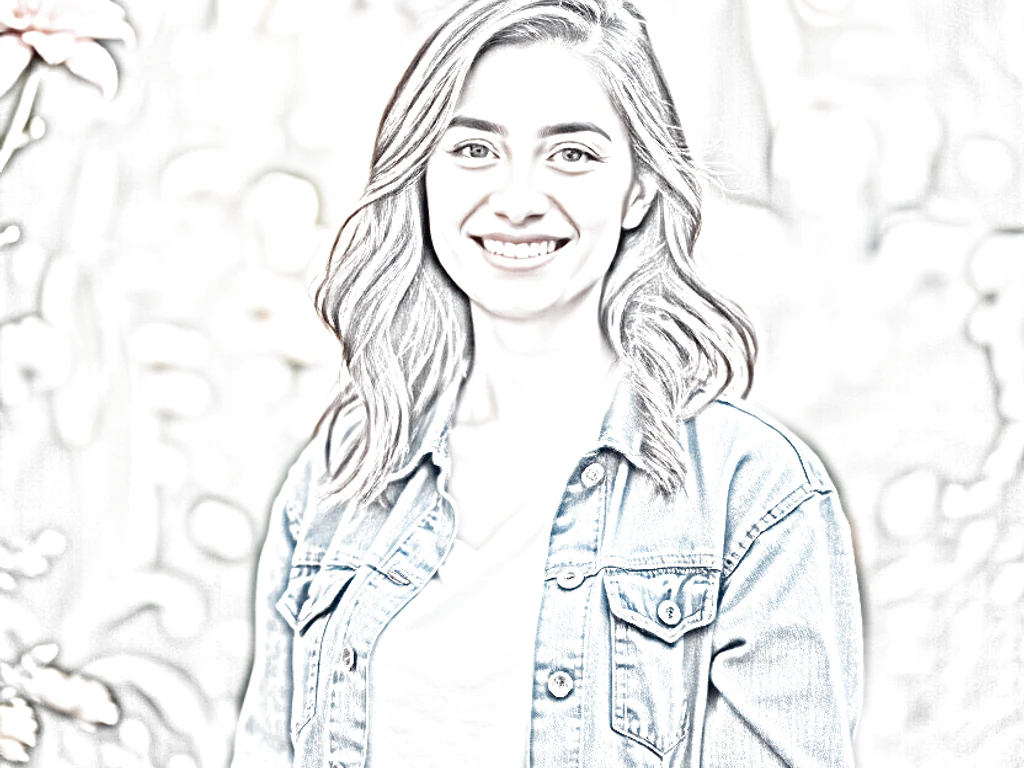
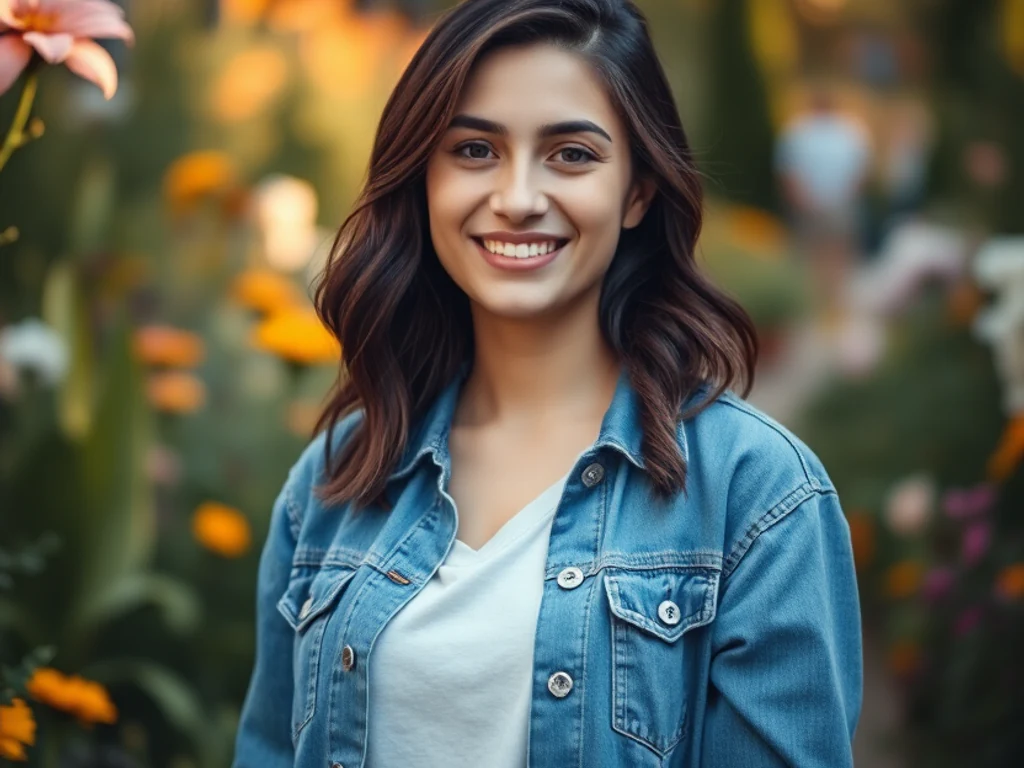
Pastel Pencil Color sketch Generator
Generative output can vary; review the full result before publishing
Pastel pencil is the gentlest voice in the sketch family — chalky strokes, powdery light-struck color, tone that seems breathed onto toned paper. This direction redraws your photo in that tenderness: baby portraits, quiet gardens, soft light rendered in a medium made of softness.
- Prepared Pastel Pencil direction
- Editable prompt
- Full-result review required
Choose a source image for Pastel Pencil
JPG, PNG, WebP, HEIC, and other supported formats. Free up to 20 MB; Premium and higher up to 50 MB for this tool.
Rendering newborn and family photos in soft pastel pencil
Pastel pencil suits gentle subjects: a sleeping newborn, a grandparent by a window, a garden in early light. Choose a photo with soft daylight and no hard flash shadows, and keep the background simple, since the style spreads light, powdery color across the whole picture. Turn on identity preservation for any portrait so the face stays true.
Check skin tones carefully. Pastel styles can lighten and warm skin, which matters for a family keepsake; if a face looks paler than the person, regenerate and add "keep the natural skin tone" to the instruction. Small details such as a baby's fingers or a pair of glasses can soften too far, so compare them with the original.
These pieces are often printed for nurseries and gift cards. Unlock the original resolution with Premium or one credit for printing, and finish the image with a soft border if it will be shared online. For an old family photo, restore the scratches and fading first so the pastel version starts from a clean source.
Set up for Pastel Pencil Color sketch Generator
Prepared settings
- Starting point
- Upload one source image
- The page opens on the correct edit workflow; upload is the only required setup step.
- Prepared workflow
- Prepared Pastel Pencil style
- Pastel Pencil Color sketch Generator opens with the Pastel Pencil direction preselected, so there is no need to find the operation manually.
- Output shape
- Same as your upload
- The result keeps the shape of the image you upload.
- Review rule
- Review the complete generated result before use
- Generated imagery can vary; the final result stays under the user's approval before download.
Best-fit uses
- Tender baby and family portrait art
- Soft nursery prints from photographs
- Gentle pastel scenes for calm spaces
Frequently asked questions
- When is pastel pencil the right choice?
- When the feeling is tenderness — newborns, grandparents, morning gardens, quiet snow. It is the medium equivalent of speaking softly; bold subjects and hard drama belong with marker or charcoal instead.
- Why does the style often use toned paper?
- Mid-tone paper lets pale pastel strokes read as light — highlights are drawn, not left blank, which is the medium's signature glow. Ask for toned paper in the prompt if you want that behavior, so whites shimmer instead of just being empty.
- What should I review in a Pastel Pencil result?
- Inspect faces, hands, object geometry, small details, perspective, readable marks, and any claim implied by the scene. Regenerate or reduce the requested change when something is inaccurate.
- What rights checks apply to a Pastel Pencil client project?
- Use only source material and references you have rights to, follow the destination platform rules, and obtain any required person or property permissions. Generated output still needs a human accuracy and rights review.
What you can do with Photo to Colorful Sketch
Review the main capabilities before you begin.
- Turn photos into colorful hand-drawn sketches
- Choose colored pencil, watercolor or comic ink
- Keep real colors instead of gray graphite
- Create marker pop-art style artwork
- Adjust how hand-drawn the result looks
Settings reference
3 settings
Available controls for Photo to Colorful Sketch.
- Processing modePresets
- Process one input, or switch to Premium batch mode to process multiple inputs with shared settings. Available input types depend on the tool.Options: Single imageBatch
Adjust
- Hand-drawn strengthSliderRange: 0–1 · Default: 0.7
- Controls how strong the artistic effect is, from Subtle to Artistic — lower keeps more photo detail, higher looks more hand-drawn.
Style
- Sketch stylePresets
- Picks the colorful art style applied to your photo: hand-drawn colored strokes, a soft painted wash, inked comic lines with flat color, or bold marker pop-art.Options: Colored pencilWatercolorComic inkMarker pop-art
Related tools for Pastel Pencil Color sketch Generator
Tools for common next steps after Pastel Pencil Color sketch Generator.

Creative & Design
Photo Filters & Effects
Preview cinematic, vintage, glitch and beauty effects on your photo, then download the look you choose.
Try it now
Photo Editing & Utilities
Online Photo Editor
Crop and resize photos. Add text, shapes, effects and templates, or use AI editing tools.
Try it now
Creative & Design
Image to Sticker
Remove the background, add an adjustable outline and download a sticker image.
Try it nowWatch each transformation land
Every photo crosses the slash untouched and comes out the other side finished.























