
Review worksheet · Version 1.0
Keep the product in the product photo.
An edit can improve presentation while changing a detail that matters. Keep the source photograph, downloaded output and verified product information together as you review.
Prepared by Pixoate · 6 September 2026 · Practical guidance, not a measured accuracy study.
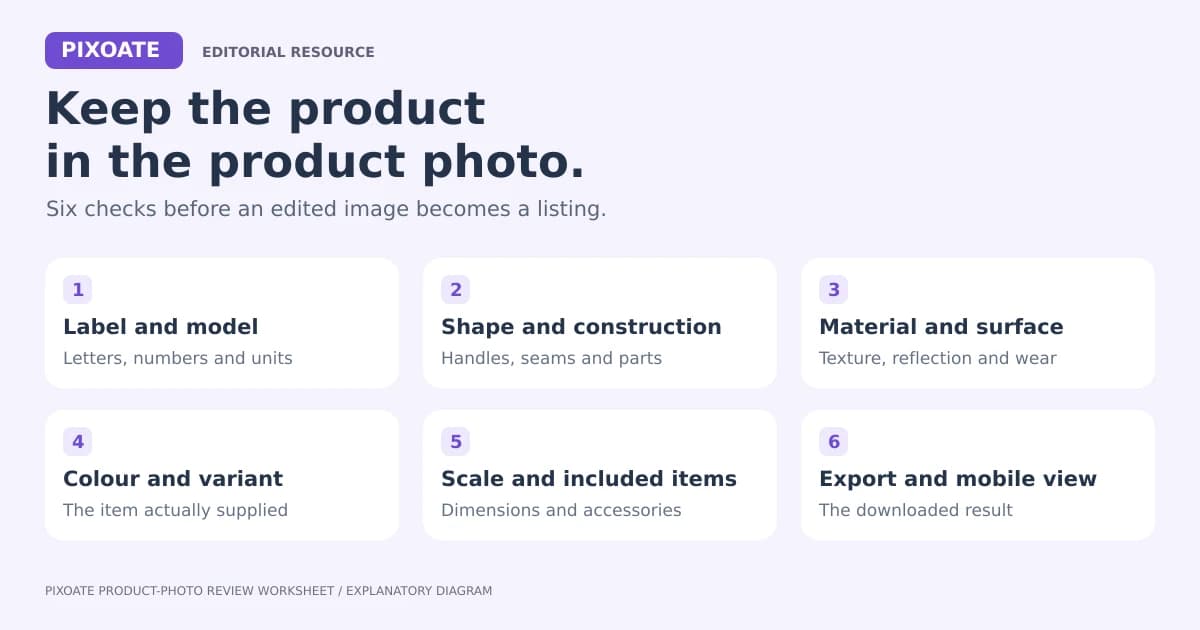
Six details to inspect
- 1
Label and model text
Compare letters, numbers, units and logos with a verified product reference.
- 2
Shape and construction
Inspect handles, lids, seams, holes, fasteners and the number of parts.
- 3
Material and surface
Check texture, reflective areas, translucent edges and visible wear.
- 4
Color and variant
Keep identifying colors faithful and assign the output to the correct variant.
- 5
Scale and included items
Use verified dimensions and make clear which props or accessories are included.
- 6
Export and mobile view
Inspect the actual download for cropped edges, small text and compression artefacts.
Record uncertainty as well as success
Use preserved, changed, not assessable or not applicable for each detail. A label that is unreadable in the source cannot establish whether its exact text was preserved. Record the relevant image region and the next action instead of forcing a pass.
Check the actual export at a useful inspection size and at a realistic mobile display size. A larger pixel count does not prove that missing detail was recovered. If an important feature was never recorded clearly, a new photograph may be the useful next step.
Apply the review to a Pixoate workflow
Start with background removal, photo enhancement or image upscaling when it fits the problem. Use Image Compare to keep the original and output in view, and Photo Editor for a layout or verified annotation.























