
Tea Food Photo Studio
Generative output can vary; review the full result before publishing
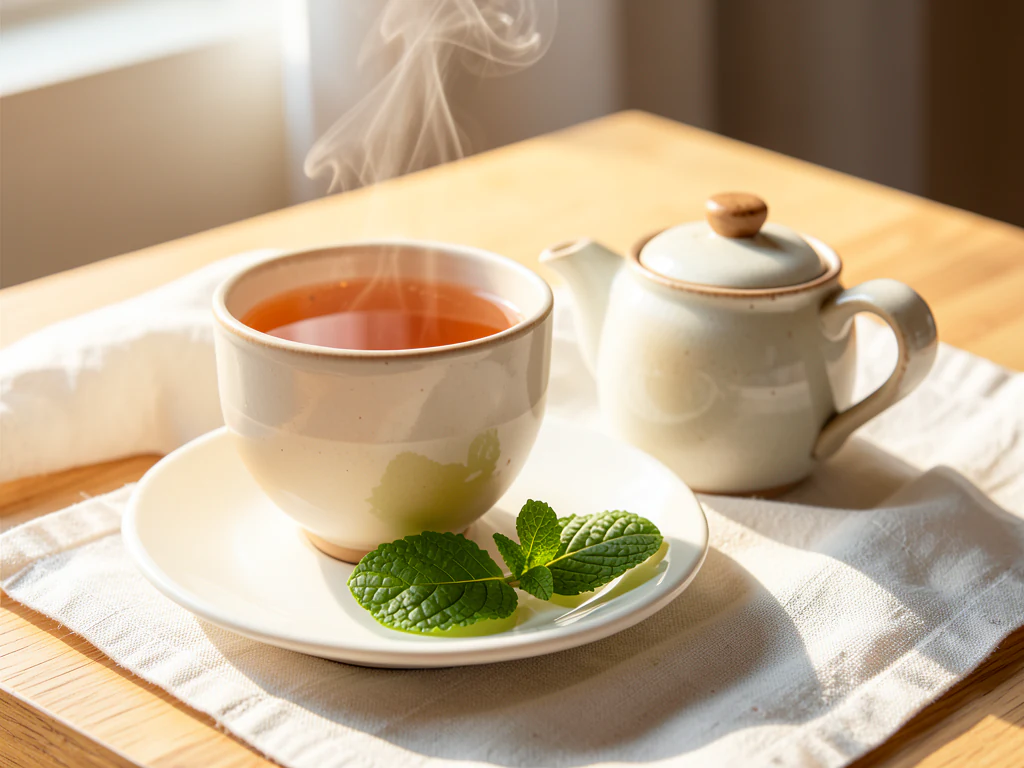
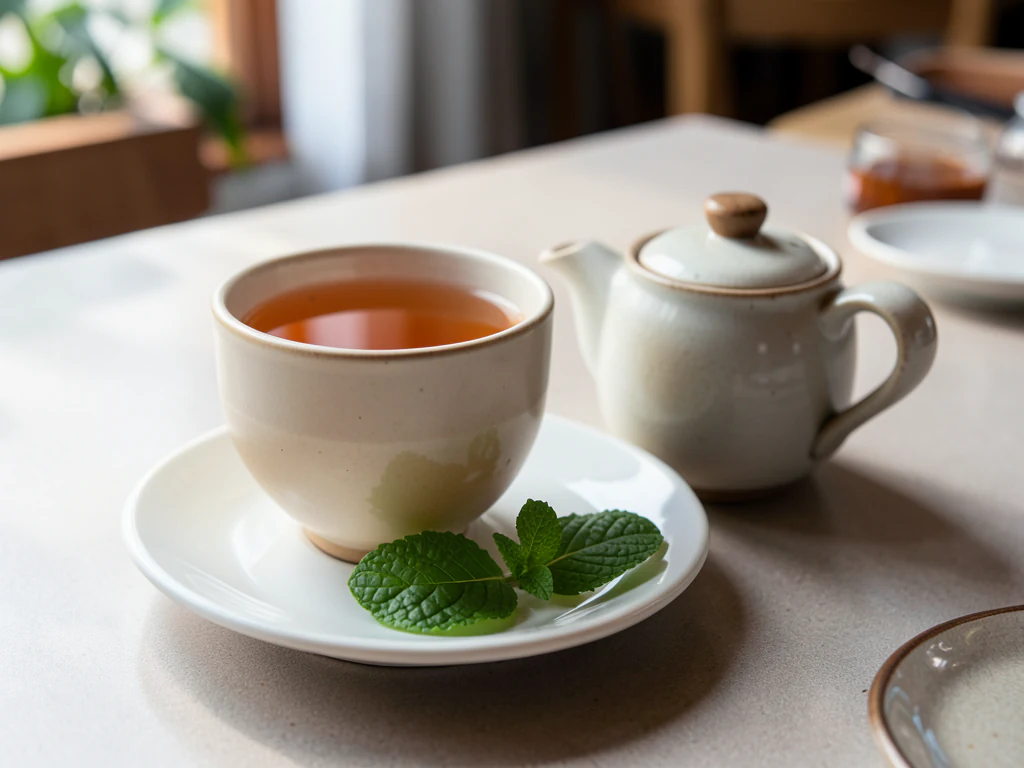
Tea photography spans registers — chai's street-glass energy to ceremony's meditative pour — unified by liquid clarity and ritual calm. This direction stages your actual tea in its right register: amber backlit to glow, steam soft, the pour arc frozen, the world's most-drunk beverage given its varied dignities.
- Prepared Tea direction
- Editable prompt
- Source-detail review required
Choose a source image for Tea
JPG, PNG, WebP, HEIC, and other supported formats. Free up to 20 MB; Premium and higher up to 50 MB for this tool.
Tea photos that match the vessel and color you serve
Tea is sold in very different registers: cutting chai in a small glass, masala chai in a clay kulhad, green tea in a porcelain cup, iced tea in a tall glass. Photograph the vessel you actually serve, since it is usually kept with the drink. Backlight from a window behind the cup makes tea glow amber; top light makes it look flat and brown.
Describe a setting that matches the register: "wooden bench at a roadside stall, warm evening light" for chai, or "pale ceramic tray, soft daylight" for a tea house. Café table and Rustic table are good starting points. If a teapot or strainer matters to the picture, check that it survived the edit.
Tea color is the main thing to compare. A milky chai should stay milky; a green tea should not turn yellow under warm generated light. Check the foam on a chai, the tag text on a tea bag, and any leaves floating in the cup. If you sell packaged loose tea, that is a product shot better handled on the beverage product photo page. The coffee page covers crema and latte art for mixed drink menus.
Set up for Tea Food Photo Studio
Prepared settings
- Starting point
- Upload one source image
- The page opens on the correct edit workflow; upload is the only required setup step.
- Prepared workflow
- Prepared Tea scene direction
- Tea Food Photo Studio opens with the Tea direction preselected, so there is no need to find the operation manually.
- Output shape
- Same as your upload
- The result keeps the shape of the image you upload.
- Review rule
- Preserve the source subject and verify factual details
- Generated imagery can vary; the final result stays under the user's approval before download.
Best-fit uses
- Tea-house and café menu imagery
- Chai-stall energy content
- Tea-brand ritual staging
Frequently asked questions
- What makes tea liquid photograph beautifully?
- Backlight through the cup — amber and gold clarity glowing, the liquor's color as the product truth. Top-lit tea is brown; back-lit tea is jewelry.
- Chai glass or porcelain — does the vessel matter?
- The vessel is the register — cutting-chai glass says street energy, porcelain says ceremony, clay kulhad says tradition. Match the vessel to your brand's tea truth.
- What should I review in a Tea result?
- Check the subject, product geometry, colors, labels, logos, identity-relevant details, shadows, and edges against the source. Reject any output that changes a factual detail.
- What rights checks apply to a Tea client project?
- Use only source material and references you have rights to, follow the destination platform rules, and obtain any required person or property permissions. Generated output still needs a human accuracy and rights review.
What you can do with AI Product Scene Generator
Review the main capabilities before you begin.
- Build a scene around your product from a single photo
- Create editorial, ecommerce, and social campaign concepts
- Generate coherent props, surfaces, lighting, and shadows
- Ask the AI to keep the product as photographed
Settings reference
4 settings
Available controls for AI Product Scene Generator.
Workflow
- Single image or Batch imagesPresets
- Process one image, or use Premium Batch images to apply the same automatic recipe to a set and download one ZIP.Options: Single imageBatch images
Scenes
- One-tap presetsPresets
- Pick a ready-made direction with one tap; generation uses the selected preset automatically.Options: Bathroom counterKitchen lifestyleOutdoor lifestyleEditorial podiumSocial ad
- Custom instructions (optional)Text input
- Describe the requested change, relevant materials, lighting, perspective, and details that must remain unchanged.
Selection
- Selection brush sizeSliderRange: 4–160px · Default: 32px
- The subject area is found automatically. This brush appears only if that automatic area could not be found; paint the area to edit, then generate again.
Related tools for Tea Food Photo Studio
Tools for common next steps after Tea Food Photo Studio.

Product Photography Studio
AI Product Photos
Generate a background scene around your product. Describe the setting and review the result.
Try it now
Background Studio
Remove Background
Remove a photo background and download a transparent PNG. Review hair and edges before use.
Try it now
Background Studio
Background Changer
Replace a background with a photo, color, gradient or library design. Choose from 21,000+ backgrounds.
Try it nowWatch each transformation land
Every photo crosses the slash untouched and comes out the other side finished.























