
Coffee Product Photo Generator
Generative output can vary; review the full result before publishing
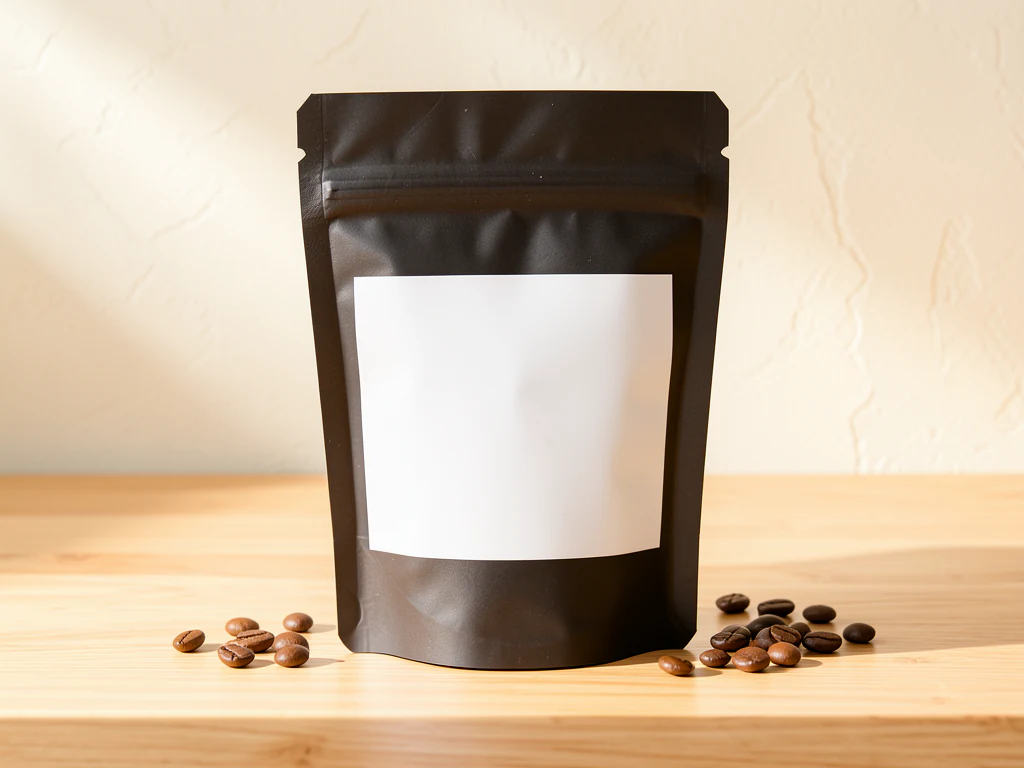
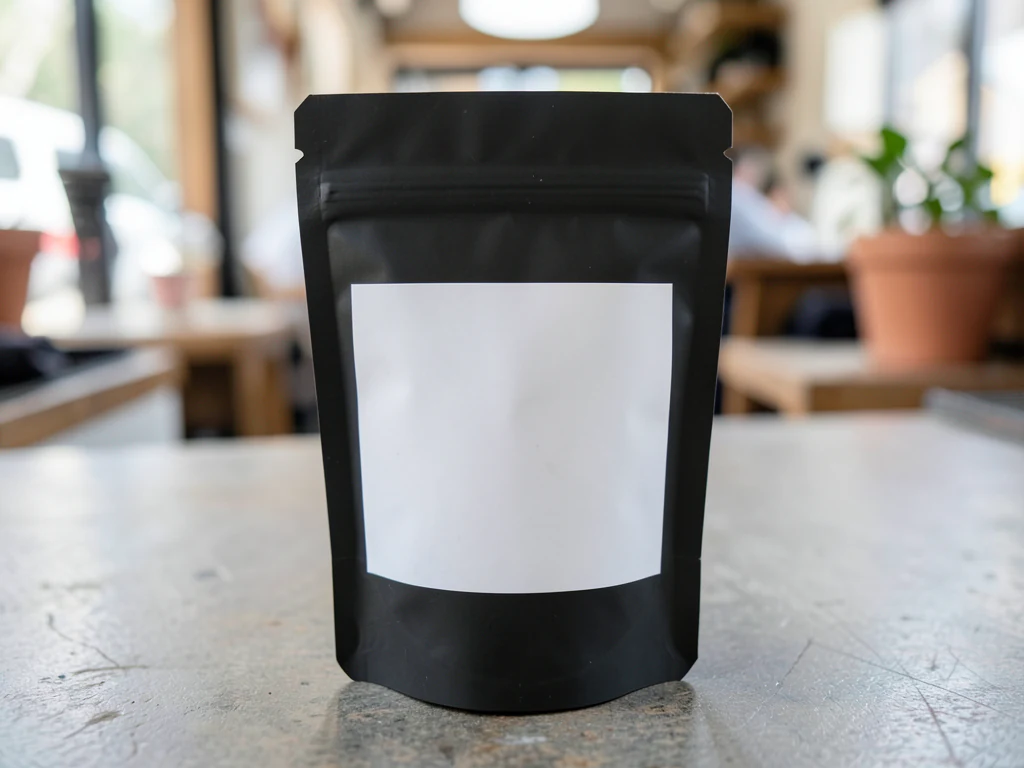
Coffee brands sell a ritual, and the photography carries it — beans scattered with intent, steam over a fresh cup, the bag standing in morning light. This direction stages your bag or gear in that roast-warm grammar: café textures, honest browns, the AI asked to keep labels for shelf and web alike.
- Prepared Coffee direction
- Editable prompt
- Source-detail review required
Choose a source image for Coffee
JPG, PNG, WebP, HEIC, and other supported formats. Free up to 20 MB; Premium and higher up to 50 MB for this tool.
Coffee bags, tins and brewing gear on warm surfaces
Coffee bags are floppy, and a bag that slumps in the photo is likely to slump in every scene. Fill it, fold the top crisply and prop it from behind with a book that the camera cannot see. Kraft paper photographs well in soft light, while foil bags need a diffused source to stop the one-way valve and the logo from flaring.
Beans scattered loosely across the table may not survive; scattered items that do not touch the bag can be replaced by the new surface. If you want beans in the result, either keep a small pile touching the base of the bag or ask for them in the prompt and accept that generated beans are styling, not your roast. The same applies to a cup or a grinder placed beside the bag.
Warm wood is a natural fit for a roastery. For a deeper evening mood, see the dark and moody look, and for campaign images around a launch, build a branded coffee scene.
Set up for Coffee Product Photo Generator
Prepared settings
- Starting point
- Upload one source image
- The page opens on the correct edit workflow; upload is the only required setup step.
- Prepared workflow
- Prepared Coffee scene direction
- Coffee Product Photo Generator opens with the Coffee direction preselected, so there is no need to find the operation manually.
- Output shape
- Same as your upload
- The result keeps the shape of the image you upload.
- Review rule
- Preserve the source subject and verify factual details
- Generated imagery can vary; the final result stays under the user's approval before download.
Best-fit uses
- Roastery bag heroes with origin-story warmth
- Subscription-box imagery with consistent styling
- Café menu and retail shots from one photo
Frequently asked questions
- What props belong in coffee product scenes?
- The truth of the process — whole beans, a brewer, a cup mid-steam. Skip generic latte art unless you sell café drinks; a roastery's scene should smell of roast, not syrup.
- How do I keep a coffee line looking consistent?
- One surface, one light direction, one prop grammar across every roast — only the bag changes. The grid then reads as a range, and the range reads as a brand.
- What should I review in a Coffee result?
- Check the subject, product geometry, colors, labels, logos, identity-relevant details, shadows, and edges against the source. Reject any output that changes a factual detail.
- What rights checks apply to a Coffee client project?
- Use only source material and references you have rights to, follow the destination platform rules, and obtain any required person or property permissions. Generated output still needs a human accuracy and rights review.
What you can do with AI Product Background Generator
Review the main capabilities before you begin.
- Build a backdrop around your product from a single photo
- Generate studio sweeps, podiums, gradients, and natural scenes
- Ask the AI to keep the product and label as photographed
- Prepare product concepts for listings and campaigns
Settings reference
4 settings
Available controls for AI Product Background Generator.
Workflow
- Single image or Batch imagesPresets
- Process one image, or use Premium Batch images to apply the same automatic recipe to a set and download one ZIP.Options: Single imageBatch images
Backdrops
- One-tap presetsPresets
- Pick a ready-made direction with one tap; generation uses the selected preset automatically.Options: White studioWarm beigeColor gradientStone podiumBotanical
- Custom instructions (optional)Text input
- Describe the requested change, relevant materials, lighting, perspective, and details that must remain unchanged.
Selection
- Selection brush sizeSliderRange: 4–160px · Default: 32px
- The subject area is found automatically. This brush appears only if that automatic area could not be found; paint the area to edit, then generate again.
Related tools for Coffee Product Photo Generator
Tools for common next steps after Coffee Product Photo Generator.

Background Studio
Remove Background
Remove a photo background and download a transparent PNG. Review hair and edges before use.
Try it now
Background Studio
White Background Maker
Replace a photo background with white for product listings.
Try it now
Product Photography Studio
AI Product Photos
Generate a background scene around your product. Describe the setting and review the result.
Try it nowGuides for this tool
- The Seasonal Campaign That Never Launched: When Product Photography Slows MarketingSeasonal campaigns can stall when every image needs a new photoshoot. Explore how Pixoate helps adapt existing product photos into useful campaign assets.
- How to Create AI Lifestyle Product Photos Without a Studio PhotoshootCreate AI lifestyle product photos with Pixoate. Explore settings for small business campaigns and review product shape, colour and scale before use.
Watch each transformation land
Every photo crosses the slash untouched and comes out the other side finished.























