
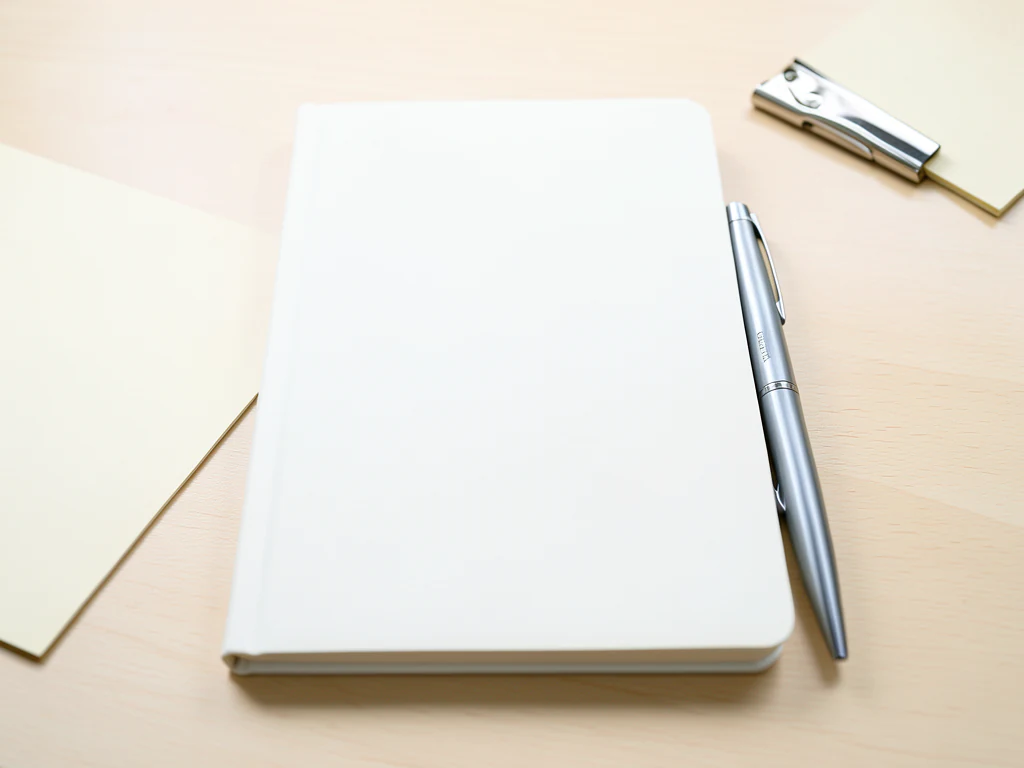
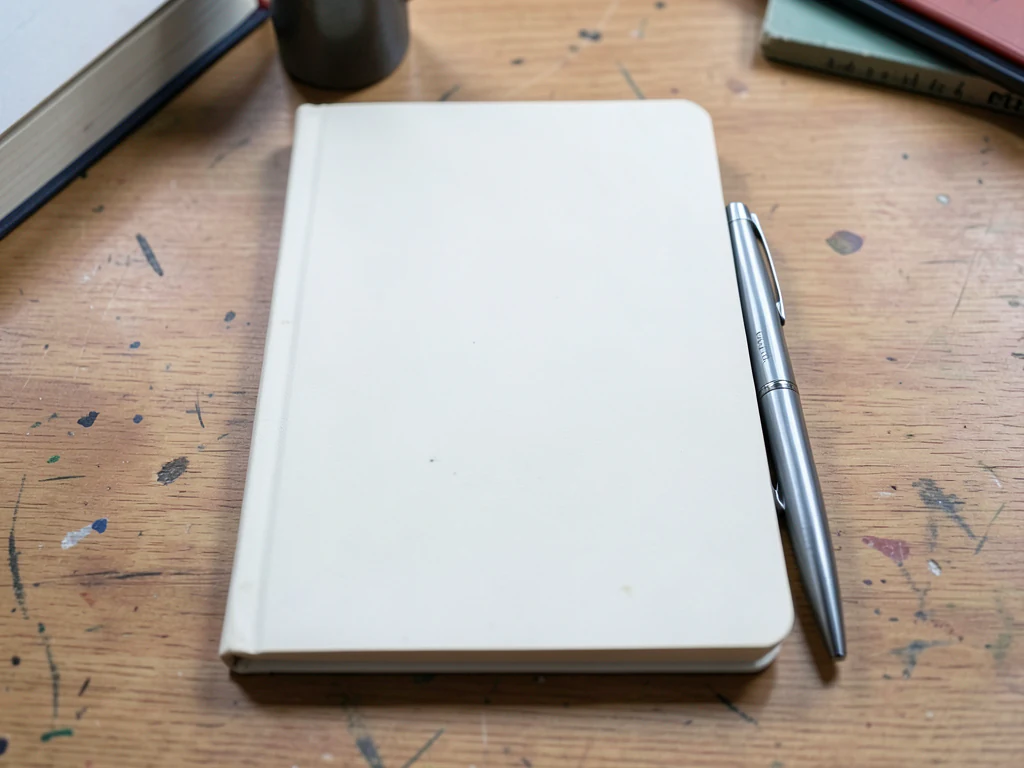
Stationery Product Photo Generator
Generative output can vary; review the full result before publishing
Stationery photography is the aesthetics of order — flat-lays aligned to invisible grids, paper texture in raking light, the calm that makes people buy notebooks they do not need. This direction stages your products in that desk-craft grammar, the AI asked to keep texture and arrangement as you photographed them.
- Prepared Stationery direction
- Editable prompt
- Source-detail review required
Choose a source image for Stationery
JPG, PNG, WebP, HEIC, and other supported formats. Free up to 20 MB; Premium and higher up to 50 MB for this tool.
Notebooks, pens and paper goods arranged in camera
Arrange the flat-lay before you shoot, because the AI is not built to move or align your items. Notebook, pens and washi tape are asked to stay where you placed them. Items spread far apart can be redrawn, and a pen can vanish under the new surface. Let the pieces overlap slightly or touch, then count them in the result.
White paper on a white table gives the AI almost no edge to hold. Shoot paper goods on a darker or colored surface even if you plan a pale scene, since the surface is replaced anyway. For a view from above, describe it in the prompt box, for example 'seen from directly above on a pale wooden desk, soft daylight from the top left', so the generated surface matches the camera angle.
Pen clips and spiral bindings are thin details worth a zoomed check. Etsy sellers can prepare a listing scene in the Etsy studio, and planner brands can build a branded stationery scene.
Set up for Stationery Product Photo Generator
Prepared settings
- Starting point
- Upload one source image
- The page opens on the correct edit workflow; upload is the only required setup step.
- Prepared workflow
- Prepared Stationery scene direction
- Stationery Product Photo Generator opens with the Stationery direction preselected, so there is no need to find the operation manually.
- Output shape
- Same as your upload
- The result keeps the shape of the image you upload.
- Review rule
- Preserve the source subject and verify factual details
- Generated imagery can vary; the final result stays under the user's approval before download.
Best-fit uses
- Etsy-grade flat-lays for paper goods
- Brand imagery for planner and journal lines
- Seasonal desk scenes from single product shots
Frequently asked questions
- What makes a stationery flat-lay satisfying?
- Grid discipline with one deliberate break — items aligned, then a pen at an angle. Raking light for paper texture, generous margins, and restraint: three props maximum. Order is the product.
- How does paper texture survive staging?
- The AI is asked to keep the product's surface and light from your photo, so shoot it in raking light to show tooth — cotton papers keep their softness, coated stocks their sheen. Zoom the corner of a page in the result; visible fiber is the quality cue stationery buyers read.
- What should I review in a Stationery result?
- Check the subject, product geometry, colors, labels, logos, identity-relevant details, shadows, and edges against the source. Reject any output that changes a factual detail.
- What rights checks apply to a Stationery client project?
- Use only source material and references you have rights to, follow the destination platform rules, and obtain any required person or property permissions. Generated output still needs a human accuracy and rights review.
What you can do with AI Product Background Generator
Review the main capabilities before you begin.
- Build a backdrop around your product from a single photo
- Generate studio sweeps, podiums, gradients, and natural scenes
- Ask the AI to keep the product and label as photographed
- Prepare product concepts for listings and campaigns
Settings reference
4 settings
Available controls for AI Product Background Generator.
Workflow
- Single image or Batch imagesPresets
- Process one image, or use Premium Batch images to apply the same automatic recipe to a set and download one ZIP.Options: Single imageBatch images
Backdrops
- One-tap presetsPresets
- Pick a ready-made direction with one tap; generation uses the selected preset automatically.Options: White studioWarm beigeColor gradientStone podiumBotanical
- Custom instructions (optional)Text input
- Describe the requested change, relevant materials, lighting, perspective, and details that must remain unchanged.
Selection
- Selection brush sizeSliderRange: 4–160px · Default: 32px
- The subject area is found automatically. This brush appears only if that automatic area could not be found; paint the area to edit, then generate again.
Related tools for Stationery Product Photo Generator
Tools for common next steps after Stationery Product Photo Generator.

Background Studio
Remove Background
Remove a photo background and download a transparent PNG. Review hair and edges before use.
Try it now
Background Studio
White Background Maker
Replace a photo background with white for product listings.
Try it now
Product Photography Studio
AI Product Photos
Generate a background scene around your product. Describe the setting and review the result.
Try it nowGuides for this tool
- The Seasonal Campaign That Never Launched: When Product Photography Slows MarketingSeasonal campaigns can stall when every image needs a new photoshoot. Explore how Pixoate helps adapt existing product photos into useful campaign assets.
- How to Create AI Lifestyle Product Photos Without a Studio PhotoshootCreate AI lifestyle product photos with Pixoate. Explore settings for small business campaigns and review product shape, colour and scale before use.
Watch each transformation land
Every photo crosses the slash untouched and comes out the other side finished.























