

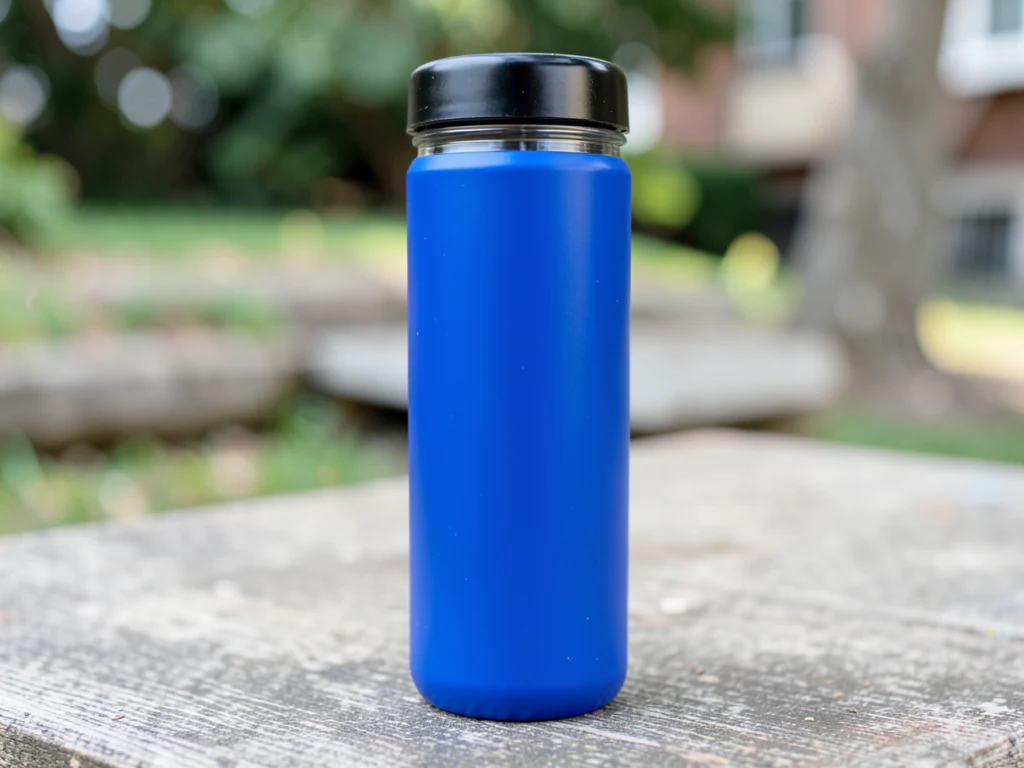
Outdoor Product Photo Generator
Generative output can vary; review the full result before publishing
Outdoor staging takes the product into weather — trail dust, beach light, garden mornings — where gear and lifestyle brands prove their claims. This direction stages your product in credible open-air scenes: terrain that matches the use case, natural light with real direction, context that argues capability.
- Prepared Outdoor direction
- Editable prompt
- Source-detail review required
Choose a source image for Outdoor
JPG, PNG, WebP, HEIC, and other supported formats. Free up to 20 MB; Premium and higher up to 50 MB for this tool.
Outdoor scenes: matching sun, shadow and terrain
Outdoor settings are where light mismatches show most. A product photographed indoors under soft window light looks flat when the scene around it has hard midday sun. The most convincing results start with a product shot outdoors in open shade or on an overcast day, then a direction that keeps similar light, such as 'trail at golden hour, soft low sun from behind the camera'.
Stone and sun gives a crisp shadow if your product already has a strong highlight on one side; name the same side in the prompt so the new shadow falls the right way. Terrain should match the use: a hiking bottle on a rocky trail, a picnic blanket on grass, a surf product on wet sand. Dust, dew or mud can appear on the ground around the product, and the AI is asked not to add them to the product itself, so add real dirt only if it is honest.
For gear with a sport-specific surface, see the sports gear guide, and for a plain version of the same item, cut it out on white.
Set up for Outdoor Product Photo Generator
Prepared settings
- Starting point
- Upload one source image
- The page opens on the correct edit workflow; upload is the only required setup step.
- Prepared workflow
- Prepared Outdoor scene direction
- Outdoor Product Photo Generator opens with the Outdoor direction preselected, so there is no need to find the operation manually.
- Output shape
- Same as your upload
- The result keeps the shape of the image you upload.
- Review rule
- Preserve the source subject and verify factual details
- Generated imagery can vary; the final result stays under the user's approval before download.
Best-fit uses
- Gear staged in its claimed terrain
- Garden and patio product contexts
- Golden-hour lifestyle heroes
Frequently asked questions
- What makes outdoor staging credible?
- Terrain-use agreement — trail gear on trails, beach goods in beach light — plus weather consistency between product shadows and sky. Outdoor buyers know their environments; mismatch is instantly spotted.
- Which light sells outdoor scenes?
- The honest extremes — golden hour warmth or bright overcast clarity. Midday sun is real but unflattering; dawn and dusk are when outdoor brands shoot for a reason. Ask for that light in the prompt, and shoot the product in similar light so it matches.
- What should I review in a Outdoor result?
- Check the subject, product geometry, colors, labels, logos, identity-relevant details, shadows, and edges against the source. Reject any output that changes a factual detail.
- What rights checks apply to a Outdoor client project?
- Use only source material and references you have rights to, follow the destination platform rules, and obtain any required person or property permissions. Generated output still needs a human accuracy and rights review.
What you can do with AI Product Background Generator
Review the main capabilities before you begin.
- Build a backdrop around your product from a single photo
- Generate studio sweeps, podiums, gradients, and natural scenes
- Ask the AI to keep the product and label as photographed
- Prepare product concepts for listings and campaigns
Settings reference
4 settings
Available controls for AI Product Background Generator.
Workflow
- Single image or Batch imagesPresets
- Process one image, or use Premium Batch images to apply the same automatic recipe to a set and download one ZIP.Options: Single imageBatch images
Backdrops
- One-tap presetsPresets
- Pick a ready-made direction with one tap; generation uses the selected preset automatically.Options: White studioWarm beigeColor gradientStone podiumBotanical
- Custom instructions (optional)Text input
- Describe the requested change, relevant materials, lighting, perspective, and details that must remain unchanged.
Selection
- Selection brush sizeSliderRange: 4–160px · Default: 32px
- The subject area is found automatically. This brush appears only if that automatic area could not be found; paint the area to edit, then generate again.
Related tools for Outdoor Product Photo Generator
Tools for common next steps after Outdoor Product Photo Generator.

Background Studio
Remove Background
Remove a photo background and download a transparent PNG. Review hair and edges before use.
Try it now
Background Studio
White Background Maker
Replace a photo background with white for product listings.
Try it now
Product Photography Studio
AI Product Photos
Generate a background scene around your product. Describe the setting and review the result.
Try it nowGuides for this tool
- The Seasonal Campaign That Never Launched: When Product Photography Slows MarketingSeasonal campaigns can stall when every image needs a new photoshoot. Explore how Pixoate helps adapt existing product photos into useful campaign assets.
- How to Create AI Lifestyle Product Photos Without a Studio PhotoshootCreate AI lifestyle product photos with Pixoate. Explore settings for small business campaigns and review product shape, colour and scale before use.
Watch each transformation land
Every photo crosses the slash untouched and comes out the other side finished.























