
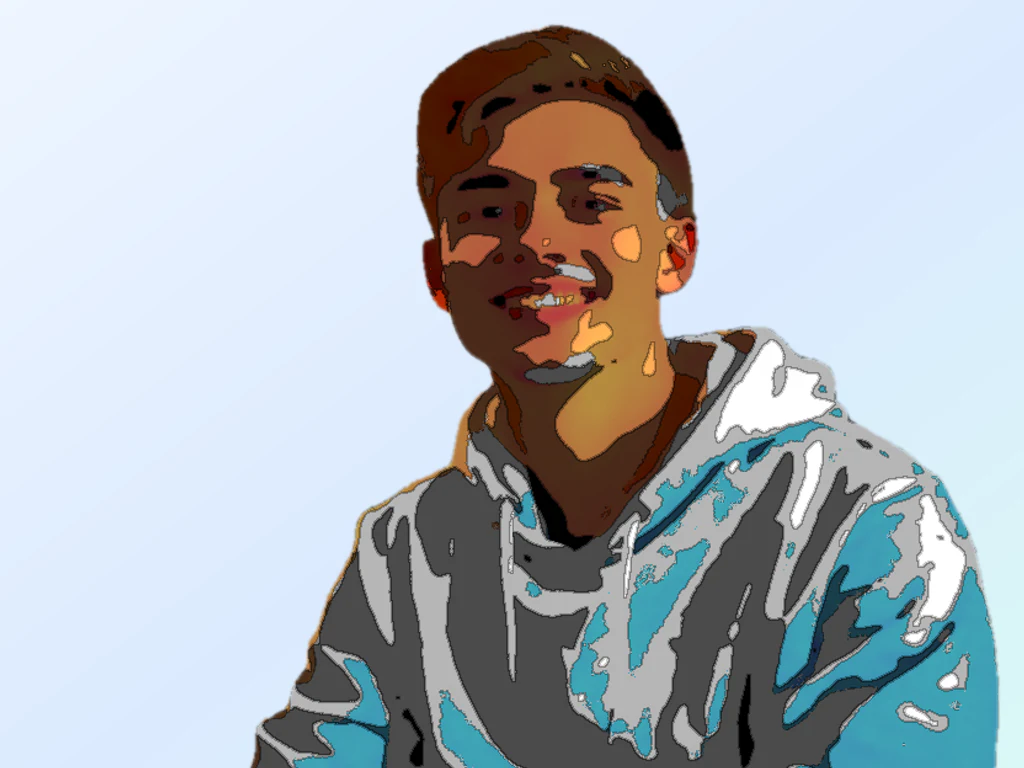
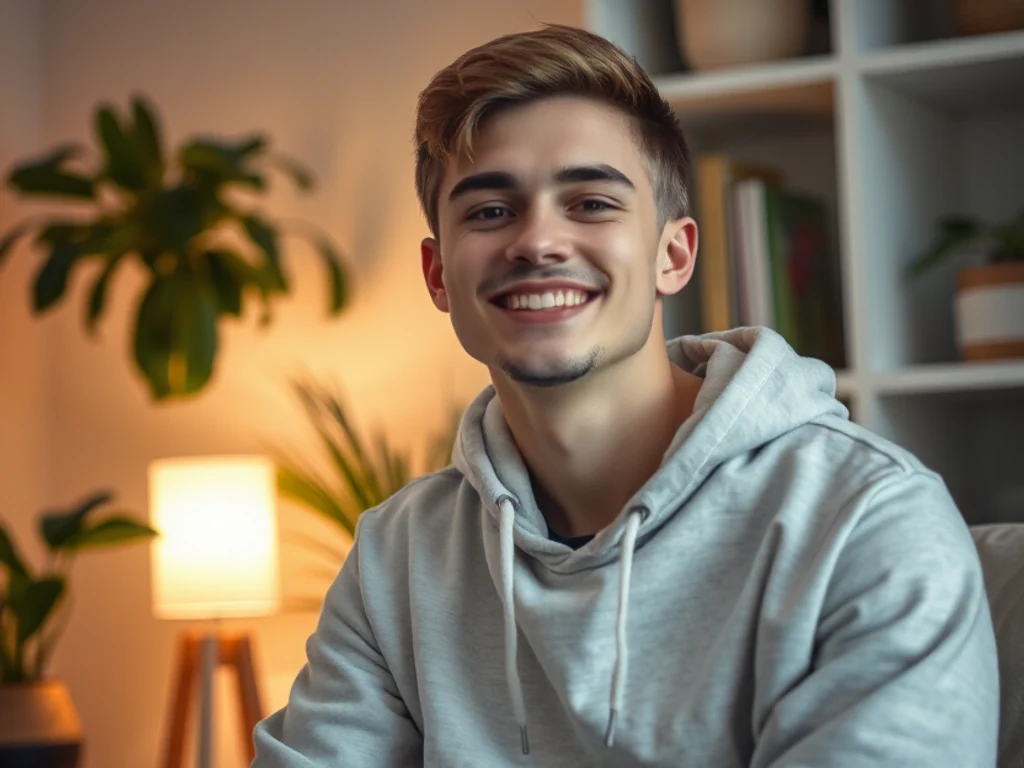
Fantasy AI Avatar Generator
Generative output can vary; review the full result before publishing
A fantasy avatar puts your recognizable face into painterly heroic light — the tabletop-character portrait you always wanted without commissioning it for every campaign. This direction builds original fantasy mood around your actual features and avoids franchise races, armor designs, and settings that belong to someone else's canon.
- Prepared Fantasy direction
- Editable prompt
- Source-detail review required
Choose a source image for Fantasy
JPG, PNG, WebP, HEIC, and other supported formats. Free up to 20 MB; Premium and higher up to 50 MB for this tool.
Your own face as a tabletop character portrait
Start from the character sheet, not the photo. Decide the class, the mood and one signature object, such as a cracked staff, a fox-fur hood or a scar across the brow, and write them into the custom instructions. Keep your own face as the anchor: the identity box is ticked by default on this page, and leaving it on helps the portrait read as you in that world.
Use a photo with your head turned slightly and light from above or one side; heroic portraits look flat when lit from the front. Leave out the names of published settings, factions and famous heroes, so the art stays yours to post on a campaign wiki or a stream.
For a full-body character with no photo involved, generate a 3D fantasy character from text. Party portraits look better as a set, so give everyone at the table the same wording and change only the signature object.
Set up for Fantasy AI Avatar Generator
Prepared settings
- Starting point
- Upload one source image
- The page opens on the correct edit workflow; upload is the only required setup step.
- Prepared workflow
- Prepared Fantasy style
- Fantasy AI Avatar Generator opens with the Fantasy direction preselected, so there is no need to find the operation manually.
- Output shape
- Same as your upload
- The result keeps the shape of the image you upload.
- Review rule
- Preserve the source subject and verify factual details
- Generated imagery can vary; the final result stays under the user's approval before download.
Best-fit uses
- A tabletop character portrait based on your own face
- Fantasy-community avatars with original art
- Heroic profile art for streams and campaign wikis
Frequently asked questions
- Can it make me an elf or a wizard from a specific franchise?
- It can give you original fantasy styling — painterly light, heroic costume shapes, atmospheric backdrop — but not a protected franchise's specific races, armor, or iconography. Original fantasy styling is yours to use; borrowed canon may not be.
- How do I get a portrait that matches my RPG character?
- Edit the prompt with your character's key traits — hair, mood, palette, one signature element — while keeping your own face as the anchor. The best results read as "you, in that world" rather than a stranger with your name.
- What should I review in a Fantasy result?
- Check the subject, product geometry, colors, labels, logos, identity-relevant details, shadows, and edges against the source. Reject any output that changes a factual detail.
- What rights checks apply to a Fantasy client project?
- Use only source material and references you have rights to, follow the destination platform rules, and obtain any required person or property permissions. Generated output still needs a human accuracy and rights review.
What you can do with Avatar Generator
Review the main capabilities before you begin.
- Turn any selfie into a clean profile avatar
- Auto-crop tightly around your face
- Swap the background for a fresh look
- Polish your photo for social and gaming profiles
- Create consistent avatars for team pages
- Tune the amount of enhancement
Settings reference
5 settings
Available controls for Avatar Generator.
Workflow
- Single image or Batch imagesPresets
- Process one image, or use Premium Batch images to apply the same automatic recipe to a set and download one ZIP.Options: Single imageBatch images
Styles
- One-tap presetsPresets
- Pick a ready-made direction with one tap; generation uses the selected preset automatically.Options: CorporateGamingSocialIllustrated
- Custom instructions (optional)Text input
- Describe the requested change, relevant materials, lighting, perspective, and details that must remain unchanged.
Selection
- Selection brush sizeSliderRange: 4–160px · Default: 32px
- Automatic selection is the default. Open Refine area manually and set this brush width only when the image needs a tighter edit boundary.
Output
- Ask AI to preserve subject identity and product detailsOn / Off
- Adds an explicit instruction to retain the main subject, shape, branding, labels, and readable text unless the request changes them.
Related tools for Fantasy AI Avatar Generator
Tools for common next steps after Fantasy AI Avatar Generator.
Portrait & Headshot Studio
LinkedIn Headshot Generator
Generate a professional portrait with directed clothing, background, and lighting. Compare facial likeness and details before use.
Try it now
Portrait & Headshot Studio
Beautify Face
Apply adjustable skin smoothing and tone correction while reviewing facial detail and edges.
Try it now
Background Studio
Remove Background
Remove a photo background and download a transparent PNG. Review hair and edges before use.
Try it nowHow Avatar Generator helps you get it done
Real problems it solves every day — for businesses, creators, and everyday tasks. Find the use case that fits you and start.
Social Media Profile Pictures
Create clean, consistent avatars from selfies for Instagram, X, Facebook, and TikTok profiles
Gaming & Streaming Avatars
Generate polished avatars for Discord, Twitch, Steam, and gaming community profiles
Team & Company Directory Photos
Give an entire team consistent, clean-background avatars for the website and internal directory
App & Account Profile Photos
Make tidy profile pictures for apps, forums, and online accounts from any everyday selfie
Dating App Profile Photo Refresh
Turn a casual selfie into a clean, well-lit portrait with a distraction-free background for Tinder, Bumble or Hinge, choosing a restrained direction and comparing the result with your photo so it still looks like an accurate, natural you.
Online Course Instructor Bio Photo
Give your Udemy, Coursera or Teachable instructor bio a consistent, professional-looking portrait with a clean studio backdrop that builds trust before a student even presses play.
Etsy & Marketplace Seller Trust Photo
Replace a cluttered or dim seller photo with a clean, well-lit avatar for your Etsy, eBay or Airbnb host profile — a trustworthy face next to your listings can lift buyer and guest confidence.
Freelance Platform Profile Picture
Create a consistent profile-photo look and background for Upwork, Fiverr or LinkedIn, crop it to each platform's shape yourself, then review each platform's current image requirements.
Watch each transformation land
Every photo crosses the slash untouched and comes out the other side finished.























