
AI Avatar Generator — Create Multi-Style Avatars
Generative results vary; compare every important detail with the source
Turn one clear portrait into a corporate, gaming, social, or illustrated avatar. The prompt asks the AI to preserve recognizable identity, but every result still needs a likeness review.
- Prepared visual directions with editable prompts
- Coherent full-frame generation from the source
- Explicit identity, product, and detail review
Choose a clear portrait for your avatar
JPG, PNG, WebP, HEIC, and other supported formats. Free up to 20 MB; Premium and higher up to 50 MB for this tool.
How to create an avatar from a photo of yourself with AI
This AI avatar generator turns one clear portrait of you into a profile avatar in a corporate, gaming, social or illustrated direction. You pick a direction, edit the visible instruction if you want something more specific, and review the result against your photo. It is made for profile pictures, team directories and community or streaming accounts, and because the instruction asks the AI to keep you recognizable, a likeness check is part of every run.
Make an avatar from a photo in a few steps
Choosing a direction fills the instruction box with a description that you can edit. Leave Ask AI to preserve subject identity and product details ticked, which is the default, so the request asks the AI to keep you recognizable.
- Upload a sharp, front-facing portrait with your whole face visible.
- Open Styles and choose Corporate, Gaming, Social or Illustrated.
- Open Custom instructions (optional) to change the background, outfit or mood.
- Select the Generate button and compare the avatar with your original portrait.
Pick Corporate, Gaming, Social or Illustrated
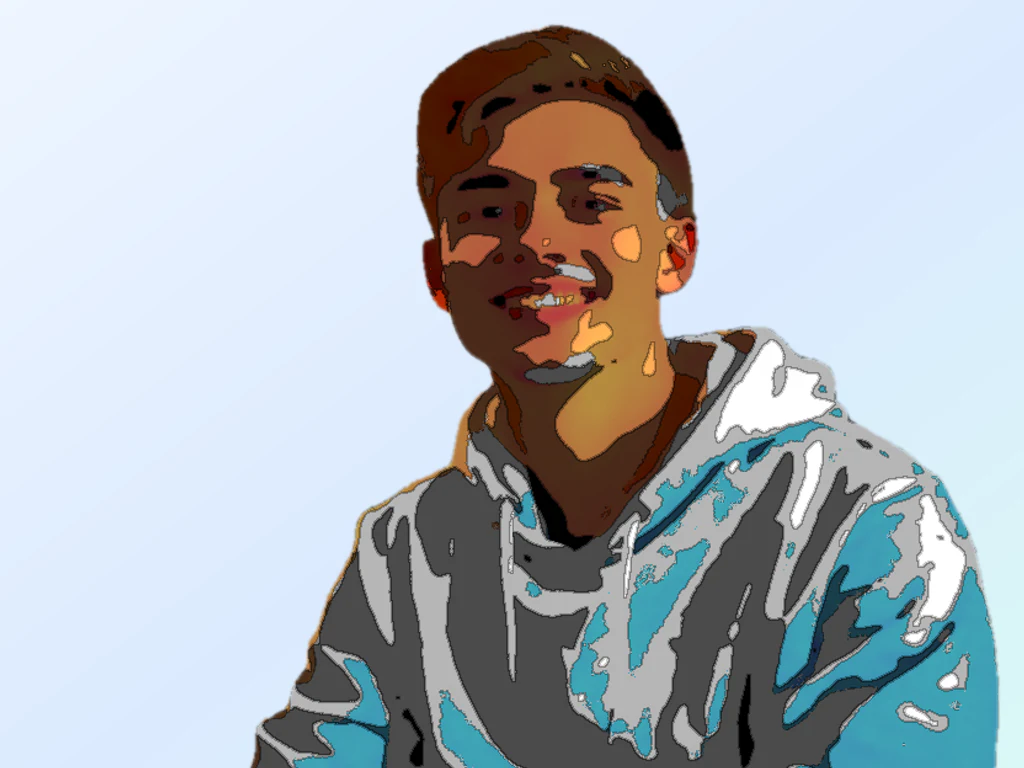
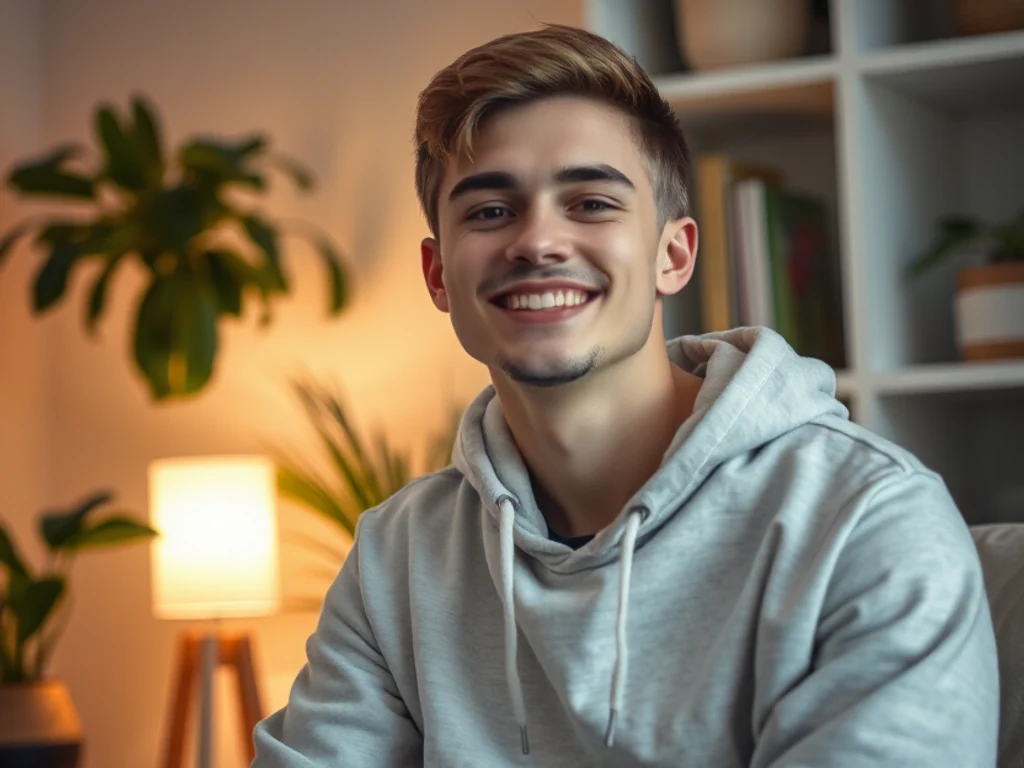
Corporate creates a clean professional avatar with a neutral studio background and natural light. Gaming makes an original game-profile image with dramatic colored rim light and no protected characters or logos. Social gives a friendly modern look with a bright minimal background and natural texture. Illustrated draws a polished original illustration with deliberate shapes and a simple background.
Get a square avatar for a profile picture
The avatar keeps the frame of the photo you upload, so crop the portrait to a square before you start if a platform wants one, with your face centered. Many platforms show avatars in a circle, so leave space around the head. Afterward you can crop the finished avatar into a circle.
Keep the avatar recognizable and original
Compare the face, hair, skin tone, age and any glasses with your source before you publish. Stylized directions such as Gaming and Illustrated depart further from a photograph than Corporate. If the first result is off, name what must stay in Custom instructions and generate again. Check each platform's rules for AI-generated profile images. To keep your actual face, put your real photo on a soft backdrop instead.
Create matching avatars for a team
A team directory looks consistent when everyone uses Corporate with the same background wording. Batch images, a Premium option, applies one direction and one instruction to every portrait and returns a ZIP of PNGs. Run one portrait first, then check every avatar for likeness separately.
Before you generate
- Use a recent portrait with one person and no heavy filters.
- Face the camera in even light with the whole face visible.
- Crop to a square if the platform needs a square avatar.
- Take off sunglasses or a hat if you want your eyes and hair visible.
- Check where you will use the avatar, because platforms set their own size and AI-image rules.
Using your avatar, or your real photo instead
Check every generated avatar for likeness; to keep your real face instead, put the actual photo on a soft blurred backdrop or crop the portrait into a transparent circle. Streamers can pair the avatar with a 1200×480 Twitch channel banner.
What you can do with Avatar Generator
Review the main capabilities before you begin.
- Turn any selfie into a clean profile avatar
- Auto-crop tightly around your face
- Swap the background for a fresh look
- Polish your photo for social and gaming profiles
- Create consistent avatars for team pages
- Tune the amount of enhancement
Settings reference
5 settings
Available controls for Avatar Generator.
Workflow
- Single image or Batch imagesPresets
- Process one image, or use Premium Batch images to apply the same automatic recipe to a set and download one ZIP.Options: Single imageBatch images
Styles
- One-tap presetsPresets
- Pick a ready-made direction with one tap; generation uses the selected preset automatically.Options: CorporateGamingSocialIllustrated
- Custom instructions (optional)Text input
- Describe the requested change, relevant materials, lighting, perspective, and details that must remain unchanged.
Selection
- Selection brush sizeSliderRange: 4–160px · Default: 32px
- Automatic selection is the default. Open Refine area manually and set this brush width only when the image needs a tighter edit boundary.
Output
- Ask AI to preserve subject identity and product detailsOn / Off
- Adds an explicit instruction to retain the main subject, shape, branding, labels, and readable text unless the request changes them.
Popular presets
Related tools for Avatar Generator
Tools for common next steps after Avatar Generator.
Portrait & Headshot Studio
LinkedIn Headshot Generator
Generate a professional portrait with directed clothing, background, and lighting. Compare facial likeness and details before use.
Try it now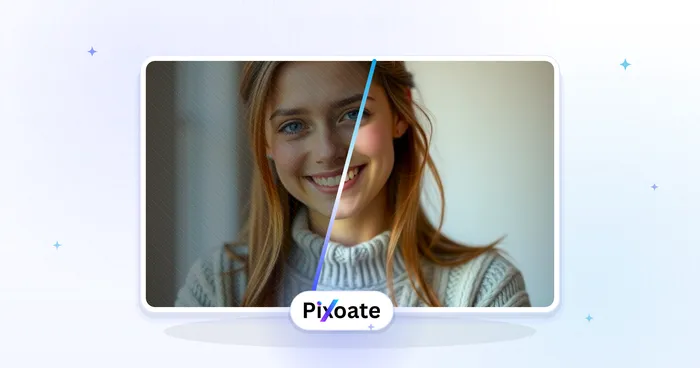
Portrait & Headshot Studio
Beautify Face
Apply adjustable skin smoothing and tone correction while reviewing facial detail and edges.
Try it now
Background Studio
Remove Background
Remove a photo background and download a transparent PNG. Review hair and edges before use.
Try it nowFrequently Asked Questions
How Avatar Generator helps you get it done
Real problems it solves every day — for businesses, creators, and everyday tasks. Find the use case that fits you and start.
Social Media Profile Pictures
Create clean, consistent avatars from selfies for Instagram, X, Facebook, and TikTok profiles
Gaming & Streaming Avatars
Generate polished avatars for Discord, Twitch, Steam, and gaming community profiles
Team & Company Directory Photos
Give an entire team consistent, clean-background avatars for the website and internal directory
App & Account Profile Photos
Make tidy profile pictures for apps, forums, and online accounts from any everyday selfie
Dating App Profile Photo Refresh
Turn a casual selfie into a clean, well-lit portrait with a distraction-free background for Tinder, Bumble or Hinge, choosing a restrained direction and comparing the result with your photo so it still looks like an accurate, natural you.
Online Course Instructor Bio Photo
Give your Udemy, Coursera or Teachable instructor bio a consistent, professional-looking portrait with a clean studio backdrop that builds trust before a student even presses play.
Etsy & Marketplace Seller Trust Photo
Replace a cluttered or dim seller photo with a clean, well-lit avatar for your Etsy, eBay or Airbnb host profile — a trustworthy face next to your listings can lift buyer and guest confidence.
Freelance Platform Profile Picture
Create a consistent profile-photo look and background for Upwork, Fiverr or LinkedIn, crop it to each platform's shape yourself, then review each platform's current image requirements.
Watch each transformation land
Every photo crosses the slash untouched and comes out the other side finished.























