Count Craft Kit Parts from Photos Before Packing
Use reviewed photo counts for beads, wooden shapes and craft components. Check batches and individual kits while avoiding overlap and part-counting errors.
The beads are counted, the bags are sealed, and then a customer reports that a kit is missing two pieces. For a craft seller or workshop organiser, checking repeated small components can take more attention than assembling the kit itself.
An AI object counter for craft parts can help you review a tray before packing. It is especially useful when you need a visible record of a repeated group of items, such as wooden shapes, buttons or larger beads. The final count still needs a person to check it.
Give the camera a countable scene
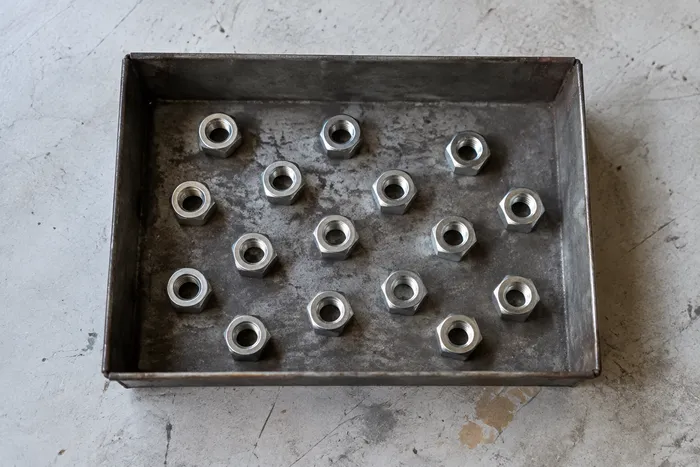
Spread one component type across a plain, contrasting surface. Separate overlapping pieces and keep the whole tray in frame. If the pieces have holes or repeated decorations, make sure the example you mark will represent the entire item.
A US maker packing birthday activity kits and a UK community group preparing craft workshops face the same practical problem: “piece” must mean the same thing at every stage. A pair of eyes, one sticker sheet and one loose sticker are different units. Write your packing list using the units you actually count.
Avoid glass bowls and highly reflective trays when possible. Reflections, transparent parts and tiny objects that occupy only a few pixels make the image harder to interpret.
How to count kit components from a photo
- Photograph one separated component group before packing it.
- Upload the image to Pixoate's counter for repeated objects in a photo.
- Mark one to three clear examples, boxing a complete component each time. Use different examples only when their appearance warrants it.
- Run Count and inspect every returned marker. Check that holes, highlights or printed shapes were not treated as separate pieces.
- Correct your tally after review and label it with the component name and batch reference.
The tally can be exported as CSV or a PDF report. Keep that record with your packing checklist if it helps someone else repeat the check.
Count the whole batch, then check each kit
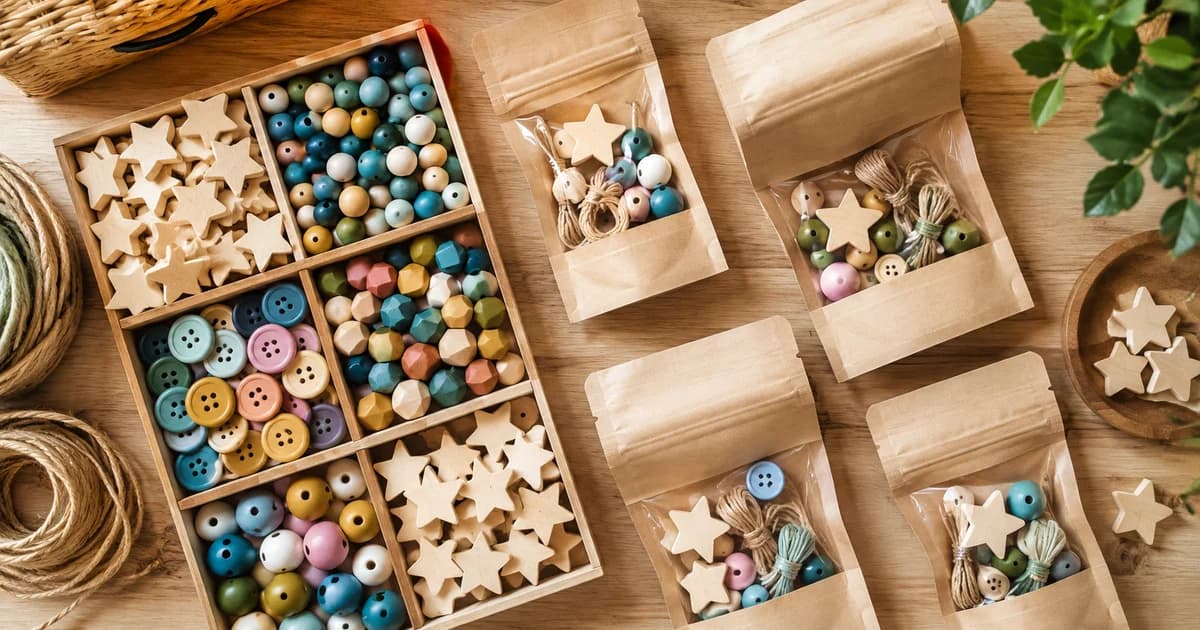
Imagine preparing 12 workshop kits containing eight wooden stars each. You need 96 stars for the kits, before any spare allowance you choose. That is an illustrative packing calculation, not a tool-generated stock forecast.
A reviewed tray count can help confirm that enough stars are available. It cannot confirm that every sealed bag contains eight. Someone could still put nine in one bag and seven in another while the batch total remains correct.
Use a second check at the point that matters: each kit's contents before sealing. A simple tray layout with one space for each required component can make that inspection easier. Keep your own packing method authoritative rather than relying on a single overall number.
Troubleshoot the awkward components
If translucent beads disappear against the tray, change the background and retake the photo. If pieces touch, separate them. If different sizes are being counted together, split the groups before uploading. If the source is too small or blurry, take a closer original photograph rather than generating artificial detail.
For mixed kits, count each repeatable component separately. A bag containing a brush, a paint pot and ten wooden shapes does not have one useful “object count” unless you define what is being counted.
Do not extend this workflow to medication dispensing or other safety-critical checks. A method that helps review craft stock is not a validated system for those tasks.
Make a clearer packing reference
Once you have physically verified a complete kit, photograph it for your team. Use a collage maker for kit contents and packing references if you want several detail photos in one reference sheet. Label the quantities in your accompanying checklist so a new helper does not have to infer them from the image.
Can one example count every type of component?
No. Similar-item counting follows the marked examples, and visually different components may need separate images or examples. Review every group.
Is a total enough for quality control?
A total checks quantity only. It does not verify colour, size, condition or the correct distribution between kits.
Start with your most repetitive component and count it from a clear tray photo. Keep the step if it makes your existing packing check easier to perform and review.