How to Estimate Event Crowd Size from Photos
Estimate the visible crowd in event and stadium photos, check overlapping views and prepare a clear report without confusing snapshots with total attendance.
After a community fair, charity fundraiser or local sports event, someone usually asks how many people attended. Ticket scans may cover the entrance, while a photograph shows a crowded stand, hall or field. Those sources answer different questions, and a useful event report explains the difference.
Pixoate's AI crowd counter for event photos can estimate how many people are visible in a selected image. It gives organisers a starting point for reviewing crowd photographs without repeatedly losing their place while counting heads.
Match the picture to the claim
A photograph taken at 2 pm supports a statement about the visible crowd at 2 pm. It does not establish total attendance across a six-hour event. Visitors may have left before the photograph, arrived later or remained outside the frame.
For a US school fundraiser or a UK village fête, a defensible description might be: “Estimated visible crowd in the main field at 2 pm, reviewed from the event photograph.” For a stadium image, name the stand or section actually covered. Do not turn a partial view into a venue-wide attendance figure.
How to estimate a crowd from a photograph
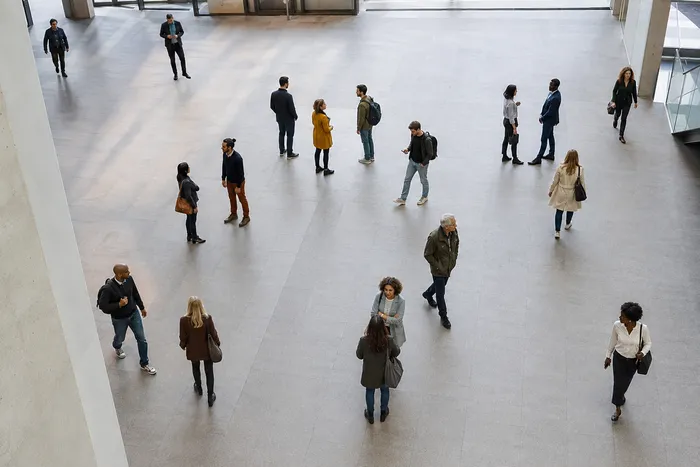
- Choose the original image with the clearest view of the relevant area. An elevated photograph can reduce overlap, but only use a position you are permitted to access.
- Upload it to the people counter for crowd-size estimates.
- Run the count. Pixoate supports person detection for smaller groups and a density-based estimate for crowded scenes.
- Inspect the markers or density overlay. Check blocked areas, reflections and the edges of the frame.
- Record the result with the image time, covered area and review notes. Keep the original alongside the marked output.
If people are partly hidden, label the result as uncertain. A precise-looking integer does not make the underlying estimate exact.
Handle multiple photos without counting people twice
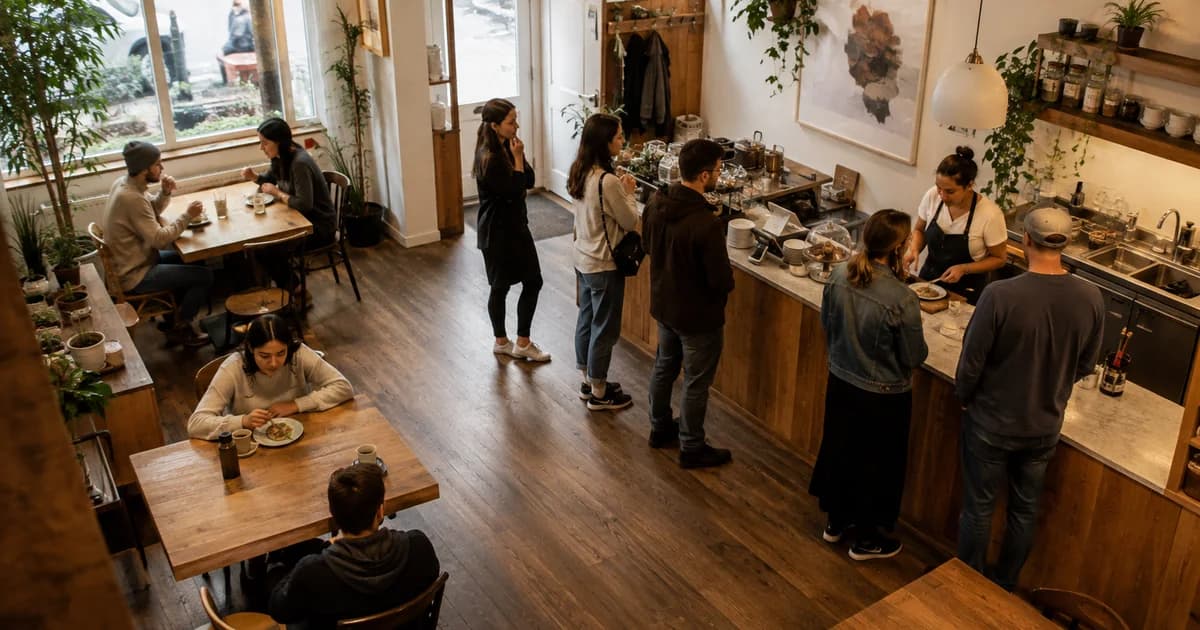
Two photographs of the same crowd are usually alternative views, not separate groups to add together. If the camera pans across the stands, the overlap can be substantial. Photos taken minutes apart introduce movement as well.
Use the clearest single view when it covers the question. If separate sections must be reviewed, define their boundaries before counting and check for shared seating, walkways and people near the edges. Add counts only when the sections are genuinely distinct and timing supports that interpretation. Otherwise report them separately.
For example, a report might contain a main-hall estimate and a separate courtyard estimate, each with its own timestamp. That is more informative than an unexplained combined number.
Make the result useful to volunteers and sponsors
Prepare a short evidence note with the image, estimate, scope and limitation. Explain whether you are reporting tickets scanned, people registered or people visible in a photograph. If those measures disagree, investigate the difference instead of selecting whichever number looks strongest.
A photo collage for an event recap can show different activities in a sponsor update. Keep the counting source image separately, because combining pictures into a collage makes it harder to understand where a count came from. Use photographs you have permission to share, especially when children or identifiable attendees appear.
Questions organisers often need to resolve
Can it count a packed stadium from one picture?
It can provide a visible-crowd estimate, but roof cover, distance, overlapping bodies and missing sections limit what the image reveals. A photograph is not a substitute for official attendance records.
Can it replace ticket scanning?
No. It does not verify admission, identify unique visitors or establish who entered and left. Compare the snapshot with independently collected event records when those records exist.
Can we use it to enforce a capacity limit?
Do not rely on an AI photo estimate for safety-critical crowd management. Use the venue's approved procedures and counting systems.
For a retrospective event report, start by counting the people visible in your clearest crowd photo. The strongest result is a reviewed estimate with a clear explanation of what the photograph actually covers.