How to Create a PDF Product Catalogue from Existing Store Photos
Create a PDF product catalogue from existing store photos with Pixoate. Combine images, names and prices into a readable file for wholesale enquiries.
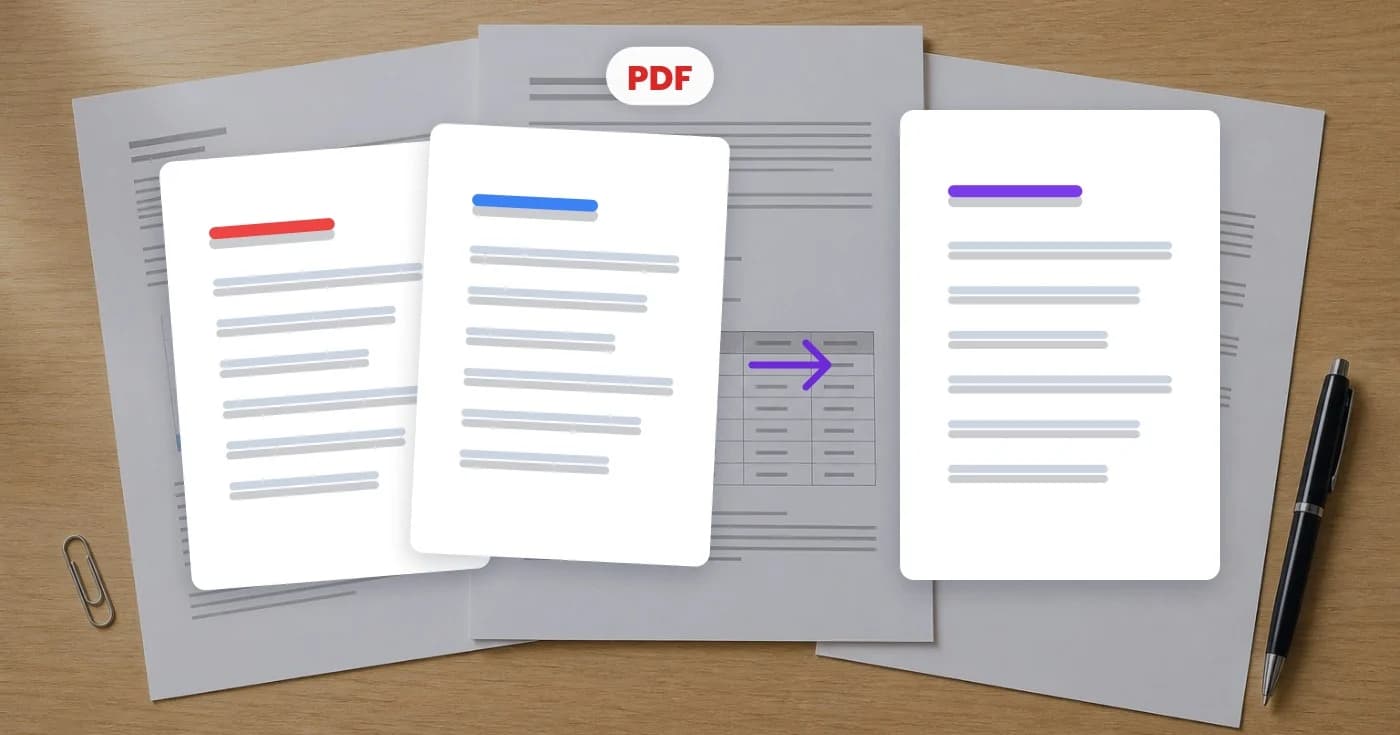
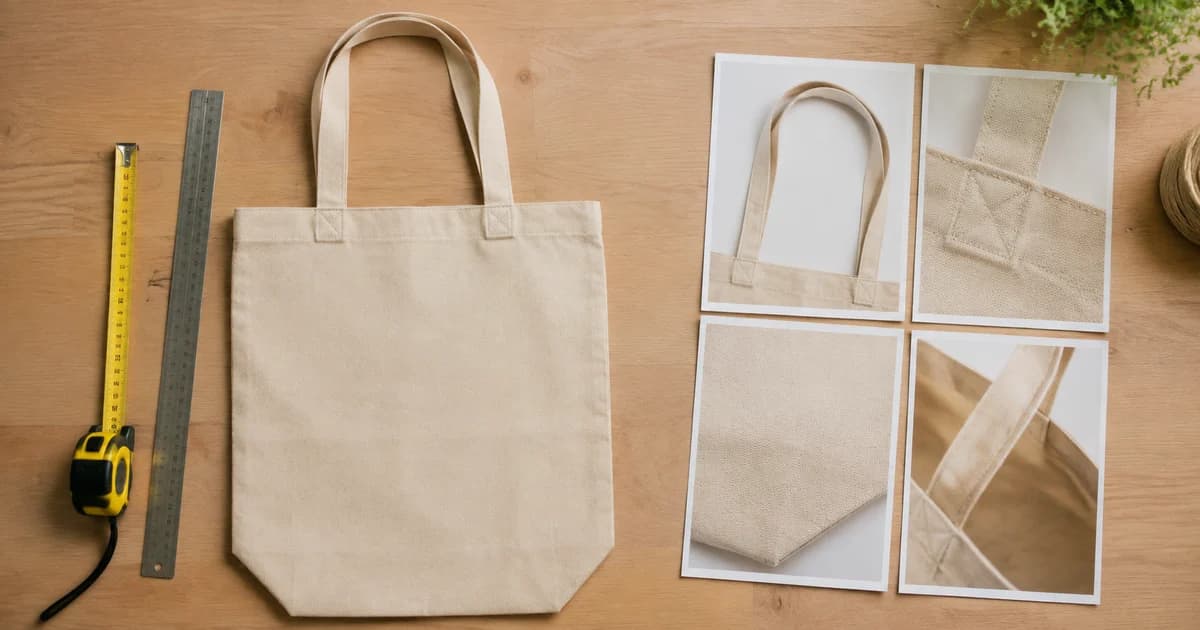
A wholesale buyer asks for a catalogue they can forward to a colleague. Your product photos are ready, but a folder of images does not explain item names, variants or ordering references.
Use Pixoate Photo Editor to create readable catalogue pages from existing store photos, then assemble those pages into a PDF. Start with a short, useful selection rather than forcing the entire inventory into one crowded document.
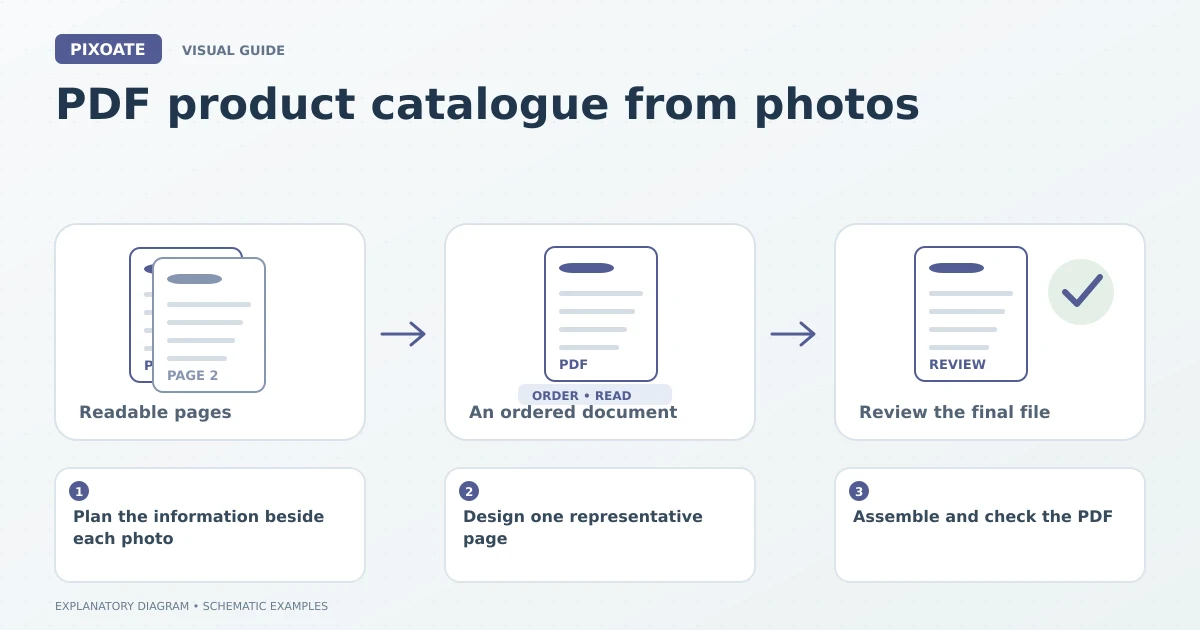
Original explanatory graphic. The scenes and sample records are schematic illustrations, not screenshots or measured tool results.
Plan the information beside each photo
Choose the product identifier, name and verified details the buyer needs. If prices are included, make the currency, unit basis and validity context explicit through your business's usual wording.
Keep variant names connected to the right images. A product family can look consistent while containing different dimensions, pack quantities or finishes.
Design one representative page
Create a canvas in Photo Editor and place the product image, heading and details as separate editable elements. Establish a readable hierarchy and enough spacing between items.
For a visual collection or detail panel, Collage Maker can help arrange several source images. Use captions or accompanying text to explain what each image represents rather than relying on the picture alone.
Review the page at the size someone will read it. A catalogue viewed on a phone may need fewer products per page than one designed for a large printed sheet.
Assemble and check the PDF
Export the completed page images, then combine them with Image to PDF. Arrange the pages and choose an appropriate page size. If you export a multi-page PDF directly from a supported editor workflow, review that output just as carefully.
Check the cover, section order, product references and final page. Open every page to confirm there are no cut-off lines or duplicate products.
Make the file practical to share
Use PDF Compress when the document exceeds the intended delivery limit. Inspect product detail and small text after compression.
| Catalogue detail | Why keep it explicit? |
|---|---|
| Product reference | Helps the buyer order the correct item. |
| Variant and pack basis | Avoids ambiguity about the pictured offer. |
| Edition or preparation date | Helps identify an outdated copy. |
| Contact or next step | Makes the document actionable. |
Does the PDF stay synchronised with my store?
No. A downloaded catalogue is a static document. Update it deliberately when products, prices or availability change.
Start with one reusable catalogue page in Pixoate. A clear, current PDF gives buyers a more useful reference than a large assortment of unexplained photos.