What Is Still Inside the PDF You Just Shared? A Closer Look at Redaction
A covered line is not enough to establish that PDF information is removed. Explore Pixoate redaction workflows and checks on the exported document.
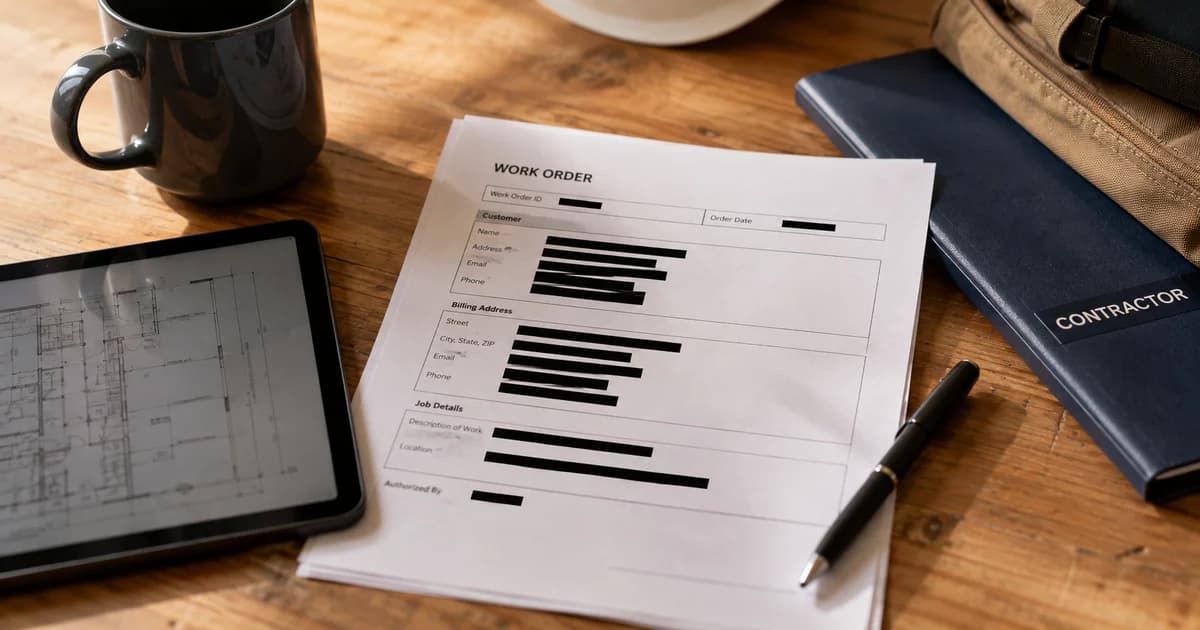
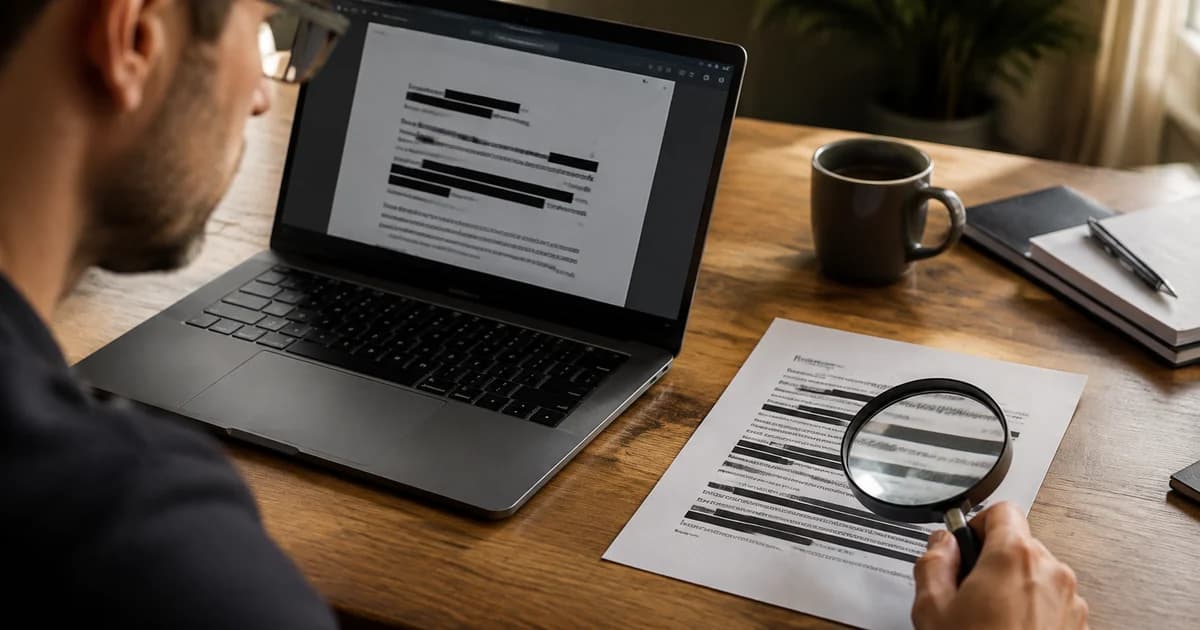
A page looks clean after a dark box covers a sensitive line. The important question is whether the information has been removed from the sharing copy or merely hidden in its visual presentation.
PDF redaction deserves a workflow designed for that purpose. Appearance alone is an incomplete check when the original file can contain selectable text beneath visible elements.
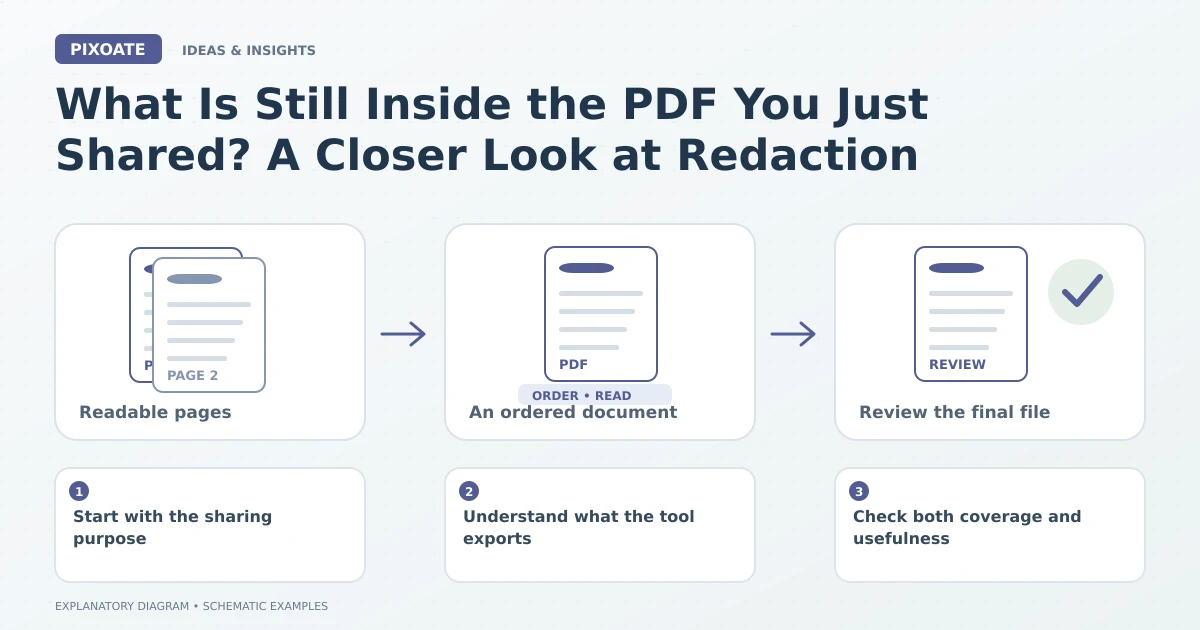
Original explanatory graphic. The scenes and sample records are schematic illustrations, not screenshots or measured tool results.
Start with the sharing purpose
Identify what the recipient needs and what should be excluded. Review the whole relevant document, including repeated references and context-specific information that an automatic pattern detector may not understand.
Keep the original under your established recordkeeping process and prepare a distinct sharing copy.
Understand what the tool exports
Pixoate Automatic PDF Redactor proposes supported sensitive-text areas for review. Its export creates new page images with approved redaction boxes painted into the pixels and places those images in a new PDF without copying the original selectable text layer.
That is a specific output behaviour, not a promise that automatic detection understands every sensitive detail in the document. Review the proposed areas and the final file yourself.
Check both coverage and usefulness
Inspect names, identifiers, notes and any other information relevant to the sharing decision. Confirm that boxes cover the intended content without making essential instructions unreadable.
PDF Editor remains useful for appropriate general document changes, but a decorative overlay should not be assumed equivalent to the dedicated redaction export.
The last attachment matters most
Open the actual downloaded sharing copy. Review all relevant pages, confirm the intended coverage and check that the filename distinguishes it from the original.
Many document-sharing mistakes happen after the editing work: an earlier file is attached, a page is missed or an unreviewed copy is forwarded. A deliberate final selection matters as much as the initial detection.
Use Pixoate Automatic PDF Redactor as part of a reviewable sharing workflow. The goal is a document that gives the recipient the information they need while excluding the details you deliberately removed.