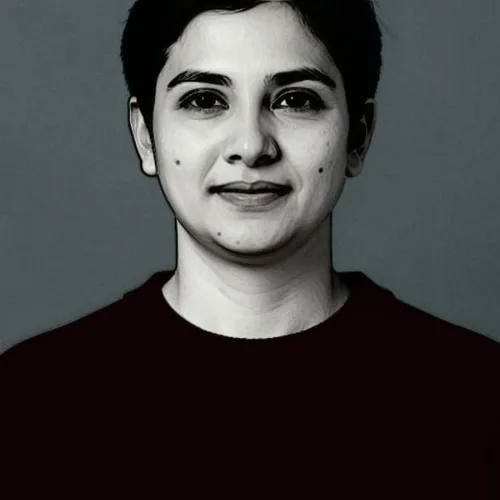
How it works
The image is rendered as shallow sculpted clay, with forms raised from a flat background and lit from one side so the relief reads through cast shadow rather than through color.


Sculpt the photograph as raised clay illuminated from one direction. Control the strength, compare the result, and download a finished image from your browser.
Review the available effect capabilities before you begin.
The image is rendered as shallow sculpted clay, with forms raised from a flat background and lit from one side so the relief reads through cast shadow rather than through color.
Upload a photo, adjust the Clay Bas-Relief intensity, compare its processed preview with the source, and download the finished result.
Use the intensity control to balance the Clay Bas-Relief treatment with the detail and character of your original photo.
A reduced Clay Bas-Relief preview keeps adjustments responsive. Free downloads are clean and web-size; Premium or a credit unlocks the original resolution.
Clay Bas-Relief uploads are processed on secure servers and automatically removed under the normal Pixoate retention policy.
The image is rendered as shallow sculpted clay, with forms raised from a flat background and lit from one side so the relief reads through cast shadow rather than through color.
Clay Bas-Relief uses an AI action. Any separate allowance is shown before this effect starts processing.
commemorative and architectural artwork, logo and monogram concepts, museum-styled content, and sculptural portraits.
Less suited to: colorful images, since bas-relief is essentially monochrome and color information is discarded.
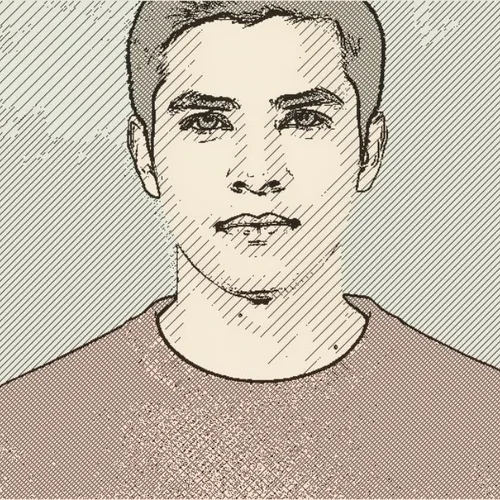
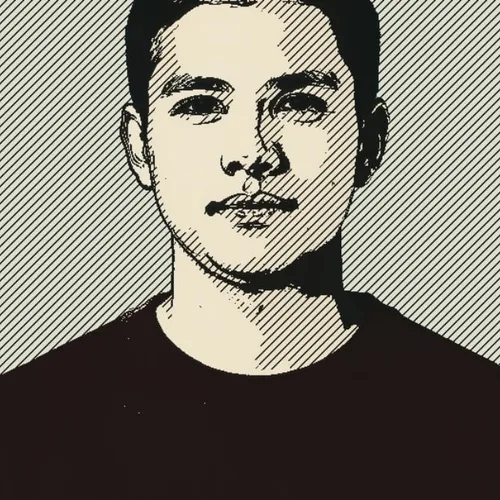
Draw tonal form with curved engraved lines and cross-hatching
Stitch the photograph from directional colored thread with visible relief
Transform the image into dense raised yarn and tufted color regions
Layer soft cut-felt shapes with fuzzy edges and sewn details
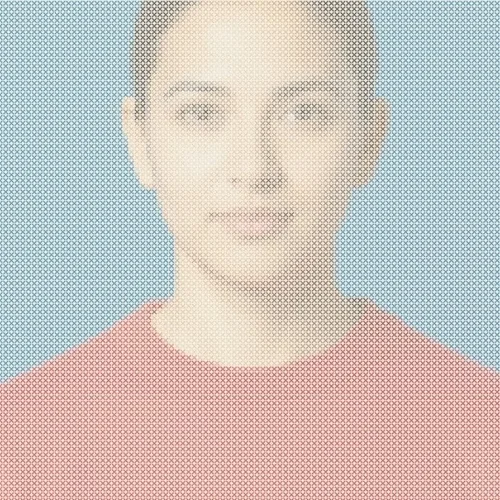
Rebuild the image as a printable grid of colored embroidery stitches
Assemble the photograph from individually lit beads and gemstones
Turn important contours into curled strips of colorful paper
Separate the photograph into layered scraps with fibrous torn edges
Fuse translucent pigment, wax texture, and surface crackle
Carve bold contours and directional marks into an inked block print
Reduce the scene to expressive black ink, washes, and negative space
Tools for common next steps after Photo Effects.
Creative & Design
Turn a photo into classic, storybook, sticker, watercolor, or custom cartoon artwork with editable AI directions.
Try it nowCreative & Design
Convert a photo into a pencil-sketch style image and adjust the shadow depth before download.
Try it nowPhoto Editing & Utilities
Convert an image to black and white. Adjust the intensity and preview the result.
Try it nowThe strongest effect picks lead this belt before the rest of the catalog.