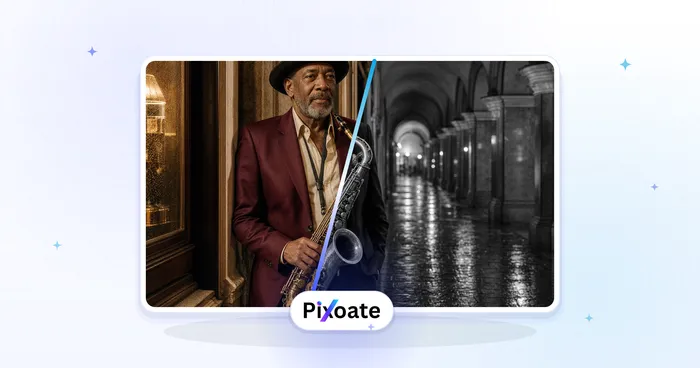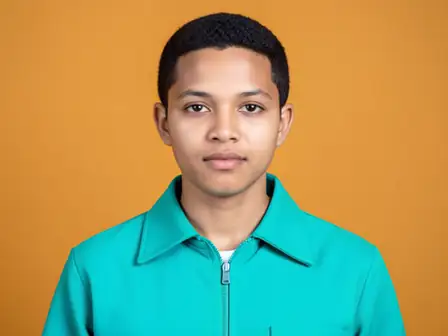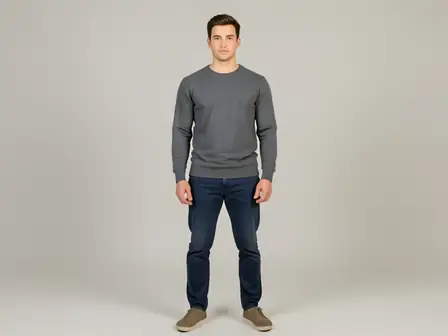
The same source image before and after applying Face Slim.
Face Slim photo effect applied to the same source image
Original source image before the Face Slim photo effect

Face Slim — Narrow Cheek Contours Only Online

Narrow verified cheek contours with compact local warps while keeping facial features and the rest of the frame unchanged.

Upload a photo for the Face Slim effect

What you can do with the Face Slim effect

Review the available effect capabilities before you begin.

  • Apply the Face Slim effect to any photo
  • Fine-tune the effect strength to taste
  • Preview your photo live as you edit
  • Download your edited photo in high quality
  • Apply Face Slim to many photos at once

How it works

Face Slim maps the full shape of the face in detail and double-checks it against the separately located eyes, nose, and mouth. It then moves pixels only in compact bands along both cheek contours. The eyes, nose, mouth, forehead, hair, clothing, and background outside those bands are copied unchanged. If the complete front-facing contour can't be verified, the same change is made to the whole photo with AI instead.
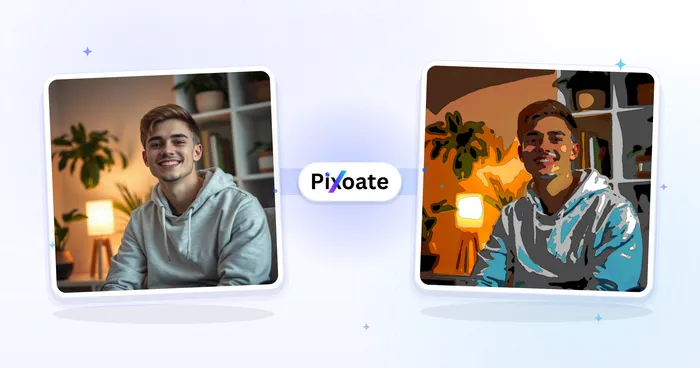
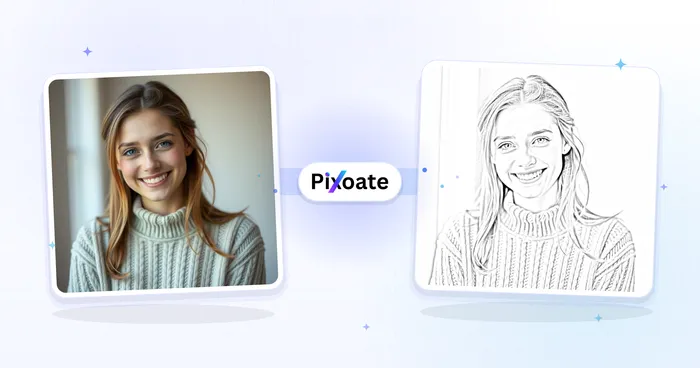
Processing

Face Slim uses an AI action. Any separate allowance is shown before this effect starts processing.

Best for

sharp front-facing portraits where the full forehead, both cheeks, jaw, eyes, nose, and mouth are visible.

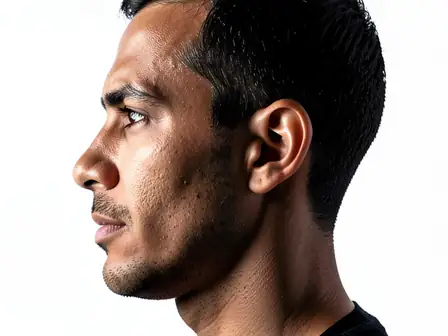
Less suited to: side profiles, cropped or covered jawlines, hands over the face, heavy motion blur, and group photos with very small faces.

Ways to use Face Slim

  • Make a restrained cheek-width adjustment while keeping facial identity.
  • Slim face contours while preserving the eyes, nose, mouth, skin detail, hair, clothing, and background.
  • Apply the same conservative contour adjustment independently to each clearly visible face.

Face Slim questions

Does Face Slim change my eyes, nose, mouth, or background?
No. It changes pixels only inside compact bands along the two verified cheek contours and returns a lossless PNG. It does not reconstruct the face or the full image.
What if my photo isn't clear enough for the precise adjustment?
The precise adjustment needs a clear view of the area it changes. When that area can't be found reliably, for example when it is cropped, blurred, very small, turned away or covered, Pixoate makes the same change to the whole photo with AI instead, so you still get a result. The AI version can also alter small details elsewhere, so compare it with your original before you download.

More Portrait & Beauty effects

See the featured effects in motion

The strongest effect picks lead this belt before the rest of the catalog.