How it works
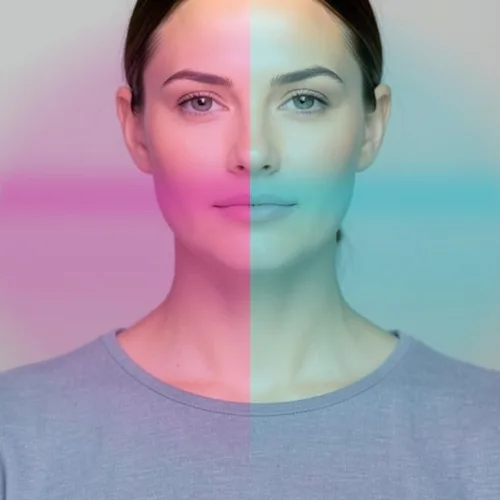
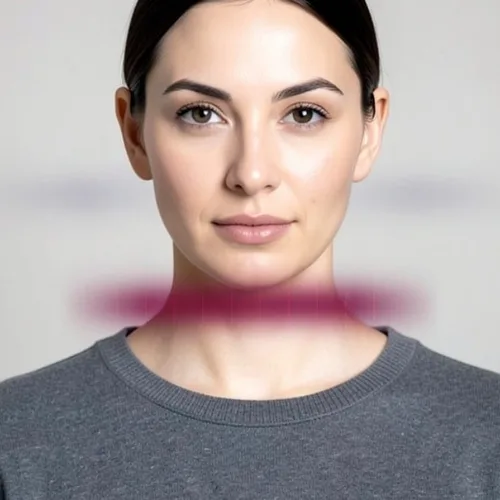
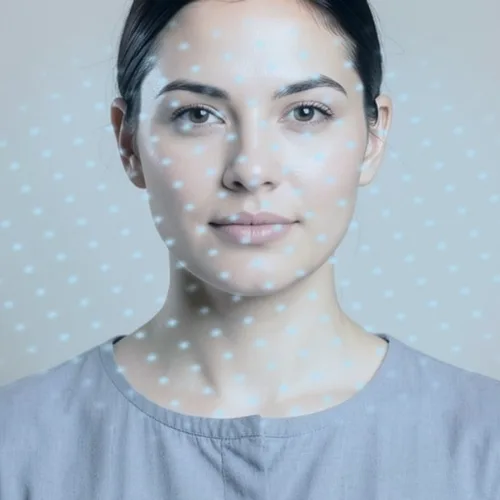
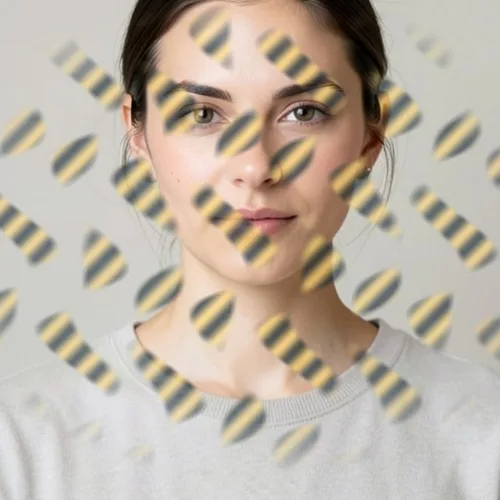
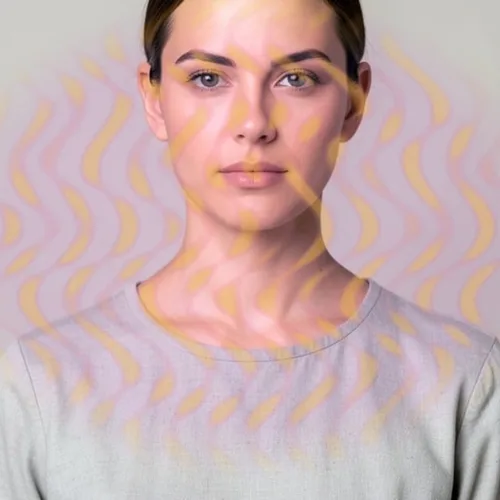
Offset semi-transparent copies of the subject trail away from the original, decreasing in opacity, as a long exposure records a moving figure across several positions.

Trail the subject through translucent directional echoes. Control the strength, compare the result, and download a finished image from your browser.
Review the available effect capabilities before you begin.
Offset semi-transparent copies of the subject trail away from the original, decreasing in opacity, as a long exposure records a moving figure across several positions.
Upload a photo, adjust the Ghost Echo Portrait intensity, compare its processed preview with the source, and download the finished result.
Use the intensity control to balance the Ghost Echo Portrait treatment with the detail and character of your original photo.
A reduced Ghost Echo Portrait preview keeps adjustments responsive. Free downloads are clean and web-size; Premium or a credit unlocks the original resolution.
Ghost Echo Portrait uploads are processed on secure servers and automatically removed under the normal Pixoate retention policy.
Offset semi-transparent copies of the subject trail away from the original, decreasing in opacity, as a long exposure records a moving figure across several positions.
Ghost Echo Portrait runs as a classic image effect and does not use an AI action.
dance and movement photography, music artwork, experimental portraits, and posters about time or memory.
Less suited to: group photographs and busy scenes, where multiple overlapping echoes become visually unreadable.
Apply different high-fashion makeup treatments to each side of a face
Create berry lacquer lips, smoky eyes, and dramatic gothic polish
Add ice-blue makeup, crystalline accents, and cold facial highlights
Place reflective gold, silver, or chrome foil across selected facial areas
Flow iridescent spectral ribbons naturally along the direction of hair
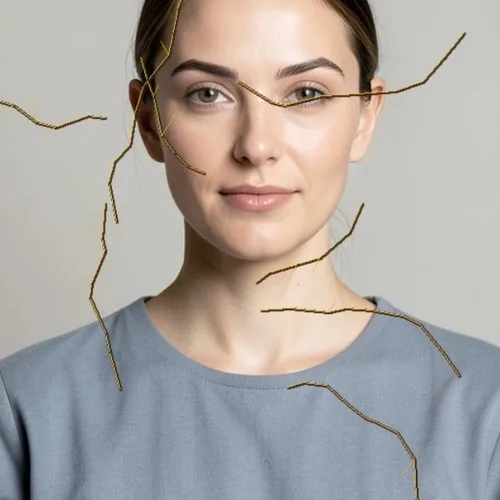
Decorate the portrait with dimensional cracks repaired in luminous gold
Reconstruct facial form as clean shaded polygon facets
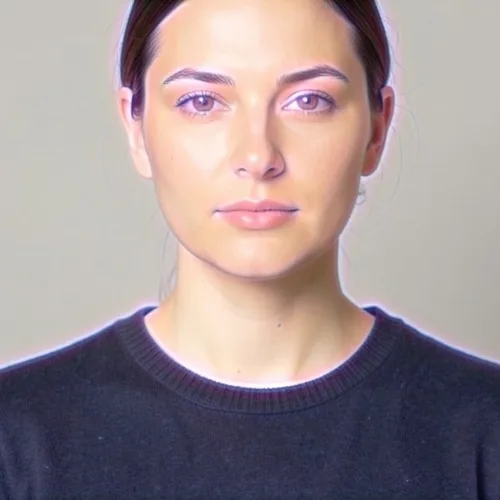
Surround the subject with layered spectral contours and soft energy
Wrap patterns, type, or artwork accurately across facial form
Give a portrait a polished porcelain glaze without losing identity
Build a bold flash-lit fashion cutout against a graphic backdrop
Tools for common next steps after Photo Effects.
Creative & Design
Turn a photo into classic, storybook, sticker, watercolor, or custom cartoon artwork with editable AI directions.
Try it nowCreative & Design
Convert a photo into a pencil-sketch style image and adjust the shadow depth before download.
Try it nowPhoto Editing & Utilities
Convert an image to black and white. Adjust the intensity and preview the result.
Try it nowThe strongest effect picks lead this belt before the rest of the catalog.