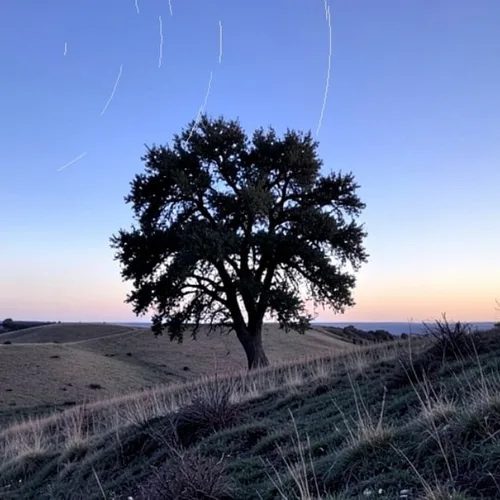
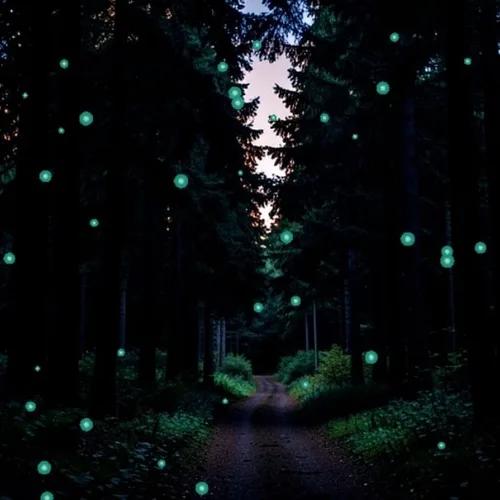
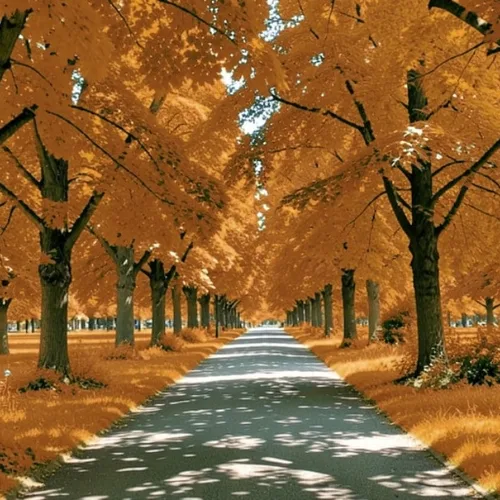
How it works
Frost crystals grow across the frame in dendritic branching patterns, denser at edges and around cold surfaces, with light refracting through the crystal structure.
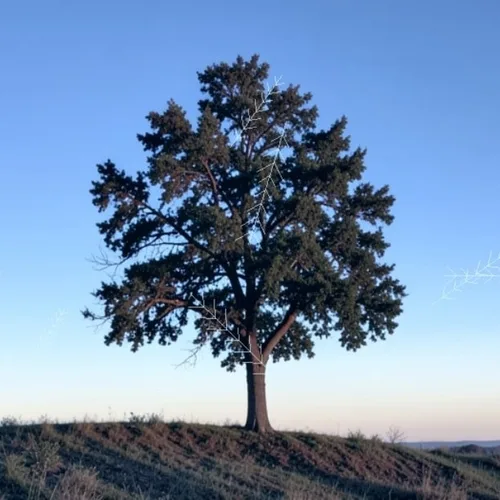
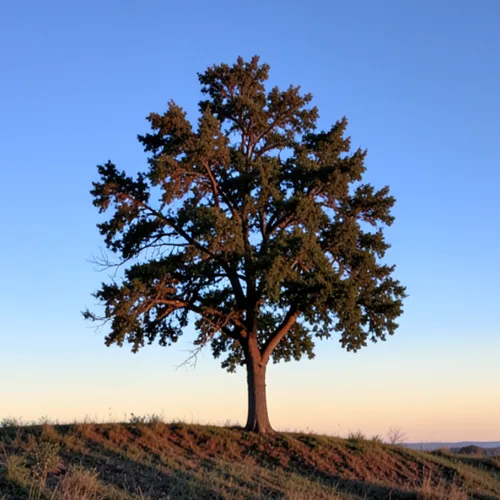
Grow branching frost crystals from bright regions and strong contours. Control the strength, compare the result, and download a finished image from your browser.
Review the available effect capabilities before you begin.
Frost crystals grow across the frame in dendritic branching patterns, denser at edges and around cold surfaces, with light refracting through the crystal structure.
Upload a photo, adjust the Ice-Crystal Bloom intensity, compare its processed preview with the source, and download the finished result.
Use the intensity control to balance the Ice-Crystal Bloom treatment with the detail and character of your original photo.
A reduced Ice-Crystal Bloom preview keeps adjustments responsive. Free downloads are clean and web-size; Premium or a credit unlocks the original resolution.
Ice-Crystal Bloom uploads are processed on secure servers and automatically removed under the normal Pixoate retention policy.
Frost crystals grow across the frame in dendritic branching patterns, denser at edges and around cold surfaces, with light refracting through the crystal structure.
Ice-Crystal Bloom runs as a classic image effect and does not use an AI action.
winter campaigns, seasonal packaging concepts, fantasy artwork, and cool-toned atmospheric imagery.
Less suited to: warm-toned photographs and summer scenes, where frost has no reason to form.
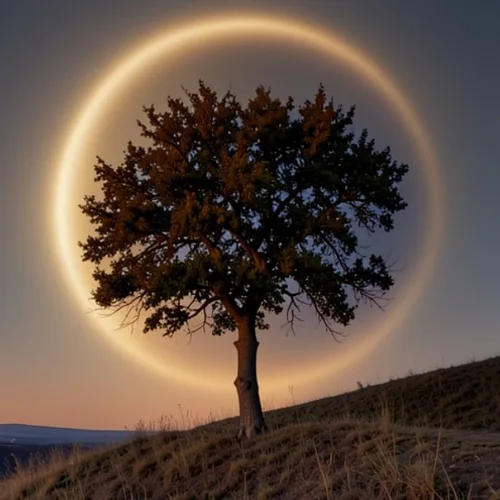
Stage a luminous solar eclipse with physically shaped corona light
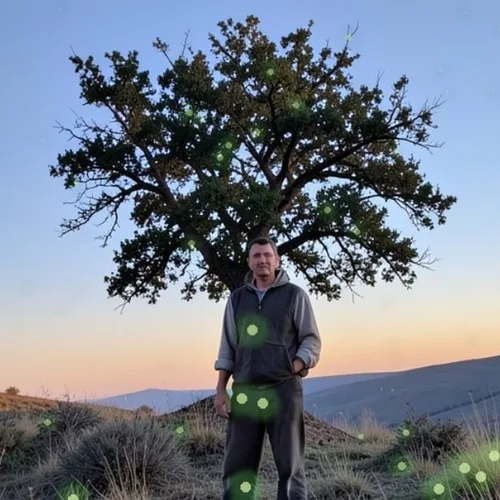
Place luminous fireflies naturally in front of and behind the subject
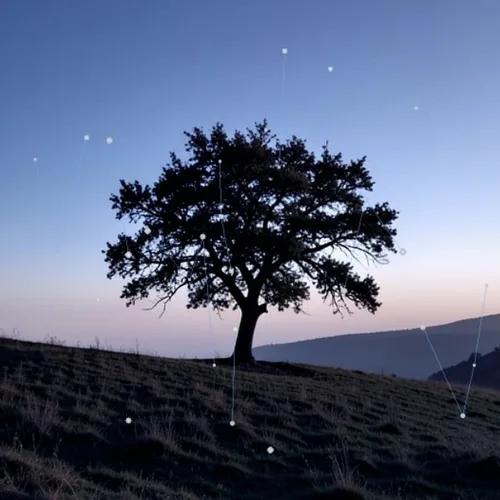
Fill or outline the subject with stars and connected constellations
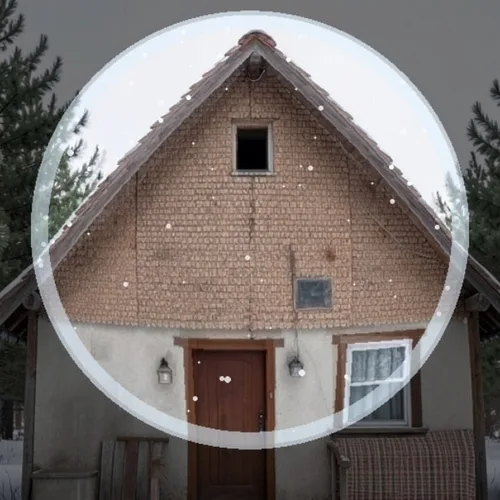
Place the subject inside refractive glass with layered falling snow
Reveal a detailed galaxy with atmospheric and exposure matching
Fill the sky with flowing aurora and reflect its color into the scene
Draw celestial rotation trails while keeping the foreground perfectly sharp
Make plants, ground, and airborne spores glow from within
Roll cinematic fog through valleys and behind foreground objects
Turn vegetation into natural autumn reds, golds, and browns
Cover real branches with blossoms and depth-aware falling petals
Tools for common next steps after Photo Effects.
Creative & Design
Turn a photo into classic, storybook, sticker, watercolor, or custom cartoon artwork with editable AI directions.
Try it nowCreative & Design
Convert a photo into a pencil-sketch style image and adjust the shadow depth before download.
Try it nowPhoto Editing & Utilities
Convert an image to black and white. Adjust the intensity and preview the result.
Try it nowThe strongest effect picks lead this belt before the rest of the catalog.