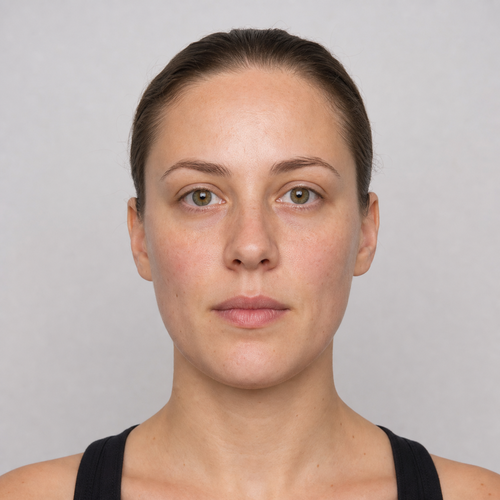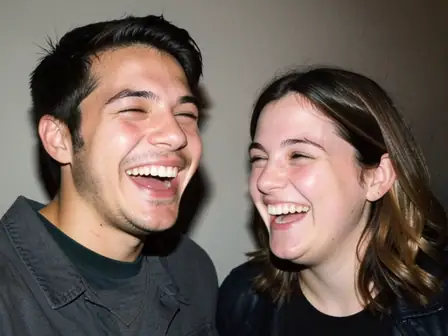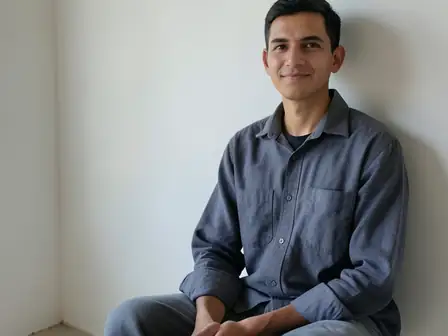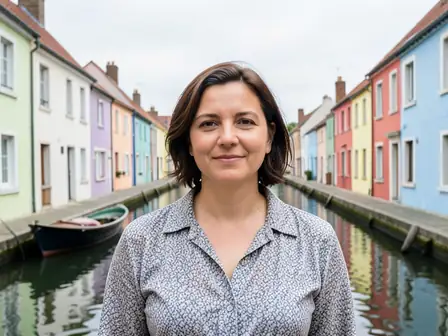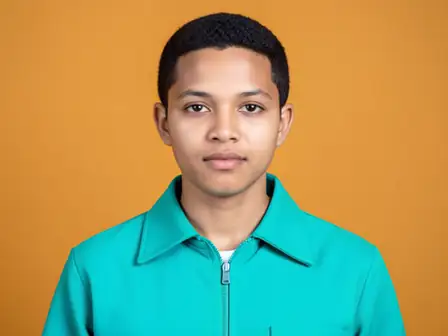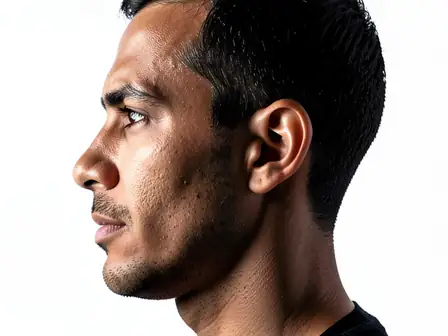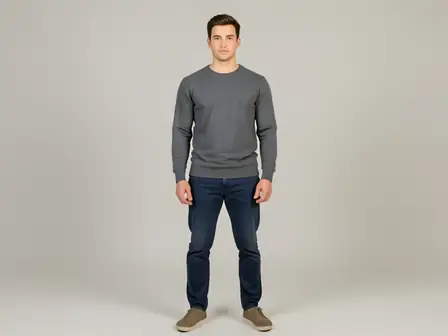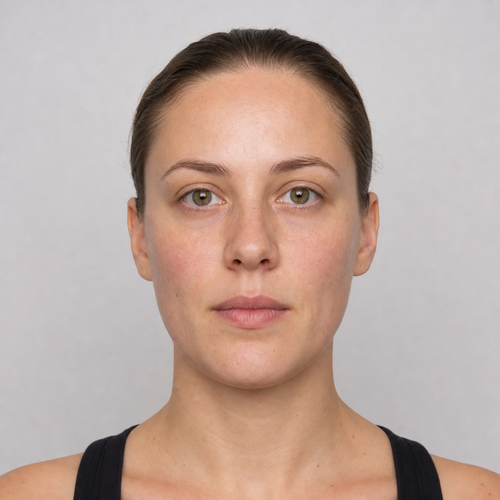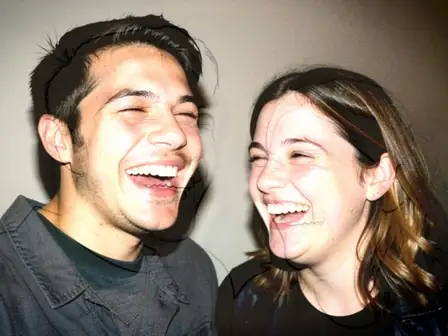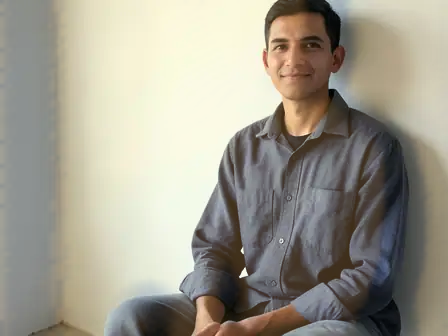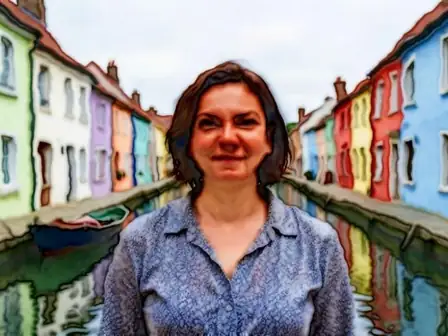

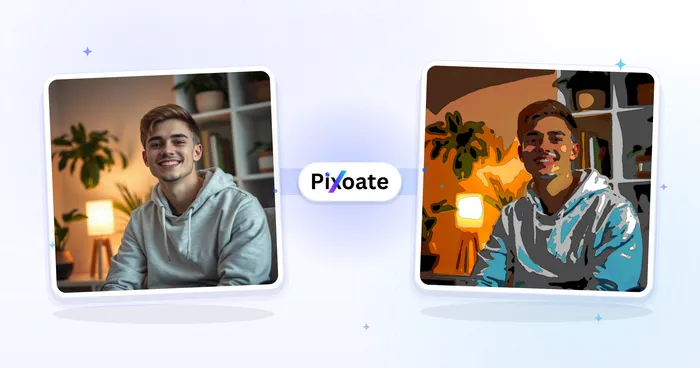
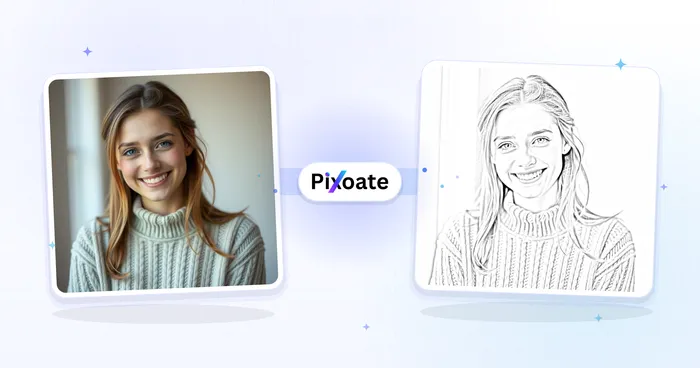
The same source image before and after applying Lip Resize.
Lip Resize photo effect applied to the same source image
Original source image before the Lip Resize photo effect

Lip Resize — Enlarge Lips Only Online

Enlarge the detected lip area with a feathered local warp while keeping the rest of the frame unchanged.

Upload a photo for the Lip Resize effect

What you can do with the Lip Resize effect

Review the available effect capabilities before you begin.

  • Apply the Lip Resize effect to any photo
  • Fine-tune the effect strength to taste
  • Preview your photo live as you edit
  • Download your edited photo in high quality
  • Apply Lip Resize to many photos at once

How it works

Lip Resize verifies the mouth corners, nose, and eye alignment, then magnifies pixels inside one small feathered ellipse around the lips. Pixels outside that mouth region are copied unchanged. If the facial landmarks are not safe for a local warp, the same change is made to the whole photo with AI instead.
Processing

Lip Resize uses an AI action. Any separate allowance is shown before this effect starts processing.

Best for

sharp front-facing portraits where the full mouth is visible and large enough to detect reliably.

Less suited to: side profiles, masks, hands over the mouth, very strong motion blur, extreme expressions, and group photos with very small faces.

Ways to use Lip Resize

  • Make a subtle local lip-area proportion adjustment for a profile picture.
  • Tune mouth size while keeping facial identity, hair, clothing, and background.
  • Apply the same restrained lip enlargement to each clearly visible face in a group.

Lip Resize questions

Does Lip Resize change the rest of my face?
Normally no. The localized renderer changes pixels only inside one small mouth region and returns a lossless PNG, so the eyes, face shape, hair, clothing, and background are not regenerated. If the photo isn't clear enough for this precise method, the same change is made to the whole photo with AI instead, which can alter small details elsewhere.
What if my photo isn't clear enough for the precise adjustment?
The precise adjustment needs a clear view of the area it changes. When that area can't be found reliably, for example when it is cropped, blurred, very small, turned away or covered, Pixoate makes the same change to the whole photo with AI instead, so you still get a result. The AI version can also alter small details elsewhere, so compare it with your original before you download.

More Portrait & Beauty effects

See the featured effects in motion

The strongest effect picks lead this belt before the rest of the catalog.