How it works
The subject becomes a glazed porcelain figurine with a hard glossy surface, hand-painted detail, subtle crazing in the glaze and the soft translucency of fired ceramic.


Sculpt the subject as a glossy handcrafted porcelain collectible. Control the strength, compare the result, and download a finished image from your browser.
Review the available effect capabilities before you begin.
The subject becomes a glazed porcelain figurine with a hard glossy surface, hand-painted detail, subtle crazing in the glaze and the soft translucency of fired ceramic.
Upload a photo, adjust the Porcelain Figurine intensity, compare its processed preview with the source, and download the finished result.
Use the intensity control to balance the Porcelain Figurine treatment with the detail and character of your original photo.
A reduced Porcelain Figurine preview keeps adjustments responsive. Free downloads are clean and web-size; Premium or a credit unlocks the original resolution.
Porcelain Figurine uploads are processed on secure servers and automatically removed under the normal Pixoate retention policy.
The subject becomes a glazed porcelain figurine with a hard glossy surface, hand-painted detail, subtle crazing in the glaze and the soft translucency of fired ceramic.
Porcelain Figurine uses an AI action. Any separate allowance is shown before this effect starts processing.
gift and collectible concepts, heritage and craft branding, decorative artwork, and elegant portrait treatments.
Less suited to: detailed or modern subjects, where the ceramic idiom feels mismatched.
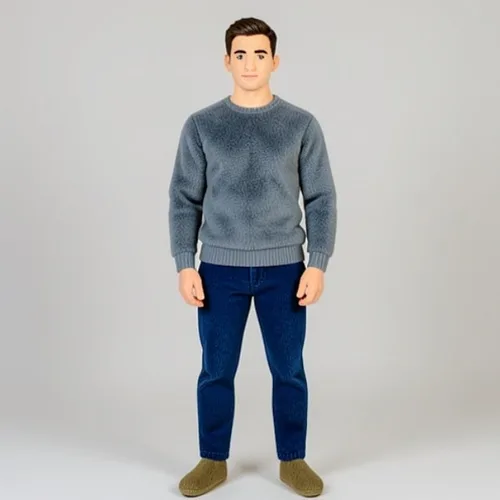
Turn a person, pet, or object into a recognizable plush collectible
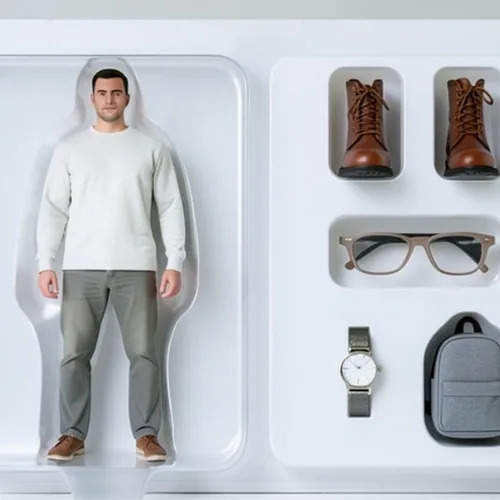
Create a collectible action figure displayed in editable retail packaging
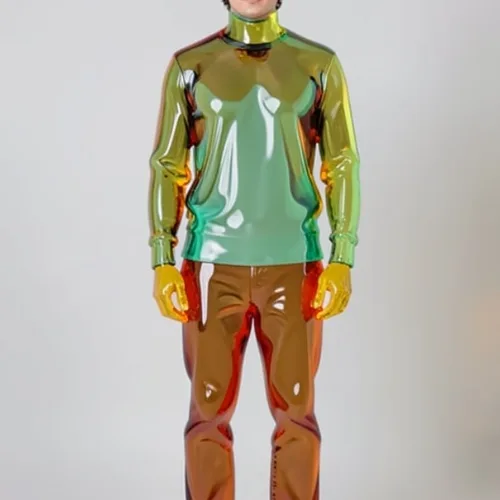
Transform the subject into translucent colored glass or gummy material
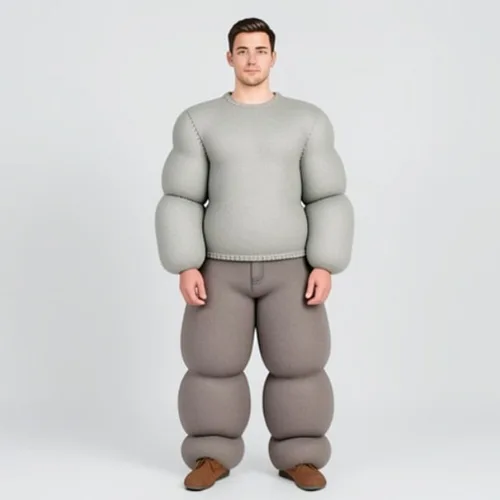
Inflate the subject into soft rounded volumes with realistic seams
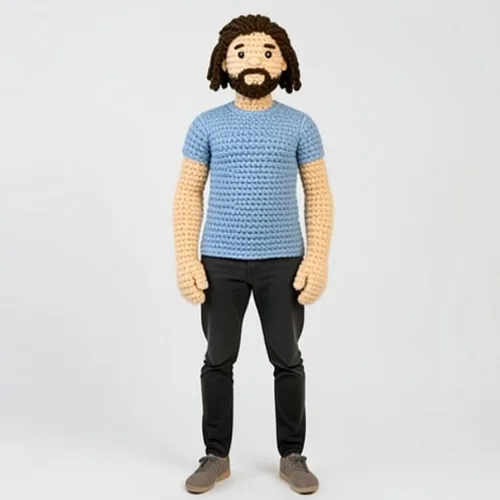
Recreate the subject as a handmade crochet doll with visible stitches
Convert the whole scene into a handcrafted miniature environment
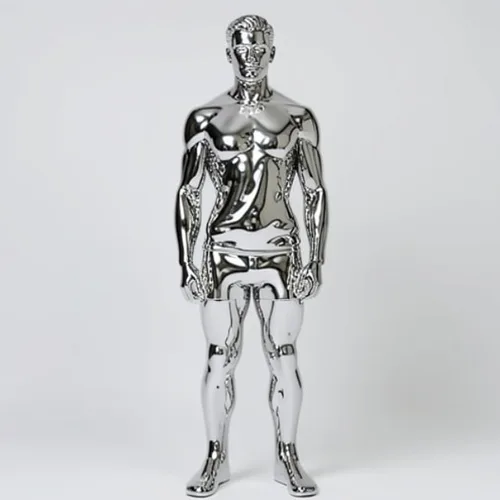
Transform the subject into a reflective flowing metal sculpture
Fold the subject into layered dimensional paper artwork
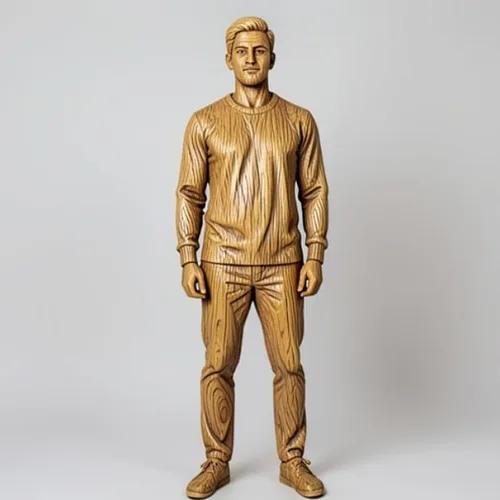
Carve the subject from directional wood grain and raised relief
Tools for common next steps after Photo Effects.
Creative & Design
Turn a photo into classic, storybook, sticker, watercolor, or custom cartoon artwork with editable AI directions.
Try it nowCreative & Design
Convert a photo into a pencil-sketch style image and adjust the shadow depth before download.
Try it nowPhoto Editing & Utilities
Convert an image to black and white. Adjust the intensity and preview the result.
Try it nowThe strongest effect picks lead this belt before the rest of the catalog.