
Botanical Watercolor artwork Generator
Generative output can vary; review the full result before publishing
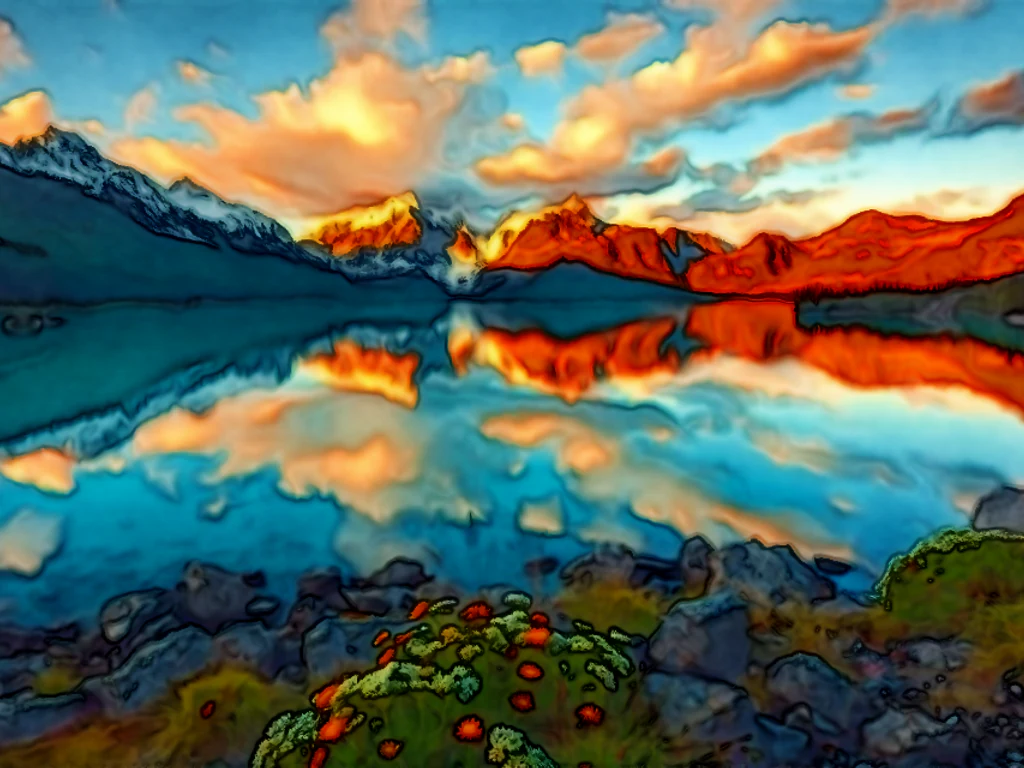
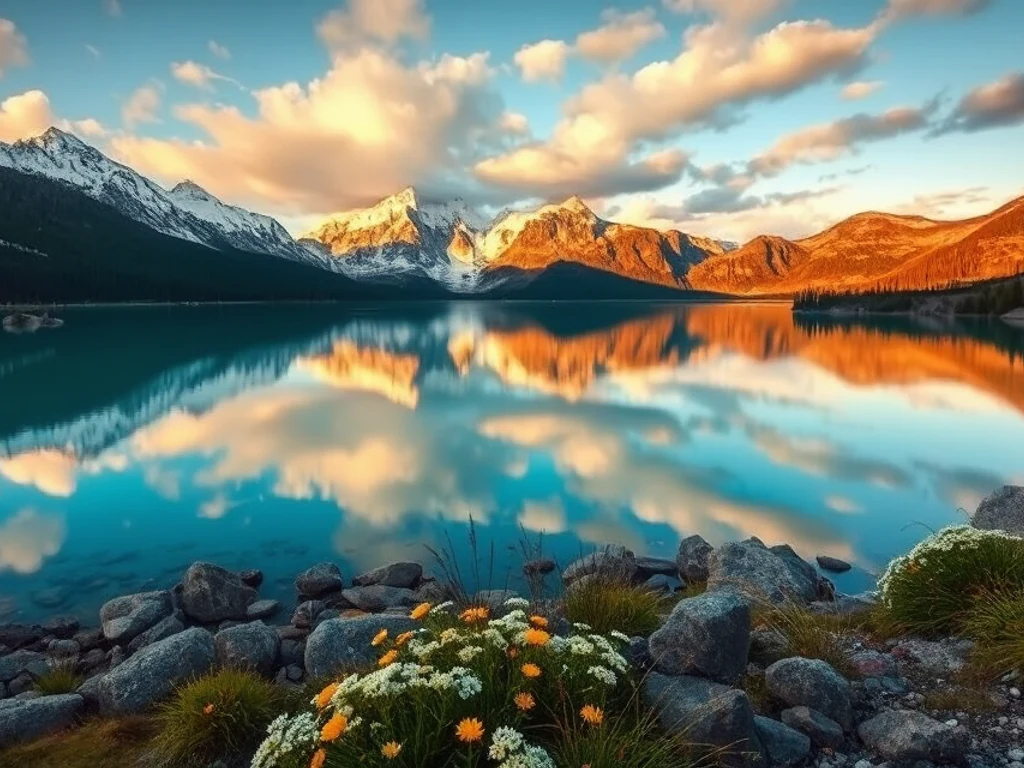
Botanical watercolor is precision in a soft medium — crisp edges, luminous layered glazes, the scientific-plate tradition of taking a plant seriously. This direction paints your garden and flower photos in that heritage style: your roses rendered like an illustrated flora, accurate and elegant.
- Prepared Botanical direction
- Editable prompt
- Full-result review required
Choose a source image for Botanical
JPG, PNG, WebP, HEIC, and other supported formats. Free up to 20 MB; Premium and higher up to 50 MB for this tool.
Getting a botanical-style painting from your garden photos
Botanical plates show a plant on its own, so the cleaner the background in your photo, the better. Shoot a single stem or bloom against a sheet of white card, in shade or soft window light, with leaves and buds visible. A cluttered garden background tends to end up as pale washes the plant has to fight against; put the plant on a white background first if your photo is busy.
Check that the plant still looks like its species: leaf shape, the number of petals, how the leaves join the stem. AI can tidy a plant into something generic, which matters if the painting will be labeled or given to a gardener who will notice. Regenerate with the plant named in the instruction, such as "an iris with three upright and three falling petals," if structure drifts.
Botanical prints traditionally carry the plant's name. Add the common and Latin name beneath the painting yourself, so the spelling is exact. For a wall print or a set of matching cards, keep the instruction the same across several plant photos, and unlock the original resolution with Premium or one credit before printing.
Set up for Botanical Watercolor artwork Generator
Prepared settings
- Starting point
- Upload one source image
- The page opens on the correct edit workflow; upload is the only required setup step.
- Prepared workflow
- Prepared Botanical style
- Botanical Watercolor artwork Generator opens with the Botanical direction preselected, so there is no need to find the operation manually.
- Output shape
- Same as your upload
- The result keeps the shape of the image you upload.
- Review rule
- Review the complete generated result before use
- Generated imagery can vary; the final result stays under the user's approval before download.
Best-fit uses
- Garden photos as botanical-plate wall art
- Wedding bouquet paintings as keepsakes
- Herb and houseplant series for kitchens
Frequently asked questions
- What separates botanical from generic flower painting?
- Discipline — accurate structure, controlled edges, white background isolation, and color built in transparent layers. It is the difference between "a pretty flower" and "this specific rose, honored." Ask for that discipline in the prompt to push the result toward the second.
- Can I paint a bouquet as a wedding keepsake?
- It is one of the style's best uses — the bouquet photo becomes an heirloom-feel painting that outlives the flowers by decades. Shoot the bouquet on a plain background in soft light for the cleanest botanical translation.
- What should I review in a Botanical result?
- Inspect faces, hands, object geometry, small details, perspective, readable marks, and any claim implied by the scene. Regenerate or reduce the requested change when something is inaccurate.
- What rights checks apply to a Botanical client project?
- Use only source material and references you have rights to, follow the destination platform rules, and obtain any required person or property permissions. Generated output still needs a human accuracy and rights review.
What you can do with Watercolor Generator
Review the main capabilities before you begin.
- Turn photos into soft watercolor paintings
- Create watercolor portraits from your pictures
- Make artistic wall art and prints from a photo
- Dial in how strong the watercolor effect looks
- Convert a whole folder of photos in one batch
- Design painterly gifts and personalized keepsakes
Settings reference
2 settings
Available controls for Watercolor Generator.
Mode
- Single / Batch (ZIP)Presets
- Choose Single to paint one photo, or Batch (ZIP) to apply the same watercolor settings to many photos at once and download them together as a ZIP; Batch requires a Premium plan.Options: SingleBatch (ZIP)
Effect
- Watercolor IntensitySliderRange: 10–100% · Default: 70%
- Controls how strong the color bleed and painterly softening are — low values (Subtle) leave a light wash over photo detail, high values (Strong) turn the image into bold painted strokes.
Related tools for Botanical Watercolor artwork Generator
Tools for common next steps after Botanical Watercolor artwork Generator.

Creative & Design
Photo Filters & Effects
Preview cinematic, vintage, glitch and beauty effects on your photo, then download the look you choose.
Try it now
Photo Editing & Utilities
Online Photo Editor
Crop and resize photos. Add text, shapes, effects and templates, or use AI editing tools.
Try it now
Creative & Design
Image to Sticker
Remove the background, add an adjustable outline and download a sticker image.
Try it nowHow Watercolor Generator helps you get it done
Real problems it solves every day — for businesses, creators, and everyday tasks. Find the use case that fits you and start.
Watercolor Wall Art & Prints
Transform portraits and landscapes into watercolor paintings for framed prints and home decor
Wedding & Anniversary Gifts
Create soft watercolor portraits from wedding and couple photos for romantic personalized gifts
Invitations & Stationery Design
Design watercolor-style invitations, save-the-dates, and stationery from your own photos
Artistic Social Media Posts
Turn everyday photos into painterly watercolor content for Instagram, Pinterest, and blogs
Batch Watercolor for Client Photo Galleries
Photographers and artists switch to Batch mode to run an entire shoot through the same intensity setting at once, delivering a themed watercolor gallery as a single ZIP instead of converting photos one by one.
Pet Memorial & Loss Keepsake Portraits
Turn a favorite photo of a pet into a soft watercolor portrait at 40-60% intensity for a gentle memorial keepsake, framed print, or memory candle gift.
Self-Published Book Covers & Blog Headers
Apply a high-intensity watercolor wash (75-90%) to a stock or personal photo for an indie book cover, poetry chapbook, or blog hero image with a hand-painted feel — no illustrator required.
Real Estate Closing Gift & Listing Illustrations
Convert a listing's exterior or interior photo into a soft watercolor illustration for a memorable closing-day client gift, or use a lighter wash as a distinctive listing-card graphic that stands out from standard photography.
Beginner Watercolor References
Practicing watercolor painting for beginners is easier with a reference: convert your own photo into a watercolor to see the color bleeds, values and soft edges you are aiming for before painting it by hand.
Watch each transformation land
Every photo crosses the slash untouched and comes out the other side finished.























