
AI Image Expander — Extend and Uncrop Images Online
One click, no prompt to write · AI results can vary
Upload a photo, choose the shape you need, and see the final canvas before you generate. The AI continues your scene outward while your original photo stays exactly as it is.
- Live preview of the exact canvas you will get
- Square, story, widescreen, and portrait ratios
- Nothing is cropped, stretched, or letterboxed
Choose the photo you want to expand
JPG, PNG, WebP, HEIC, and other supported image formats up to 50 MB.
Expand an image with AI to a new aspect ratio without cropping it
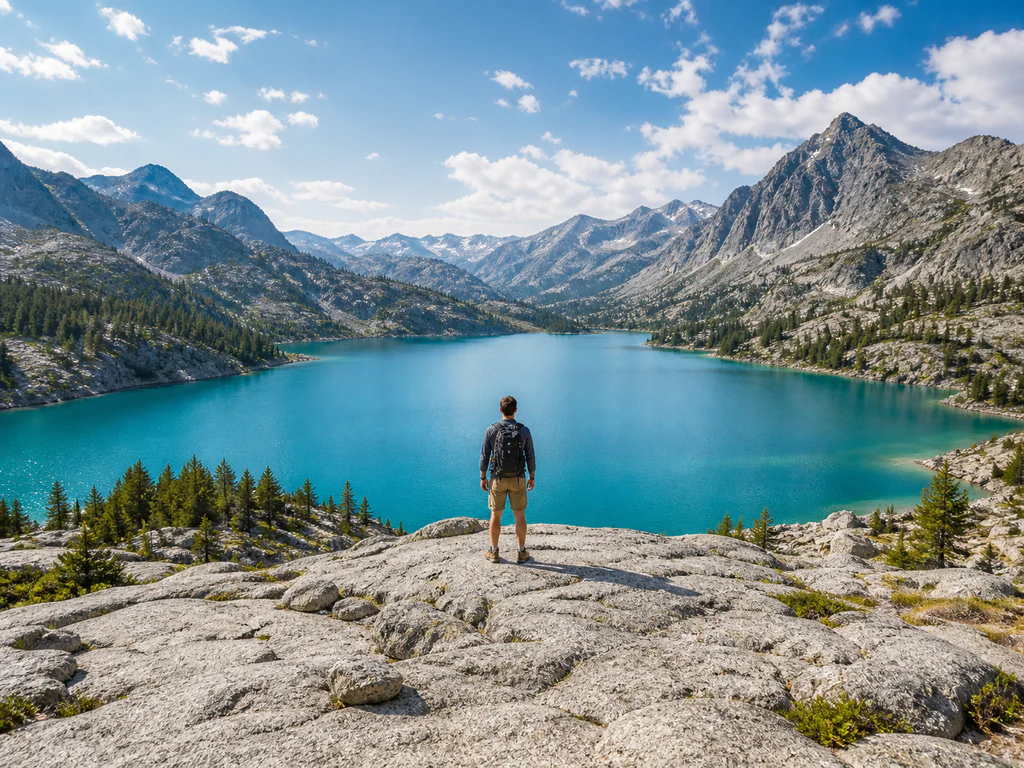
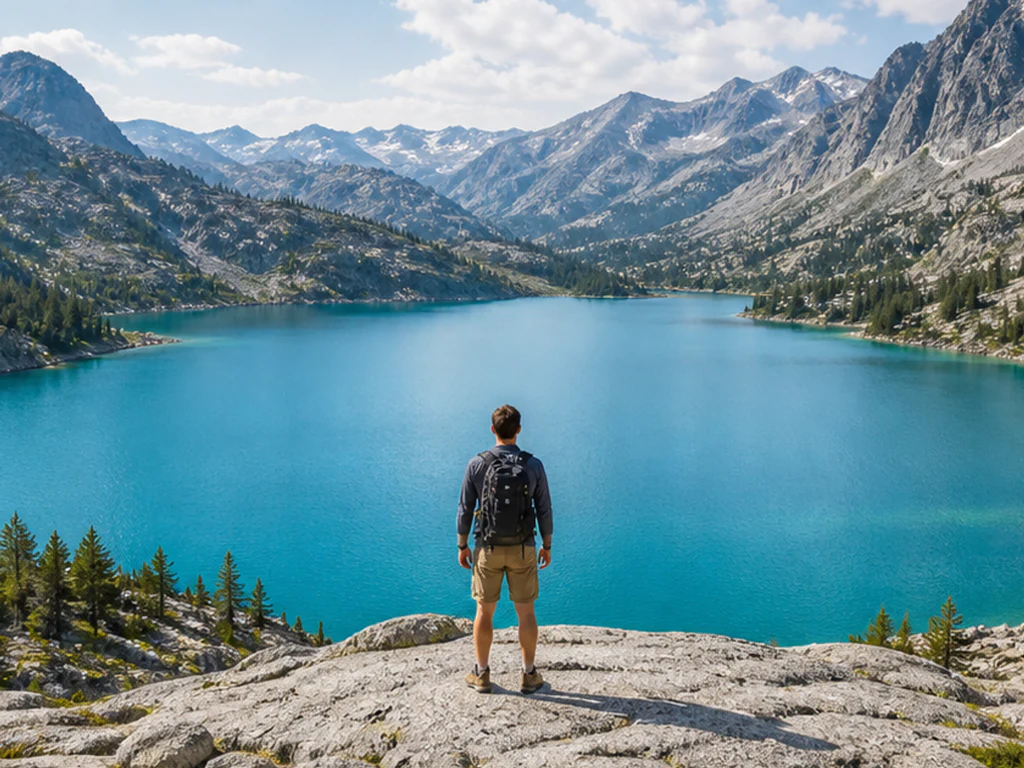
The AI image expander turns a square photo into a wide banner or a tall story in one click. It makes the canvas around your photo larger and fills the new space with scenery that continues the scene, without cropping or stretching. Pick one of seven shapes and check the shaded preview. There is no prompt to write, and your original photo is placed in the new canvas unchanged.
Expand an image to a new aspect ratio
AI image expansion starts with a shape and takes one click. The seven shapes are Square 1:1, Wide 16:9, Story 9:16, Portrait 4:5, Landscape 5:4, Portrait 3:4 and Landscape 4:3. The preview shows your photo exactly where it will sit in the new canvas and gives the share of new canvas the AI will generate. If the photo already has the shape you chose, there is nothing to expand and the tool asks you to pick another.
- Upload the photo you want to expand.
- Choose a shape under Aspect ratio in the Size tab.
- Check the preview: the shaded area is what the AI will generate.
- Select Generate expanded image.
- Review the edges, then download the PNG.
Uncrop a photo after a tight crop
To uncrop an image, choose a shape larger than the current frame: uncropping and expanding are the same run seen from two sides. The new area is reconstructed from the scene the tool can see, so it gives plausible surroundings and cannot recover the exact scene that was outside the original frame. To steer the new scenery, extend the photo with a written direction, or start from an uncrop workflow built for tight crops.
Extend the background around a photo
The tool continues the scenery around your photo, and it is most reliable where the edges are open space such as sky, walls, foliage or a blurred background. It is least reliable where it has to continue faces, hands, text, logos or strict architectural lines, so check the outer edges and any repeating patterns before you use the result. If you would rather fill the new space with a blurred or solid-color background, switch orientation with a background fill.
What you get without a Premium plan
You can try an expansion without a Premium plan: upload the photo, pick a shape and generate. Nothing runs until you select Generate expanded image. A download without Premium arrives at web size, while Premium or credits return the larger result, and each run uses your AI allowance.
Extend a photo for banners, stories and print
When a photo is the wrong shape for a banner, a story or a print, the new area is generated to continue the scene. Social posts, listings and covers work the same way, and the shaded part of the preview is the only part that is generated. Only the new margin is filled, while your photo stays as it was.
Before you expand an image
- Use a photo with open space at the edges you want to grow.
- With Premium, photos above 2048 px on the longest side are prepared at 2048 px before expansion.
- Expansion uses your AI allowance, and a download without Premium is a web-size copy.
- Review faces, text, logos and repeating patterns near the new edges.
Other ways to change the shape of a photo
If trimming is acceptable, reframe the shot with a precise crop; when the photo was cut too tight, reconstruct what lies beyond the old edges.
For a blurred or solid-color fill instead of generated scenery, switch between landscape and portrait with a background fill.
What you can do with AI Image Expander
Review the main capabilities before you begin.
- Review and download the edited image
- No installs — start editing directly in your browser
- Download results in high resolution
- Works with JPG, PNG and WebP files
Settings reference
1 setting
Available controls for AI Image Expander.
Size
- Aspect ratioPresets
- Pick the shape of the finished canvas. The preview shows that exact canvas with your photo in place and the area the AI will generate shaded around it, so you see the framing before spending a generation.Options: Square 1:1Wide 16:9Story 9:16Portrait 4:5Landscape 5:4Portrait 3:4Landscape 4:3
Related tools for AI Image Expander
Tools for common next steps after AI Image Expander.

AI Image Studio
AI Image Extender
Expand an image beyond its borders with AI. Convert photos to square, portrait, story, or widescreen layouts without cropping the original frame.
Try it now
AI Image Studio
AI Uncrop Image
Uncrop an image with AI by reconstructing plausible space around the original photo. Create square, portrait, story, or landscape compositions.
Try it now
Photo Editing & Utilities
Landscape & Portrait Converter
Convert landscape to portrait or portrait to landscape with fast background fills or AI-generated scenery, without cropping the original photo.
Try it nowFrequently Asked Questions
Watch each transformation land
Every photo crosses the slash untouched and comes out the other side finished.























