

AI Uncrop Image — Reconstruct More Around a Photo
AI reconstructs plausible surroundings; it cannot recover the exact original scene
Reveal more of a scene around a tight crop. Choose a new composition and generate the missing surroundings without cutting away the original frame.
- Reconstruct space beyond a tight crop
- Square, portrait, story, and wide output
- Original placed image restored after generation
Choose a tightly cropped image
JPG, PNG, WebP, HEIC, and other supported formats. Free up to 20 MB; Premium and higher up to 50 MB for this tool.
How to uncrop an image with AI and reveal more of the scene
AI uncrop rebuilds the space around a photo that was cropped too tightly. Choose a larger shape, such as a wider frame for a landscape, more headroom for a portrait or a square for a social post, and the tool generates plausible surroundings while your original stays inside the new canvas unchanged. It cannot recover what was really outside the old frame, so treat the result as a believable continuation rather than a restoration.
Uncrop an image to expand its borders
The Layouts tab has 4 presets built for tight crops: Reveal more scene (16:9), Recover portrait space (4:5), Social square (1:1) and Story layout (9:16). Each one sets the shape and writes a direction. Pick the one that matches what the crop cut off, then change the Expanded aspect ratio if you need another shape. Add a note under Custom instructions, such as more sky above the roofline, when you want to steer the new area.
- Upload the cropped photo as an opaque JPG, PNG, WebP or HEIC file.
- Choose Reveal more scene, Recover portrait space, Social square or Story layout.
- Add a note in Custom instructions if you want to steer the new area.
- Select Generate Uncrop image and wait for the result.
- Check the new edges against your original, then download the PNG.
Add headroom or room around a subject
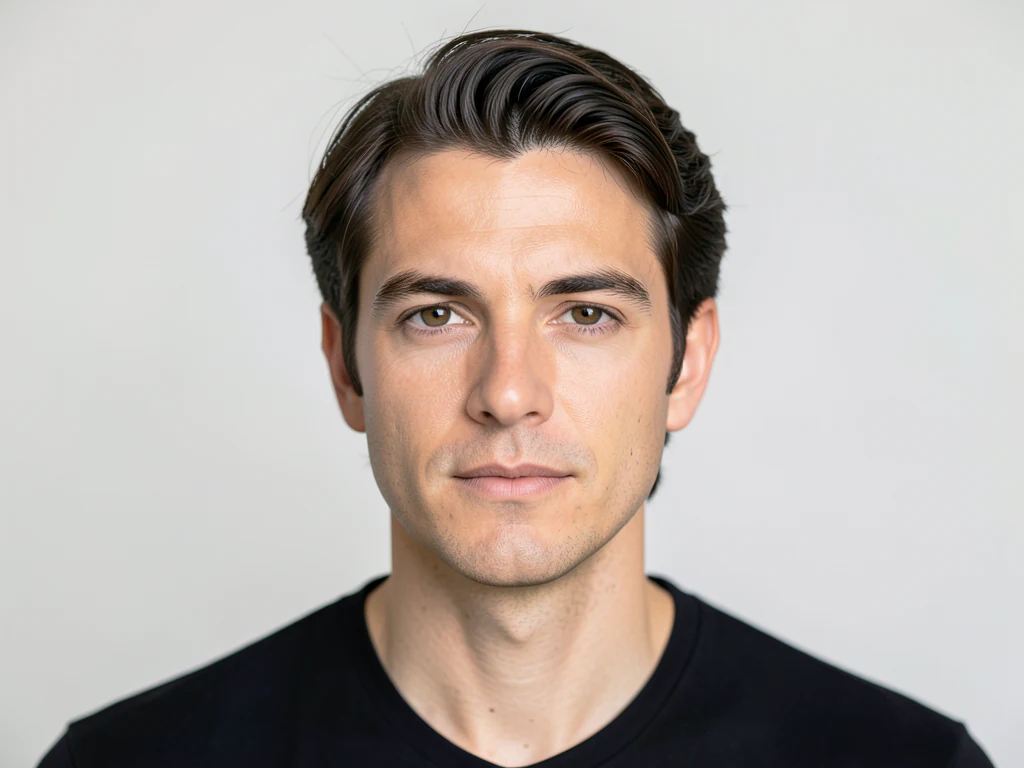
Portraits are the usual casualty of a close crop: heads touch the top edge and shoulders are cut. Recover portrait space adds room above and below, which gives a 4:5 frame with air around the subject. Keep Ask AI to preserve subject identity and product details checked, which adds an instruction to keep the original image unchanged. Check hands, hair edges and clothing at the new borders, where the tool has to guess the most.
What uncrop can and cannot bring back
Uncrop continues the scene; it does not retrieve it. A tree line, a wall or a beach continues easily, while a person standing just outside the frame, a sign or a second building does not exist in your photo, so anything you see there is invented. If you still have the uncropped original, use that file instead. For the most believable result, start with a photo whose edges show open sky, water, grass or wall.
Uncrop, extend or reframe: choose the page
Uncrop is tuned for tight crops. To put any photo into a new shape with layout presets, extend the image to a square or wide frame; to see the final canvas before you generate, preview the expanded frame. To pick between a plain crop and an expand, reframe with position sliders. Anything odd in the new space can be painted over and refilled with generative fill.
Before you download the uncropped image
- Use the largest, sharpest version of the crop that you have.
- Inspect the outer edges of the result for repeated patterns, warped lines and odd hands.
- Place a transparent PNG on a solid background first, since only opaque images are accepted.
After revealing more of the scene
When you know the target shape and want to see the canvas first, preview the expanded frame before generating; a horizon that now looks off-level can be straightened by a custom angle.
Anything unwanted in the new space can be painted over and refilled.
What you can do with AI Uncrop Image
Review the main capabilities before you begin.
- Reconstruct plausible scenery beyond a tight crop
- Create a wider or taller composition without cropping
- Preserve the complete original image inside the result
- Adapt photos for social and presentation formats
Settings reference
5 settings
Available controls for AI Uncrop Image.
Workflow
- Single image or Batch imagesPresets
- Process one image, or use Premium Batch images to apply the same automatic recipe to a set and download one ZIP.Options: Single imageBatch images
Layouts
- One-tap presetsPresets
- Pick a ready-made direction with one tap; generation uses the selected preset automatically.Options: Reveal more sceneRecover portrait spaceSocial squareStory layout
- Custom instructions (optional)Text input
- Describe the requested change, relevant materials, lighting, perspective, and details that must remain unchanged.
Output
- Expanded aspect ratioPresets
- Choose the larger output canvas that generated pixels will fill around the complete original image.Options: Square 1:1Portrait 4:5Story 9:16Wide 16:9Portrait 3:4Landscape 4:3
- Ask AI to preserve subject identity and product detailsOn / Off
- Adds an explicit instruction to retain the main subject, shape, branding, labels, and readable text unless the request changes them.
Related tools for AI Uncrop Image
Tools for common next steps after AI Uncrop Image.

AI Image Studio
AI Image Extender
Expand an image beyond its borders with AI. Convert photos to square, portrait, story, or widescreen layouts without cropping the original frame.
Try it now
Photo Editing & Utilities
Landscape & Portrait Converter
Convert landscape to portrait or portrait to landscape with fast background fills or AI-generated scenery, without cropping the original photo.
Try it now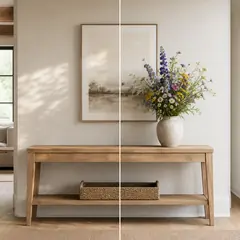
AI Image Studio
AI Generative Fill
Paint part of an image and fill it with new AI-generated content. Repair gaps, add details, or replace selected areas while protecting nearby pixels.
Try it nowFrequently Asked Questions
Watch each transformation land
Every photo crosses the slash untouched and comes out the other side finished.























