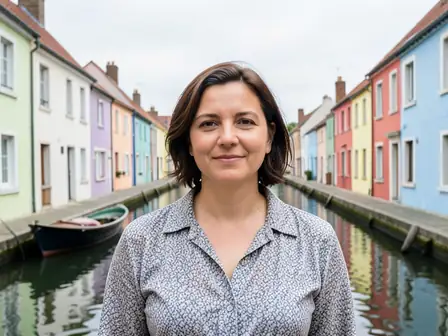
Compare Pixoate with HeadshotPro
HeadshotPro sells AI headshot packs. Pixoate turns a selfie into a clean, professional headshot free to try; Premium subscriptions unlock the original resolution and include a full image toolkit.
Pixoate tools for the same jobs
HeadshotPro charges a one-time fee per headshot pack. Pixoate's headshot generator is free to try at web size; Premium subscriptions unlock the original resolution, and credits cover one-off results. Verify current HeadshotPro pricing on their site.
Headshots
Beyond headshots
When to pick which
Pick HeadshotPro if
- You want many studio styles/outfits generated in one large pack
- You're happy paying a one-time fee for a big batch of variations
Pick Pixoate if
- You want to try a professional headshot free before paying
- You also want avatar, beautify, background removal and more in one place
- You prefer subscription or credits over a single large pack fee
Create a professional headshot from a selfie for LinkedIn or a resume
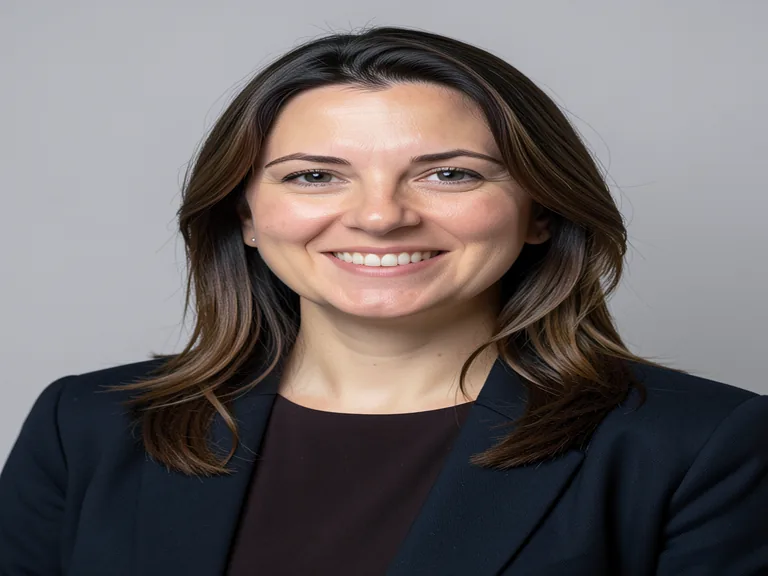
The headshot generator restyles one clear portrait into a head-and-shoulders picture with a studio, office or editorial look. You choose a style, add your own direction in plain words and compare the result with your original. It makes one picture per run, so you can try a style, judge the likeness and run another. The result keeps the frame of the photo you upload, so crop first if you want a different shape. You can preview free at web size before you decide on Premium or a credit.
Pick a source photo that keeps you recognizable
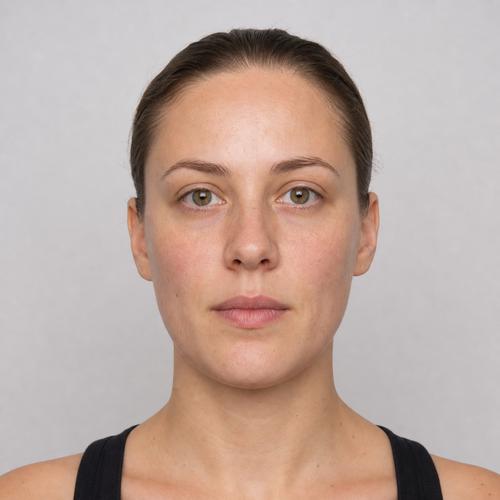
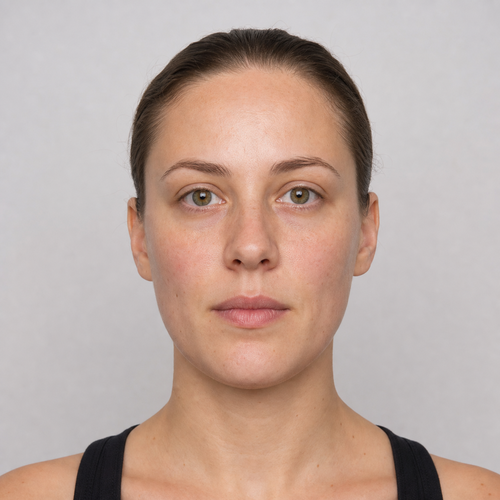
Use a recent, front-facing photo with your whole face and both shoulders in frame, even light and a plain background. A clear photo gives the generator more to hold on to, so your face, hair and skin tone are easier to keep. Transparent portraits are prepared automatically, and with Premium or a credit, uploads larger than 2048 pixels on the longest side are prepared at 2048.
Choose a style and crop to the frame you want
To create a headshot from a selfie, open the Styles tab, which offers Neutral studio for a gray backdrop and soft even light, Modern office for a softly blurred workplace and Warm editorial for a subtle warm background. Picking a style fills Custom instructions with its wording, so choose the style first and then edit the instructions if you want. The result keeps the frame of your upload, so crop the photo to a square or a portrait shape before you upload it.
- Crop a clear, front-facing portrait to the frame you want, then upload it.
- Pick a style under Styles.
- Edit Custom instructions if you want to steer the look.
- Select Generate Professional headshot and wait for the result.
- Compare the face with your original before you download.
Review likeness before you use the picture
A generated headshot can change identity-relevant details, so compare face shape, hair, skin tone, age, clothing and distinctive features with your source, and reject a result that no longer looks like you. Look closely at ears, teeth, glasses and any text on clothing. Run it again with a different style or simpler instructions when one detail is off, and keep your original photo.
Make an avatar or polish your own photo instead
When the picture is for a gaming handle or a social profile rather than a work page, make an avatar instead, with Corporate, Gaming, Social and Illustrated styles. If you would rather keep your own photo and only even out the skin, smooth the skin on the original with a Smoothing strength slider from Natural to Glam, and low settings look most realistic.
Moving from HeadshotPro to one picture per run
You keep the photo you already have: one clear selfie is enough to start, and the original file is not changed. This tool makes one picture per run, you steer it with a style and your own words, and Premium or a credit unlocks the original resolution. Run 2 or 3 styles on the same photo and compare them before you commit.
Before you publish the picture
- Confirm that the platform or employer accepts AI-generated or edited profile photos.
- Compare the result with your original at full size.
- Keep your original photo in case you want to try another style later.
FAQ
Is Pixoate a free HeadshotPro alternative?
Pixoate's headshot generator is free to try at web size; Premium subscriptions unlock the original resolution and credits cover one-off results. HeadshotPro sells larger one-time packs with more style variations.
What kind of photo works well for an AI headshot?
A recent, front-facing photo with your face and shoulders visible, even light and a simple background. Avoid sunglasses, heavy filters, group shots and photos where your face is small. The clearer your face is in the source, the easier it is to judge the likeness afterward.
Is an AI headshot acceptable for a job application?
That depends on the employer or platform, so check their rules. The picture should still look like you, because it represents you to people who will meet you. Some markets do not expect a photo on a resume at all, so confirm local norms before you add one.
How many headshot styles can I make from one photo?
There is no fixed pack. Each run makes one picture in the style you choose, and you can run the same photo again with another style or set of instructions. Premium also has a batch mode that applies one chosen direction to many photos at once.
Why does my headshot look different from my photo?
Generative results vary and can change identity-relevant details such as face shape, hair or skin tone. Use a clearer, front-facing source, keep your instructions simple and run it again. Reject any result that does not look like you, because the tool does not promise a match.
Can I try a HeadshotPro alternative with a free preview first?
Yes. Upload a clear portrait, generate a picture and review it at web size before you decide. Premium or a credit unlocks the original resolution of the prepared photo. This page describes Pixoate only, so check HeadshotPro itself for its own plans.
Can I change the frame shape of my headshot?
The result keeps the frame of the photo you upload, so crop the portrait to a square or a portrait shape before you upload it. For an exact pixel size afterward, such as a profile picture slot, set the width and height in the image resizer.
Can I get a headshot with a transparent background?
No. Headshots are saved with a solid background. For a cut-out with transparency, use the background remover on your own photo, which saves a transparent PNG.
What resolution is the headshot?
Without Premium the download is a web-size file. Premium or a credit gives the original resolution of the prepared photo. Newly generated detail is created at up to 1024 pixels, so check the result at full size before you print it.
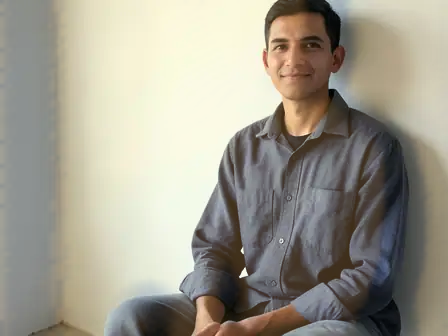
Watch each transformation land
Every photo crosses the slash untouched and comes out the other side finished.