
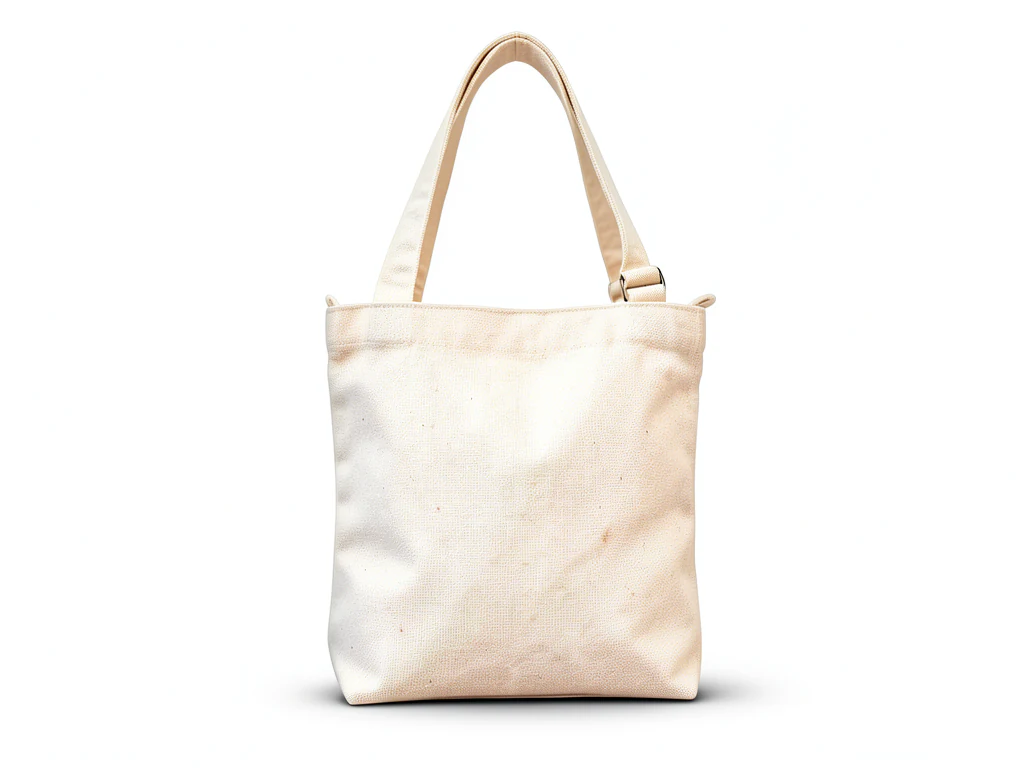
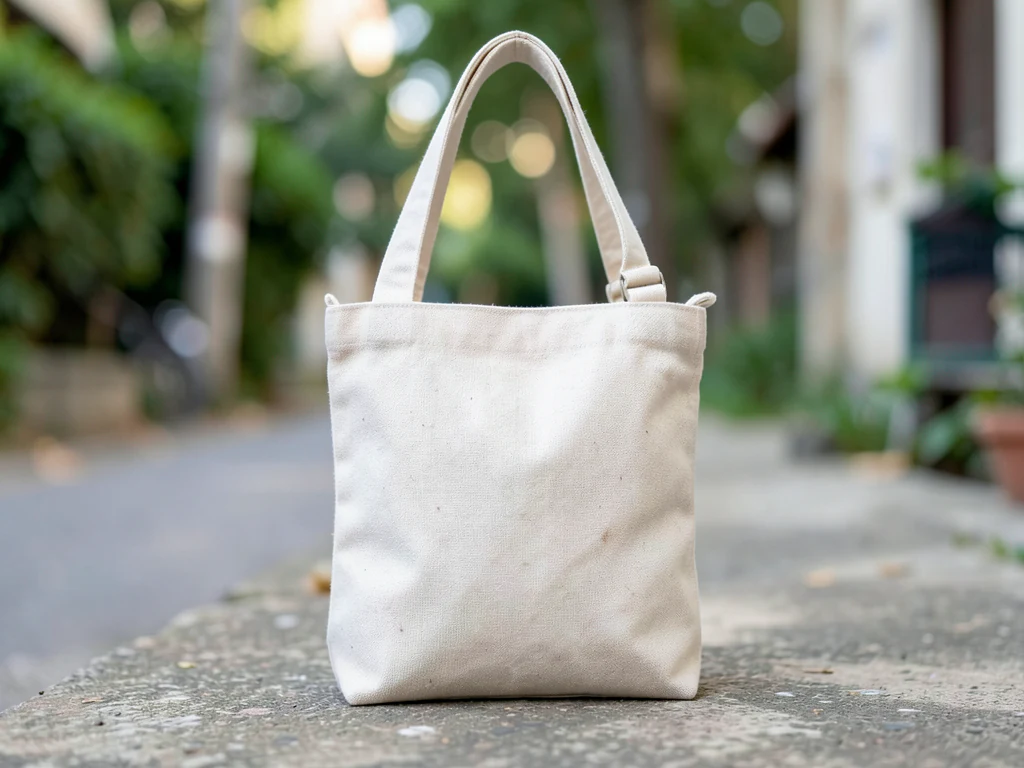
Amazon Product Photography
Generative output can vary; review the full result before publishing
Amazon rejects listing images for reasons that have nothing to do with your product: clutter behind it, a backdrop that is nearly-but-not-quite white, a prop that reads as an unshipped accessory. This direction builds the plain, evenly lit presentation that style of listing expects, and asks the AI to keep the product as you shot it. Check logos, labels and colors against your photo, because what buyers zoom into must be the item you ship.
- Prepared Amazon Product Photography direction
- Editable prompt
- Source-detail review required
Choose a source image for Amazon Product Photography
JPG, PNG, WebP, HEIC, and other supported formats. Free up to 20 MB; Premium and higher up to 50 MB for this tool.
One product photo, an Amazon main image and the secondary shots
Most sellers need two kinds of picture from the same source: a main image on plain white and a few secondary images that show the item somewhere. This page replaces the backdrop around your product and asks the AI to keep the item as you shot it. Of the four looks under the prompt box, Plain white is the one meant for a main image; Warm wood, Stone and sun and Color sweep belong in the secondary slots.
The result keeps the shape of the photo you upload, and Amazon's main-image guidance expects the product to fill most of the frame. So crop close before uploading, leaving a thin even margin, instead of shooting wide and hoping the AI zooms in. Shoot in soft daylight with the label facing the lens; glare across a glossy label belongs to the product and is likely to stay.
A generated white can drift toward cream or carry a faint gradient. Run the download through the listing image checker for background, size and shape before it goes to Seller Central. If the white is flagged, put the product on a pure white fill instead, which cuts the item out rather than painting a scene. Free results come at web size with no watermark; for zoom-ready detail, Premium or one credit returns the original resolution.
Before the main image goes live
- The whole product is in frame, nothing cropped at the edges
- No props, text, badges or borders anywhere in the picture
- The label in the result matches the box the customer receives
- The background passes the checker as plain white
Make Amazon product photos: a main image candidate plus secondary shots
This page turns one photo of your own product into Amazon-style product photos: a plain white main image candidate, or a styled surface for the secondary slots. You upload the photo, choose a look and compare the result with your original before you download a PNG. It prepares pictures only. It does not upload to Seller Central or confirm that an image meets Amazon's current rules for your category.
Make a main image candidate in 5 steps
Amazon's main image shows the item alone, so start from a photo where it is sharp, whole and close. Each run takes one photo and returns one PNG in the shape of the photo you upload.
- Upload one sharp photo with the whole item in frame and a thin, even margin.
- Under Styles, keep Plain white selected.
- Select Generate Product background.
- Zoom the result to full size and compare the label, closure and outline with your photo.
- Download the PNG, or select Edit again to try another look.
Decide which look is the main image and which is not
On this page Plain white asks for a seamless white sweep with soft front light and a light contact shadow under the item. That shadow means the pixels beside the product are not pure white, which matters when a main image must be plain. Warm wood, Stone and sun and Color sweep add a surface and a mood, so they belong in secondary slots where a shopper looks for texture, scale or a setting. The Amazon listing studio opens on a different set of four, including Light gray for white products that would vanish on white.
Fill the frame and check the white before you upload
The Listing Image Checker holds Amazon's main-image rule as a pure white background with the product filling at least 85% of the frame, and the result here keeps the framing of your upload. Crop in close with the image cropper before you generate, instead of expecting the page to enlarge the item.
Then run the download through the Listing Image Checker, which measures size, shape, background and product fill in your browser. If the white is flagged, put the product on pure white instead of painting a scene. Without a paid plan the PNG downloads at web size, and the checker lists 1,000 px on the longest side as Amazon's recommendation, so unlock the original resolution with Premium or a credit when the file falls short.
Before the image goes to Seller Central
- The whole product is inside the frame and nothing touches the edge.
- Every word on the label matches your photo when viewed at full size.
- Colors match the real item in daylight, not a thumbnail.
- No props, text, badges or borders appear anywhere in the picture.
- Thin parts such as straps, handles and stems still have clean edges.
Set up for Amazon Product Photography
Prepared settings
- Starting point
- Upload one source image
- The page opens on the correct edit workflow; upload is the only required setup step.
- Prepared workflow
- Prepared Amazon Product Photography background direction
- Amazon Product Photography opens with the Amazon Product Photography direction preselected, so there is no need to find the operation manually.
- Output shape
- Same as your upload
- The result keeps the shape of the image you upload.
- Review rule
- Preserve the source subject and verify factual details
- Generated imagery can vary; the final result stays under the user's approval before download.
Best-fit uses
- Main-image candidates for a new ASIN before a full shoot
- Cleaning up supplier-supplied photos that arrive with clutter
- Making a mixed catalog look consistent across a category
Frequently asked questions
- Does this guarantee my image passes Amazon review?
- No, and be wary of any tool that says otherwise. Amazon updates its image requirements independently of us, applies them per category, and reviews listings on its own terms. This produces the clean, uncluttered style those rules generally ask for — confirm the current requirements for your category before you publish.
- What does Amazon usually expect from a main image?
- Broadly: the actual product filling most of the frame, on a plain uncluttered background, with no added logos, watermarks, borders or props that are not included in the purchase. This direction builds the plain background; the AI is asked to keep the product at the size and position you shot it, so frame it large in the original photo. The category-specific details — and there are many — belong to Amazon Seller Central, not to this page.
- Can I add props or a lifestyle setting?
- Not for a main image, where Amazon's rules generally call for the product alone. Secondary images are where context belongs, and the lifestyle direction is better suited to those. Whatever you add, make sure a buyer would not reasonably expect it in the box.
- Will it work with photos my supplier sent me?
- Usually, provided they are sharp and the whole product is visible. Supplier photos often arrive with a busy workshop background or a hard flash reflection — the background is the part that gets rebuilt. Reflections baked into the product surface are part of the photo and the AI is asked to keep them, so reshoot if a flash reflection hides detail.
- Why is the white in my result slightly gray or cream?
- Plain white asks for a white sweep with a soft contact shadow, and a generated white can drift a little warm or cool. Run the file through the Listing Image Checker to see how the background measures. If it is flagged, the White Background Maker fills pure white behind a cutout of the product, which is the better route when a main image must be exactly white.
- Can I use Warm wood or Stone and sun for the first Amazon image?
- Treat them as secondary images. A main image is expected to sit on a plain background, and a tabletop or a hard sun shadow breaks that. Use Plain white for the first slot and keep the surfaces for images that show texture, scale or a setting. Categories differ, so check the current requirements for yours before you publish.
- How big should my original photo be before I upload it?
- Upload the largest sharp photo you have. Files above 2048 px on the long side are prepared at 2048 px, and the result keeps your photo's shape. Without a paid plan the PNG downloads at web size, which can sit below the 1,000 px the Listing Image Checker lists as Amazon's recommendation, so unlock the original resolution when zoom matters.
- Can I make secondary images for a whole range in one go?
- Yes, with Batch images, a Premium option. Add the photos, choose one look and the page returns one ZIP of PNGs. A batch saves time, not checking, so open each result and compare its label with its source. Run Plain white for main-image candidates and a styled look in a separate batch for secondary slots.
- Can I put a size chart or feature text on the picture?
- Not on this page, which builds a surface and light around the product and leaves wording out. Add feature text afterward with Add Text to Image, on secondary images only. Keep text and logos off the main image, which the Listing Image Checker's Amazon rule does not allow.
- Does the product stay the same size and position in the frame?
- The page asks the AI to keep the item's proportions and position, but the whole picture is generated again, so a small shift or a trimmed edge can happen. Lay the result over your original with the Image Compare tool and look at the outline, the base and any thin parts. Regenerate or reshoot if the item has changed.
What you can do with AI Product Background Generator
Review the main capabilities before you begin.
- Build a backdrop around your product from a single photo
- Generate studio sweeps, podiums, gradients, and natural scenes
- Ask the AI to keep the product and label as photographed
- Prepare product concepts for listings and campaigns
Settings reference
4 settings
Available controls for AI Product Background Generator.
Workflow
- Single image or Batch imagesPresets
- Process one image, or use Premium Batch images to apply the same automatic recipe to a set and download one ZIP.Options: Single imageBatch images
Backdrops
- One-tap presetsPresets
- Pick a ready-made direction with one tap; generation uses the selected preset automatically.Options: White studioWarm beigeColor gradientStone podiumBotanical
- Custom instructions (optional)Text input
- Describe the requested change, relevant materials, lighting, perspective, and details that must remain unchanged.
Selection
- Selection brush sizeSliderRange: 4–160px · Default: 32px
- The subject area is found automatically. This brush appears only if that automatic area could not be found; paint the area to edit, then generate again.
Related tools for Amazon Product Photography
Tools for common next steps after Amazon Product Photography.

Background Studio
Remove Background
Remove a photo background and download a transparent PNG. Review hair and edges before use.
Try it now
Background Studio
White Background Maker
Replace a photo background with white for product listings.
Try it now
Product Photography Studio
AI Product Photos
Generate a background scene around your product. Describe the setting and review the result.
Try it nowGuides for this tool
- The Seasonal Campaign That Never Launched: When Product Photography Slows MarketingSeasonal campaigns can stall when every image needs a new photoshoot. Explore how Pixoate helps adapt existing product photos into useful campaign assets.
- How to Create AI Lifestyle Product Photos Without a Studio PhotoshootCreate AI lifestyle product photos with Pixoate. Explore settings for small business campaigns and review product shape, colour and scale before use.
Watch each transformation land
Every photo crosses the slash untouched and comes out the other side finished.























