
Sedan Auto Dealer Photo Studio
Generative output can vary; review the full result before publishing
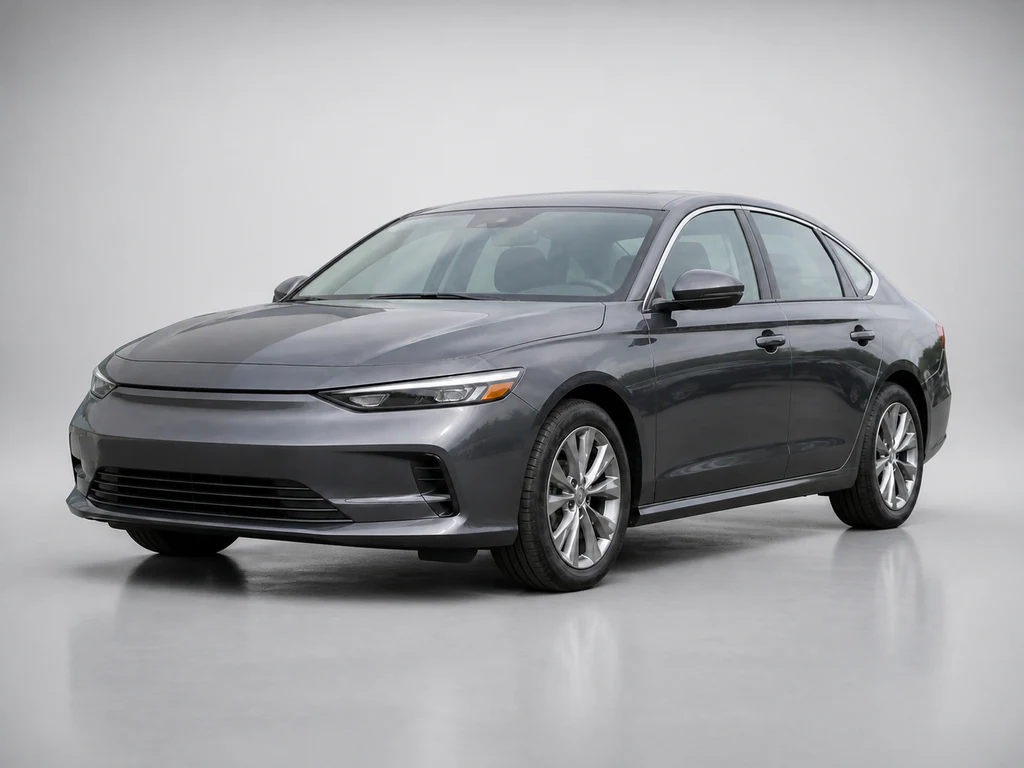
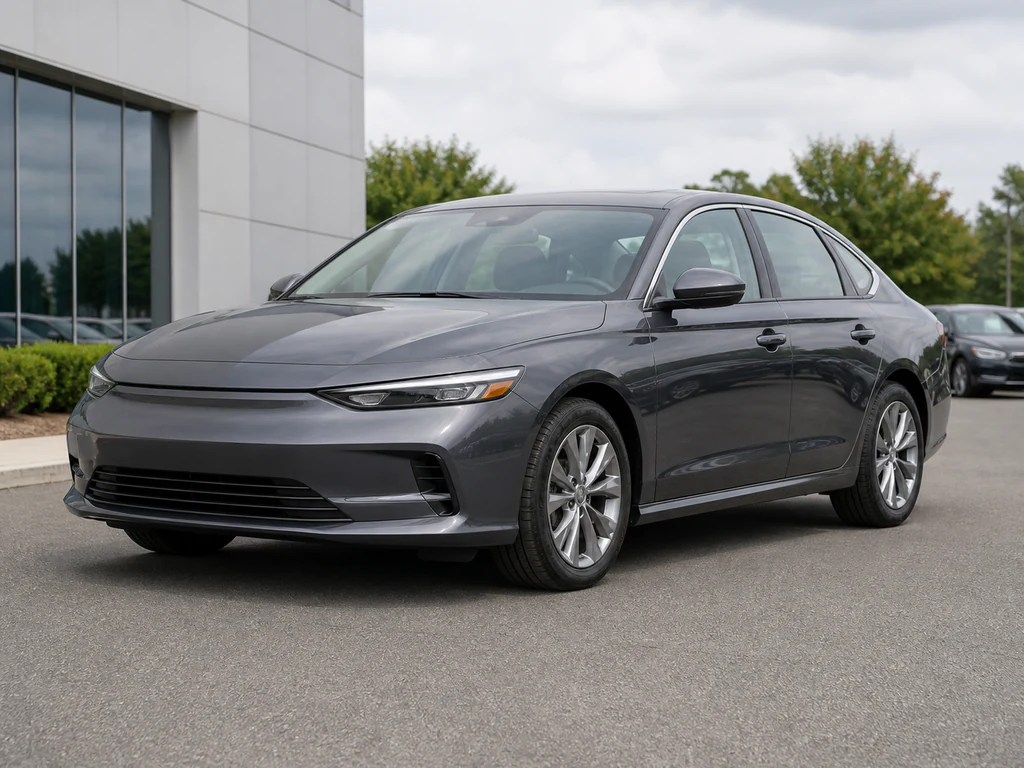
Sedans sell on line — the profile sweep from hood to trunk that clean light draws and lot clutter destroys. This direction stages your actual sedan photos in dealer grade: backgrounds swapped studio-clean, a soft ground shadow added, the car itself kept as you photographed it, so shoot it in even light to show the body line.
- Prepared Sedan direction
- Editable prompt
- Source-detail review required
Choose a source image for Sedan
JPG, PNG, WebP, HEIC, and other supported formats. Free up to 20 MB; Premium and higher up to 50 MB for this tool.
Sedan photos: keeping the side profile clean from bumper to bumper
A sedan's selling point is its long side line, and that line runs through everything behind it. In a lot photo, a light pole growing out of the roof or a parked truck behind the trunk breaks the shape. Shoot the profile from far enough back that the car is level and undistorted, with the camera at door-handle height, then let the new backdrop replace the clutter.
Long sides are also long mirrors. Dark sedans reflect every car parked beside them, and those reflections stay because the vehicle itself is protected. Park the sedan with open space on the camera side or shoot in open shade, so the doors reflect sky rather than a row of SUVs. For the front three-quarter, turn the wheels slightly toward the camera so the face of the rim shows.
Check the result where sedans give themselves away: the gap under the side skirts, the rear window, and the trunk lid spoiler if it has one. If the backdrop shows through the windows inconsistently, try Plain backdrop, which leaves less to mismatch. To use the sedan in your own layout instead, cut it out with a transparent background.
Set up for Sedan Auto Dealer Photo Studio
Prepared settings
- Starting point
- Upload one source image
- The page opens on the correct edit workflow; upload is the only required setup step.
- Prepared workflow
- Prepared Sedan background direction
- Sedan Auto Dealer Photo Studio opens with the Sedan direction preselected, so there is no need to find the operation manually.
- Output shape
- Same as your upload
- The result keeps the shape of the image you upload.
- Review rule
- Preserve the source subject and verify factual details
- Generated imagery can vary; the final result stays under the user's approval before download.
Best-fit uses
- Dealer-lot listings upgraded to studio
- Profile-hero shots per unit
- Marketplace sedan presentation
Frequently asked questions
- Why does background swapping help car listings?
- The lot lies about the car — fences, cables, and rival stock steal attention and equity. A clean background isolates the unit; buyers evaluate the sedan, not the scenery it was parked in.
- What stays true when the background changes?
- The vehicle the tool detects keeps its own pixels — paint, trim, wheels, and condition as photographed. Only the surroundings, ground shadow, and floor reflection are new. Check thin edges such as mirrors and antennas, and remember the paint still reflects the place you shot it; the test drive reconciles everything.
- What should I review in a Sedan result?
- Check the subject, product geometry, colors, labels, logos, identity-relevant details, shadows, and edges against the source. Reject any output that changes a factual detail.
- What rights checks apply to a Sedan client project?
- Use only source material and references you have rights to, follow the destination platform rules, and obtain any required person or property permissions. Generated output still needs a human accuracy and rights review.
What you can do with AI Product Scene Generator
Review the main capabilities before you begin.
- Build a scene around your product from a single photo
- Create editorial, ecommerce, and social campaign concepts
- Generate coherent props, surfaces, lighting, and shadows
- Ask the AI to keep the product as photographed
Settings reference
4 settings
Available controls for AI Product Scene Generator.
Workflow
- Single image or Batch imagesPresets
- Process one image, or use Premium Batch images to apply the same automatic recipe to a set and download one ZIP.Options: Single imageBatch images
Scenes
- One-tap presetsPresets
- Pick a ready-made direction with one tap; generation uses the selected preset automatically.Options: Bathroom counterKitchen lifestyleOutdoor lifestyleEditorial podiumSocial ad
- Custom instructions (optional)Text input
- Describe the requested change, relevant materials, lighting, perspective, and details that must remain unchanged.
Selection
- Selection brush sizeSliderRange: 4–160px · Default: 32px
- The subject area is found automatically. This brush appears only if that automatic area could not be found; paint the area to edit, then generate again.
Related tools for Sedan Auto Dealer Photo Studio
Tools for common next steps after Sedan Auto Dealer Photo Studio.

Background Studio
Remove Background
Remove a photo background and download a transparent PNG. Review hair and edges before use.
Try it now
Background Studio
Background Changer
Replace a background with a photo, color, gradient or library design. Choose from 21,000+ backgrounds.
Try it now
Photo Enhancement
AI Photo Enhancer
Adjust noise, sharpness, color and scale in one enhancement workflow, then compare the result with the original.
Try it nowWatch each transformation land
Every photo crosses the slash untouched and comes out the other side finished.























