The Best Image Format Depends on the Job: PNG, JPG, WebP and AVIF
The best image format depends on its next job. Explore PNG, JPG, WebP and AVIF decisions, with Pixoate converters for practical everyday workflows.
The question “Which image format is best?” sounds simple until the same business needs a transparent logo, a product photograph, a small web graphic and a file accepted by an older upload form.
The job determines the useful trade-off. A format is a delivery choice, not a universal quality badge.
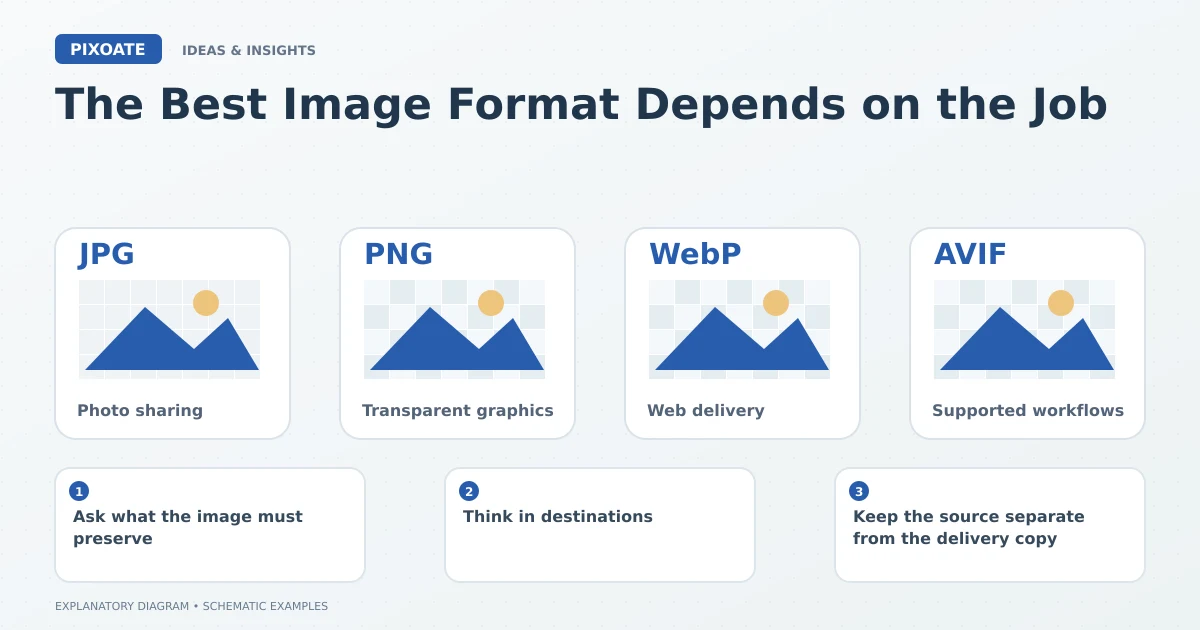
Original explanatory graphic. The scenes and sample records are schematic illustrations, not screenshots or measured tool results.
Ask what the image must preserve
Does it need transparent areas? Does it contain small text? Must another person edit it? Does the receiving system specify a format? Answering those questions makes the choice more practical.
Pixoate Image Format Converter lets you prepare supported outputs while retaining the original. Compare the actual result rather than choosing by the newest extension.
Think in destinations
| Job | Useful consideration |
|---|---|
| Share a photograph broadly | JPEG compatibility and an appropriate quality setting |
| Place a cutout on different backgrounds | A format and export that retain actual transparency |
| Deliver supported web images | Reviewed WebP or AVIF outputs and the site's delivery workflow |
| Share scalable brand artwork | Suitable original vector content and recipient support |
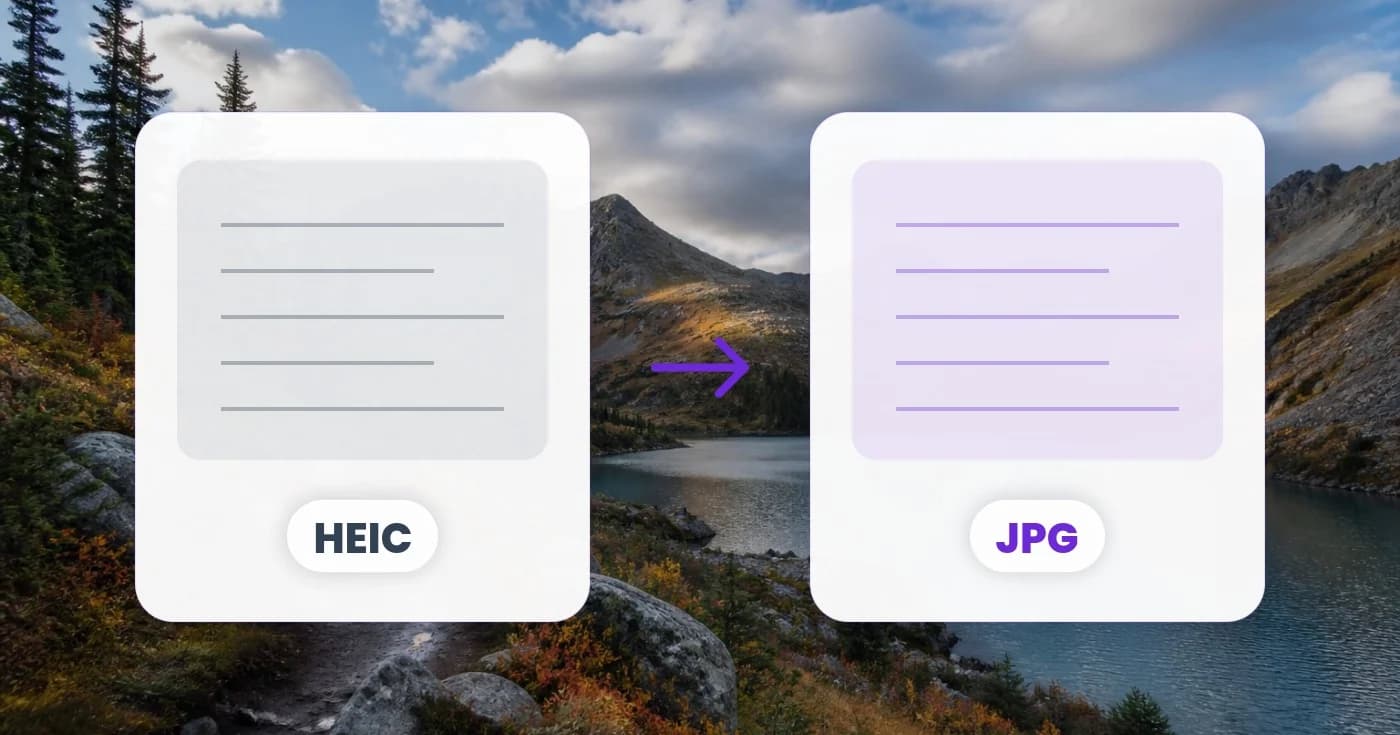
Use PNG to JPG when a photographic PNG needs a JPEG copy and transparency is unnecessary. Use JPG to WebP for a compatible web-image workflow.
Keep the source separate from the delivery copy
A JPEG converted to PNG does not regain previously discarded detail. An SVG containing a small embedded bitmap does not make that bitmap infinitely sharp. The source content still matters.
Preserve the best original and export versions for particular destinations. That is more flexible than repeatedly converting the last file someone happened to email.
Review the awkward details
Check transparent edges, fine lettering, colour and any loss of animation or other source characteristics. Inspect the receiving application too; a format supported in one viewer may be rejected by another workflow.
The best image format is the one that serves the content and the next task with an acceptable trade-off. Use Pixoate Image Format Converter to make that choice concrete, then keep the original available when the next destination asks for something different.